MPC Plugins / Instruments / op1 fx
DrumSampler
Free MPC Instrument plugin by Bombest-Audio · v0.6.0 · Nov 20, 2026 · 31 downloads
31
Downloads
1
GitHub stars
v0.6.0
Latest version
Nov 20, 2026
Updated
User rating
No ratings yet. Be the first.
Used it? Rate it:
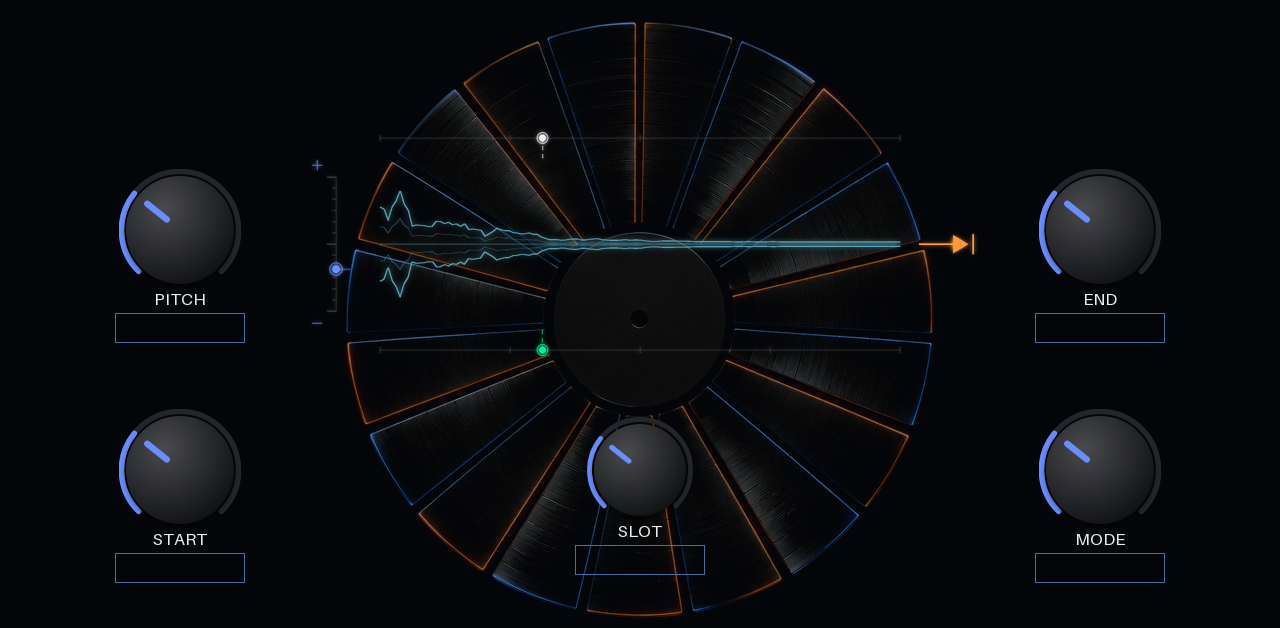
New take on the OP-1 drumsampler for MPC.
Twenty plugins inspired by the OP-1: seven effects (Cwo, Delay, Grid, Nitro, Phone, Punch, Spring) and thirteen instruments (Cluster, DBox, DNA, DSynth, Digital, DrWave, DrumSampler, Fm, Phase, Pulse, Sampler, String, Voltage). Each one has a single portable C core, so the MPC build and the desktop build sound the same.
Download DrumSampler v0.6.0
⚠ Not yet tested on hardware
This is a finished release, but the creator hasn't recorded a test of this version on a real MPC or Force. It may work fine; it may not. Back up first and try it on a project that doesn't matter.
⚑ Safety check: review the notes below
- ✓ Download matches the checksum GitHub lists
- ✓ Built for: Gen1 (32-bit ARM), Gen2 (64-bit ARM)
- ✓ Runs on: MPC OS 3.x / MPC OS 2.x and 3.x
- ✓ No internet, web server, program-launching or system-changing functions found
- ✓ Nothing risky found in its installer
- ⚠ Uses the same library file name as: op1-suite. Installing both may overwrite one.
An automatic look at the files, not a guarantee: it can't see everything a program does. Always back up first.
Disclaimer: use entirely at your own risk
This plugin is made, owned and shared by an independent developer, not by The Disk King and not by Akai Professional or inMusic. The Disk King only lists it; the download comes directly from the developer's GitHub. The Disk King did not make, test, review or check it for safety and makes no promise that it works, is safe, or is free of bugs or harmful code.
Plugins install into your MPC's system and can crash it, corrupt or lose projects and samples, or require reinstalling MPC OS. Save your work and back up your MPC before installing anything.
Everything here is provided "as is", with no warranty of any kind. To the fullest extent the law allows, The Disk King is not responsible or liable for any damage, data loss, device failure, lost income or any other harm from downloading, installing or using any plugin listed here. By downloading or installing, you accept all risk and full responsibility. Full disclaimer.
Gen1: MPC Live, Live II, One, X, Key, Force
DrumSampler-0.6.0-mpc-armv7.zip 7.0 MB
sha256: d9cb1908a0474436f8c76c5878f6ea5c91fa639250d752aad5f267ec2b0fa993
Gen2: MPC Live III, One G2, Key G2, XL
DrumSampler-0.6.0-mpc-aarch64.zip 7.0 MB
sha256: e6ce849a6e2e76991ad959dbb1e081609a007ec3b9bb47229e5685dd9b8cd617
Downloads come straight from the creator's GitHub. Check the sha256 matches before installing. New to plugins? How to install plugins on MPC OS 3.10.1.
✓ Easy install on MPC OS 3.10.1: copy one folder
- Gen1 download: unzip it and copy
Bombest Audio - VST - DrumSampler(insideDrumSampler-0.6.0/portable/) intoVST2 Pluginson your drive. - Gen2 download: unzip it and copy
Bombest Audio - VST - DrumSampler(insideDrumSampler-0.6.0/portable/) intoVST2 Pluginson your drive.
Turn on External Plugin Support first. Full step-by-step guide.
Tested working on
The creator hasn't recorded a hardware test for this version yet.
Version history
v0.6.0 Nov 20, 2026 · 4 downloads
MPC OS 3.10.1 support, and one maker name. **Installs on MPC OS 3.10.1.** 3.10.1 only lists plugins from the internal drive's `VST2 Plugins` folder, so after the update the OP1 plugins went missing from External Plugins. `install-all.sh` now picks the right place on its own: `VST2 Plugins` on 3.10.1 (`/nvme` on Gen2, `/media/acvs-content` on Gen1), and the Synths folder on 3.9.x as before. Turn on Menu > Preferences > Enhancements > Enable Enhancements and External Plugin Support, then run: sh install-all.sh -y Each plugin zip also carries the `plugin.json` 3.10.1 needs, so its `portable/` folder can go into `VST2 Plugins` by hand. (#6) **Your old beats.** Projects saved on 3.9.1 remember where each plugin lived, usually `/nvme/Synths`. The installer leaves those copies where they are and updates them to this build. Once your old projects open fine, run `sh install-all.sh -y -c` to clear the old copies out. **One maker name.** The plugins now show under **Bombest Audio** in MPC's browser, next to the rest of my MPC plugins, instead of "bombest". Same plugins and same plugin ids. Folders from 0.5.0 (`bombest - VST - <Name>`) are recognized and replaced, so nothing shows up twice. The plugin folders, copied into `VST2 Plugins` by hand, list and load on an MPC One running 3.10.1. The installer's 3.10.1 route itself hasn't run on hardware yet. If something misbehaves, open an issue. | MPC | Zip | |---|---| | Live III and other Gen2 models | `OP1-Suite-0.6.0-mpc-aarch64.zip` | | Force, Live / Live II, One, X, Key 61 (Gen1) | `OP1-Suite-0.6.0-mpc-armv7.zip` |
v0.5.0 Nov 20, 2026 · 4 downloads
Gen1 support and working presets. **Gen1 suite.** There's now an `OP1-Suite-0.5.0-mpc-armv7.zip` for the Force, MPC Live / Live II, One, X and Key 61, next to the Gen2 (`aarch64`) one. `install-all.sh` stops MPC once, installs all twenty, and starts it again. It refuses to run on the wrong MPC generation. Both suites need MPC OS 3.x. (#4, #3) **Presets save the sound now.** Saving a user `.xpl` preset used to store an empty state, so loading it didn't change anything. The same went for Programs and project recall. Every plugin now saves all of its parameters, and Drum Sampler keeps its sample slots as well. Presets saved with 0.4.x have nothing in them, so save them again after updating. (#5, #3) All twenty passed a Gen1 install and load test on device (thanks @dreamstaticsounds), but that was before the preset fix. The preset fix itself hasn't been tested on hardware yet. Download the suite zip for your MPC to install all twenty, or one plugin zip for a single plugin. | MPC | Zip | |---|---| | Live III (Gen2) | `OP1-Suite-0.5.0-mpc-aarch64.zip` | | Force, Live / Live II, One, X, Key 61 (Gen1) | `OP1-Suite-0.5.0-mpc-armv7.zip` |
v0.4.1 Nov 1, 2026 · 21 downloads
Repackaged for the Open MPC plugin catalog. The plugin binaries are the same ones from 0.4.0. What changed is the packaging: catalog ids now start with `op1fx-` (for example `op1fx-delay`), the installer matches the current mpc-vst-plugins template, and the repo carries MPC screenshots and a `tested.json`. Tested on an MPC Live III (Gen2), MPC OS 3.9.1. The armv7 zips (Gen1, Force, MPC One) are built but not tested on hardware yet. Download `OP1-Suite-0.4.1-mpc-aarch64.zip` to install all twenty on a Gen2 MPC, or one plugin zip for a single plugin.
v0.4.0 Oct 31, 2026 · 2 downloads
Twenty OP-1 inspired plugins for Akai MPC, plus the desktop builds' source. New takes written from scratch. No OP-1 firmware code, not affiliated with Teenage Engineering. **Install all twenty on a Live III (Gen2, aarch64):** download `OP1-Suite-0.4.0-mpc-aarch64.zip`, copy it to the MPC, unzip, and run `sh install-all.sh -y` on the device as root. MPC stops once and starts once. Save your project first. **One plugin:** grab its zip. `*-mpc-aarch64.zip` is for Gen2 (Live III, Live II, X, One). `*-mpc-armv7.zip` is for Gen1 and Force. What's in 0.4.0: - Seven effects (Cwo, Delay, Grid, Nitro, Phone, Punch, Spring) now have 12 factory presets each in the MPC PRESET menu. - Nitro has a MIX knob. - Phase has its own MPC uid, so Phase and Phone no longer replace each other. Tested on a Live III. The armv7 builds are not tested on a Gen1 or Force device yet. Desktop formats (VST3, AU, CLAP, AAX) build from source, see the README. GPL-3.0-only.
More plugins like this
Lucky Dip
by sd88me · v1.0.1 · 6,529 downloads
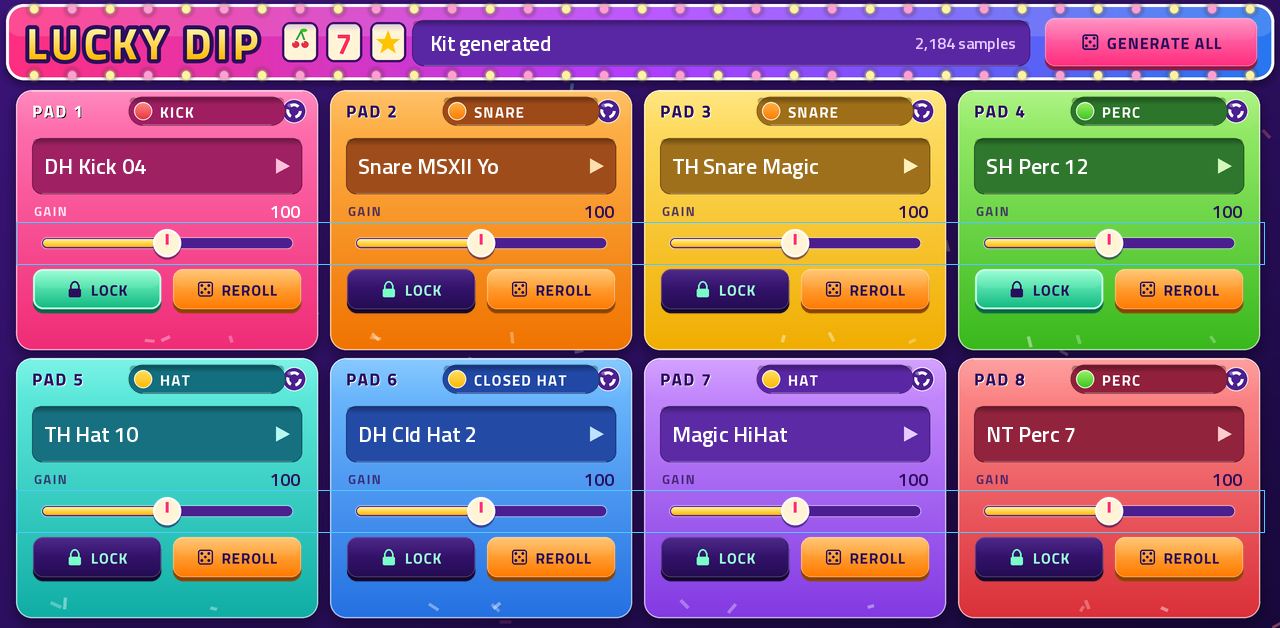
Your sample library is bigger than you remember. Lucky Dip reaches in, pulls out sixteen sounds, drops them on the pads and lets you play them straight away. Don't like one? Reroll it. Love one? Lock it and dip again. When the kit feels right, export it as a normal MPC drum program.
PotentialBreaks
by PotentialBreakfast · v1.9.0 · 5,349 downloads
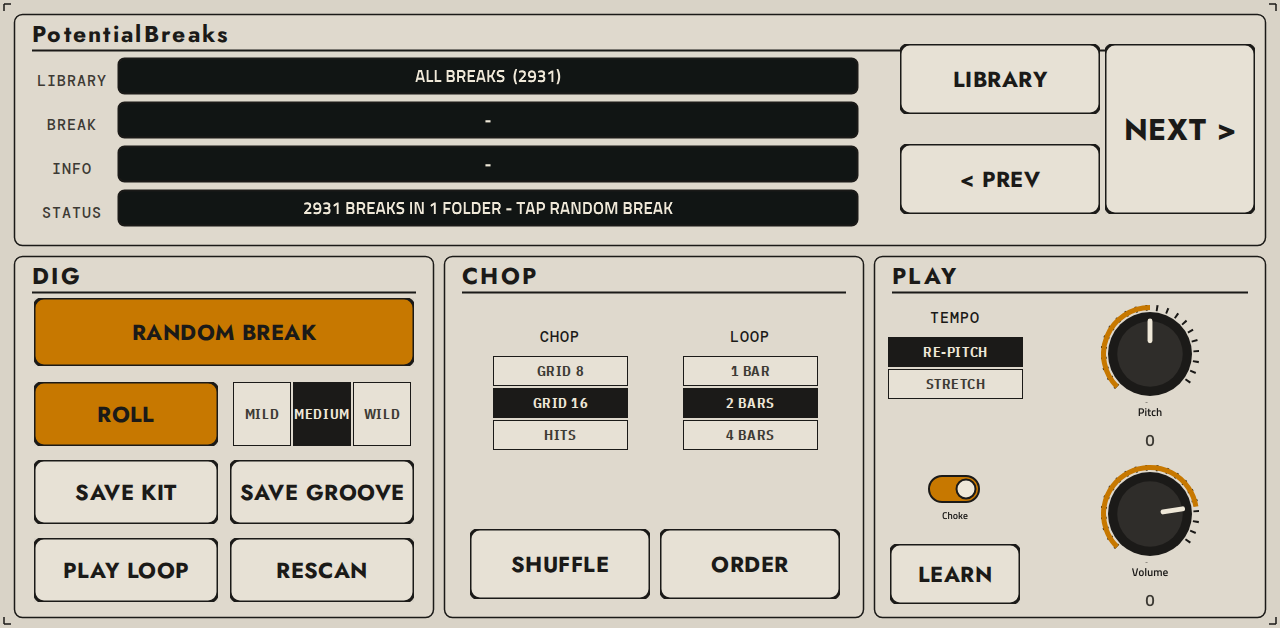
PotentialBreaks - drum-break slicer plugin for Akai MPC standalone (MPC One, Live, X)
Sturm TP
by sd88me · v0.1.3 · 4,173 downloads
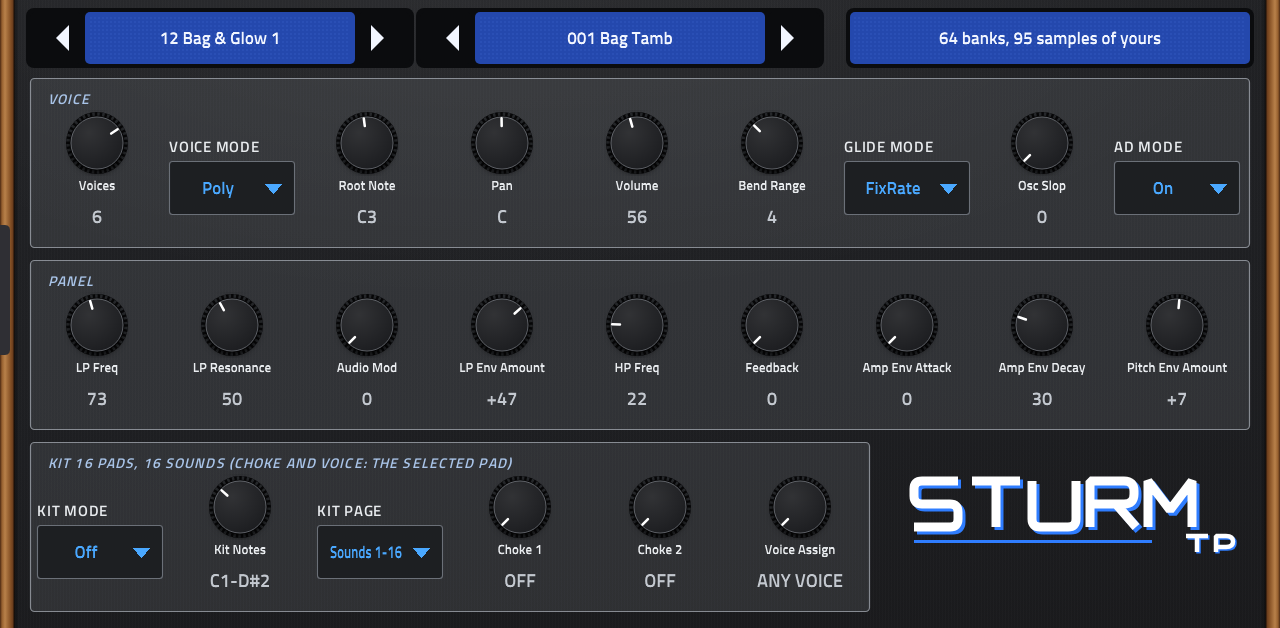
A six-voice analog-style drum and synth voice inspired by DSI Tempest for Akai MPC OS standalone devices. Uses the factory ROM for sounds and presets.
Machinemodule
by sd88me · v1.0.5 · 3,710 downloads
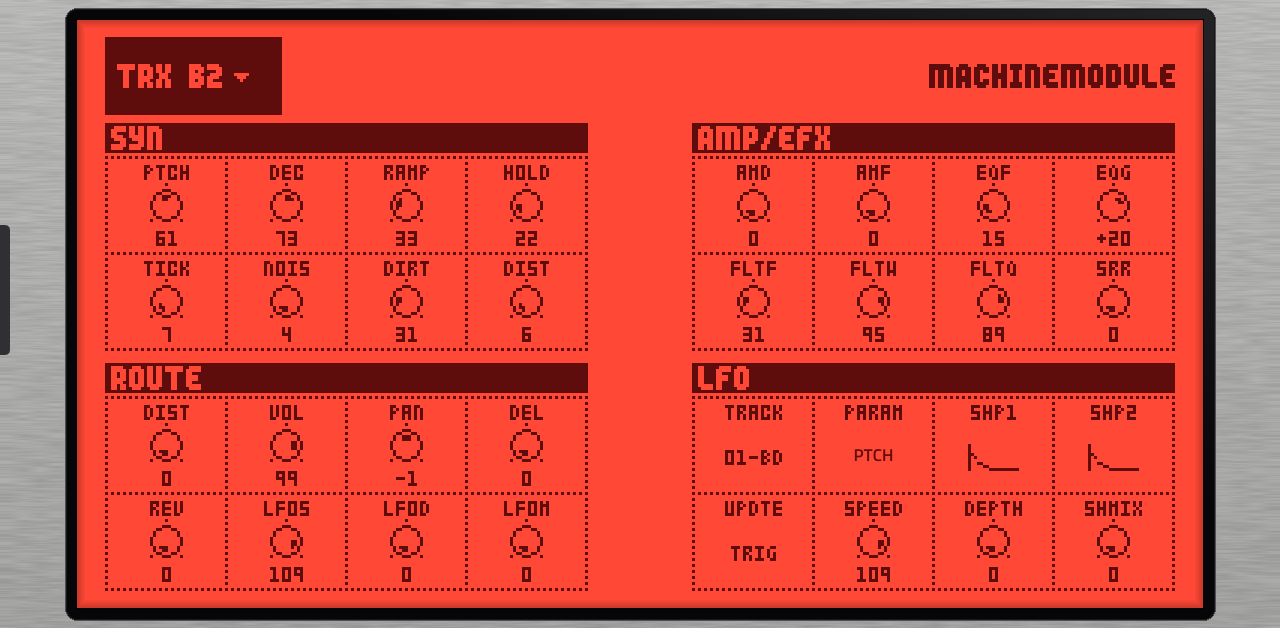
Machinemodule: the Elektron Machinedrum UW sound engine as an MPC OS instrument (Gen2; runs your own OS file)
Machinemodule Tap
by sd88me · v1.0.5 · 2,890 downloads
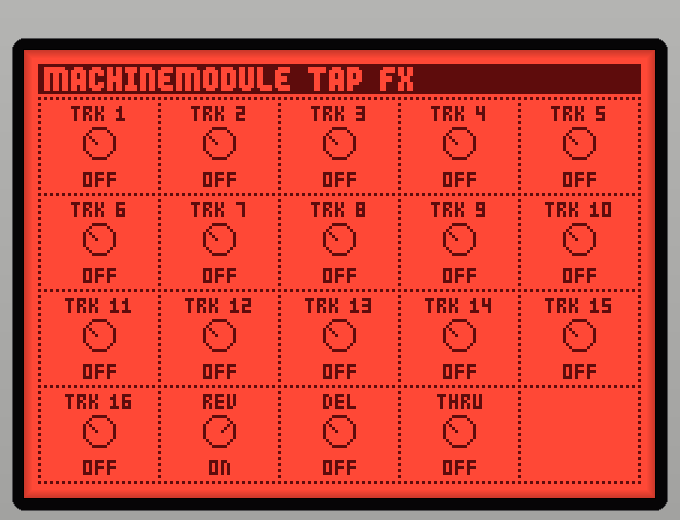
Machinemodule Tap: puts Machinemodule tracks and its reverb/delay sends on their own MPC track (effect)
Potential1200
by PotentialBreakfast · v1.1.0 · 2,585 downloads
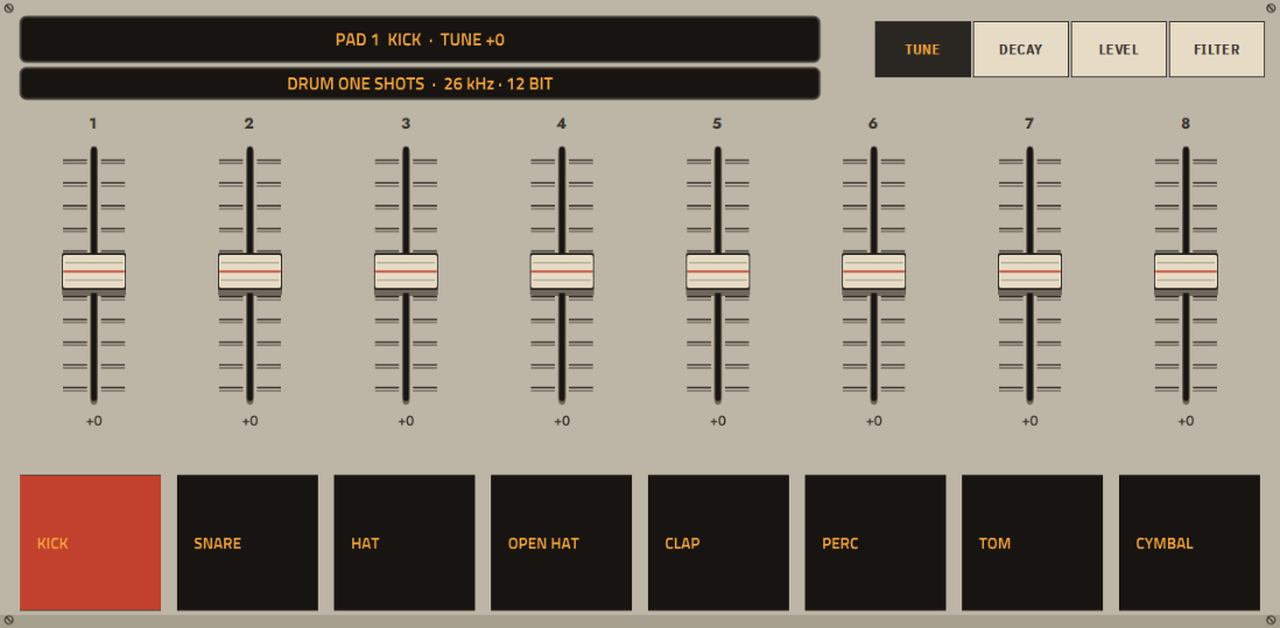
12-bit SP-1200-style drum sampler plugin for standalone MPCs (MPC OS 3.x)
PotentialKits
by PotentialBreakfast · v1.3.0 · 2,419 downloads
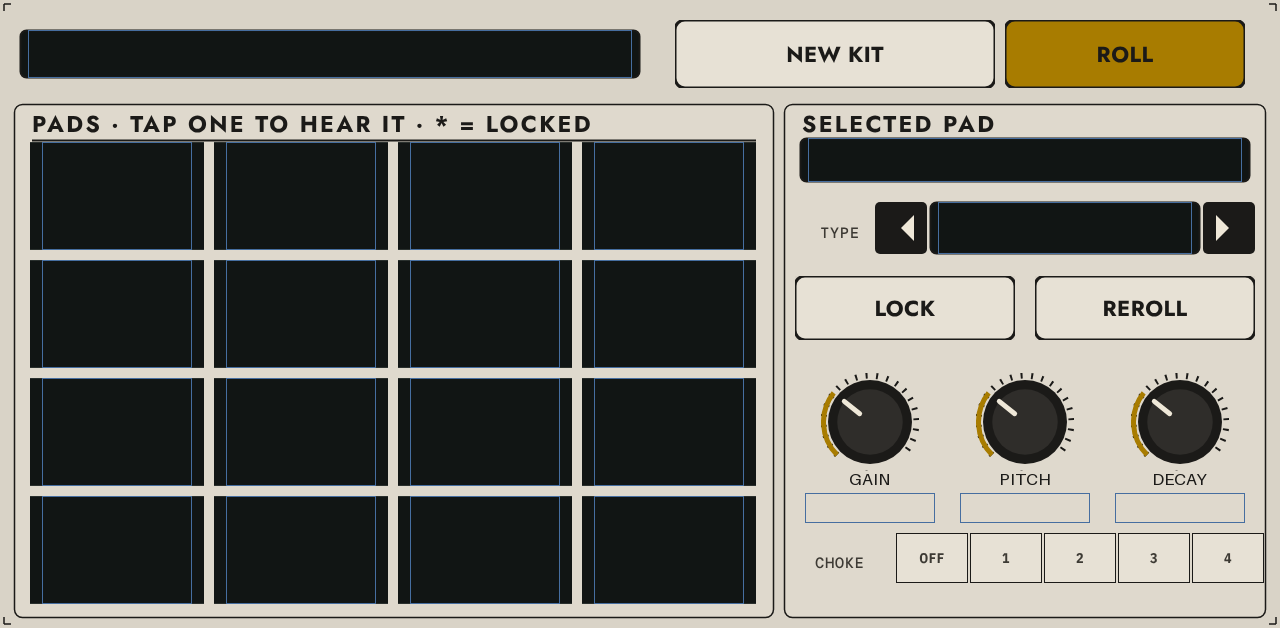
PotentialKits: a random drum-kit builder for Akai MPC, a PotentialSuite fork of sd88me's Lucky Dip
LXRXXL
by sunskiefer · v0.6.1 · 7,052 downloads
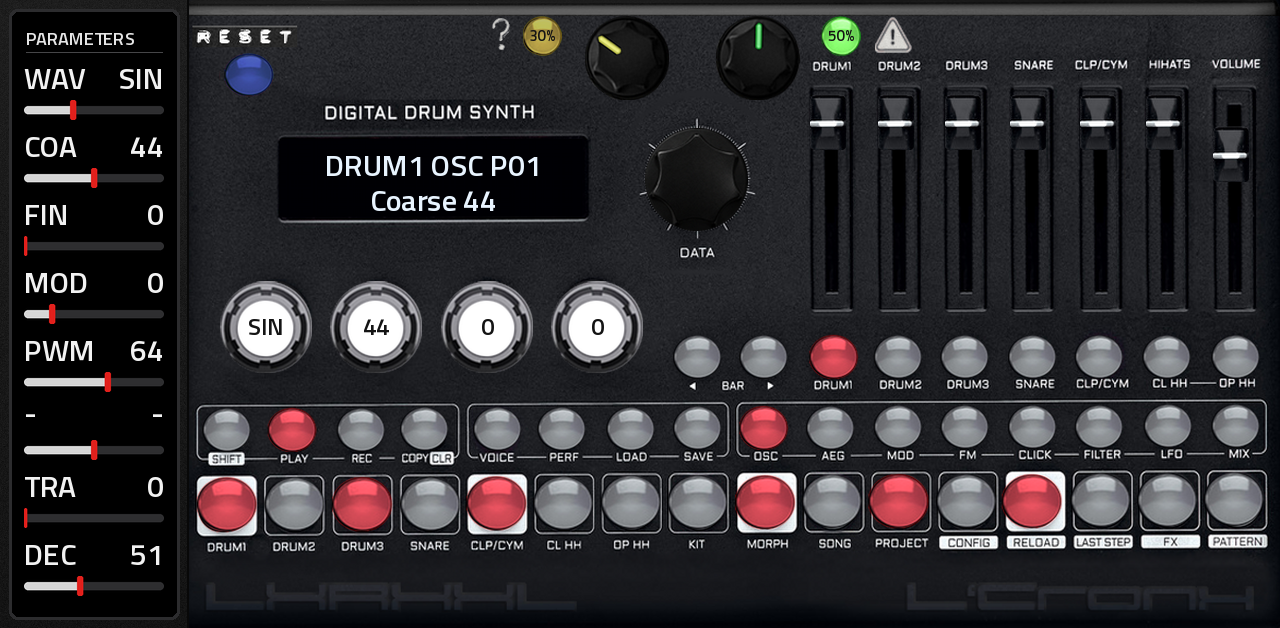
The Sonic Potions + Erica Synths LXR-02 drum machine, modded, as a plugin instrument for the Akai Force / MPC: the whole panel on one page, LXR02Open’s voices, randomizers and the Hrtl DLC presets.
To improve this listing (for the creator)
- add a tested.json entry for the newest release (device and MPC OS)
Made this plugin? Add our badge to your README
 Paste this into your GitHub README. It updates itself when your plugin gets the Tested & Working badge.
[](https://thediskking.com/plugins/drumsampler/)