FET Compressor
Free MPC Instrument plugin by SoundBot · v1.4.1 · Nov 25, 2026 · 325 downloads
325
Downloads
0
GitHub stars
v1.4.1
Latest version
Nov 25, 2026
Updated
User rating
No ratings yet. Be the first.
Used it? Rate it:
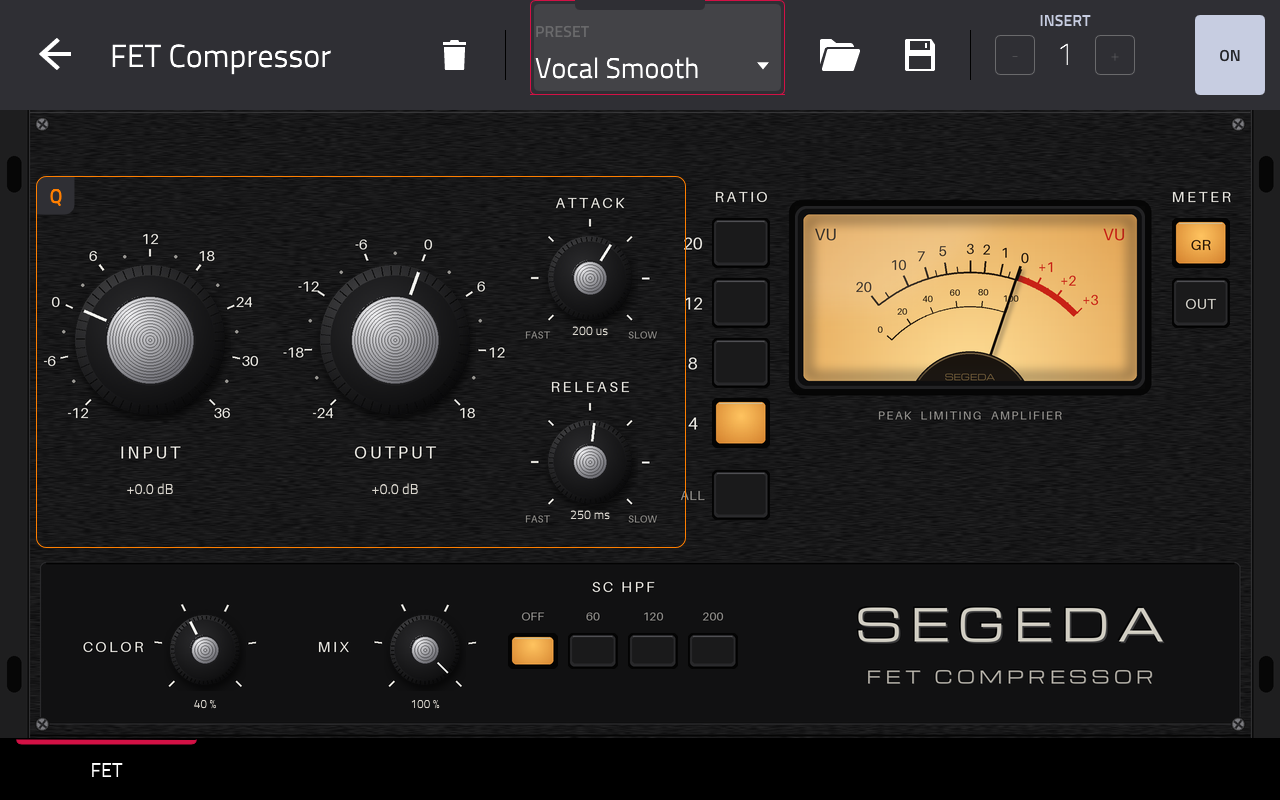
A classic FET-style peak compressor for MPC standalone. It's fast, punchy and a bit dirty when pushed, and it has a backlit analog VU meter whose needle swings with the gain reduction, like the hardware. It comes with a variety of presets for vocals, drums, bass, guitar, keys, synths and the mix bus, so you can start from a sound that already fits.
Download FET Compressor v1.4.1
✓ Tested & working
The creator reports testing this exact version on real hardware: MPC Live III (Gen2), MPC OS 3.10.1.12. This is the creator's own report, not a guarantee from The Disk King. Still back up first.
✓ Safety check passed
- ✓ Download matches the checksum GitHub lists
- ✓ Built for: Gen1 (32-bit ARM), Gen2 (64-bit ARM), Akai SDK
- ✓ Runs on: MPC OS 3.x / MPC OS 2.x and 3.x
- ✓ No internet, web server, program-launching or system-changing functions found
- ✓ Nothing risky found in its installer
An automatic look at the files, not a guarantee: it can't see everything a program does. Always back up first.
Disclaimer: use entirely at your own risk
This plugin is made, owned and shared by an independent developer, not by The Disk King and not by Akai Professional or inMusic. The Disk King only lists it; the download comes directly from the developer's GitHub. The Disk King did not make, test, review or check it for safety and makes no promise that it works, is safe, or is free of bugs or harmful code.
Plugins install into your MPC's system and can crash it, corrupt or lose projects and samples, or require reinstalling MPC OS. Save your work and back up your MPC before installing anything.
Everything here is provided "as is", with no warranty of any kind. To the fullest extent the law allows, The Disk King is not responsible or liable for any damage, data loss, device failure, lost income or any other harm from downloading, installing or using any plugin listed here. By downloading or installing, you accept all risk and full responsibility. Full disclaimer.
Works on both Gen1 and Gen2: MPC OS 3.10.1 or later (Akai SDK)
FET-Compressor-1.4.1-mpc-sdk.zip 5.3 MB
sha256: 804da5fea3ca359e0080ad16336da5a9bc62512d602cf6a8ad7b1a662d1a1265
Gen1: MPC Live, Live II, One, X, Key, Force
FET-Compressor-1.4.1-mpc-armv7.zip 5.2 MB
sha256: 2de9467829313d174a24b5bea82c00b339d62874fb29612ec17c3be7b998f2fc
Gen2: MPC Live III, One G2, Key G2, XL
FET-Compressor-1.4.1-mpc-aarch64.zip 5.2 MB
sha256: 189051f20ac8b16cb477dc8bd1d49cd1c63efecd40ca3c4faed8c54cdc45823f
Downloads come straight from the creator's GitHub. Check the sha256 matches before installing. New to plugins? How to install plugins on MPC OS 3.10.1.
✓ Easy install on MPC OS 3.10.1: copy one folder
- Works-on-both download: unzip it and copy
Segeda - VST - FET CompressorintoVST2 Pluginson your drive. - Gen1 download: unzip it and copy
Segeda - VST - FET Compressor(insideFET-Compressor-1.4.1/portable/) intoVST2 Pluginson your drive. - Gen2 download: unzip it and copy
Segeda - VST - FET Compressor(insideFET-Compressor-1.4.1/portable/) intoVST2 Pluginson your drive.
Turn on External Plugin Support first. Full step-by-step guide.
Tested working on
- MPC Live III (Gen2), MPC OS 3.10.1.12 (Nov 24, 2026)
Version history
v1.4.1 Nov 25, 2026 · 325 downloads
Classic FET-style peak compressor with an analog VU meter, 4/8/12/20:1 and all-buttons mode, colour, parallel mix, sidechain HPF and a variety of presets for vocals, drums, bass, guitar, keys and synths. ## Requirements - A first-generation MPC OS standalone device (32-bit ARM, like the Force, MPC Live / Live II, One, X and Key 61). The installer refuses anything else. Newer models are untested. - **Root shell access** (SSH) to the device, for the scripted install below. Stock MPC OS doesn't offer this; you need a modded unit. On MPC OS 3.10.1 and later you can skip it entirely: copy the plugin folder into `VST2 Plugins` (next section). - Installing plugins this way is unofficial: back up first, use at your own risk. ## Install (scripted) 1. Unzip, then copy the whole folder to the device, e.g. `scp -r FET-Compressor-1.4.1 root@<device-ip>:/tmp/` 2. Run it: `ssh root@<device-ip> sh /tmp/FET-Compressor-1.4.1/install.sh` The installer checks the device, **stops MPC** (save your project first), copies `portable/Segeda - VST - FET Compressor/` (the plugin, its skin and its data, as one folder) into the folder this MPC OS loads plugins from (on MPC OS 3.10.1 and later `<drive>/VST2 Plugins`, when that folder exists or already holds this plugin; before 3.10.1 `/sdcard/Synths`; it prints the one it uses), backs up `MPC.settings`, adds the plugin to MPC's plugin list from the folder's `plugin-meta.xml` and starts MPC again. Running it again upgrades in place, keeping your own files. An older install of this plugin (the previous layout, with the `.so` in `/sdcard/vst`) is replaced, not duplicated. `-y` skips the confirmation prompt; `-t <folder>` installs into another Synths folder (for example on a card). Then add **FET Compressor** to a track from the plugin browser (Insert effects). Its screen appears in the plugin view, and the Q-Links follow the page. Full instructions, including installing by hand, are in `INSTALL.md` inside the zip. --- Built by GitHub Actions from SoundBot/mpc-fet-compressor@4313cc8 with mpc-vst-plugins@1b78cfa.
More plugins like this
Lucky Dip
by sd88me · v1.0.1 · 7,297 downloads

Your sample library is bigger than you remember. Lucky Dip reaches in, pulls out sixteen sounds, drops them on the pads and lets you play them straight away. Don't like one? Reroll it. Love one? Lock it and dip again. When the kit feels right, export it as a normal MPC drum program.
PotentialBreaks
by PotentialBreakfast · v1.9.0 · 6,090 downloads
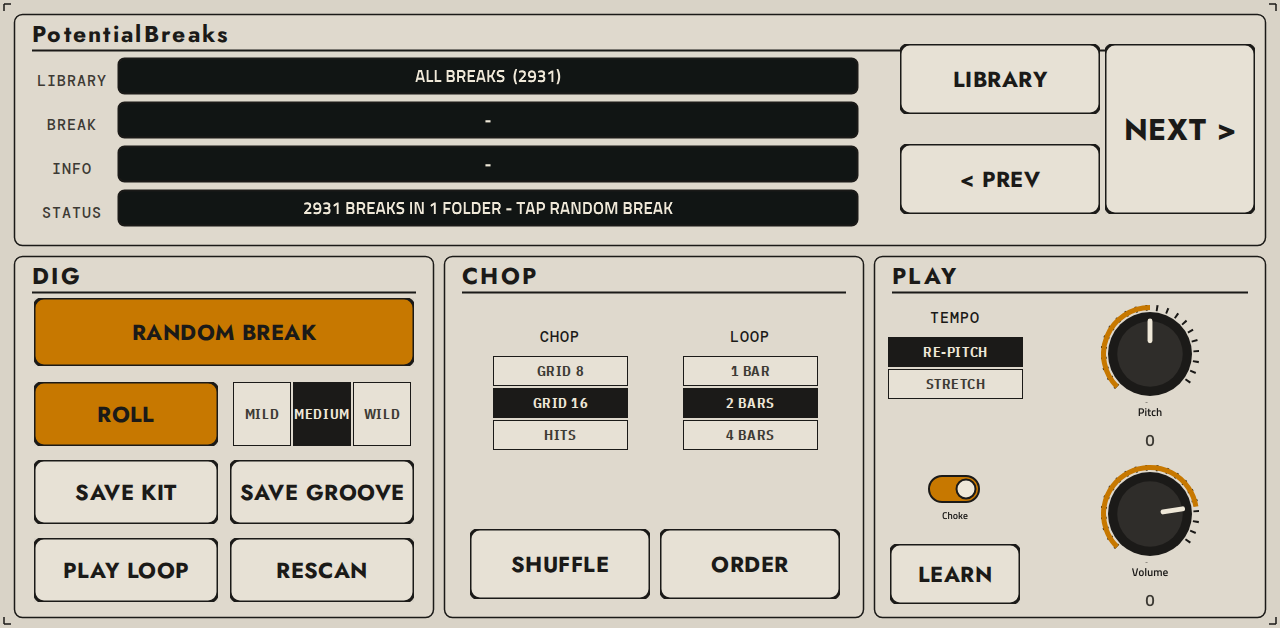
PotentialBreaks - drum-break slicer plugin for Akai MPC standalone (MPC One, Live, X)
Sturm TP
by sd88me · v0.1.3 · 4,632 downloads
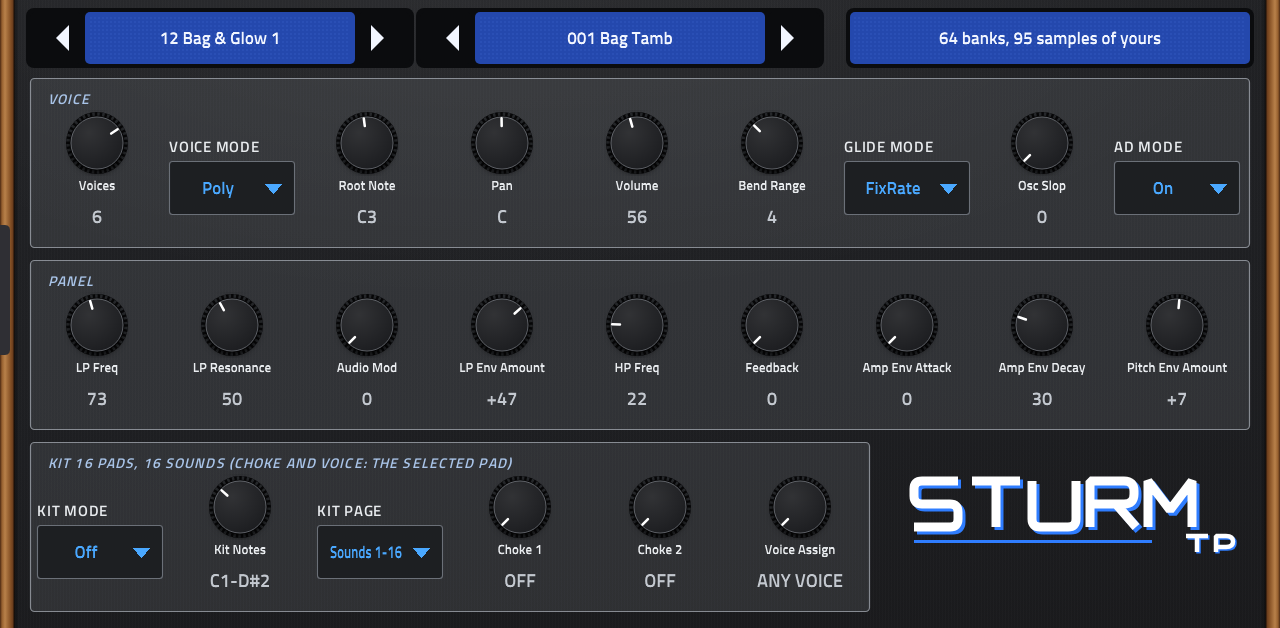
A six-voice analog-style drum and synth voice inspired by DSI Tempest for Akai MPC OS standalone devices. Uses the factory ROM for sounds and presets.
Machinemodule
by sd88me · v1.0.5 · 4,025 downloads
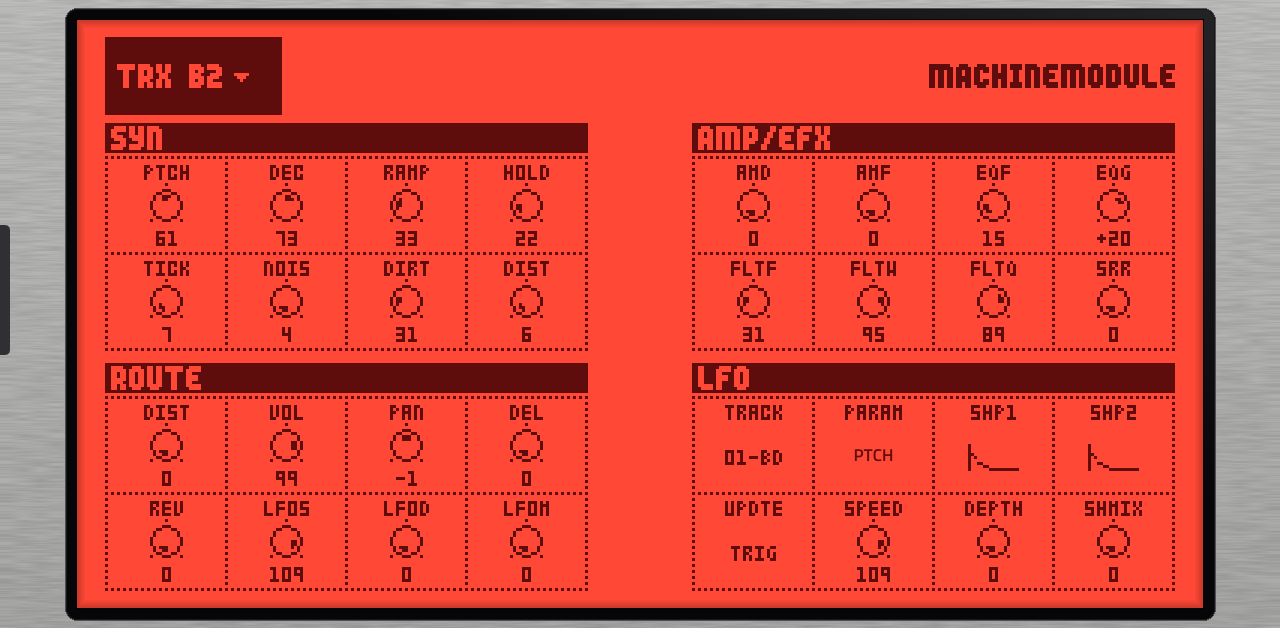
Machinemodule: the Elektron Machinedrum UW sound engine as an MPC OS instrument (Gen2; runs your own OS file)
Machinemodule Tap
by sd88me · v1.0.5 · 3,141 downloads
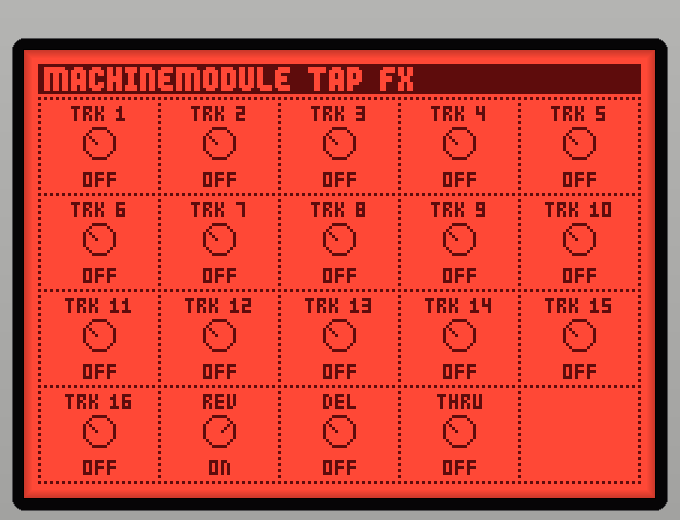
Machinemodule Tap: puts Machinemodule tracks and its reverb/delay sends on their own MPC track (effect)
Potential1200
by PotentialBreakfast · v1.1.0 · 2,918 downloads
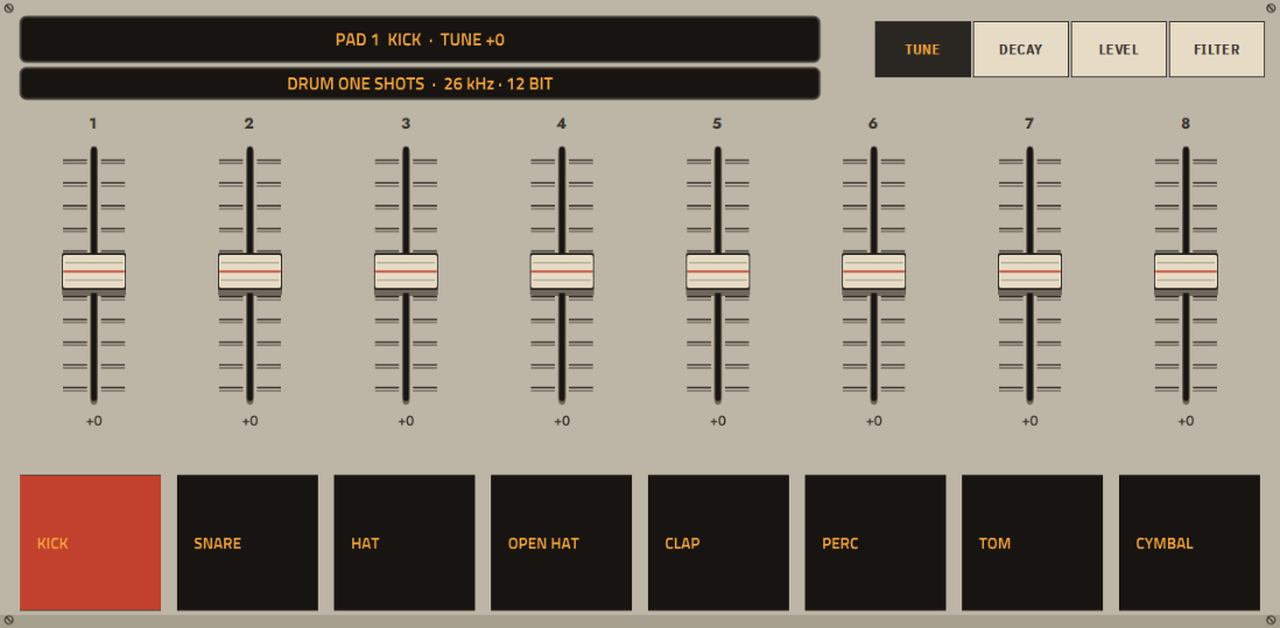
12-bit SP-1200-style drum sampler plugin for standalone MPCs (MPC OS 3.x)
PotentialKits
by PotentialBreakfast · v1.3.0 · 2,774 downloads
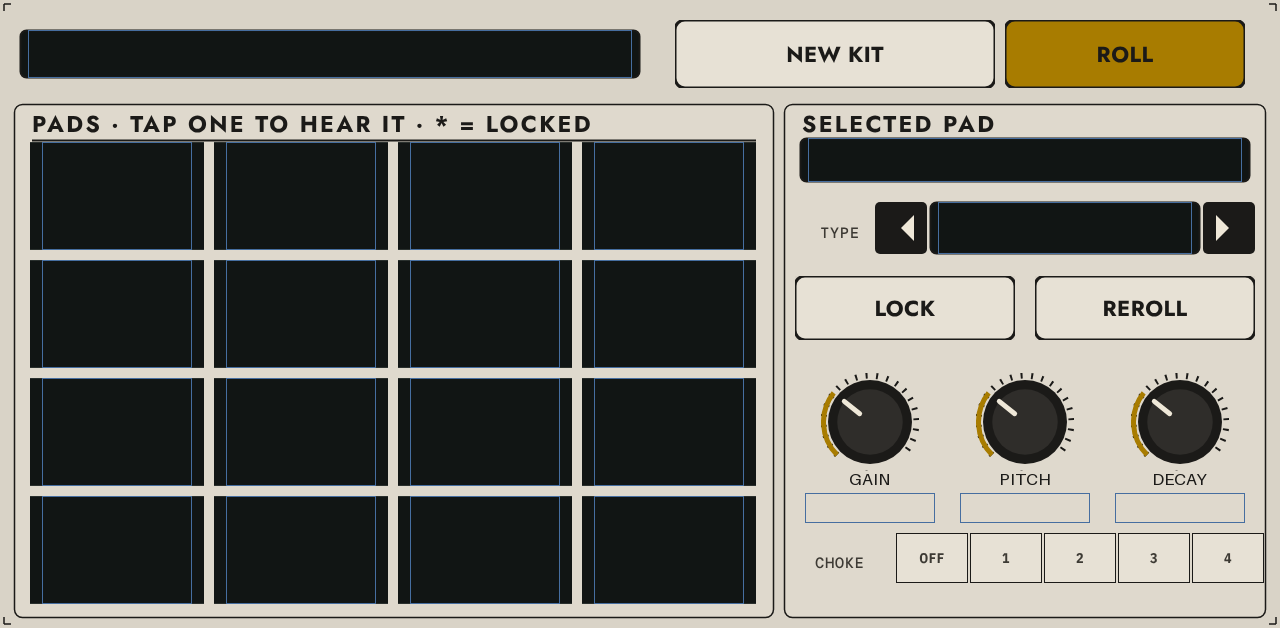
PotentialKits: a random drum-kit builder for Akai MPC, a PotentialSuite fork of sd88me's Lucky Dip
KING SP 1200
by The Disk King · v0.3.2
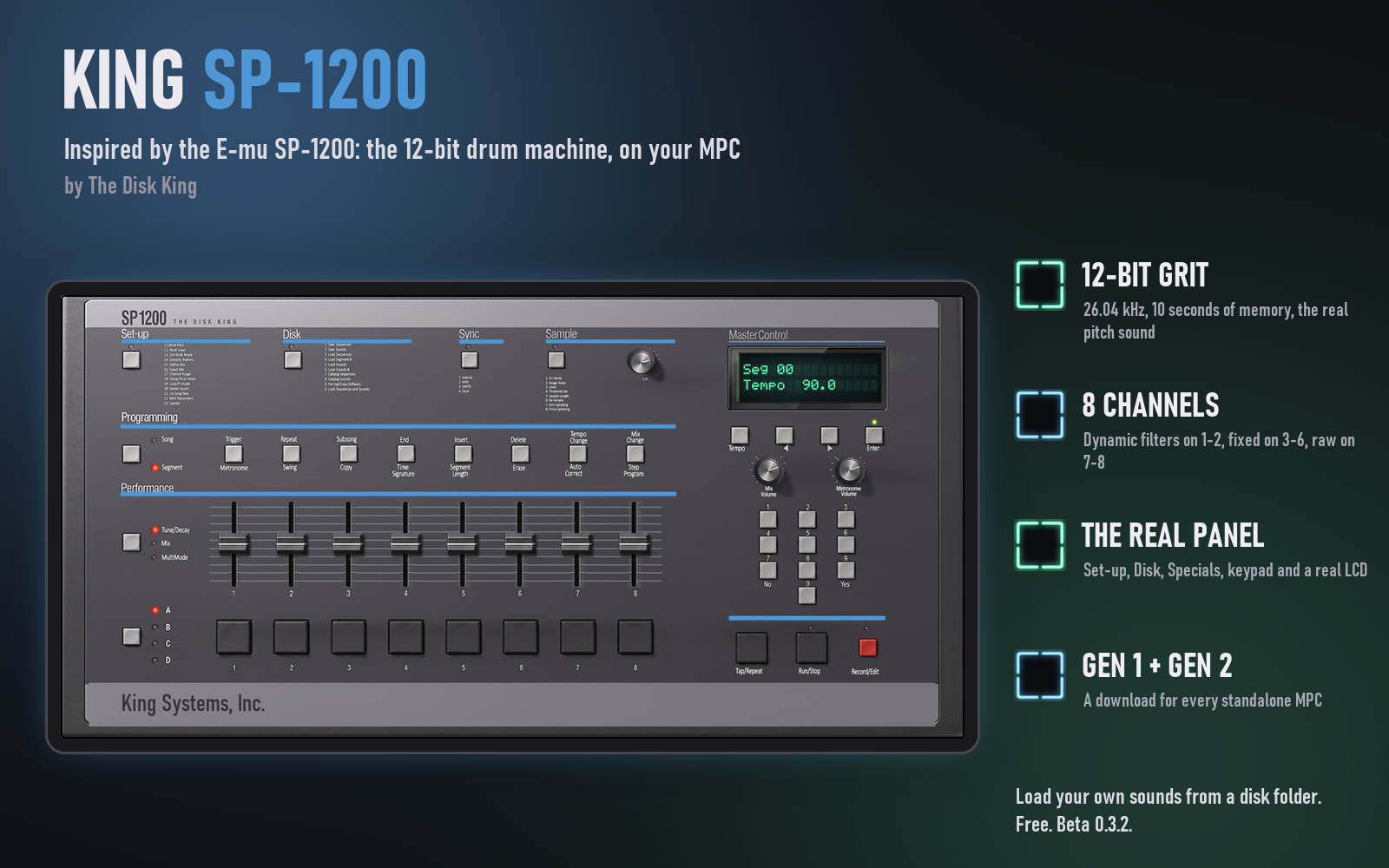
KING SP-1200 by The Disk King: Inspired by the E-mu SP-1200 (1987), the 12-bit sampling drum machine. 12-bit sound at 26.04 kHz with the real pitch grit, 10 seconds of memory, 32 sounds in banks A-D, 8 channels with the original filters (1-2 dynamic, 3-6 fixed, 7-8 raw) and 8 separate outputs. The whole front panel on one screen: faders on the Q-Links, big pads, keypad, Set-up 11-23 and the Specials, Disk save / load to folders on the MPC drive, and a real SP-1200 LCD (green or blue). Tap a printed function list to read it large. Load your own sounds as WAVs. Sequencer and sampling coming. For Gen 1 and Gen 2.
Made this plugin? Add our badge to your README
 Paste this into your GitHub README. It updates itself when your plugin gets the Tested & Working badge.
[](https://thediskking.com/plugins/fet-compressor/)