Geonkick MPC
Free MPC Instrument plugin by 303inmyheart · v1.0.0 · Nov 22, 2026 · 194 downloads
194
Downloads
0
GitHub stars
v1.0.0
Latest version
Nov 22, 2026
Updated
User rating
No ratings yet. Be the first.
Used it? Rate it:
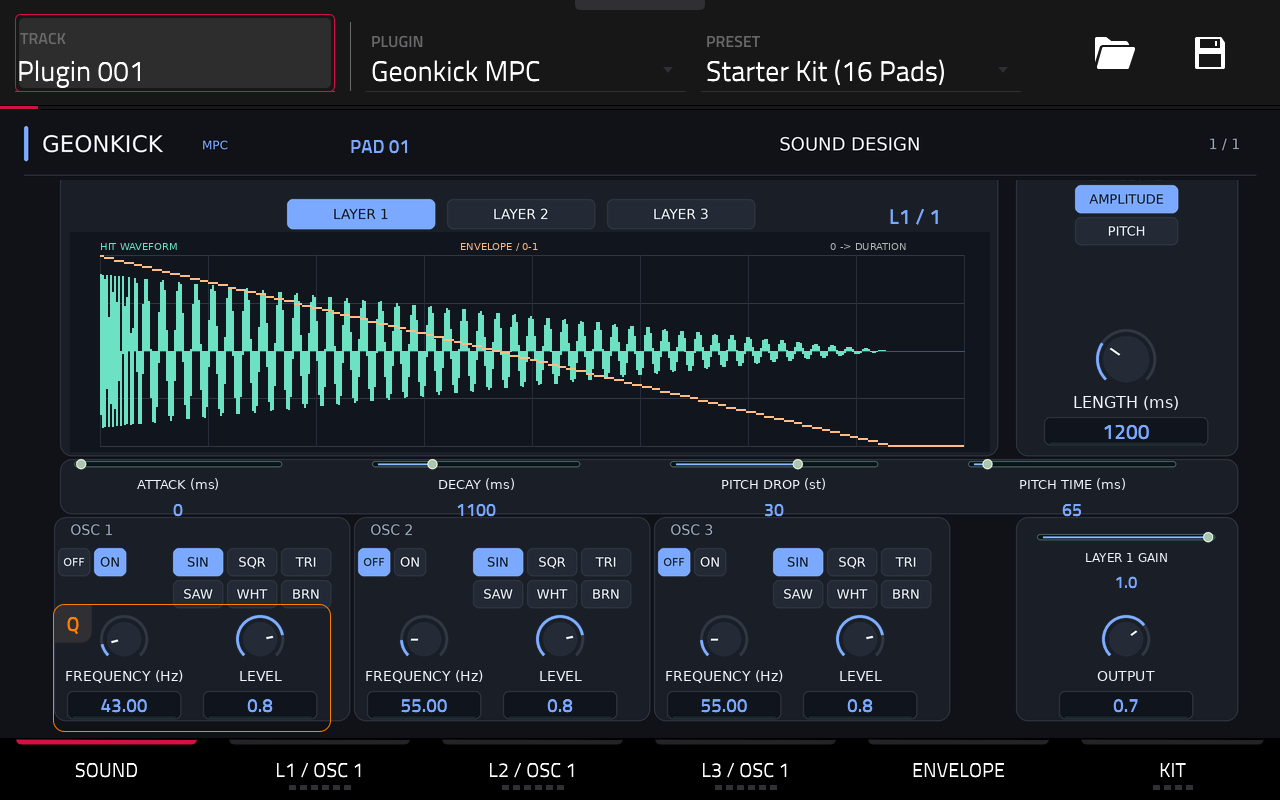
Geonkick MPC — Gen2 MPC percussion synthesizer with native touch UI, pad kits, WAV preview and factory presets.
Percussion synthesis and sampling for Gen2 MPCs, MPC OS 3.10.1+. Based on Geonkick 3.9.0. Hardware tested on Live III only.
Download Geonkick MPC v1.0.0
✓ Tested & working
The creator reports testing this exact version on real hardware: MPC Live III (Gen2), MPC OS 3.10.1. This is the creator's own report, not a guarantee from The Disk King. Still back up first.
Before you install
- Needs
- Gen2 MPC (aarch64), MPC OS 3.10.1 or newer; hardware tested on MPC Live III only
✓ Safety check passed
- ✓ Download matches the checksum GitHub lists
- ✓ Built for: Gen2 (64-bit ARM)
- ✓ Runs on: MPC OS 3.x
- ✓ No internet, web server, program-launching or system-changing functions found
- ✓ Nothing risky found in its installer
An automatic look at the files, not a guarantee: it can't see everything a program does. Always back up first.
Disclaimer: use entirely at your own risk
This plugin is made, owned and shared by an independent developer, not by The Disk King and not by Akai Professional or inMusic. The Disk King only lists it; the download comes directly from the developer's GitHub. The Disk King did not make, test, review or check it for safety and makes no promise that it works, is safe, or is free of bugs or harmful code.
Plugins install into your MPC's system and can crash it, corrupt or lose projects and samples, or require reinstalling MPC OS. Save your work and back up your MPC before installing anything.
Everything here is provided "as is", with no warranty of any kind. To the fullest extent the law allows, The Disk King is not responsible or liable for any damage, data loss, device failure, lost income or any other harm from downloading, installing or using any plugin listed here. By downloading or installing, you accept all risk and full responsibility. Full disclaimer.
Gen2: MPC Live III, One G2, Key G2, XL
Geonkick-MPC-1.0.0-mpc-aarch64.zip 9.3 MB
sha256: 41532623db0a4aea784d60ff1597dc98a907d512e8e9f03d22c048b7d37a9eee
Downloads come straight from the creator's GitHub. Check the sha256 matches before installing. New to plugins? How to install plugins on MPC OS 3.10.1.
✓ Easy install on MPC OS 3.10.1: copy one folder
- Gen2 download: unzip it and copy
OpenMPC - VST - Geonkick MPC(insideGeonkick-MPC-1.0.0/portable/) intoVST2 Pluginson your drive.
Turn on External Plugin Support first. Full step-by-step guide.
Tested working on
- MPC Live III (Gen2), MPC OS 3.10.1 (Nov 22, 2026)
Version history
v1.0.0 Nov 22, 2026 · 194 downloads
First public release of **Geonkick MPC 1.0** for Gen2 MPCs. Hardware tested on **MPC Live III / MPC OS 3.10.1** only. - 16 pad sounds, three layers and nine oscillators per sound; synth waves, noise, FM and WAV import. - 2–16 editable amplitude/pitch points over the waveform; final Envelope view correctly follows the selected layer. - 118 native MPC programs, including the original factory presets/kits with retained credits and licences. - Tap-to-preview browser, remembered folder, separate sample Load, fine hardware input and continuous touch controls. - Native MPC interface, rotary Q-Link mappings and full kit/project persistence. ### Requirements - Gen2 MPC (aarch64), MPC OS 3.10.1 or newer. Hardware tested on MPC Live III only. - Enable Preferences > Enhancements > External Plugin Support. - No Gen1/32-bit build is provided. ### Install Give the release ZIP directly to the OpenMPC Installer or Plugin Manager. For the native folder route, unpack portable/OpenMPC - VST - Geonkick MPC/ into VST2 Plugins/ at a drive's root. The folder route needs no SSH or settings edits. The optional scripted/manual routes below require root SSH access. Save your project before scripted installation, which restarts the MPC application. For those routes, <your Synths folder> means a supported plugin location chosen for the device, such as its VST2 Plugins folder. Use the recommended manager route if unsure. ### Performance and validation The exact released ARM64 binary passes the standard OpenMPC benchmark: **p99 1.1%, maximum 2.0%**. The additional full-parameter stress test remains **FAIL: p99 77.6%, maximum 98.0%**. A separately paced run measures background synthesis up to **77.9% of one core**. These are not the MPC project CPU meter; standard PASS does not imply full stress clearance or unlimited instances. [Exact reports](https://github.com/303inmyheart/OpenMPC-Geonkick/tree/geonkick-mpc-v1.0.0/benchmarks/1.0.0). Native ASan/UBSan/leak and ARM64/QEMU tests, independent factory/layer-waveform oracles, final interface/Q-Link checks and the current OpenMPC package validator pass (zero warnings). The maintainer confirmed the final Envelope fix on Live III. [Test scope](https://github.com/303inmyheart/OpenMPC-Geonkick/blob/geonkick-mpc-v1.0.0/TESTING.md). ### Source and known limits Stereo output and 16 shared voices; WAV import takes the first channel and first four seconds. Original user .gkick/.gkit import, broader kit tools and native preset folders remain future work. [Roadmap](https://github.com/303inmyheart/OpenMPC-Geonkick/blob/geonkick-mpc-v1.0.0/ROADMAP.md) · [Actual device screenshots](https://github.com/303inmyheart/OpenMPC-Geonkick/blob/geonkick-mpc-v1.0.0/docs/SCREENSHOTS.md). Software: GPL-3.0-or-later. Factory material retains separate CC0/CC BY/CC BY-SA terms and attribution. The MPC adaptation/interface/build scripts are AI-generated and maintainer-tested; original DSP/data retain their authorship. [Corresponding source](https://gi
More plugins like this
LXRXXL BAZZLINE
by sunskiefer · v0.2.10 · 7,680 downloads
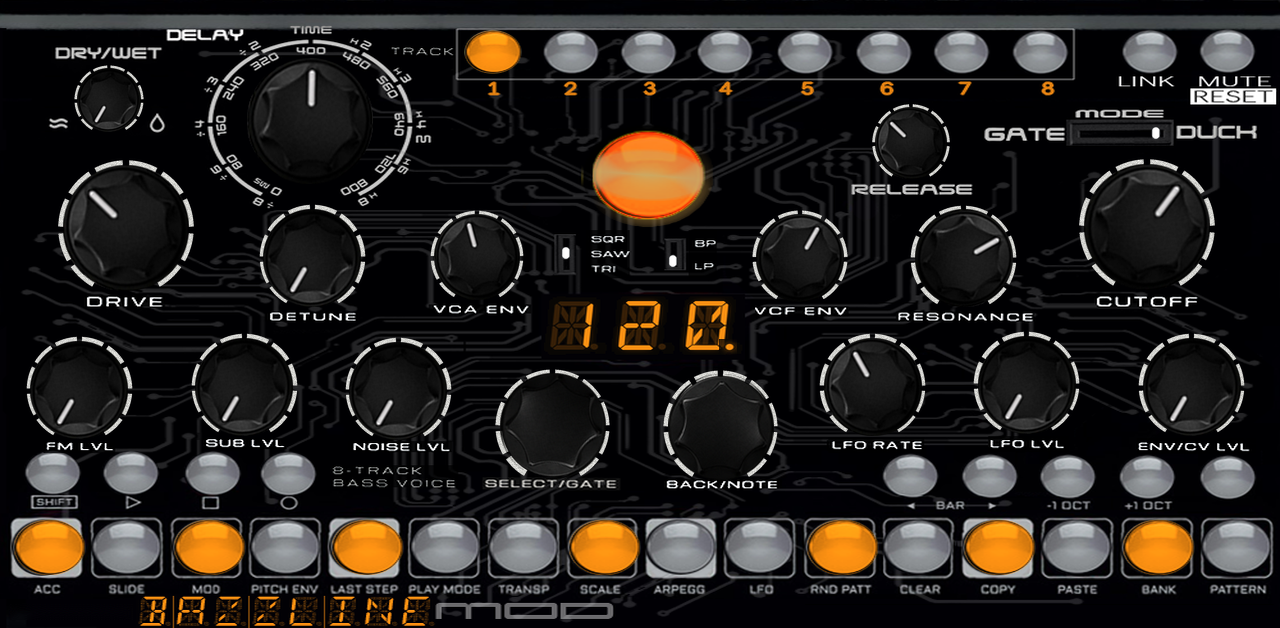
LXRXXL BAZZLINE IS A BASSLINE 8 VOICE SYNTH
LXRXXL ZYNTH
by sunskiefer · v0.2.2 · 3,753 downloads
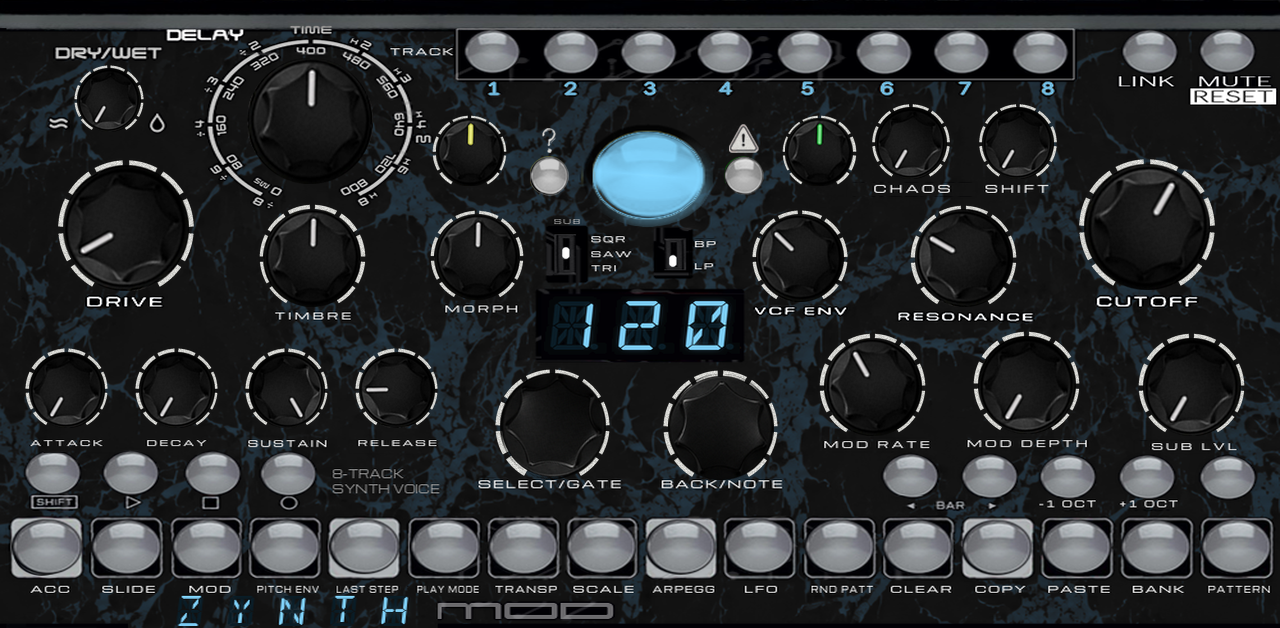
LXRXXL Synth MOD.
SurgeXXL
by sunskiefer · v0.2.0 · 3,225 downloads
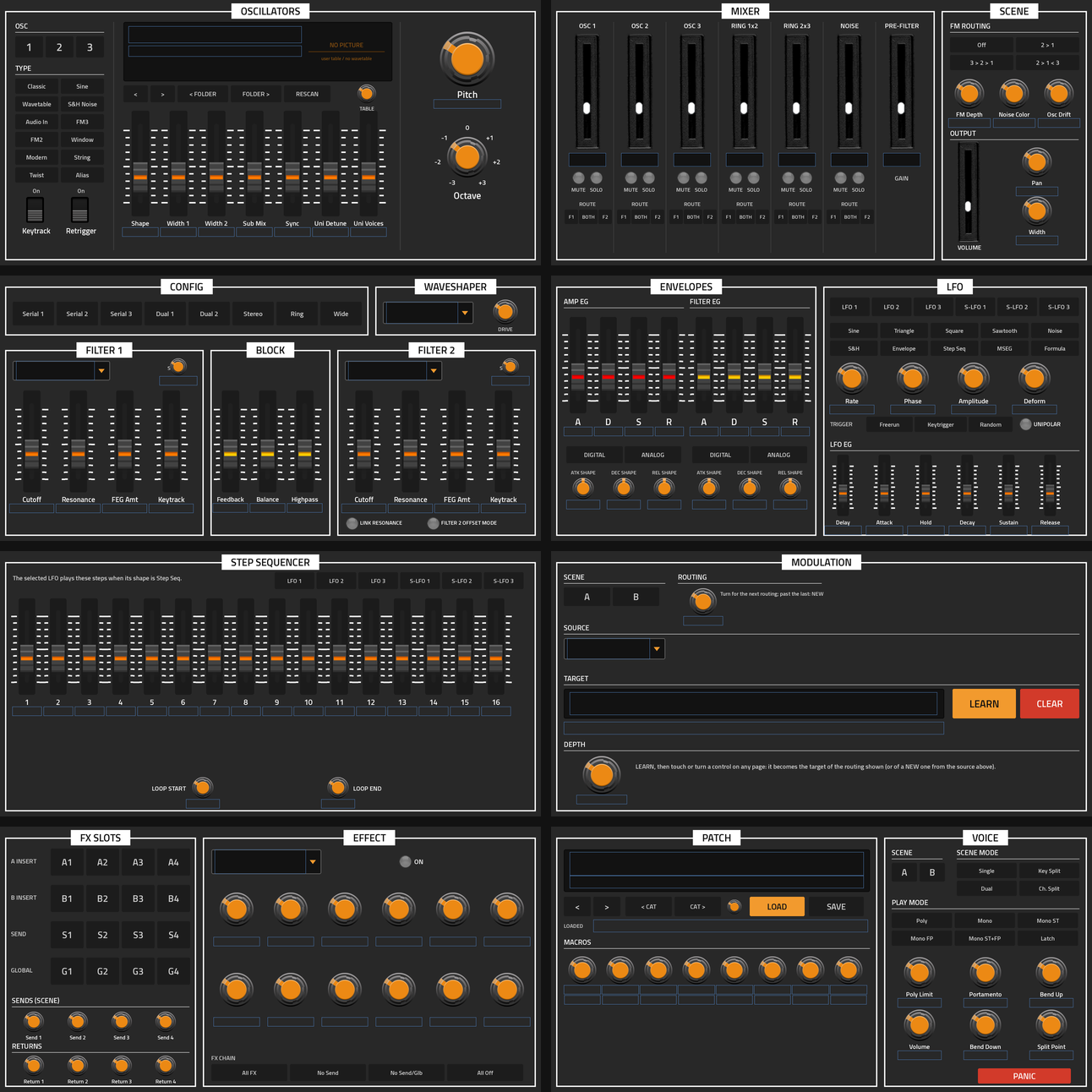
Surge ported to MPC os full open source. Slight change to the code to be able to run on the mpc system. All the effects. Load surge patches and wavetables including your ones. Full wave table synth on MPC os.
CSXXL
by sunskiefer · v1.0.13 · 2,276 downloads
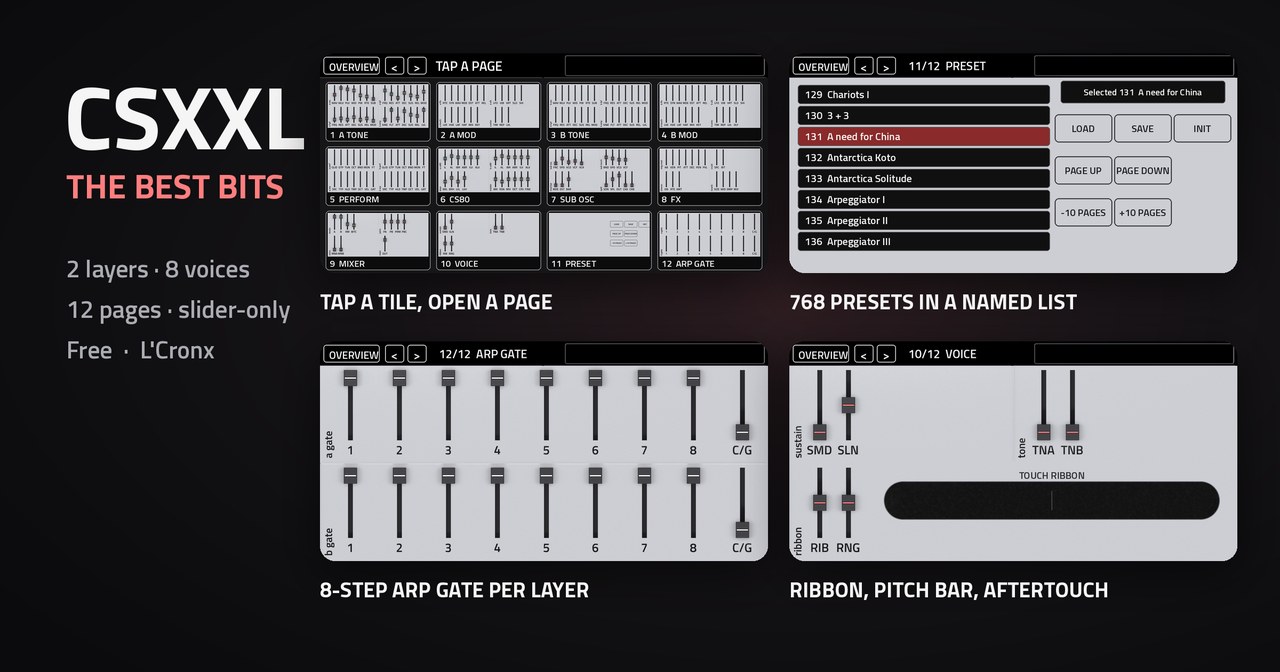
CSXXL is a two-layer, polyphonic synthesizer for the Akai Force and MPC OS, in the spirit of the Yamaha CS-80. It is a completely new build, not a port. The voices and tones are written from Deckard’s Dream voice notes, and the circuits are self-built schematics, emulated in code. Ships with presets, room for up to 1500 presets. Free, not for sale.
VADER
by sunskiefer · v0.10.7 · 1,898 downloads
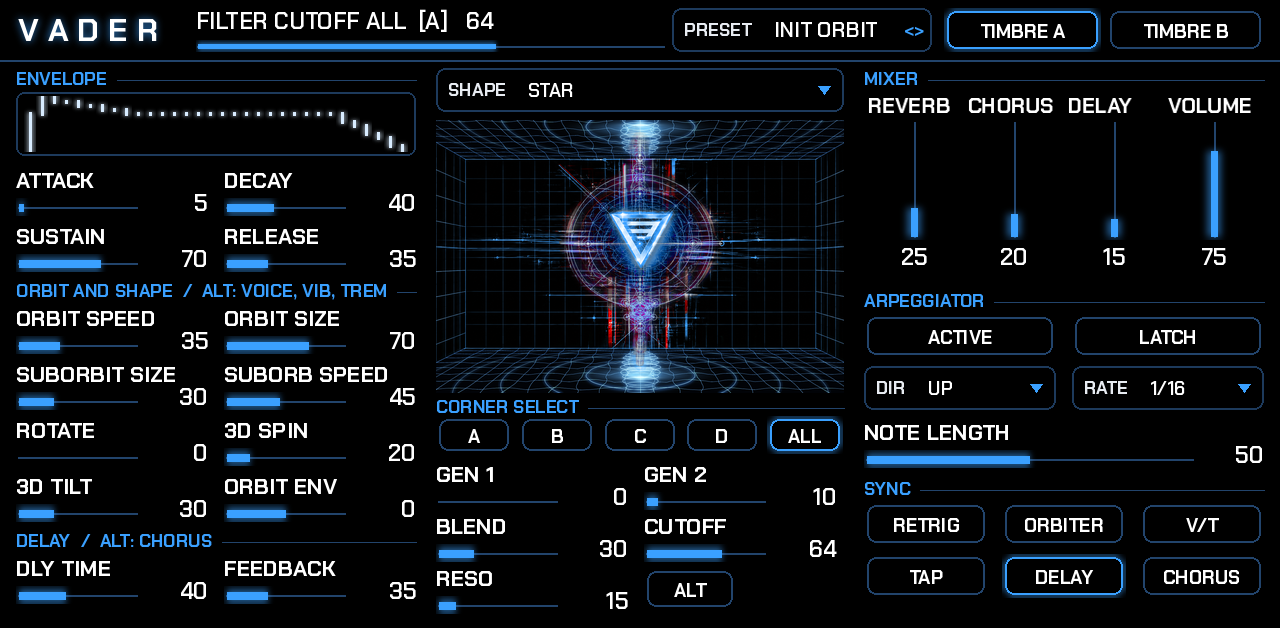
Orbit-based vector synth for Akai Force / MPC OS (VST2) — load SVG, 3D or image shapes to drive the sound.
ALPHA
by sunskiefer · v1.2.1 · 1,577 downloads
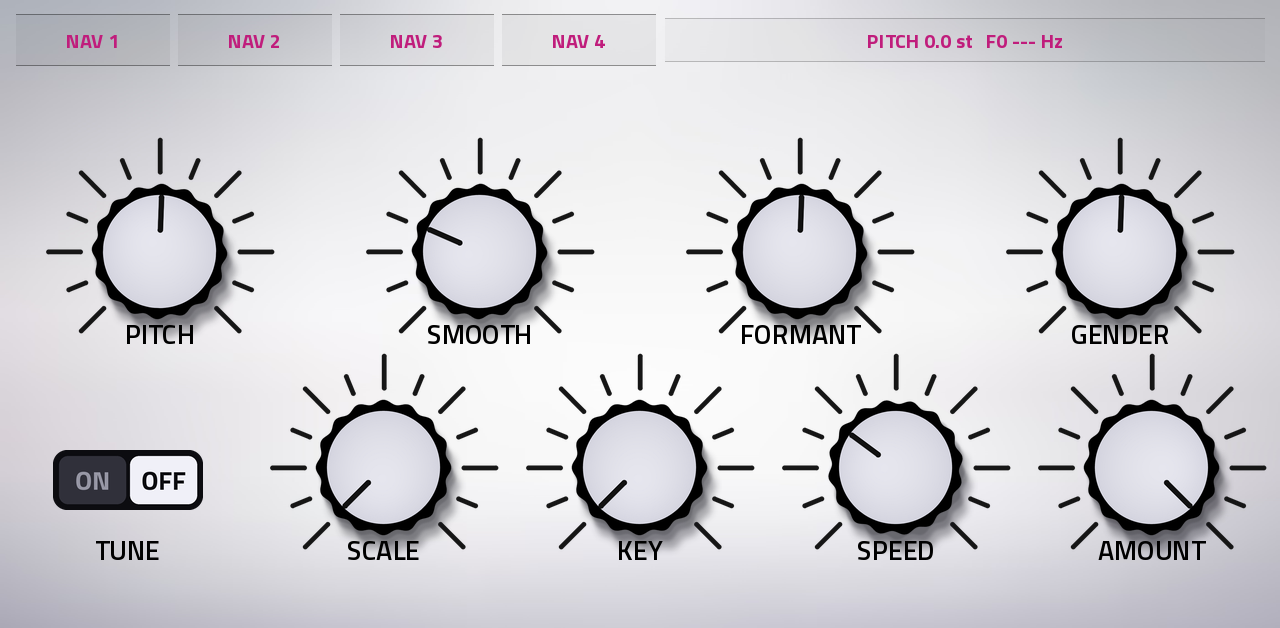
OWN build and code Manipulator by Polyverse & Vocal Synth Izotope had a baby.
ESQUE80
by lichthaus · v0.9.1 · 1,430 downloads
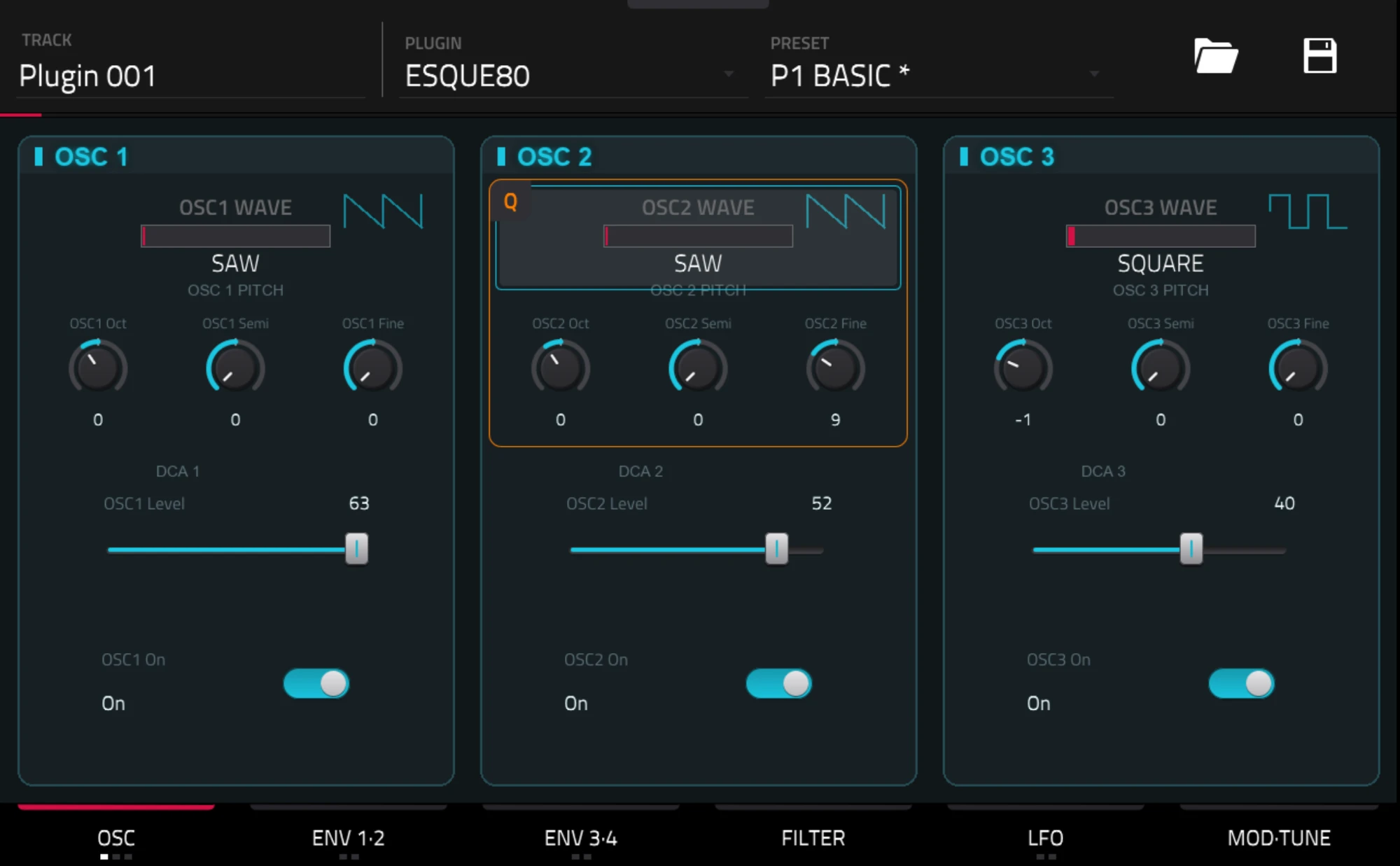
ESQUE80: an 8-voice cross-wave synthesizer plugin for Akai MPC standalone hardware
JC303 MPC
by 303inmyheart · v0.7.4 · 1,202 downloads
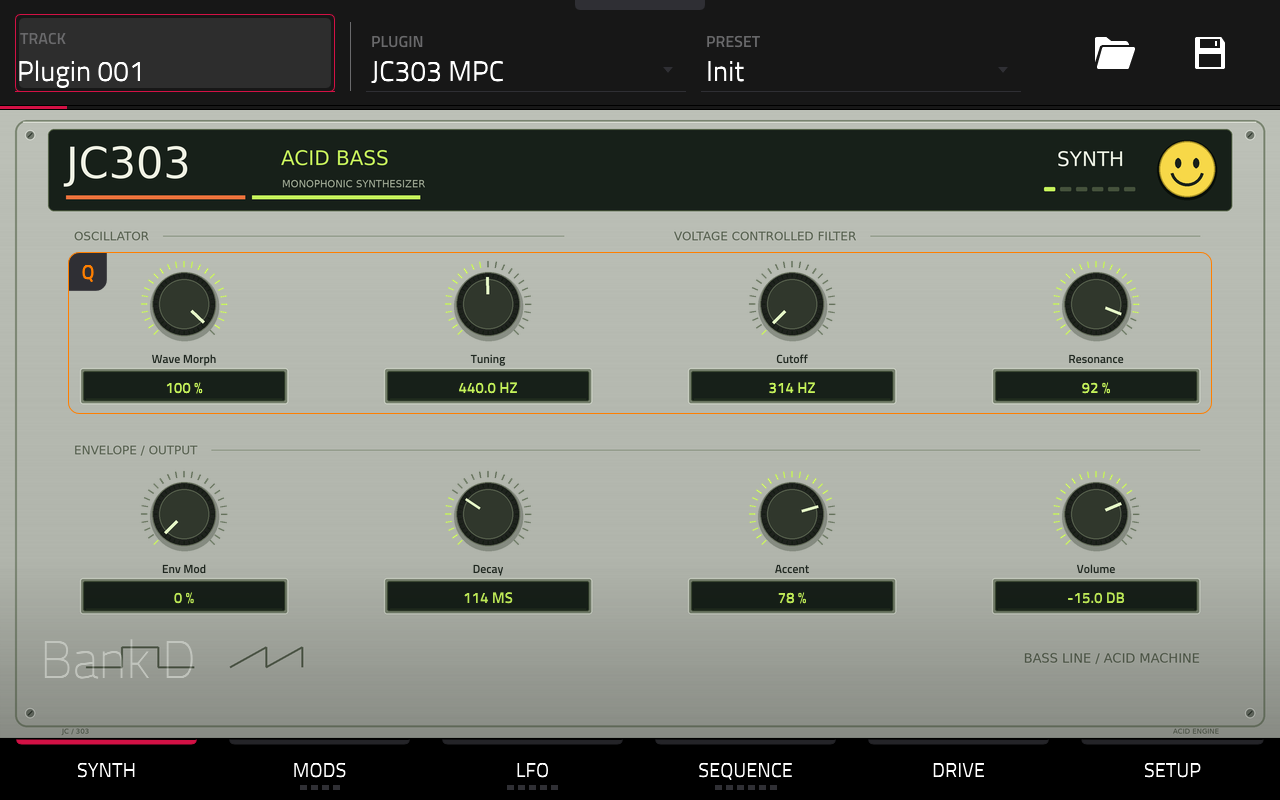
JC303 MPC — 303-style synth for Gen2 MPCs with native Q-Links, sequencer, drive models and presets. Community port by 303inmyheart.
Made this plugin? Add our badge to your README
 Paste this into your GitHub README. It updates itself when your plugin gets the Tested & Working badge.
[](https://thediskking.com/plugins/geonkick-mpc/)