Maschine Group
Free MPC Instrument plugin by mmiroshnikov · v1.0.0 · Oct 13, 2026 · 1,458 downloads
1,458
Downloads
0
GitHub stars
v1.0.0
Latest version
Oct 13, 2026
Updated
User rating
No ratings yet. Be the first.
Used it? Rate it:
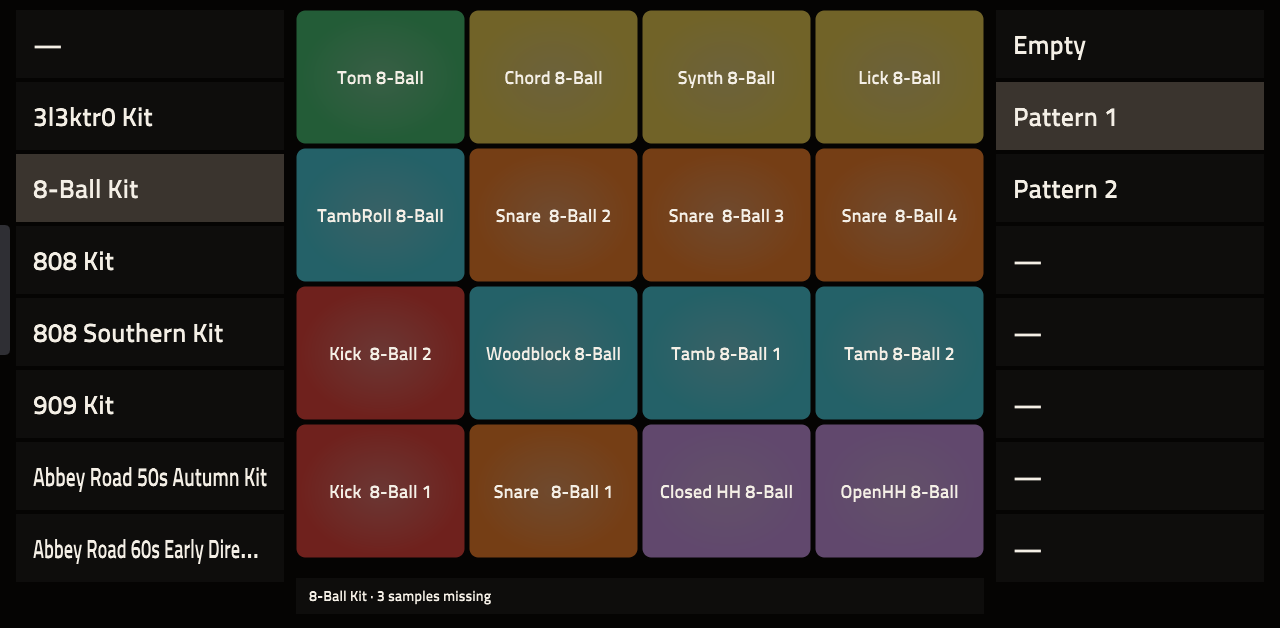
Maschine 2 drum groups (.mxgrp) as a native MPC OS VST2 instrument
An MPC instrument that opens a Native Instruments Maschine 2 group (.mxgrp) and plays it on the pads.
Download Maschine Group v1.0.0
⚠ Not yet tested on hardware
This is a finished release, but the creator hasn't recorded a test of this version on a real MPC or Force. It may work fine; it may not. Back up first and try it on a project that doesn't matter.
⚑ Safety check: review the notes below
- ✓ Download matches the checksum GitHub lists
- ✓ Built for: Gen1 (32-bit ARM)
- ✓ Runs on: MPC OS 2.x and 3.x
- ⚑ The plugin loads extra code while running.
- ⚑ The plugin starts other programs.
- These can be completely normal for what the plugin does, but know them before installing.
- ✓ Nothing risky found in its installer
An automatic look at the files, not a guarantee: it can't see everything a program does. Always back up first.
Disclaimer: use entirely at your own risk
This plugin is made, owned and shared by an independent developer, not by The Disk King and not by Akai Professional or inMusic. The Disk King only lists it; the download comes directly from the developer's GitHub. The Disk King did not make, test, review or check it for safety and makes no promise that it works, is safe, or is free of bugs or harmful code.
Plugins install into your MPC's system and can crash it, corrupt or lose projects and samples, or require reinstalling MPC OS. Save your work and back up your MPC before installing anything.
Everything here is provided "as is", with no warranty of any kind. To the fullest extent the law allows, The Disk King is not responsible or liable for any damage, data loss, device failure, lost income or any other harm from downloading, installing or using any plugin listed here. By downloading or installing, you accept all risk and full responsibility. Full disclaimer.
Gen1: MPC Live, Live II, One, X, Key, Force
Maschine-Group-1.0.0-mpc-armv7.zip 168 KB
sha256: fe6116fffee1405d93a8f8023eb166ddd75691b215b5a4b61fa27a52aae4e623
Downloads come straight from the creator's GitHub. Check the sha256 matches before installing. New to plugins? How to install plugins on MPC OS 3.10.1.
Can't be copied by hand on MPC OS 3.10.1
This release's plugin folder has no plugin.json, which 3.10.1 needs to list it. Use the creator's installer (see INSTALL.md in the zip), or ask the creator for a 3.10.1 release. Why?
Tested working on
The creator hasn't recorded a hardware test for this version yet.
Version history
v1.0.0 Oct 13, 2026 · 1,458 downloads
Opens a Native Instruments Maschine 2 drum group (.mxgrp) and plays its pads and stored patterns. ## Requirements - A first-generation MPC OS standalone device (32-bit ARM, like the Force, MPC Live / Live II, One, X and Key 61). The installer refuses anything else. Newer models are untested. - **Root shell access** (SSH) to the device. Stock MPC OS doesn't offer this; you need a modded unit. - Tested on MPC OS with a Force. Installing plugins this way is unofficial: back up first, use at your own risk. ## Install (scripted) 1. Unzip, then copy the whole folder to the device, e.g. `scp -r Maschine-Group-1.0.0 root@<device-ip>:/tmp/` 2. Run it: `ssh root@<device-ip> sh /tmp/Maschine-Group-1.0.0/install.sh` The installer checks the device, **stops MPC** (save your project first), copies `portable/mmiroshnikov - VST - Maschine Group/` (the plugin, its skin and its data, as one folder) into `/sdcard/Synths`, backs up `MPC.settings`, adds the plugin to MPC's plugin list from the folder's `plugin-meta.xml` and starts MPC again. Running it again upgrades in place, keeping your own files. An older install of this plugin (the previous layout, with the `.so` in `/sdcard/vst`) is replaced, not duplicated. `-y` skips the confirmation prompt; `-t <folder>` installs into another Synths folder (for example on a card). Your own files go in `groups/` inside the plugin folder (`/sdcard/Synths/mmiroshnikov - VST - Maschine Group/`); the installer keeps them when you upgrade and uninstall, and moves them there from the old `/sdcard/vst` location if you had installed the plugin that way. Then add **Maschine Group** to a track from the plugin browser (Instrument plugins). Its screen appears in the plugin view, and the Q-Links follow the page. Full instructions, including installing by hand, are in `INSTALL.md` inside the zip. --- Built by GitHub Actions from mmiroshnikov/mpc-maschine-group@b5ad62d with mpc-vst-plugins@b6e2197.
More plugins like this
Air3
by mmiroshnikov · v1.0.0 · 2,416 downloads
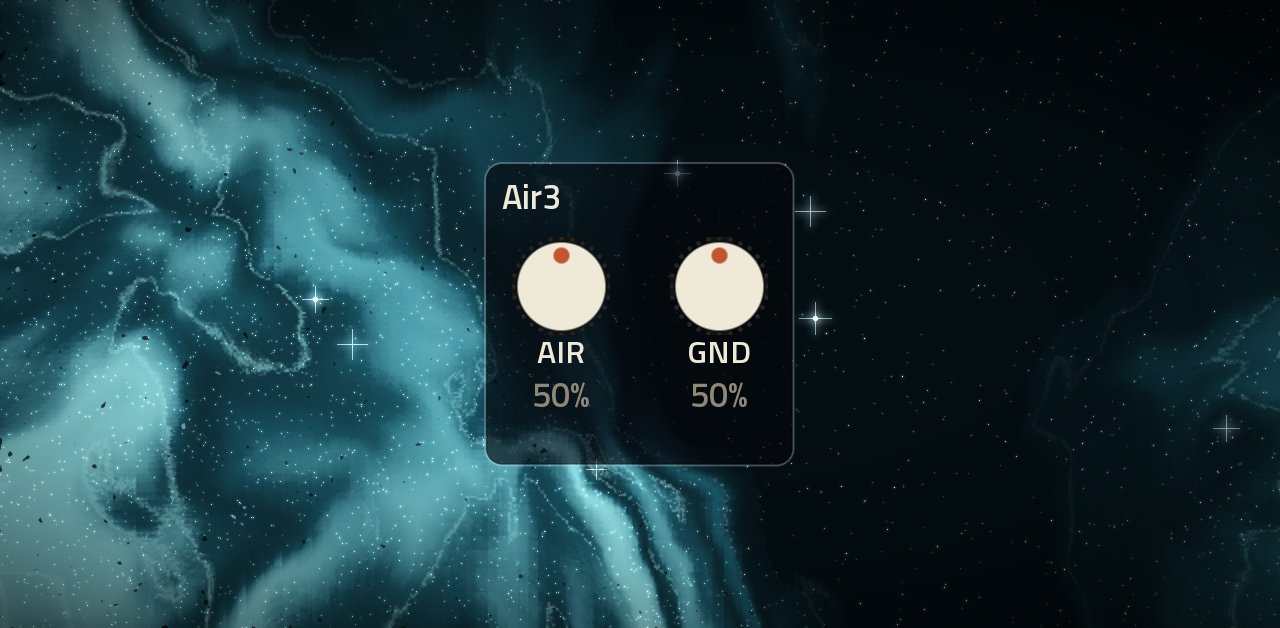
Airwindows Air3 (MIT), as an MPC insert effect.
Galactic
by mmiroshnikov · v1.0.0 · 2,403 downloads
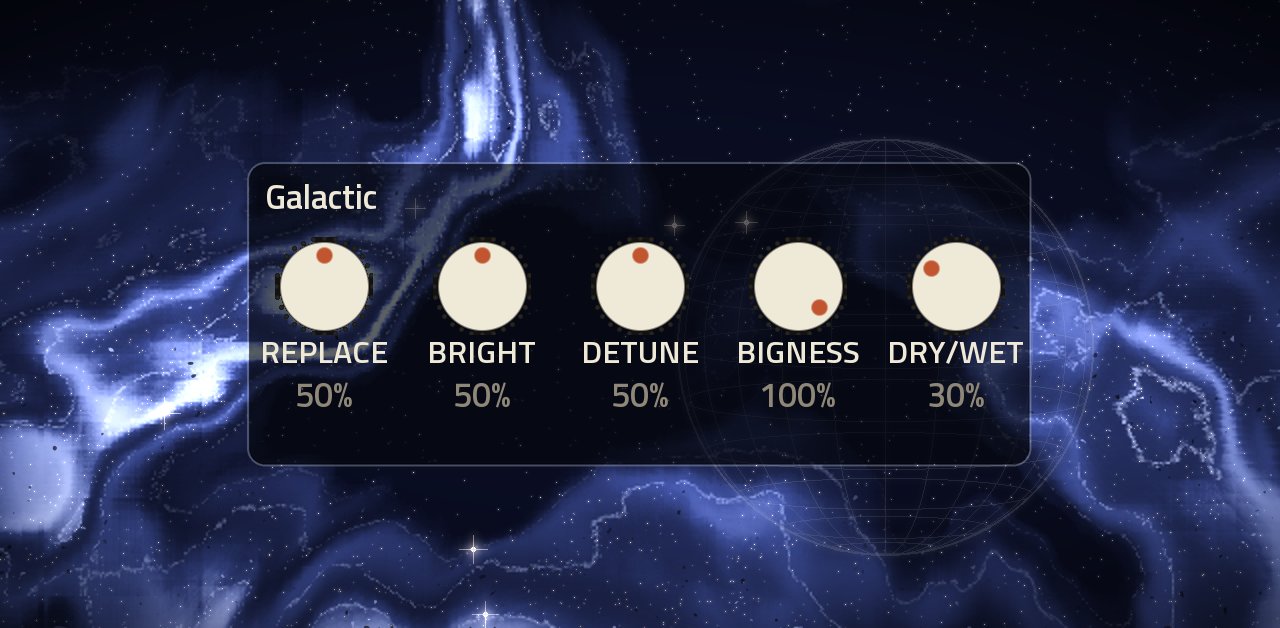
Airwindows Galactic (MIT), as an MPC insert effect.
ButterComp2
by mmiroshnikov · v1.0.0 · 2,390 downloads
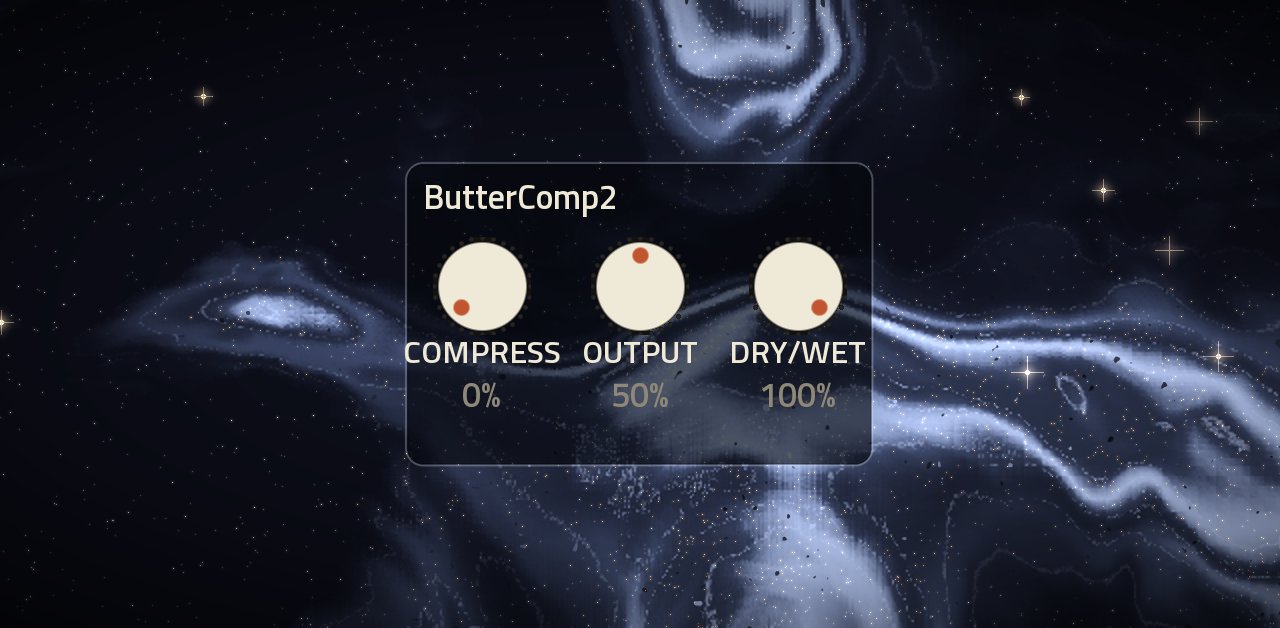
Airwindows ButterComp2 (MIT), as an MPC insert effect.
TapeDelay2
by mmiroshnikov · v1.0.0 · 2,308 downloads
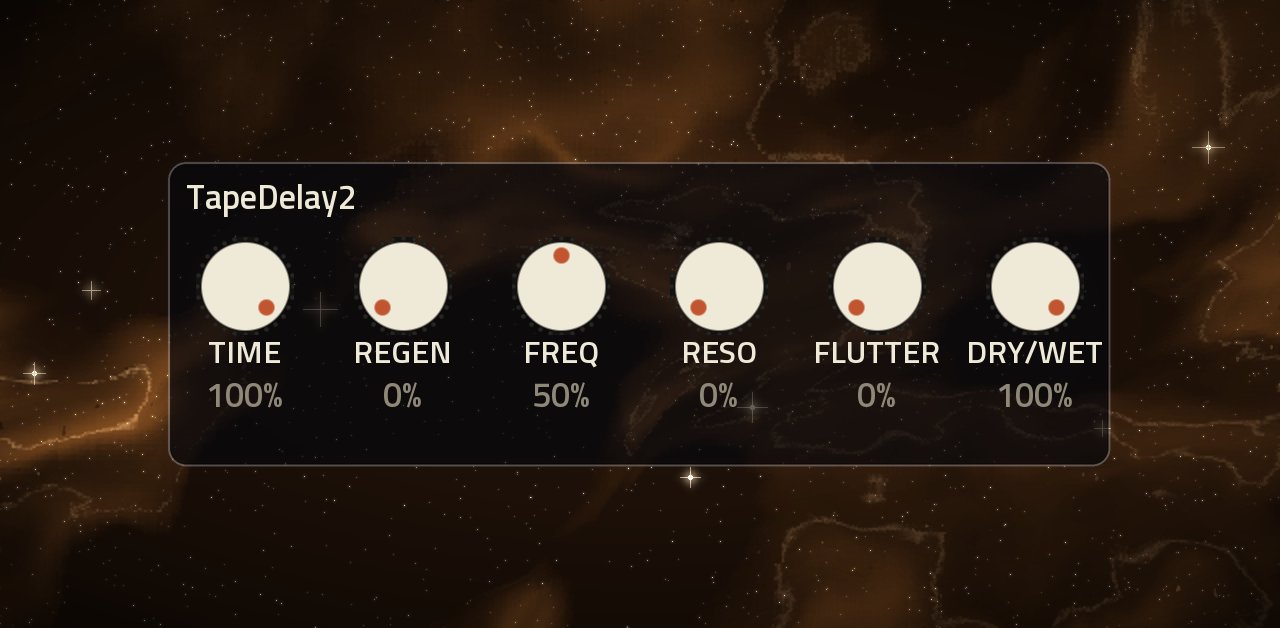
Airwindows TapeDelay2 (MIT), as an MPC insert effect.
ChorusEnsemble
by mmiroshnikov · v1.0.0 · 2,294 downloads
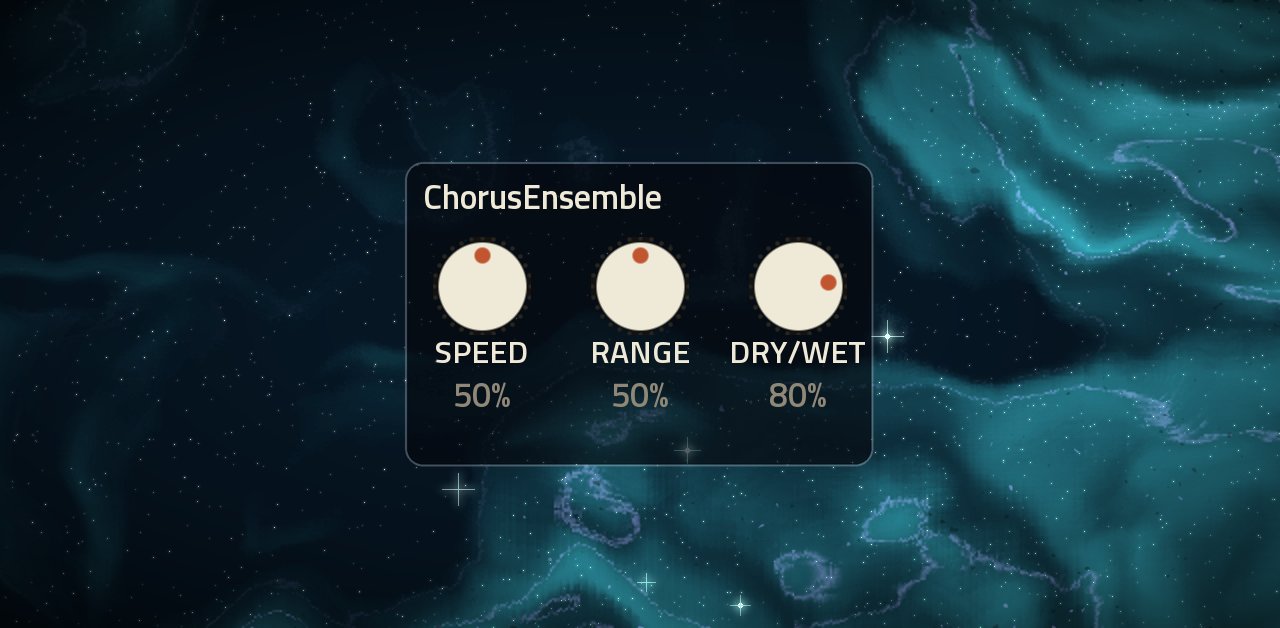
Airwindows ChorusEnsemble (MIT), as an MPC insert effect.
Galactic3
by mmiroshnikov · v1.0.0 · 2,291 downloads
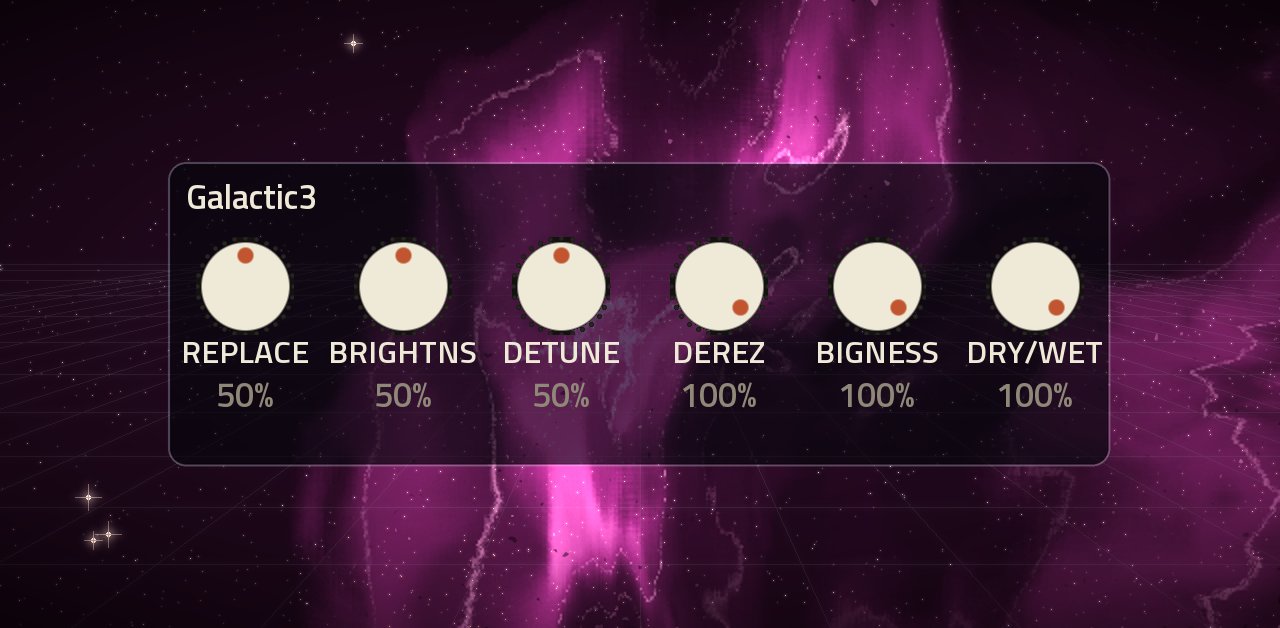
Airwindows Galactic3 (MIT), as an MPC insert effect.
Chamber2
by mmiroshnikov · v1.0.0 · 2,279 downloads

Airwindows Chamber2 (MIT), as an MPC insert effect.
Density2
by mmiroshnikov · v1.0.0 · 2,273 downloads
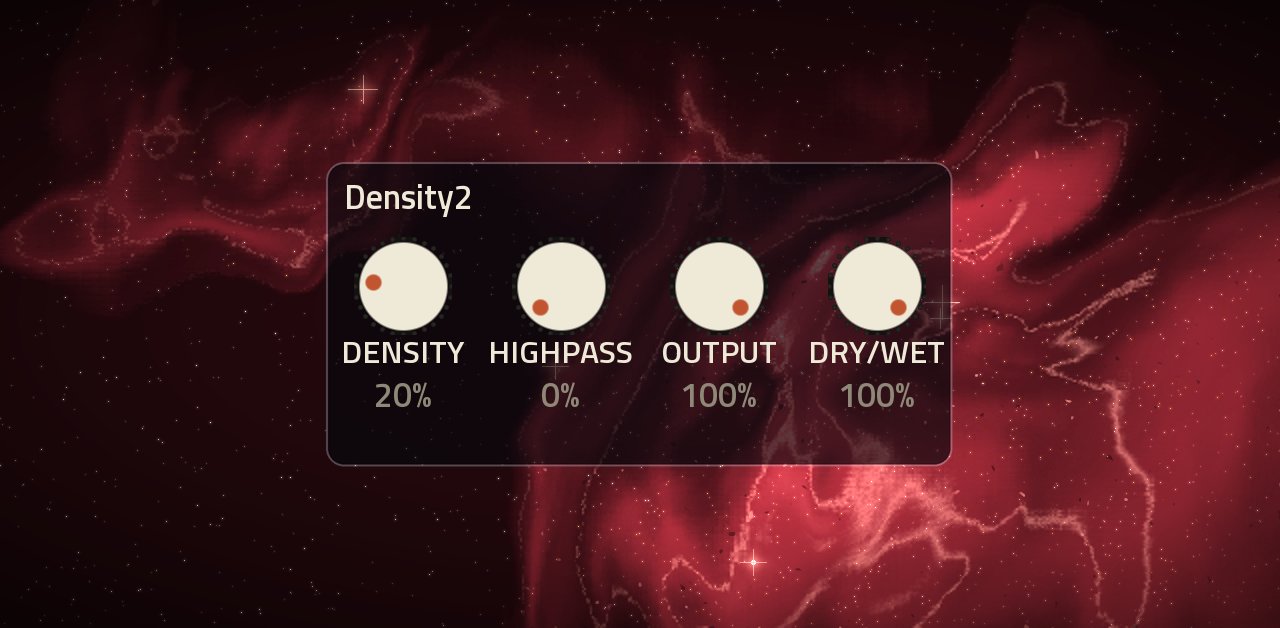
Airwindows Density2 (MIT), as an MPC insert effect.
To improve this listing (for the creator)
- add a tested.json entry for the newest release (device and MPC OS)
- publish a Gen2 (aarch64) build
- explain the flagged behavior (network, running programs, installer commands) in the README
Made this plugin? Add our badge to your README
 Paste this into your GitHub README. It updates itself when your plugin gets the Tested & Working badge.
[](https://thediskking.com/plugins/maschine-group/)