MPC DJ FX 2
Free MPC Effect plugin by mitchoster · v3.2.0 · Nov 9, 2026 · 4,227 downloads
4,227
Downloads
2
GitHub stars
v3.2.0
Latest version
Nov 9, 2026
Updated
User rating
No ratings yet. Be the first.
Used it? Rate it:
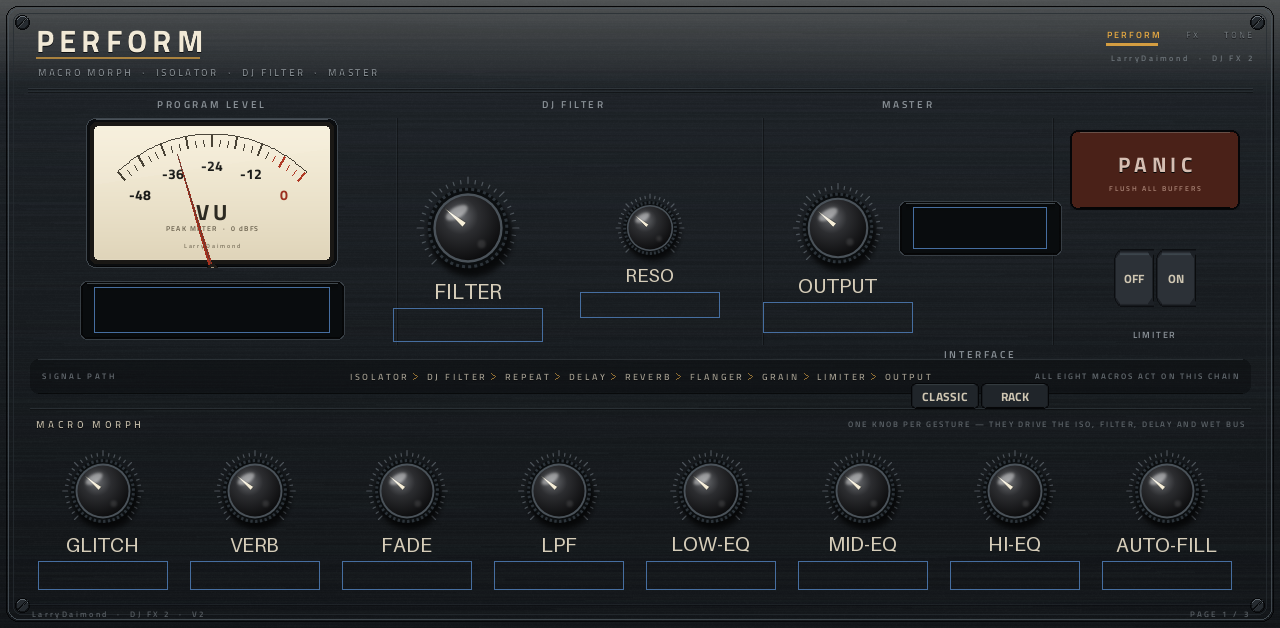
One-slot DJ insert effect for Akai MPC and Force standalone devices - isolator, DJ filter, beat repeat, delay, reverb, flanger, grain delay, limiter and a macro layer
A one-slot live DJ insert effect for first-generation Akai MPC and Force standalone devices: 3-band isolator, DJ filter, beat repeat, delay, reverb, through-zero flanger, a grain delay and a true-peak limiter — plus a macro layer that reproduces the eight macros of Lenny Kiser's DJ-FX rack, measured in Ableton Live 12.4.
Download MPC DJ FX 2 v3.2.0
⚠ Not yet tested on hardware
This is a finished release, but the creator hasn't recorded a test of this version on a real MPC or Force. It may work fine; it may not. Back up first and try it on a project that doesn't matter.
⚑ Safety check: review the notes below
- ✓ Download matches the checksum GitHub lists
- ✓ Built for: Gen1 (32-bit ARM)
- ✓ Runs on: MPC OS 2.x and 3.x
- ⚑ The plugin runs a small web page on your Wi-Fi (often its phone or browser screen).
- These can be completely normal for what the plugin does, but know them before installing.
- ✓ Nothing risky found in its installer
An automatic look at the files, not a guarantee: it can't see everything a program does. Always back up first.
Disclaimer: use entirely at your own risk
This plugin is made, owned and shared by an independent developer, not by The Disk King and not by Akai Professional or inMusic. The Disk King only lists it; the download comes directly from the developer's GitHub. The Disk King did not make, test, review or check it for safety and makes no promise that it works, is safe, or is free of bugs or harmful code.
Plugins install into your MPC's system and can crash it, corrupt or lose projects and samples, or require reinstalling MPC OS. Save your work and back up your MPC before installing anything.
Everything here is provided "as is", with no warranty of any kind. To the fullest extent the law allows, The Disk King is not responsible or liable for any damage, data loss, device failure, lost income or any other harm from downloading, installing or using any plugin listed here. By downloading or installing, you accept all risk and full responsibility. Full disclaimer.
Gen1: MPC Live, Live II, One, X, Key, Force
MPC-DJ-FX-2-3.2.0-mpc-armv7.zip 12.6 MB
sha256: e1600f013e1bdea833bb6045af29a173866c8dbeb91c4e27adc64656ee14924e
Downloads come straight from the creator's GitHub. Check the sha256 matches before installing. New to plugins? How to install plugins on MPC OS 3.10.1.
Can't be copied by hand on MPC OS 3.10.1
This release's plugin folder has no plugin.json, which 3.10.1 needs to list it. Use the creator's installer (see INSTALL.md in the zip), or ask the creator for a 3.10.1 release. Why?
Tested working on
The creator hasn't recorded a hardware test for this version yet.
Version history
v3.2.0 Nov 9, 2026 · 1,132 downloads
Classic and Rack, nothing else. The third interface ("Studio") was a duplicate of Classic — same layout, different art prefix — so the INTERFACE control offered three options for two looks. It is gone. What changed - INTERFACE now has two options, Classic (default) and Rack. Both ship in `Plugin Skins/{classic,rack}/`; the switch rewrites TUI.json + the Q-Link banks and takes effect on the next insert (no restart). - Rack was rebuilt from its layout: the interface tiles show two options instead of three, and the LIMITER caption is back under its segmented OFF/ON switch. - `vst/make_skinset.sh` builds Classic from `vst/` and Rack from `skins/rack/` into one plugin folder; `vst/release.sh` packages it. The source in this repo produces the zip. Verified - Offline: host test (ASan/UBSan) PASSED, companion + page + dlclose suites PASSED, skin_check clean, every page rendered and looked at, catalog_check OK (the one network warning is the companion panel's HTTP server). - Not verified on a device for this build: no MPC was reachable while packaging, so the interface switch has not been exercised on hardware in 3.2.0. The mechanism is unchanged from 3.1.x, which was device-verified. - Bench not re-run for this build (the DSP is unchanged from 3.1.6; last measurement: p99 14.7 %, worst 16.1 %, PASS).
v3.1.6 Nov 3, 2026 · 391 downloads
Fixes 3.1.5, where the QR could not be opened by a finger. `#bar` is `pointer-events: none` so swipes reach the canvas; the `PAIR …` span inherited it, so a real tap hit the canvas and the QR never appeared. The line now opts back in (`pointer-events: auto`), as the other two ports already did. Checked with hit-testing rather than `element.click()`: `elementFromPoint` at the line's real position returned `<canvas>` before and `<span id=pair>` after, and a click there toggles the QR `none → block`. Where the QR is: on the phone page (`http://<device-ip>:8102/`), not on the MPC screen — tap the `PAIR <url>` line in the bottom bar.
v3.1.5 Nov 3, 2026 · 295 downloads
Tapping **PAIR** on the phone page now shows the pairing QR (`/qr.svg`). Before this, the page printed its own address but never revealed the code, so a second phone still had to type the URL. - The handler resolves the `<img>` on click — it sits after the page script, and a top-level `getElementById` returned null there (the first attempt was a silent no-op). - `/qr.svg` is byte-identical to an independent `qrcodegen` run of the plugin's own `/state.url`; the toggle was checked in a real browser against a Live II. - Nothing else changed: same parameters, same sound, same three interfaces. Verified on: MPC Live II, MPC OS 3.x, 2026-11-03.
v3.1.4 Nov 2, 2026 · 331 downloads
Companion screen gains a **pairing QR** at `/qr.svg`: tap the `PAIR` line in the panel and scan it from a second phone instead of typing the address. The QR is generated from the plugin's own interface address at request time. Encoder: Project Nayuki's qrcodegen (MIT, pinned), vendored - nothing fetched at runtime.
v3.1.3 Nov 2, 2026 · 299 downloads
**The plugin now serves its own panel** on the LAN, port 8102: four faces (MACRO, FILTER, REPEAT, DELAY), read and write, one browser tab per device. `DJF2_HTTP=0` disables the listener, `DJF2_HTTP_RW=0` makes it read-only, and writes need an `X-DJF2: 1` header so another web page cannot post to it. **Switches.** The two-state controls (SYNC, PONG, FILL, MODE, LIMITER, EQ CURVE) never registered a touch: they were drawn in a strip outside the reachable area of the 1280x628 screen. They are rocker controls inside the panel now. **Write path.** The companion's header check was case-sensitive, so a browser tap was refused with "missing X-DJF2 header" while curl worked. Fixed. **Tempo.** `/state` now carries `bpm_seen`: 0 means the host never reported a tempo, and the panel shows `--` instead of a number. A VST2 plugin cannot otherwise tell "host says 120" from "no tempo, here is a default". **Rack is the default interface.** The zip ships `Plugin Skins/` with rack (default), studio and classic; switch at INTERFACE on the PERFORM page. The network capability flagged by the catalog checker is this listener: LAN only, one port, off by switch.
v3.1.2 Oct 28, 2026 · 439 downloads
Vendor name change: the plugin now ships under **LarryDaimond** (was `MPCDJ`), so it installs into `/sdcard/Synths/LarryDaimond - VST - MPC DJ FX 2/` and the skins carry the new name. The uid is unchanged, so a saved project and an existing install keep working: `install.sh` replaces the old entry. The old `MPCDJ - VST - MPC DJ FX 2` folder and its `Insert Effects/MPCDJ - ...` preset folder are left behind and can be deleted by hand. All three interfaces (classic / studio / rack) are in this one zip; the active one is rack.
v3.1.1 Oct 28, 2026 · 334 downloads
## 3.1.1 — Rack: the INTERFACE tiles moved under the `% wet` readout At the right edge they sat on the chain strip's caption and under the limiter. They now sit under the MIX readout, where the panel is empty, and read as part of the master block. Nothing else changed: same `.so` (`5ed8addc…`, 89 parameters), same three interfaces, same switch behaviour (pick → remove the instance → insert it again). | Asset | Look | | --- | --- | | `MPC-DJ-FX-2-3.1.1-mpc-armv7.zip` | Studio (default) + Classic + Rack in one plugin folder | Verified on the device: after the move the tiles clear the chain strip and the caption, and a switch Studio → Classic → Rack → Studio rewrote `TUI.json`, `Q-Links.json` and `ui.txt` each time.
v3.1.0 Oct 28, 2026 · 334 downloads
## 3.1.0 — one plugin, three interfaces, switchable inside the plugin The three interfaces now ship **in the plugin folder**. No second download, no reinstall: | Interface | Look | Pages | | --- | --- | --- | | **Studio** (default) | display on top, parameter cards below (reference: 3dthc's Shapey) | MACROS · DJ FX · DJ FX 2 | | **Classic** | ivory chassis, ink masthead, eight tabs | MACROS · DJ · REPEAT · DELAY · EQ · VERB · FLANGE · SETUP | | **Rack** | anodised graphite bays (reference: MagicStino's PulyTek) | PERFORM · FX · TONE | ### Switching **INTERFACE** sits on the MACROS page (Studio), the SETUP page (Classic) and the PERFORM page (Rack). Pick one, then remove the plugin instance on the track and insert it again — MPC binds a skin when an instance is inserted and has no reload call, so the change lands on the next insert. No restart, no `MPC.settings` edit. Why a running instance cannot be disturbed: the interfaces live in `Plugin Skins/{studio,classic,rack}/` and differ only in the files MPC reads on insert (`TUI.json` plus the Q-Link banks). Switching copies those two small JSON files — written to a `.tmp` name and renamed — and rewrites no image, so the voices that are playing keep every texture they have loaded. `Plugin Skins/ui.txt` records the active interface. A project or preset carrying an older value is corrected from that file on load, so loading a preset can never flip the interface behind your back (the new `ui` parameter is the 89th; appending it leaves existing projects and presets intact). ### Verified on the device (MPC Live II, MPC OS 3.x, 2026-10-28) - Studio → Classic → Rack → Studio: each switch rewrote `TUI.json` + `Q-Links.json` and `ui.txt` to match, the running instance kept rendering, and the next insert came up with the chosen interface (Classic's ivory eight-tab skin and the Rack's graphite bays both confirmed on screen). - `catalog_check --catalog` OK; host test PASSED; the switch mechanism was also driven offline against the real engine (a `state` load with an older `ui` value changes no file). ### Assets One zip now. The three separate `…-ui-classic` / `…-ui-pulytek` zips stay available under **3.0.1** for anyone who wants a single interface without the other two on disk (15 MB vs 0.7 MB).
v3.0.1 Oct 27, 2026 · 335 downloads
## 3.0.1 — the Studio skin opens on the macros The eight macros are what this plugin is for, so their page is now **tab 1** instead of tab 3. | Tab | Contents | | --- | --- | | **MACROS** | the eight measured macros (glitch, verb, fade, lpf, lo, mid, hi, fill), master, delay division | | **DJ FX** | DJ filter, isolator, beat repeat, delay | | **DJ FX 2** | reverb, flanger, grain delay, output | Nothing else changed: same `.so` (88 parameters, `b538d2ad…`), same presets, same Q-Link banks, and Classic / Rack keep their layouts (their macros were already on the first page). | Asset | Look | | --- | --- | | `MPC-DJ-FX-2-3.0.1-mpc-armv7.zip` | **Studio** — macros first, three tabs | | `MPC-DJ-FX-2-3.0.1-ui-classic.zip` | **Classic** — ivory faceplate, eight tabs | | `MPC-DJ-FX-2-3.0.1-ui-pulytek.zip` | **Rack** — PERFORM / DJ FX / DJ FX 2 / SETUP bays | New in the repo: `tools/ui-set.sh` swaps the interface on the device without reinstalling (it saves the current skin under `/data/djfx2-skins` first, then you re-insert the plugin instance). `install.sh` from another zip does the same thing.
v3.0.0 Oct 27, 2026 · 337 downloads
## 3.0.0 — three interfaces, one plugin The same `.so` and the same 88 parameters, shipped with three skins. Install the one you like; the plugin, its sound and its presets are identical. | Asset | Look | Pages | | --- | --- | --- | | `MPC-DJ-FX-2-3.0.0-mpc-armv7.zip` | **Studio** (default) | DJ FX · DJ FX 2 · SETUP | | `MPC-DJ-FX-2-3.0.0-ui-classic.zip` | **Classic** (ivory, 8 tabs) | MACROS · DJ · REPEAT · DELAY · EQ · VERB · FLANGE · SETUP | | `MPC-DJ-FX-2-3.0.0-ui-pulytek.zip` | **Rack** | PERFORM · FX · TONE | Design references: **MagicStino — PulyTek** and **3dthc — Shapey 5-band EQ**. Composition only, no artwork was copied. ### Engine and behaviour - **Meter ballistics** rewritten: VU 0.4 s, repeat 0.5 s, delay tail 1.5 s, reverb tail 2.5 s. The old value was a ~40 s release, which made the meters look stuck at full. - **PANIC zeroes the meters** immediately (it used to leave the last value standing). - **VU CAL** (`vu_cal`, −12…+12 dB, 1 dB steps): trims which level reads full scale — after DubTape2's calibration trimmer. - **MIX is a read-out** (`mix_show`): the wet mix is derived from the eight macros, so a knob there would be overwritten on the next macro move. - **Q-Links per section** in the Studio skin: a tab's bank follows the cards in reading order, so the isolator's fourth knob is LOW X and no longer the DJ filter's LPF. Checks: host test (x86, ASan/UBSan) PASSED; device bench PASS (worst p99 12.7 %, worst block 14.4 %); `catalog_check --catalog` OK on all three zips; `tools/publish-check` clean on the source export.
More plugins like this
Hall
by gmorb · v1.3.0 · 3,728 downloads
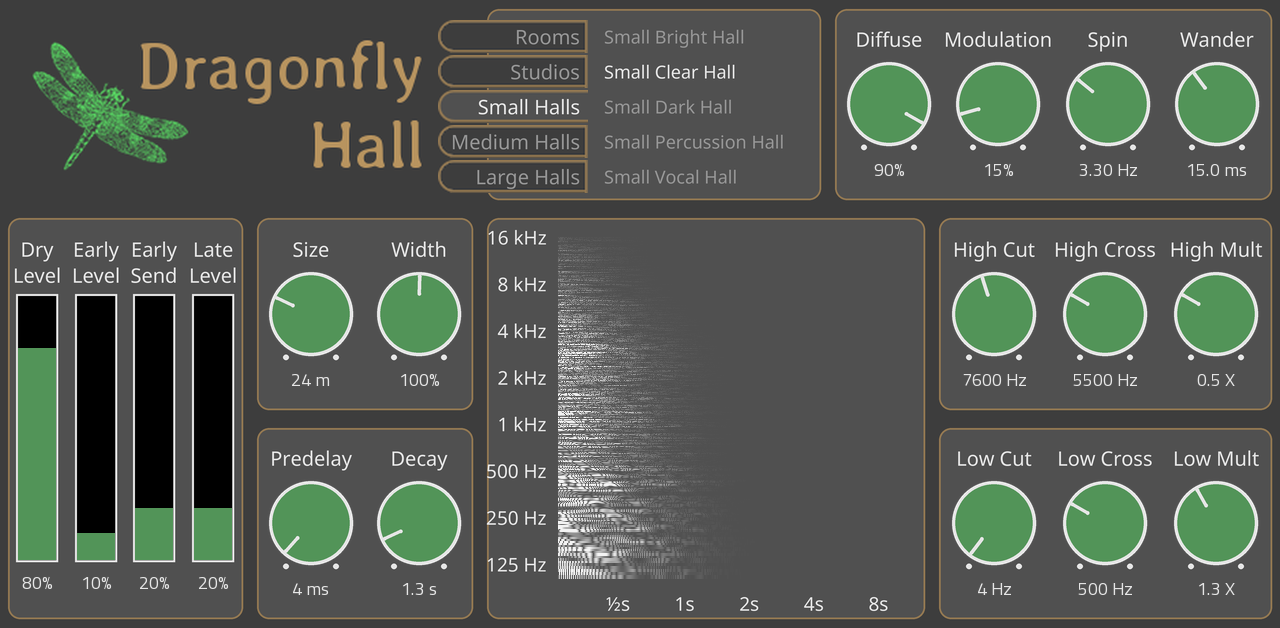
Dragonfly Hall reverb for MPC OS Gen1 - Port of Dragonfly Reverb Hall
Plate
by gmorb · v1.3.0 · 3,522 downloads
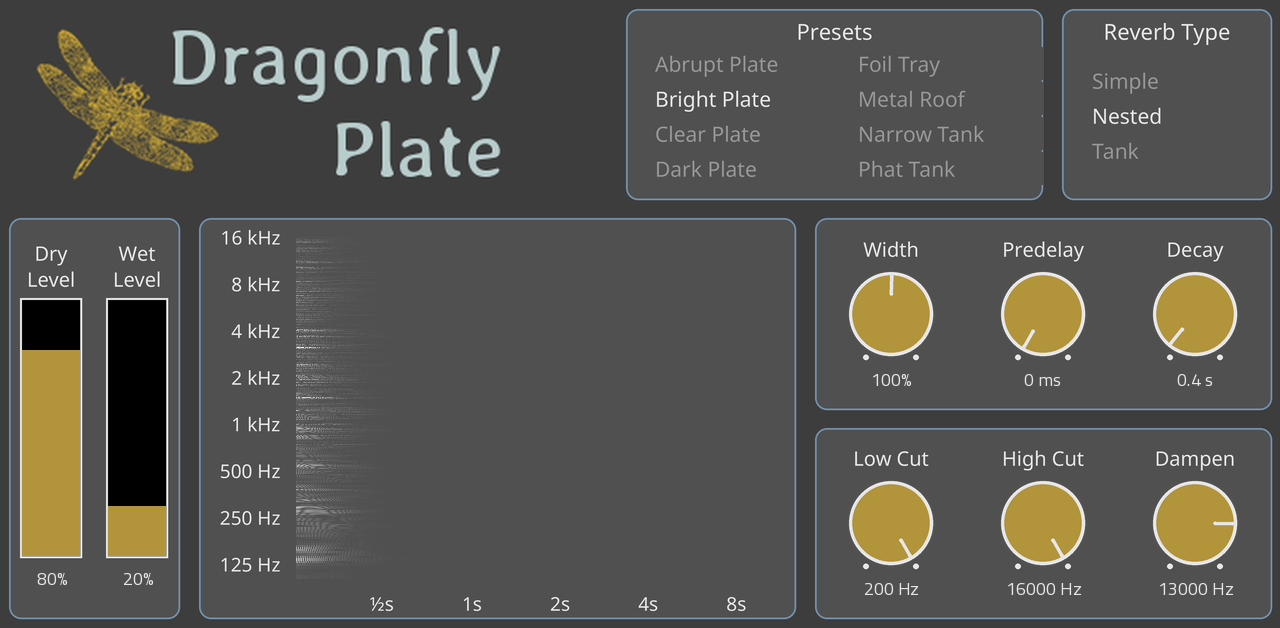
Dragonfly Plate reverb for MPC OS Gen1 - Port of Dragonfly Reverb Plate
Room
by gmorb · v1.3.0 · 3,414 downloads
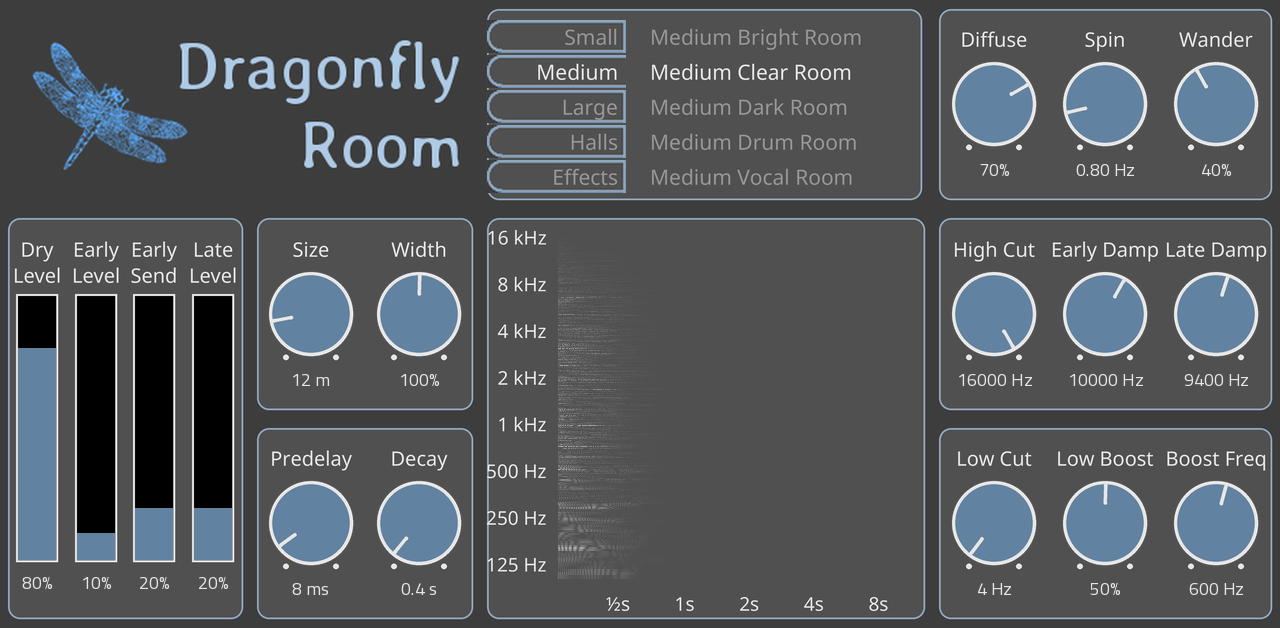
Dragonfly Room reverb for MPC OS Gen1 - Port of Dragonfly Reverb Room
Early Reflections
by gmorb · v1.3.1 · 3,049 downloads
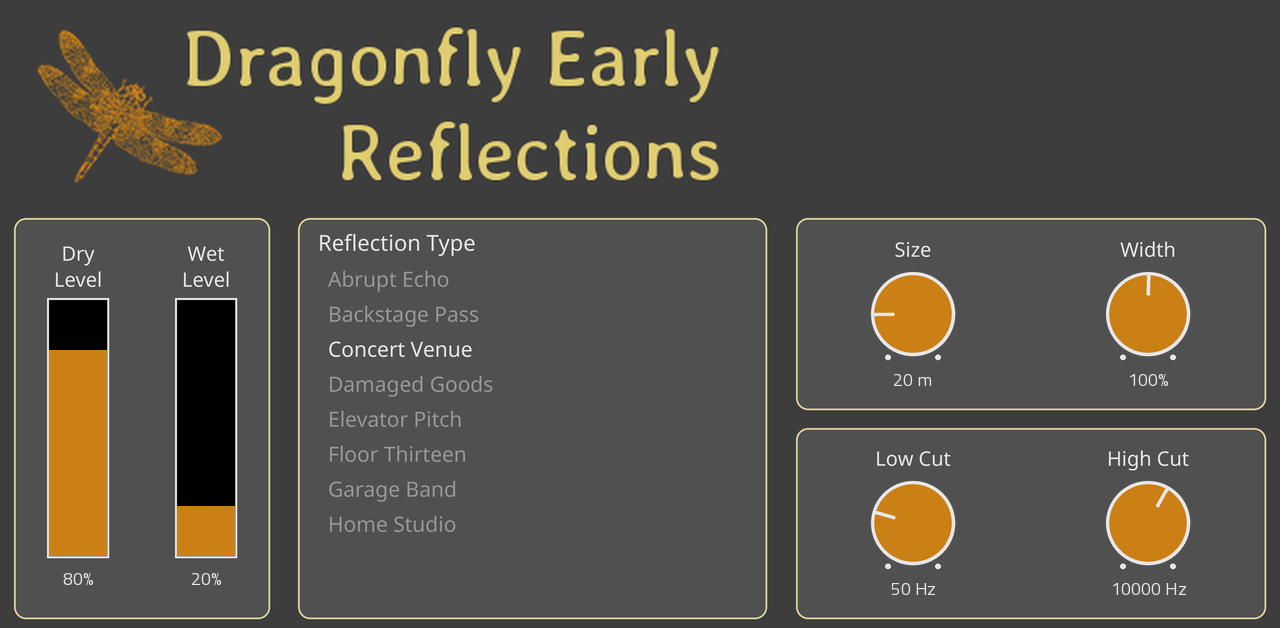
Dragonfly Early Reflections reverb for MPC OS Gen1 - Port of Dragonfly Reverb Early Reflections
MatrixVerb
by mmiroshnikov · v1.0.0 · 2,170 downloads
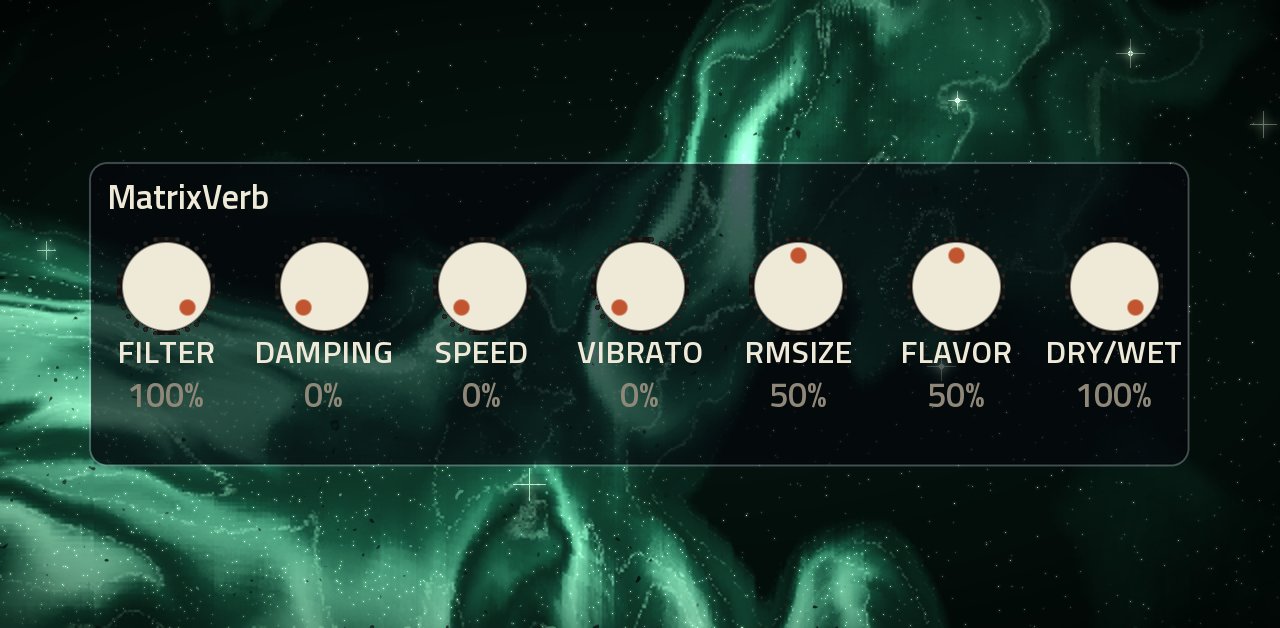
Airwindows MatrixVerb (MIT), as an MPC insert effect.
Verbity2
by mmiroshnikov · v1.0.0 · 2,095 downloads
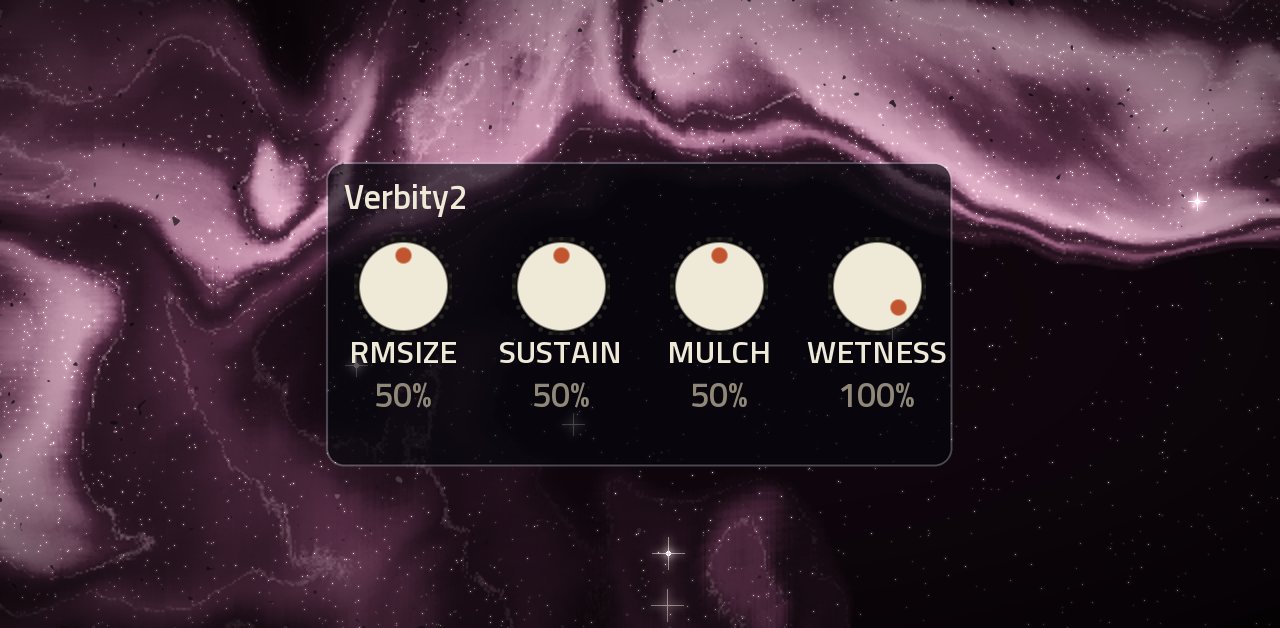
Airwindows Verbity2 (MIT), as an MPC insert effect.
MPC Multihead Echo
by mitchoster · v1.0.3 · 1,917 downloads
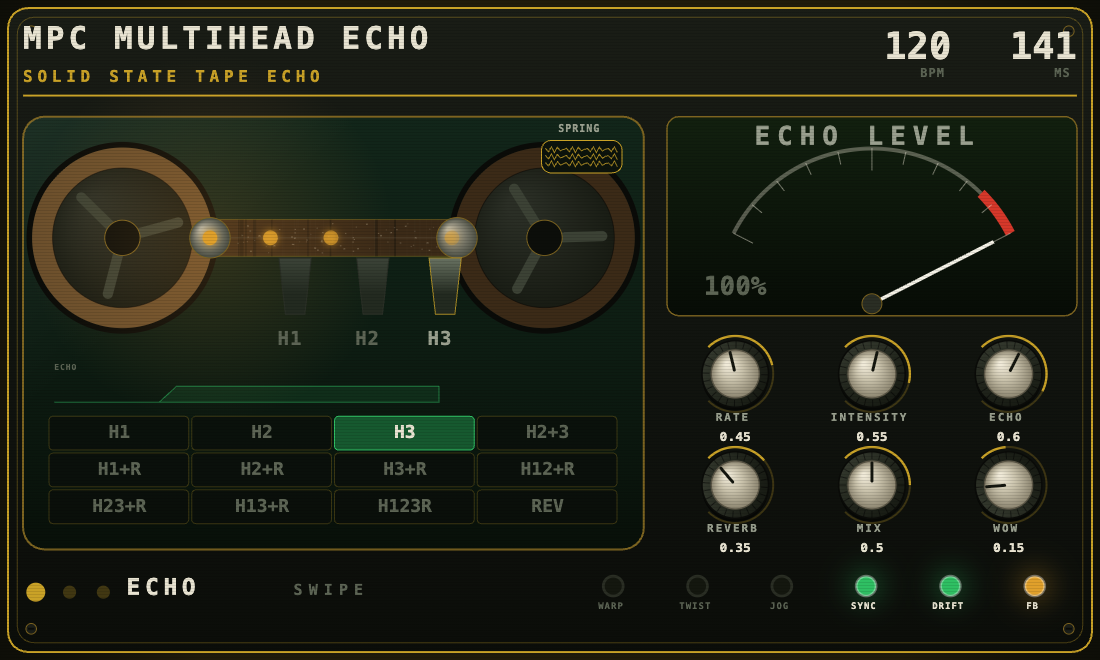
Three-head tape echo for Akai MPC and Force standalone: 12 head modes, three preamp characters, tape wear, tempo sync, spring reverb and a companion screen in the browser
Tidal Verb
by fullbann · v1.6.0 · 1,837 downloads
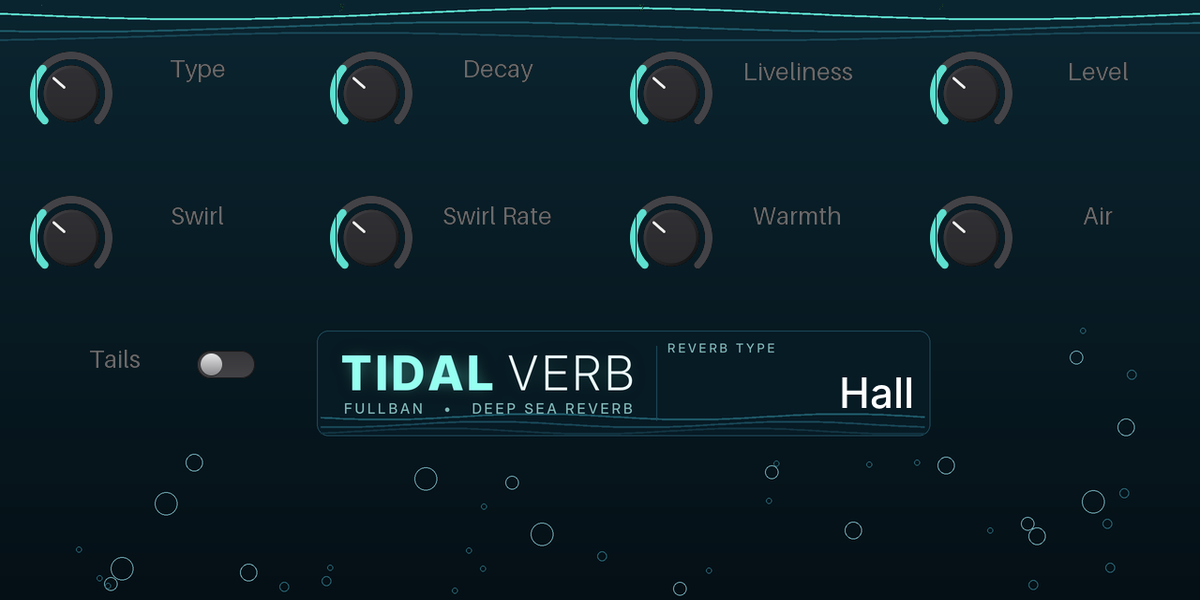
vst2 reverb
To improve this listing (for the creator)
- add a tested.json entry for the newest release (device and MPC OS)
- publish a Gen2 (aarch64) build
- explain the flagged behavior (network, running programs, installer commands) in the README
Made this plugin? Add our badge to your README
 Paste this into your GitHub README. It updates itself when your plugin gets the Tested & Working badge.
[](https://thediskking.com/plugins/mpc-dj-fx-2/)