MS2KR
Free MPC Instrument plugin by sd88me · v0.2.1 · Nov 18, 2026 · 1,518 downloads
1,518
Downloads
2
GitHub stars
v0.2.1
Latest version
Nov 18, 2026
Updated
User rating
No ratings yet. Be the first.
Used it? Rate it:
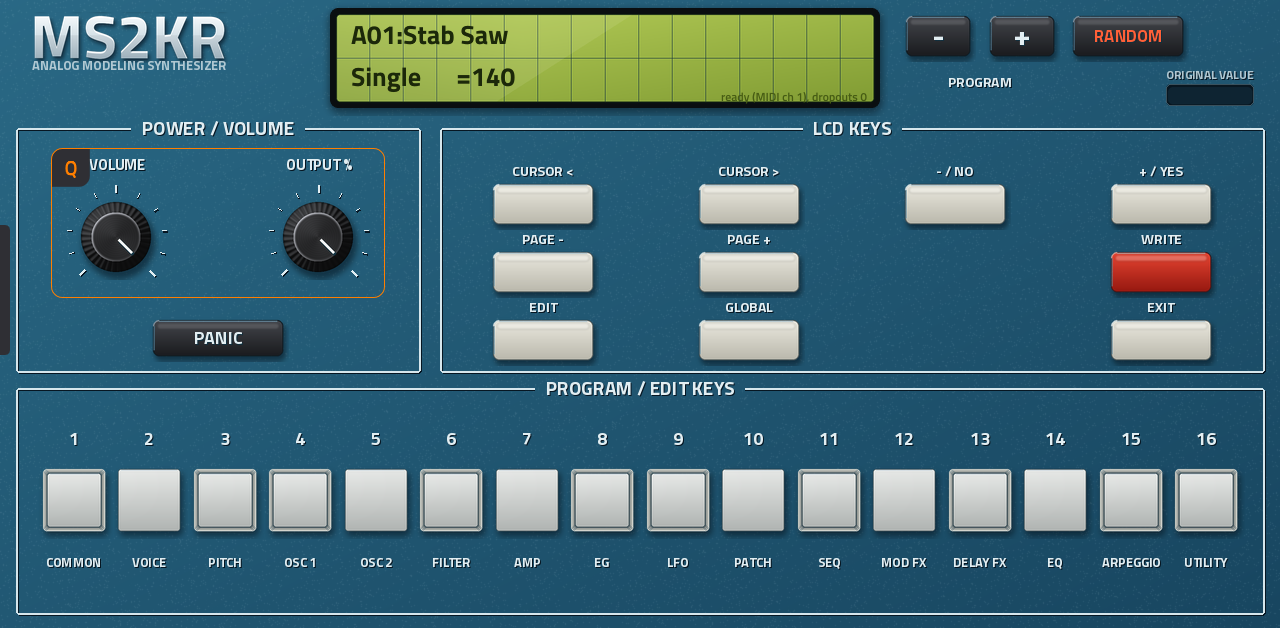
The MS2000R analog-modeling synthesizer Emulator running as a VST2 plugin for Akai MPC Gen2 standalone devices. It is not a re-creation of the sound: it runs the synthesizer's own firmware.
The MS2000R analog-modeling synthesizer as a native instrument plugin for Akai MPC Gen2 standalone devices (MPC Live III and other aarch64 models), with a touchscreen skin laid out like the real front panel and Q-Link control on every page.
Download MS2KR v0.2.1
✓ Tested & working
The creator reports testing this exact version on real hardware: MPC Live III (Gen2), MPC OS 3.10.1. This is the creator's own report, not a guarantee from The Disk King. Still back up first.
Before you install
- Needs
- 64-bit MPC (Live III and others) and your own MS2000R firmware dump (flash.bin and boot-362.bin)
- Your own files
- MS2000 / MS2000R ROMs (not included: you supply them)
✓ Safety check passed
- ✓ Download matches the checksum GitHub lists
- ✓ Built for: Gen2 (64-bit ARM), Akai SDK
- ✓ Runs on: MPC OS 3.x / MPC OS 3.x only
- ✓ No internet, web server, program-launching or system-changing functions found
- ✓ Nothing risky found in its installer
An automatic look at the files, not a guarantee: it can't see everything a program does. Always back up first.
Disclaimer: use entirely at your own risk
This plugin is made, owned and shared by an independent developer, not by The Disk King and not by Akai Professional or inMusic. The Disk King only lists it; the download comes directly from the developer's GitHub. The Disk King did not make, test, review or check it for safety and makes no promise that it works, is safe, or is free of bugs or harmful code.
Plugins install into your MPC's system and can crash it, corrupt or lose projects and samples, or require reinstalling MPC OS. Save your work and back up your MPC before installing anything.
Everything here is provided "as is", with no warranty of any kind. To the fullest extent the law allows, The Disk King is not responsible or liable for any damage, data loss, device failure, lost income or any other harm from downloading, installing or using any plugin listed here. By downloading or installing, you accept all risk and full responsibility. Full disclaimer.
Works on both Gen1 and Gen2: MPC OS 3.10.1 or later (Akai SDK)
MS2KR-0.2.1-mpc-sdk.zip 4.7 MB
sha256: b75898869f6a329f633143f7676c53101e62c44b6acc3bd4bb5d1f39c78ae67e
Gen2: MPC Live III, One G2, Key G2, XL
MS2KR-0.2.1-mpc-aarch64.zip 4.7 MB
sha256: 75c9191c4b7f958204af1192a0a2bd0a32ac1e408dda3fa1e8d96f84b6ab7300
Downloads come straight from the creator's GitHub. Check the sha256 matches before installing. New to plugins? How to install plugins on MPC OS 3.10.1.
✓ Easy install on MPC OS 3.10.1: copy one folder
- Works-on-both download: unzip it and copy
sd88me - VST - MS2KRintoVST2 Pluginson your drive. - Gen2 download: unzip it and copy
sd88me - VST - MS2KR(insideMS2KR-0.2.1/portable/) intoVST2 Pluginson your drive.
Turn on External Plugin Support first. Full step-by-step guide.
Tested working on
- MPC Live III (Gen2), MPC OS MPC OS 3.10.1 (Nov 18, 2026)
Version history
v0.2.1 Nov 18, 2026 · 699 downloads
# MS2KR 0.2.1 A packaging release: the sound engine and the screens are the same as 0.2.0. ## What's new - **Your ROMs in the OpenMPC Plugin Manager**: MS2KR's page in the manager now has a "Your ROMs and files" step for the dumps MS2KR needs. The 1 MB main flash is saved as `flash.bin` whatever its file name; the 768-byte DSP boot ROM is kept under its own name, `boot-362.bin` or the corrected copy `boot-362.ms2000.bin` (used first when both are there). They go in `Content/roms/`. - **Favourites survive the installer**: `Content/favourites.dat` is now listed as your data in the `install.sh` zip too (the catalog zip already kept it), so an upgrade or uninstall no longer drops your favourites. - **README**: install steps per format (SDK folder or `install.sh`, by hand or with the Plugin Manager), and a section on backing up your favourites, programs and ROMs. ## Install - `MS2KR-0.2.1-mpc-aarch64.zip`: run `install.sh` on the device as root (or use the Plugin Manager). An older install is upgraded in place; your ROMs, the machine's stored programs and your favourites are kept. - `MS2KR-0.2.1-mpc-sdk.zip`: copy the folder `sd88me - VST - MS2KR` into a `VST2 Plugins` folder on a drive of the MPC and put your ROM dumps (`flash.bin`, `boot-362.bin`) in its `Content/roms/`. Needs Preferences → Enhancements (Beta) → Enable Enhancements and External Plugin Support switched on. Use one of the two, not both. 64-bit MPCs only (Live III and others); the Force and the 32-bit MPCs are not supported. Your own MS2000 / MS2000R ROM dumps are required and not included.
v0.2.0 Nov 17, 2026 · 394 downloads
# MS2KR 0.2.0 MS2KR gets a new native MPC screen modelled on the MS2000R's front panel, with RANDOM and named favourites. The sound is unchanged: it is still the synthesizer's own firmware running on an emulated H8S and DSP56362. ## What's new - **A new screen, 6 pages** (PLAY, BANKS, OSC, FILTER / EG, LFO / FX / PATCH, ARP / SEQ), drawn like the panel: knurled knobs on printed scales, black and cream keys, the 16 square program keys, and one green LCD that shows the firmware's own two lines with the engine status under them. The second, boxed names on the panel (the vocoder functions) are printed only where they differ from the main name. - **The 16 program keys work as on the hardware**: outside EDIT they pick program 1-16 of the current bank, in EDIT they pick the edit page. The PROGRAM readout, the bank tiles and the favourites menu now follow a program picked this way (they did not before). - **RANDOM** (PLAY and BANKS): a random program. - **Named favourites**: **+FAV** opens an on-screen keyboard with the sound's name (up to 20 characters); edit it and SAVE. Favourites are in MPC's PRESET list. Favourites made with 0.1.0 are kept. - **BANKS**: the selected bank and program stay lit with their names visible. - **Projects now restore their sound**: a project saved with 0.1.0 (or 0.2.0) that is opened before the machine has booted comes back with its program and edited sound; before, the program change and edit were never sent to the machine and the project could open on A01. - The parameter order is unchanged, so automation and Q-Link assignments from 0.1.0 projects carry over. ## Install - `MS2KR-0.2.0-mpc-aarch64.zip`: run `install.sh` on the device as root (or use the Plugin Manager). A 0.1.0 install is upgraded in place; your ROMs, the machine's stored programs and your favourites are kept. - `MS2KR-0.2.0-mpc-sdk.zip`: copy the folder `sd88me - VST - MS2KR` into a `VST2 Plugins` folder on a drive of the MPC and put your ROM dumps (`flash.bin`, `boot-362.bin`) in its `Content/roms/`. Needs Preferences → Enhancements (Beta) → Enable Enhancements and External Plugin Support switched on. Use one of the two, not both. 64-bit MPCs only (Live III and others); the Force and the 32-bit MPCs are not supported. Your own MS2000 / MS2000R ROM dumps are required and not included. ## Notes - Tested on an MPC Live III as a beta build with its own uid (loaded, every page, tiles); the final skin tweaks after that (lit tiles, the panel labels) are not separately device-tested. A 0.1.0 project was tested offline with a real 0.1.0 project chunk; loading one on the device, save/reload on the device and the install.sh upgrade were not tried before this release. - A few dropouts can still happen when stepping through programs very fast; the status line under the LCD shows the dropout count.
v0.1.0 Nov 15, 2026 · 425 downloads
First release of **MS2KR for MPC**: the MS2000R analog-modeling synth as a plugin instrument for MPC Gen2 standalones (MPC Live III and other aarch64 MPCs) on MPC OS 3.10 or later. It runs the synth's own firmware on an emulated main CPU and DSP (ms2000r-emu by Tuth), so programs, vocoder, arpeggiator, mod sequencer and effects behave like the hardware. - Six-tab touchscreen skin laid out like the front panel (PLAY, BANKS, OSC, FILTER/EG, LFO/FX/PATCH, ARP/SEQ), Q-Link control, the LCD live on every page. - Favourites in MPC's PRESET menu. - About 50% of one fast core on a Live III. Stepping through programs very quickly can still cause a few dropouts. Install: unzip, copy the folder to `VST2 Plugins` on a drive, and put your own `flash.bin` and `boot-362.bin` in `Content/roms/` (no ROM is included). When updating, keep your `Content` folder. Enable Preferences > Enhancements (Beta) > Enable Enhancements and VST2 Support. See the [README](https://github.com/sd88me/mpc-vst-ms2kr#readme). GPL-3.0.
More plugins like this
Euclid
by sd88me · v2.0.0 · 10,186 downloads
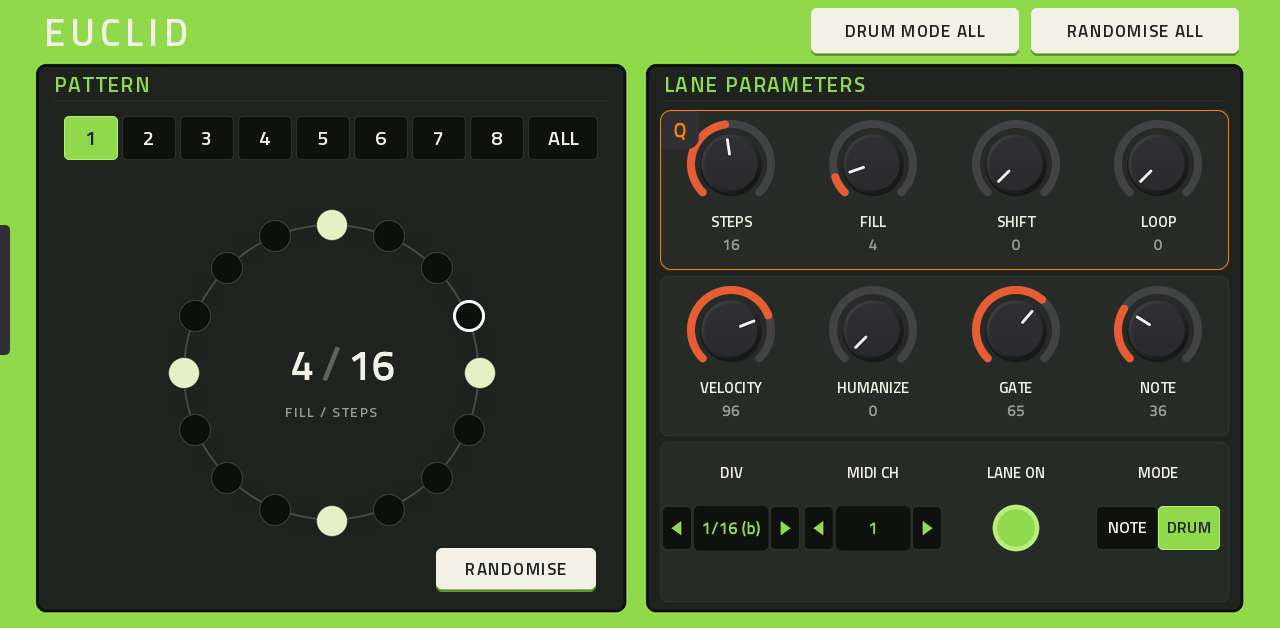
Euclid is an 8-lane Euclidean MIDI sequencer for Akai MPC OS standalone devices
LXRXXL BAZZLINE
by sunskiefer · v0.2.10 · 7,680 downloads
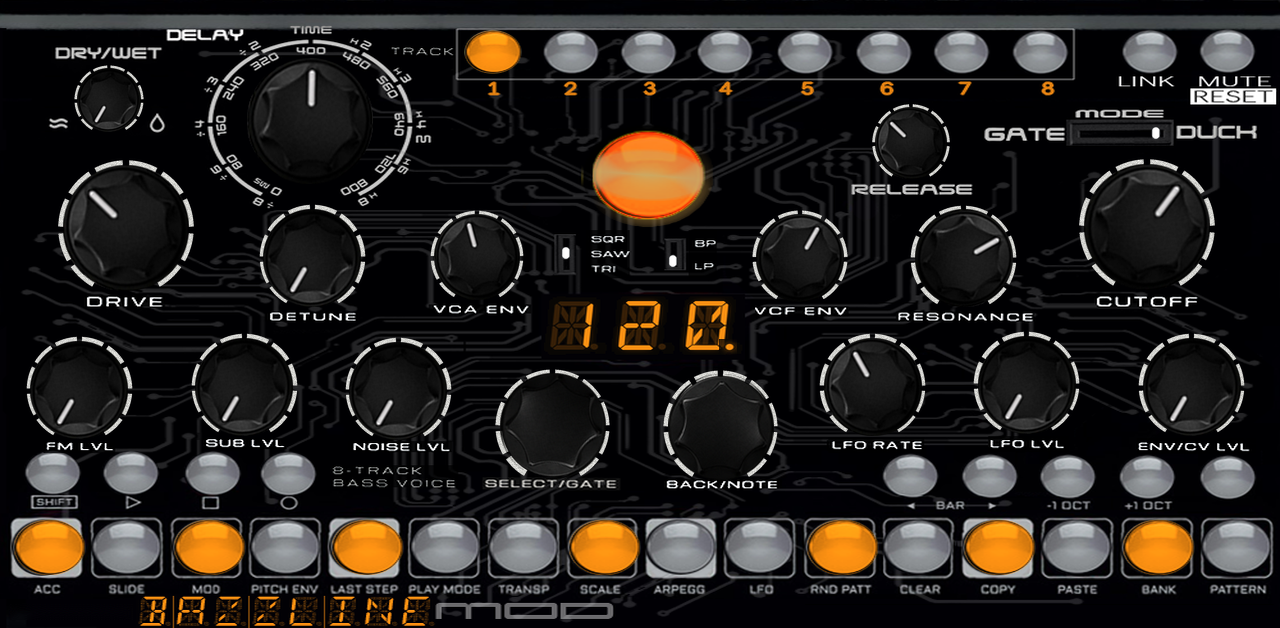
LXRXXL BAZZLINE IS A BASSLINE 8 VOICE SYNTH
JN 106
by sd88me · v0.2.0 · 5,468 downloads
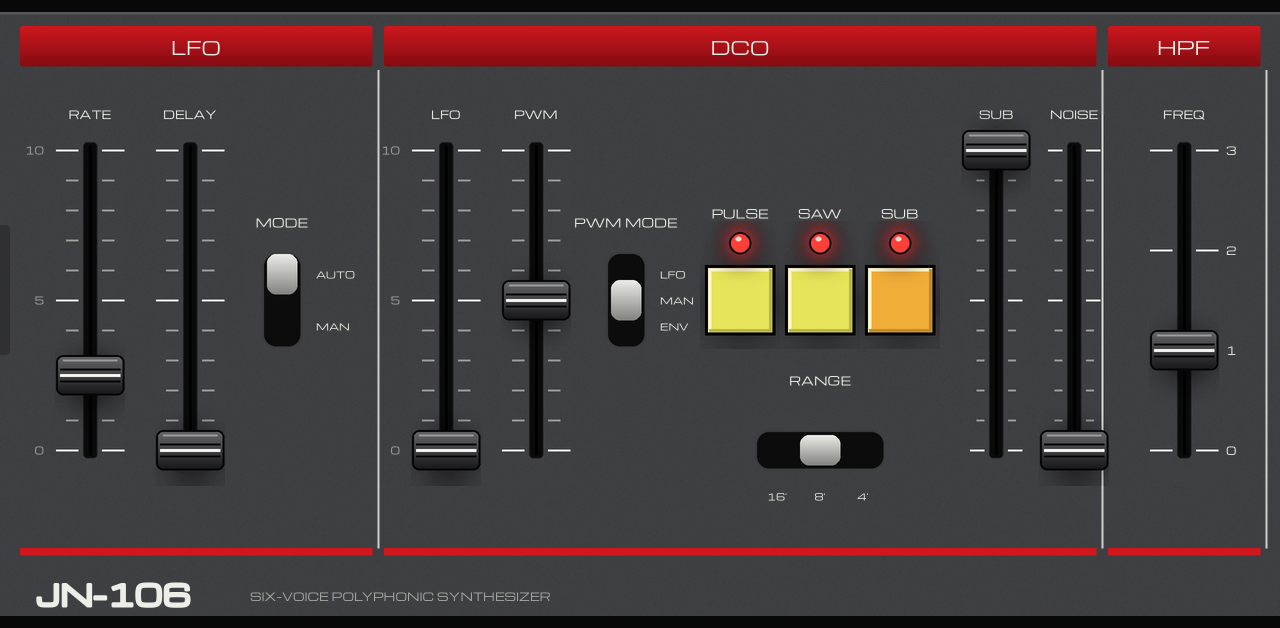
A faithful, circuit-modelled and hardware-profiled six-voice Juno emulation for Akai MPC OS standalone devices. The DSP is Ultramaster KR-106 by Karl LaRocca:
LXRXXL ZYNTH
by sunskiefer · v0.2.2 · 3,753 downloads
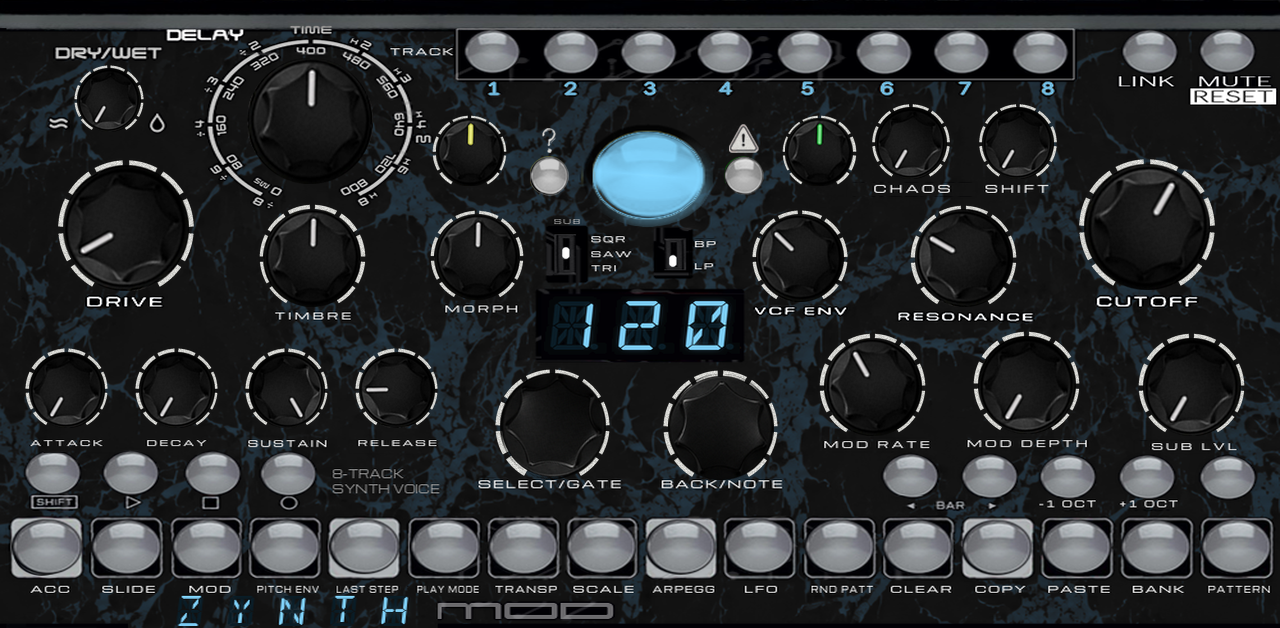
LXRXXL Synth MOD.
SurgeXXL
by sunskiefer · v0.2.0 · 3,225 downloads
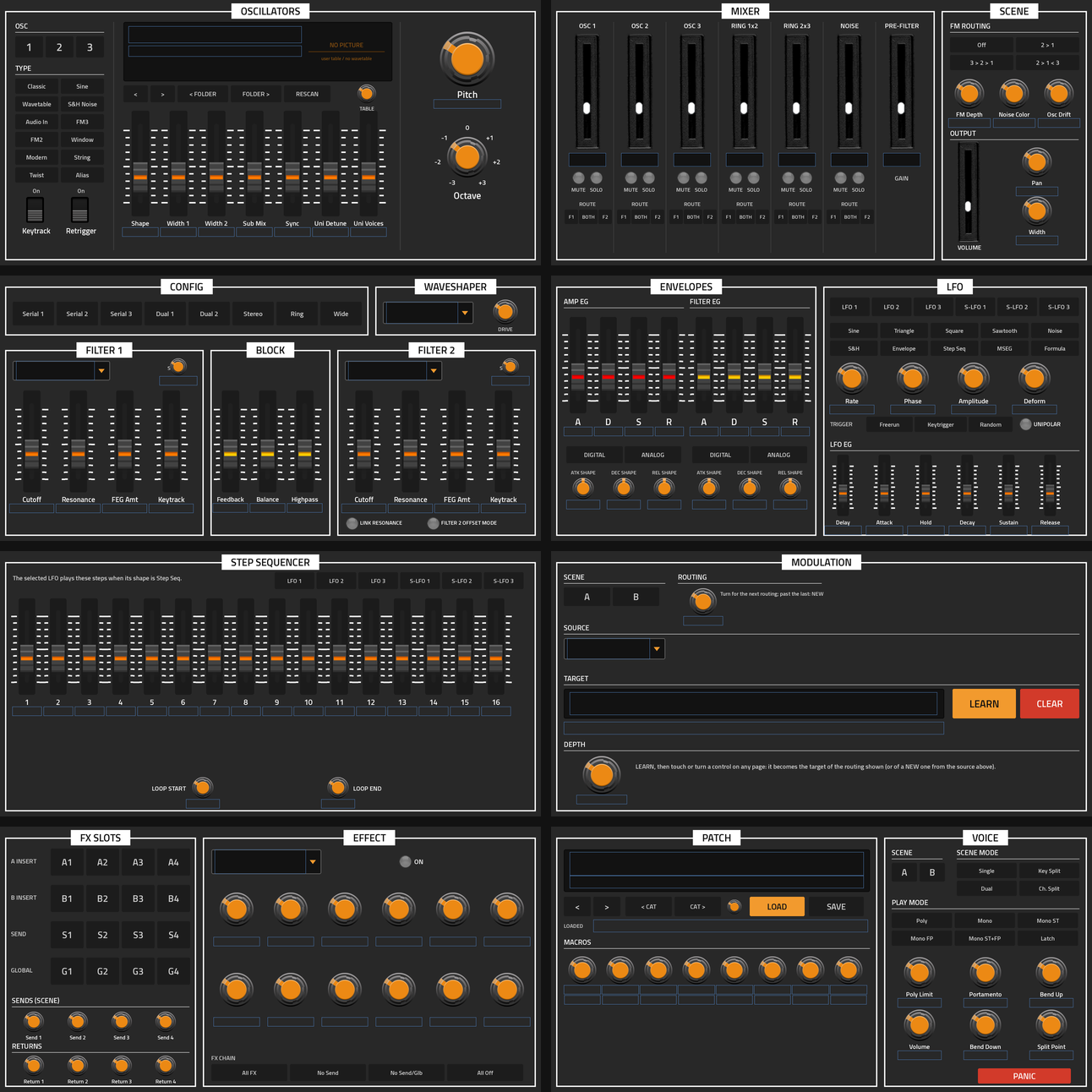
Surge ported to MPC os full open source. Slight change to the code to be able to run on the mpc system. All the effects. Load surge patches and wavetables including your ones. Full wave table synth on MPC os.
CSXXL
by sunskiefer · v1.0.13 · 2,276 downloads
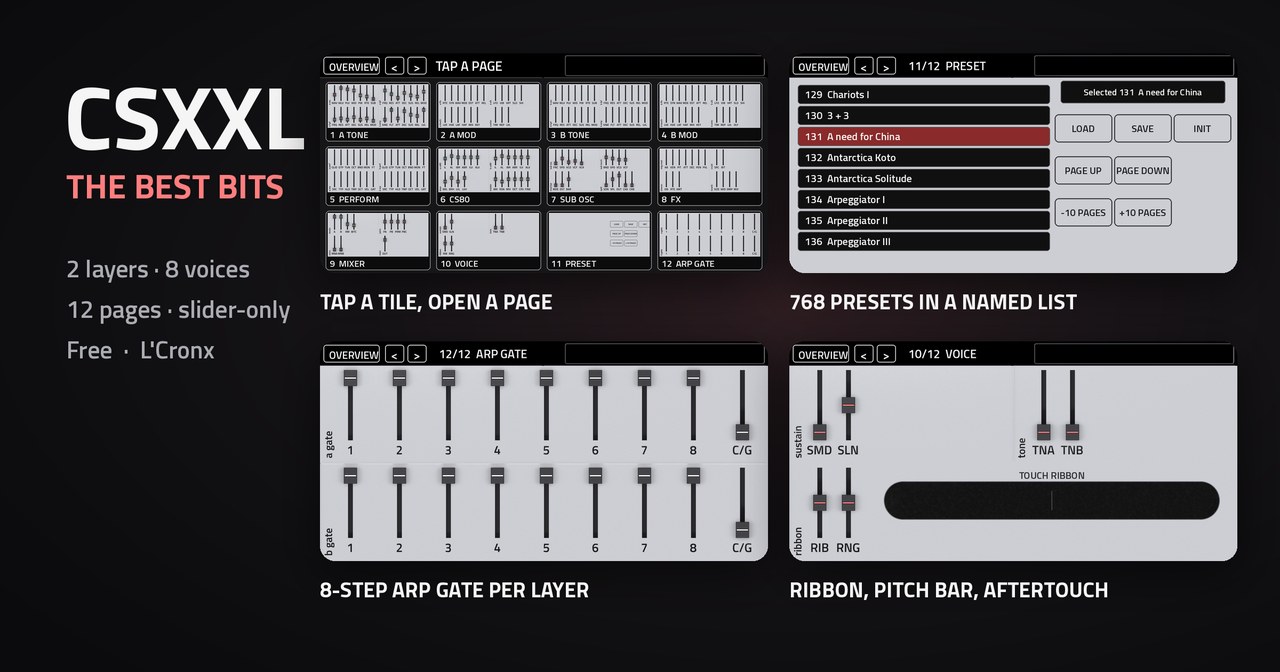
CSXXL is a two-layer, polyphonic synthesizer for the Akai Force and MPC OS, in the spirit of the Yamaha CS-80. It is a completely new build, not a port. The voices and tones are written from Deckard’s Dream voice notes, and the circuits are self-built schematics, emulated in code. Ships with presets, room for up to 1500 presets. Free, not for sale.
VADER
by sunskiefer · v0.10.7 · 1,898 downloads
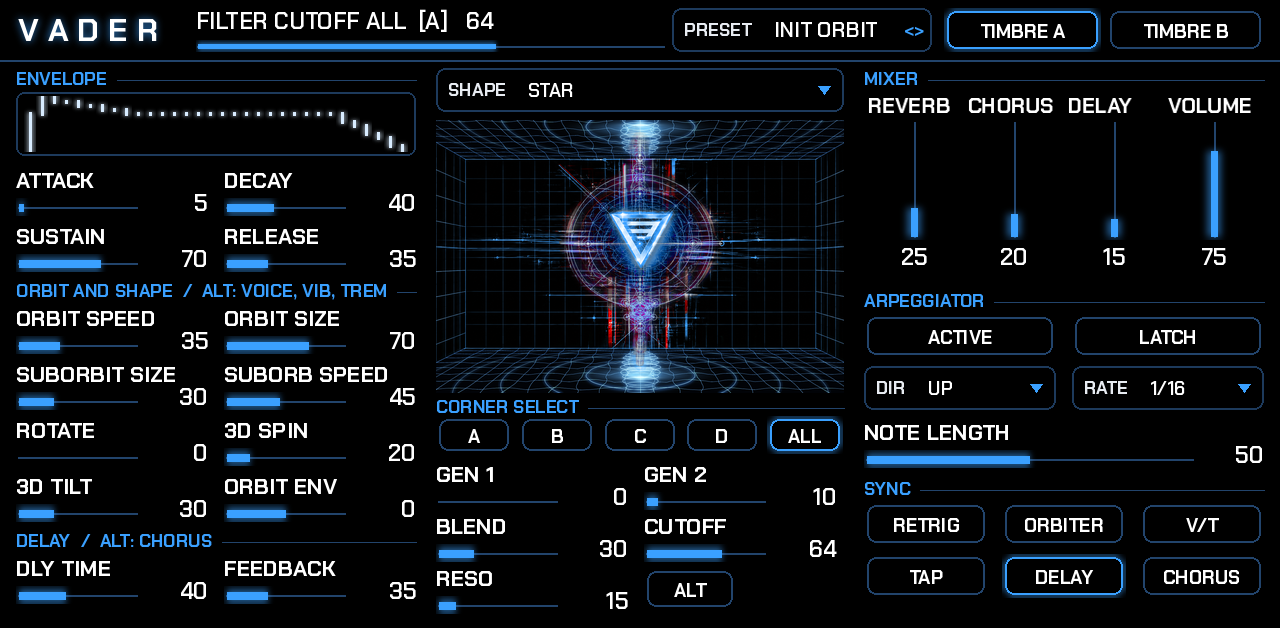
Orbit-based vector synth for Akai Force / MPC OS (VST2) — load SVG, 3D or image shapes to drive the sound.
Welle
by sd88me · v0.3.1 · 1,751 downloads
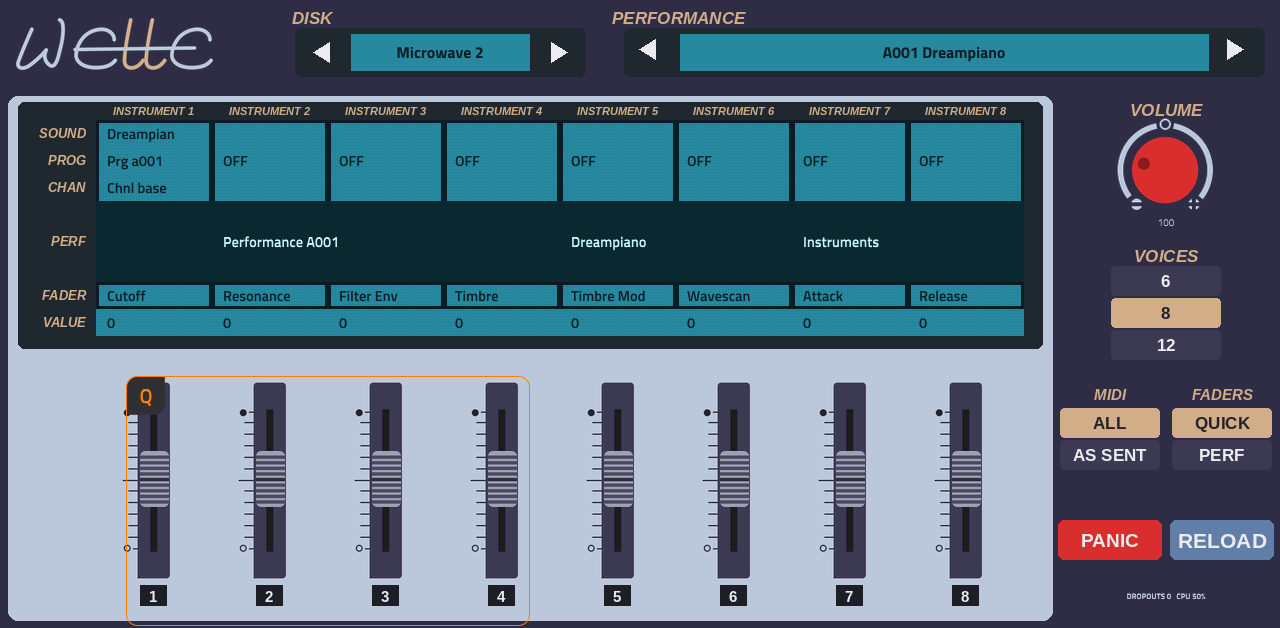
A Waldorf Wave emulation that runs as a plugin instrument on Akai MPC Gen2 standalone devices built on the emulation by mo0kid: a model of the Wave's voice circuits driven by the instrument's own OS 1.700, running on emulated 68000s.
Made this plugin? Add our badge to your README
 Paste this into your GitHub README. It updates itself when your plugin gets the Tested & Working badge.
[](https://thediskking.com/plugins/ms2kr/)