Mutable Vibe MPC
Free MPC Instrument plugin by nachtaktiv303 · v0.9.3 · Oct 23, 2026 · 4,925 downloads
4,925
Downloads
1
GitHub stars
v0.9.3
Latest version
Oct 23, 2026
Updated
User rating
No ratings yet. Be the first.
Used it? Rate it:
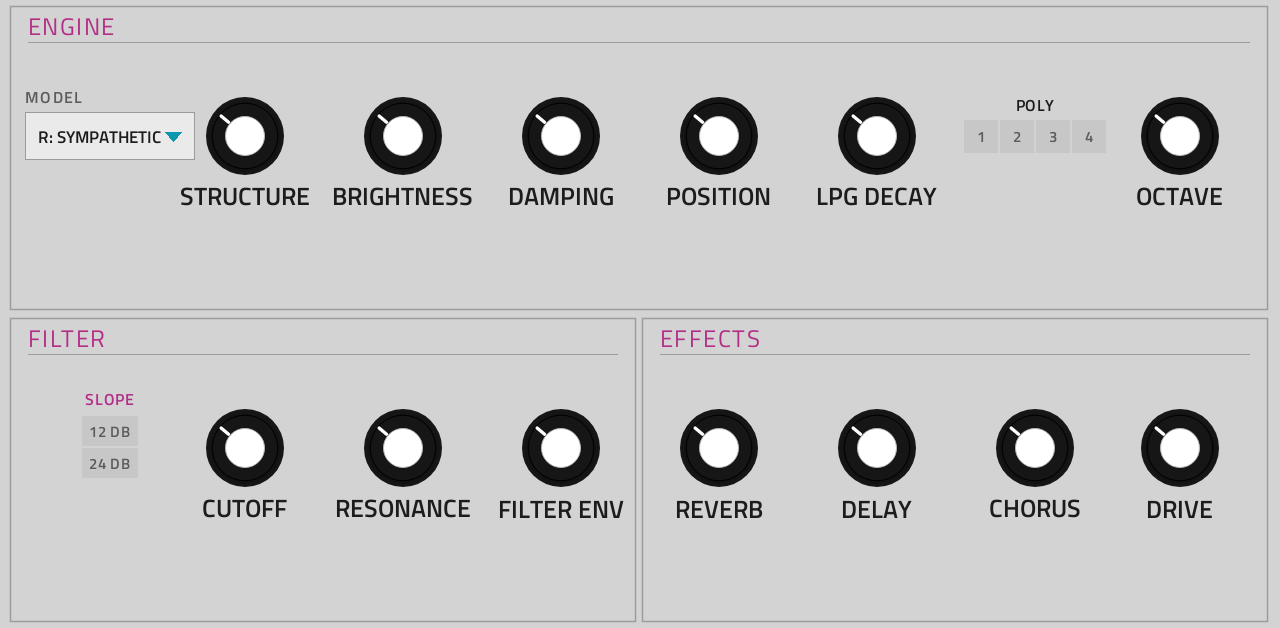
Mutable Instruments Rings + Plaits as a native Akai MPC OS VST2 instrument
Mutable Vibe MPC brings the Rings resonator and the Plaits macro-oscillator into a single VST2 instrument that runs inside MPC OS — no bridge, no background app. It plays from pads, keys and the sequencer, turns with the Q-Links, and saves with the project, with its own native MPC touchscreen pages.
Download Mutable Vibe MPC v0.9.3
⚠ Not yet tested on hardware
This is a finished release, but the creator hasn't recorded a test of this version on a real MPC or Force. It may work fine; it may not. Back up first and try it on a project that doesn't matter.
✓ Safety check passed
- ✓ Download matches the checksum GitHub lists
- ✓ Built for: Gen1 (32-bit ARM)
- ✓ Runs on: MPC OS 2.x and 3.x
- ✓ No internet, web server, program-launching or system-changing functions found
- ✓ Nothing risky found in its installer
An automatic look at the files, not a guarantee: it can't see everything a program does. Always back up first.
Disclaimer: use entirely at your own risk
This plugin is made, owned and shared by an independent developer, not by The Disk King and not by Akai Professional or inMusic. The Disk King only lists it; the download comes directly from the developer's GitHub. The Disk King did not make, test, review or check it for safety and makes no promise that it works, is safe, or is free of bugs or harmful code.
Plugins install into your MPC's system and can crash it, corrupt or lose projects and samples, or require reinstalling MPC OS. Save your work and back up your MPC before installing anything.
Everything here is provided "as is", with no warranty of any kind. To the fullest extent the law allows, The Disk King is not responsible or liable for any damage, data loss, device failure, lost income or any other harm from downloading, installing or using any plugin listed here. By downloading or installing, you accept all risk and full responsibility. Full disclaimer.
Gen1: MPC Live, Live II, One, X, Key, Force
Mutable-Vibe-MPC-0.9.3-mpc-armv7.zip 1.1 MB
sha256: 222eeb86c00fc36d31018111845650cf22b41da9ea38fcc36d05fd54fc25e5b2
Downloads come straight from the creator's GitHub. Check the sha256 matches before installing. New to plugins? How to install plugins on MPC OS 3.10.1.
Can't be copied by hand on MPC OS 3.10.1
This release's plugin folder has no plugin.json, which 3.10.1 needs to list it. Use the creator's installer (see INSTALL.md in the zip), or ask the creator for a 3.10.1 release. Why?
Tested working on
The creator hasn't recorded a hardware test for this version yet.
Version history
v0.9.3 Oct 23, 2026 · 1,964 downloads
Rebuilt on the fixed mpc-vst-plugins wrapper: physical Q-Links now move plugin parameters on the track **automation** screen (previously they snapped back). No sound or feature changes. - Upstream wrapper fix (sd88me/mpc-vst-plugins #486–489): a plain parameter write no longer forces an `audioMasterUpdateDisplay`. - `refresh_display` on MODEL (so its dynamic knob names keep following the model) and on DELAY SYNC (TIME readout, ms vs division). - Ships `params.lock`. Verified on an MPC One: automation Q-Links fixed, MODEL / DELAY SYNC labels still follow.
v0.9.2 Oct 6, 2026 · 1,162 downloads
Mutable Instruments Rings + Plaits in one synth: 6 resonator models and 14 melodic macro-oscillator engines, with filter, FX, 4 envelopes, 4 LFOs, a mod matrix and tempo sync, plus a touchscreen skin and Q-Links. ## Requirements - A first-generation MPC OS standalone device (32-bit ARM, like the Force, MPC Live / Live II, One, X and Key 61). The installer refuses anything else. Newer models are untested. - **Root shell access** (SSH) to the device. Stock MPC OS doesn't offer this; you need a modded unit. - Tested on MPC OS with a Force. Installing plugins this way is unofficial: back up first, use at your own risk. ## Install (scripted) 1. Unzip, then copy the whole folder to the device, e.g. `scp -r Mutable-Vibe-MPC-0.9.2 root@<device-ip>:/tmp/` 2. Run it: `ssh root@<device-ip> sh /tmp/Mutable-Vibe-MPC-0.9.2/install.sh` The installer checks the device, **stops MPC** (save your project first), copies `portable/nachtaktiv303 - VST - Mutable Vibe MPC/` (the plugin, its skin and its data, as one folder) into `/sdcard/Synths`, backs up `MPC.settings`, adds the plugin to MPC's plugin list from the folder's `plugin-meta.xml` and starts MPC again. Running it again upgrades in place, keeping your own files. An older install of this plugin (the previous layout, with the `.so` in `/sdcard/vst`) is replaced, not duplicated. `-y` skips the confirmation prompt; `-t <folder>` installs into another Synths folder (for example on a card). Then add **Mutable Vibe MPC** to a track from the plugin browser (Instrument plugins). Its screen appears in the plugin view, and the Q-Links follow the page. Full instructions, including installing by hand, are in `INSTALL.md` inside the zip. --- Built by GitHub Actions from nachtaktiv303/mpc-vst-mutable-vibe@f93ffae with mpc-vst-plugins@f8ff4cb.
v0.9.1 Oct 3, 2026 · 992 downloads
Polyphony/chord clipping fixed (0.75-knee soft-clip + 1/sqrt(poly) voice headroom). Bigger knob labels. Effect sends labelled AMOUNT; OVERVIEW "EFFECTS" section. Default model R: SYMPATHETIC; delay defaults to tempo-sync; enum defaults corrected (filterSlope now 24 DB). Q-Links reorganised in visual reading order; segment switches (slope/sync/polarity/poly) are tapped directly instead of on the encoders.
v0.9.0 Oct 1, 2026 · 807 downloads
Mutable Instruments **Rings + Plaits** in one native MPC OS instrument — 20 engines, state-variable filter, reverb / tape delay / chorus / drive, 6 envelopes, 4 LFOs + mod matrix, velocity / mod-wheel / aftertouch, and a 5-page touchscreen skin with Q-Links. > **0.9 preview.** Tested on an MPC One (Gen1). Other Gen1 devices (Live/X/Key/Force) run the same `MPC` program and are expected to work but are unverified. ## Requirements - A first-generation MPC OS standalone device (32-bit ARM: Force, MPC Live/Live II, One, X, Key 61). - **Root shell (SSH)** access — a modded unit. Installing plugins this way is unofficial; back up first, use at your own risk. ## Install 1. Unzip, copy the folder to the device: `scp -r Mutable-Vibe-MPC-0.9.0 root@<device-ip>:/tmp/` 2. Run: `ssh root@<device-ip> sh /tmp/Mutable-Vibe-MPC-0.9.0/install.sh` The installer stops MPC (save your project first), installs the plugin + skin as one folder in `/sdcard/Synths`, backs up `MPC.settings`, registers the plugin, and restarts MPC. Then add **Mutable Vibe MPC** to a track from the Instrument plugin browser. Full manual steps + uninstall are in the zip's `INSTALL.md`. ## Devices with a read-only `/sdcard` or an exfat (noexec) SD card Some Hakai / MockbaMod MPC One setups mount `/sdcard` read-only and only read plugin skins from the exfat SD (`/media/MPCONE/Synths`, `noexec`) and firmware. There the portable installer can't place an executable `.so` where MPC loads it — install by hand with a **split layout** (`.so` to an executable path like `/data/vst/`, skin to the SD `Synths` folder, an explicit `pluginList-arm` entry). See the README's "Devices with a read-only /sdcard" section for the exact steps. (A different SD card doesn't change this — exfat is always `noexec`.) --- Built with the [mpc-vst-plugins](https://github.com/sd88me/mpc-vst-plugins) kit. Rings + Plaits DSP © 2012–2016 Émilie Gillet / Mutable Instruments (MIT).
More plugins like this
ChorusEnsemble
by mmiroshnikov · v1.0.0 · 2,288 downloads
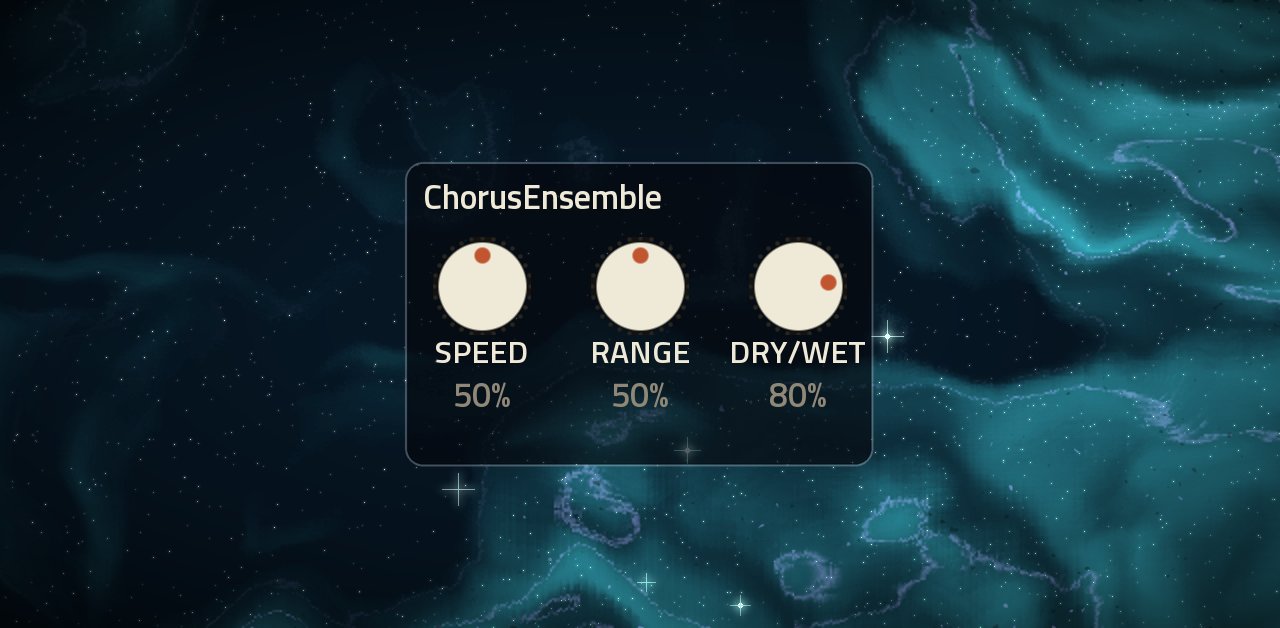
Airwindows ChorusEnsemble (MIT), as an MPC insert effect.
GalacticVibe
by mmiroshnikov · v1.0.0 · 2,122 downloads

Airwindows GalacticVibe (MIT), as an MPC insert effect.
Dub Station
by nachtaktiv303 · v1.0.2 · 3,786 downloads
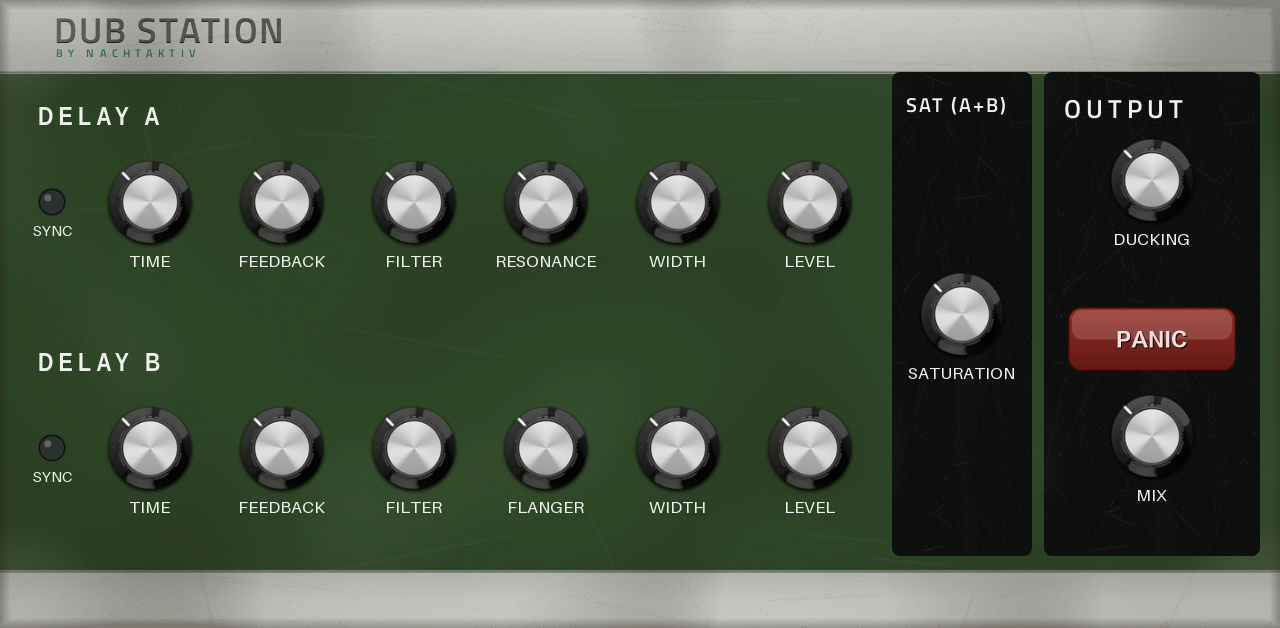
Dub Station — your one-stop effect plugin for dub techno. Native VST2 for standalone Akai MPC/Force (MPC OS 3.x). Not a clone, its own DSP.
Vibe FX
by nachtaktiv303 · v1.0.0 · 2,169 downloads
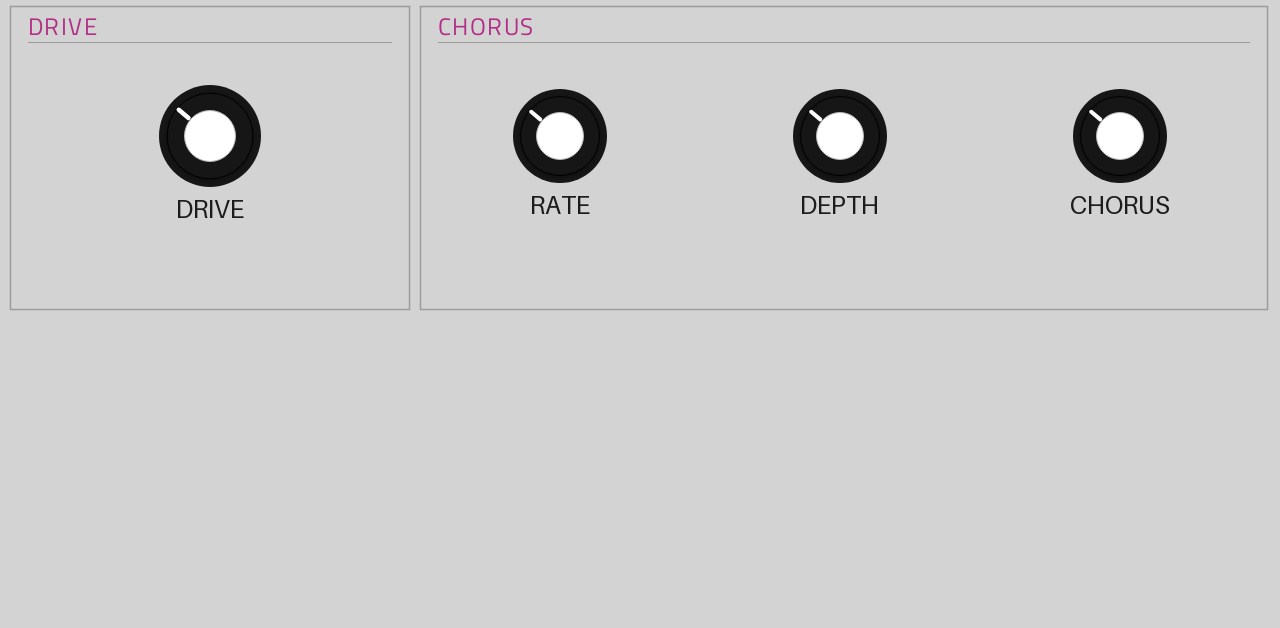
Vibe FX — a native Akai MPC OS insert effect: drive, chorus, reverb and tape delay in one slot (VST2, MPC skin).
To improve this listing (for the creator)
- add a tested.json entry for the newest release (device and MPC OS)
- publish a Gen2 (aarch64) build
Made this plugin? Add our badge to your README
 Paste this into your GitHub README. It updates itself when your plugin gets the Tested & Working badge.
[](https://thediskking.com/plugins/mutable-vibe-mpc/)