Profit 5
Free MPC Instrument plugin by sd88me · v3.0.2 · Nov 24, 2026 · 9,014 downloads
9,014
Downloads
0
GitHub stars
v3.0.2
Latest version
Nov 24, 2026
Updated
User rating
No ratings yet. Be the first.
Used it? Rate it:
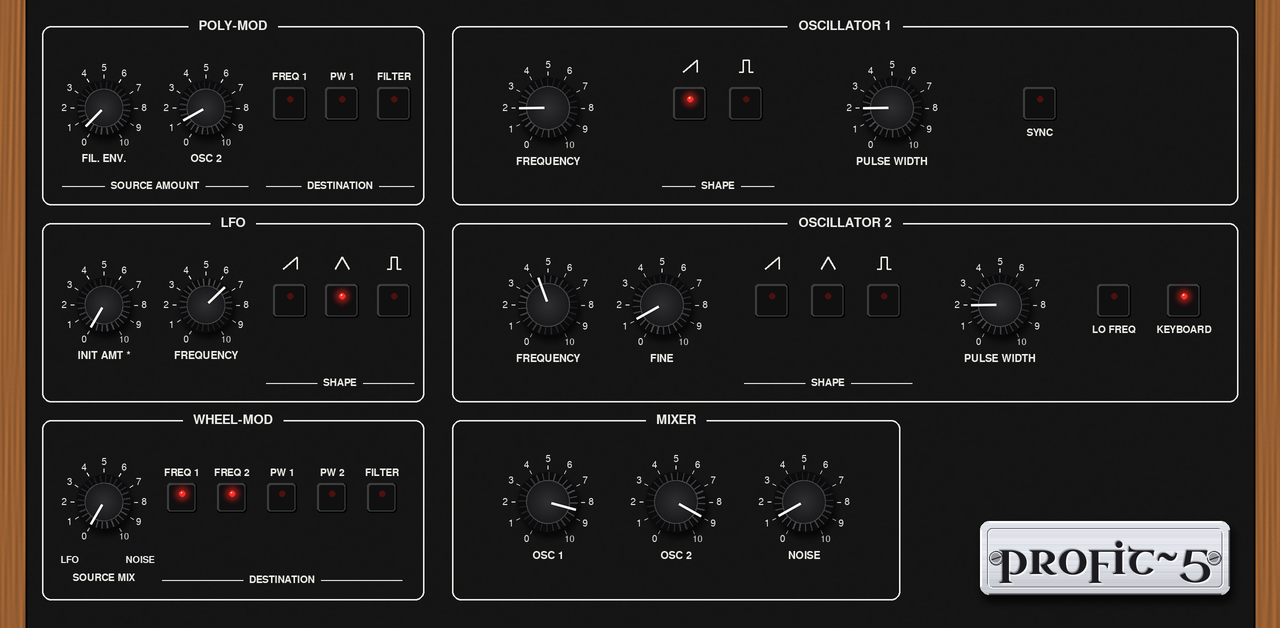
A five-voice analog polysynth circuit modelled on an early SSM-chip Prophet-5 for Akai MPC OS standalone devices (Force, MPC Live / One / X / Key), built as a native VST2 instrument with its own screen skin and Q-Link pages.
A five-voice analog polysynth for Akai MPC OS standalone devices (Force, MPC Live / One / X / Key), built as a native VST2 instrument with its own screen skin and Q-Link pages. It's modelled on an early SSM-chip Prophet-5: two oscillators per voice with hard sync, a four-pole resonant lowpass, Poly-Mod, a wheel-mod section with LFO and noise, glide
Download Profit 5 v3.0.2
✓ Tested & working
The creator reports testing this exact version on real hardware: Akai MPC Live III (Gen2), MPC OS 3.10. This is the creator's own report, not a guarantee from The Disk King. Still back up first.
Before you install
- Your own files
- Patch banks (.syx, .h2p, .zip) (not included: you supply them)
✓ Safety check passed
- ✓ Download matches the checksum GitHub lists
- ✓ Built for: Gen1 (32-bit ARM), Gen2 (64-bit ARM)
- ✓ Runs on: MPC OS 3.x / MPC OS 2.x and 3.x
- ✓ No internet, web server, program-launching or system-changing functions found
- ✓ Nothing risky found in its installer
An automatic look at the files, not a guarantee: it can't see everything a program does. Always back up first.
Disclaimer: use entirely at your own risk
This plugin is made, owned and shared by an independent developer, not by The Disk King and not by Akai Professional or inMusic. The Disk King only lists it; the download comes directly from the developer's GitHub. The Disk King did not make, test, review or check it for safety and makes no promise that it works, is safe, or is free of bugs or harmful code.
Plugins install into your MPC's system and can crash it, corrupt or lose projects and samples, or require reinstalling MPC OS. Save your work and back up your MPC before installing anything.
Everything here is provided "as is", with no warranty of any kind. To the fullest extent the law allows, The Disk King is not responsible or liable for any damage, data loss, device failure, lost income or any other harm from downloading, installing or using any plugin listed here. By downloading or installing, you accept all risk and full responsibility. Full disclaimer.
Gen1: MPC Live, Live II, One, X, Key, Force
Profit-5-3.0.2-mpc-armv7.zip 17.7 MB
sha256: c4858c7c798ba3a493c1e86ce40a3f1e2d0301280725a7ebbf3ff7086c97906b
Gen2: MPC Live III, One G2, Key G2, XL
Profit-5-3.0.2-mpc-aarch64.zip 17.8 MB
sha256: f2888ae2e36611a9a87d8db73bb805d17df0a83db710b3cc9f0ca6bdce753aaa
Downloads come straight from the creator's GitHub. Check the sha256 matches before installing. New to plugins? How to install plugins on MPC OS 3.10.1.
✓ Easy install on MPC OS 3.10.1: copy one folder
- Gen1 download: unzip it and copy
sd88me - VST - Profit-5(insideProfit-5-3.0.2/portable/) intoVST2 Pluginson your drive. - Gen2 download: unzip it and copy
sd88me - VST - Profit-5(insideProfit-5-3.0.2/portable/) intoVST2 Pluginson your drive.
Turn on External Plugin Support first. Full step-by-step guide.
Tested working on
- Akai MPC Live III (Gen2), MPC OS 3.10 (Nov 24, 2026)
Version history
v3.0.2 Nov 24, 2026 · 327 downloads
Relicensed from MIT to GPL-3.0-or-later (the old MIT text stays in LICENSE-MIT; the TinyPro5 MIT notices stay in the import code). No functional change from 3.0.1. Gen1 (armv7) and Gen2 (aarch64) zips.
v3.0.1 Nov 24, 2026 · 253 downloads
Profit-5 3.0.1: a MOD WHEEL on the screen. **New** - **MOD WHEEL:** a wheel under the oscillators (drag it up and down) and a Q-Link on the MOD SWITCHES page, so the Prophet's wheel-mod depth can be played without a keyboard that sends a mod wheel. It drives the same wheel-mod depth as MIDI CC1; the larger of the two wins. Like a real wheel it isn't stored with the sound. - A smaller nameplate to make room. Everything else is 3.0.0 (circuit models, BANKS page, Rev 4 voicing; see that release). **Testing** - Installed from the release zip and looked at on an MPC Live III (Gen2). **Not yet run on a Force / Gen1.** - Bank files are not shipped: bring your own. Not affiliated with or endorsed by Sequential or Dave Smith Instruments.
v3.0.0 Nov 23, 2026 · 158 downloads
Profit-5 3.0.0: a major release. Circuit-modelled from the Prophet-5 service manuals, with a BANKS page and a Rev 4 voicing. **New** - Circuit models (model 1, the default for new patches): Rev 2 SSM 2030 / 2040 / 2050 / 2020 and Rev 4's CEM 3320 filter, checked against the service-manual calibration steps and ngspice. Saved projects keep their 2.0.0 sound. - Gen2 (Live III, aarch64) defaults to high quality (2x oversampling); Gen1 (Force, armv7) defaults to Eco. - BANKS page: 8 banks per page, 30 programs per page (3 x 10), RANDOM, +FAV / -FAV; the Rev 4 factory banks and your own .syx / .h2p files, one bank per file. - Rev 4: smooth knobs (25 ms CV glide), resonance, Q compensation and envelope times tuned against a black-box render of another Prophet 5 emulation (estimates, not circuit data; see docs/improvements.md). - Plugin Manager upload rules for banks (`userfiles.json`). **Testing** - Installed and listened to on an MPC Live III (Gen2). **Not yet run on a Force / Gen1** (the Eco default there is untested on hardware). - Bank files are not shipped: bring your own. Not affiliated with or endorsed by Sequential or Dave Smith Instruments.
v2.0.0 Nov 13, 2026 · 3,835 downloads
# Profit-5 2.0.0 Profit-5 2.0.0 adds a native MPC screen, Q-Links on every page and named favourites. The sound engine is unchanged. ## What's new - Native MPC screen: the Oscillators, Filter Amp and Programmer pages with live knobs, switches and LEDs. The mixer now sits next to the oscillators; Glide and Unison moved to the filter page. - Q-Links on every page: six sub-tabs in groups of four that follow the panel rows. - Favourites: `+FAV` names the current sound on an on-screen keyboard and stores it in the PRESET menu as `F01 <name>`, after the programs; `-FAV` deletes the picked one. They are kept in `profit5-favourites.dat` and shared by every project. - Programmer page: the program name takes the data wheel and a Q-Link, with step keys either side, and shows how many Repro-5 patches were imported. - One zip holds the 32-bit (Force) and 64-bit builds. ## Compatibility - Parameter order and the project format of 0.1.x and 0.2.x are kept, so saved projects load with their sound. - Imported Repro-5 patches stay in `banks/`; the installer keeps that folder and the favourites file. ## Tested Live III: all pages, Q-Links, programs, the data wheel, favourites and naming, sound. Not yet tested: the Force with this version, a real project saved with 0.2.1 on the device (old project data passes the offline tests), and saving and reloading a 2.0 project on the device.
v0.2.1 Oct 28, 2026 · 1,546 downloads
Five-voice analog polysynth modelled on an early SSM-chip Prophet-5: Rev 2 / Rev 4 voicing, 38 factory programs, and it imports Repro-5 .h2p patches. ## Requirements - A first-generation MPC OS standalone device (32-bit ARM, like the Force, MPC Live / Live II, One, X and Key 61). The installer refuses anything else. Newer models are untested. - **Root shell access** (SSH) to the device. Stock MPC OS doesn't offer this; you need a modded unit. - Tested on MPC OS with a Force. Installing plugins this way is unofficial: back up first, use at your own risk. ## Install (scripted) 1. Unzip, then copy the whole folder to the device, e.g. `scp -r Profit-5-0.2.1 root@<device-ip>:/tmp/` 2. Run it: `ssh root@<device-ip> sh /tmp/Profit-5-0.2.1/install.sh` The installer checks the device, **stops MPC** (save your project first), copies `portable/sd88me - VST - Profit-5/` (the plugin, its skin and its data, as one folder) into `/sdcard/Synths`, backs up `MPC.settings`, adds the plugin to MPC's plugin list from the folder's `plugin-meta.xml` and starts MPC again. Running it again upgrades in place, keeping your own files. An older install of this plugin (the previous layout, with the `.so` in `/sdcard/vst`) is replaced, not duplicated. `-y` skips the confirmation prompt; `-t <folder>` installs into another Synths folder (for example on a card). Your own files go in `banks/` inside the plugin folder (`/sdcard/Synths/sd88me - VST - Profit-5/`); the installer keeps them when you upgrade and uninstall, and moves them there from the old `/sdcard/vst` location if you had installed the plugin that way. Then add **Profit-5** to a track from the plugin browser (Instrument plugins). Its screen appears in the plugin view, and the Q-Links follow the page. Full instructions, including installing by hand, are in `INSTALL.md` inside the zip. --- Built by GitHub Actions from sd88me/mpc-vst-profit5@3be81f0 with mpc-vst-plugins@3783efc.
v0.2.0 Oct 22, 2026 · 1,082 downloads
Five-voice analog polysynth modelled on an early SSM-chip Prophet-5: Rev 2 / Rev 4 voicing, 38 factory programs, and it imports Repro-5 .h2p patches. ## Requirements - A first-generation MPC OS standalone device (32-bit ARM, like the Force, MPC Live / Live II, One, X and Key 61). The installer refuses anything else. Newer models are untested. - **Root shell access** (SSH) to the device. Stock MPC OS doesn't offer this; you need a modded unit. - Tested on MPC OS with a Force. Installing plugins this way is unofficial: back up first, use at your own risk. ## Install (scripted) 1. Unzip, then copy the whole folder to the device, e.g. `scp -r Profit-5-0.2.0 root@<device-ip>:/tmp/` 2. Run it: `ssh root@<device-ip> sh /tmp/Profit-5-0.2.0/install.sh` The installer checks the device, **stops MPC** (save your project first), copies `portable/sd88me - VST - Profit-5/` (the plugin, its skin and its data, as one folder) into `/sdcard/Synths`, backs up `MPC.settings`, adds the plugin to MPC's plugin list from the folder's `plugin-meta.xml` and starts MPC again. Running it again upgrades in place, keeping your own files. An older install of this plugin (the previous layout, with the `.so` in `/sdcard/vst`) is replaced, not duplicated. `-y` skips the confirmation prompt; `-t <folder>` installs into another Synths folder (for example on a card). Your own files go in `banks/` inside the plugin folder (`/sdcard/Synths/sd88me - VST - Profit-5/`); the installer keeps them when you upgrade and uninstall, and moves them there from the old `/sdcard/vst` location if you had installed the plugin that way. Then add **Profit-5** to a track from the plugin browser (Instrument plugins). Its screen appears in the plugin view, and the Q-Links follow the page. Full instructions, including installing by hand, are in `INSTALL.md` inside the zip. --- Built by GitHub Actions from sd88me/mpc-vst-profit5@b9081b0 with mpc-vst-plugins@3783efc.
v0.1.1 Oct 21, 2026 · 888 downloads
0.1.1: built with the wrapper fixes from mpc-vst-plugins #486-#489 (Q-Links on the automation screen, display-update limits, params.lock). Tested on a Force 2026-10-22 (device): loads, plays, all pages, Q-Links, save and reload. CPU about 28% of a core at five voices (WARN). Gen2 zip untested.
v0.1.0 Oct 21, 2026 · 925 downloads
Test build 0.1.0. Install on a Force or MPC Gen1 with root access (see INSTALL.md in the zip). Checked on a Force 2026-10-21 (device): loads, plays, skin and Q-Links work. CPU: about 28% of a core at five voices (WARN). Gen2 zip is untested.
More plugins like this
Euclid
by sd88me · v2.0.0 · 10,186 downloads
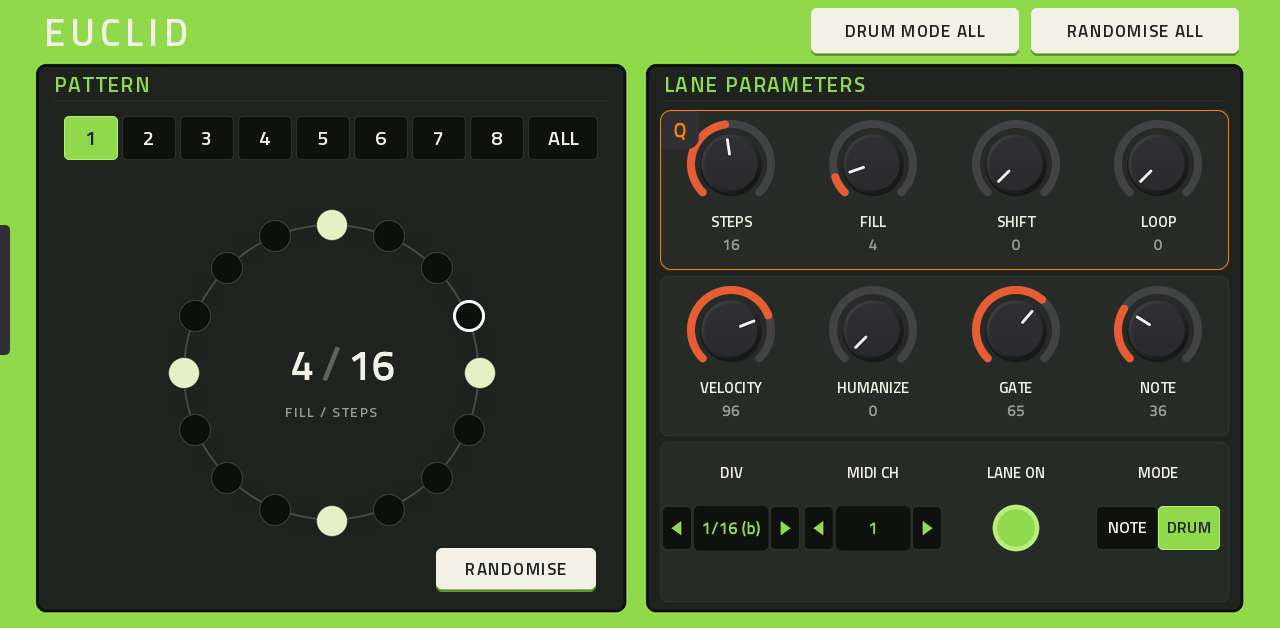
Euclid is an 8-lane Euclidean MIDI sequencer for Akai MPC OS standalone devices
LXRXXL BAZZLINE
by sunskiefer · v0.2.10 · 7,680 downloads
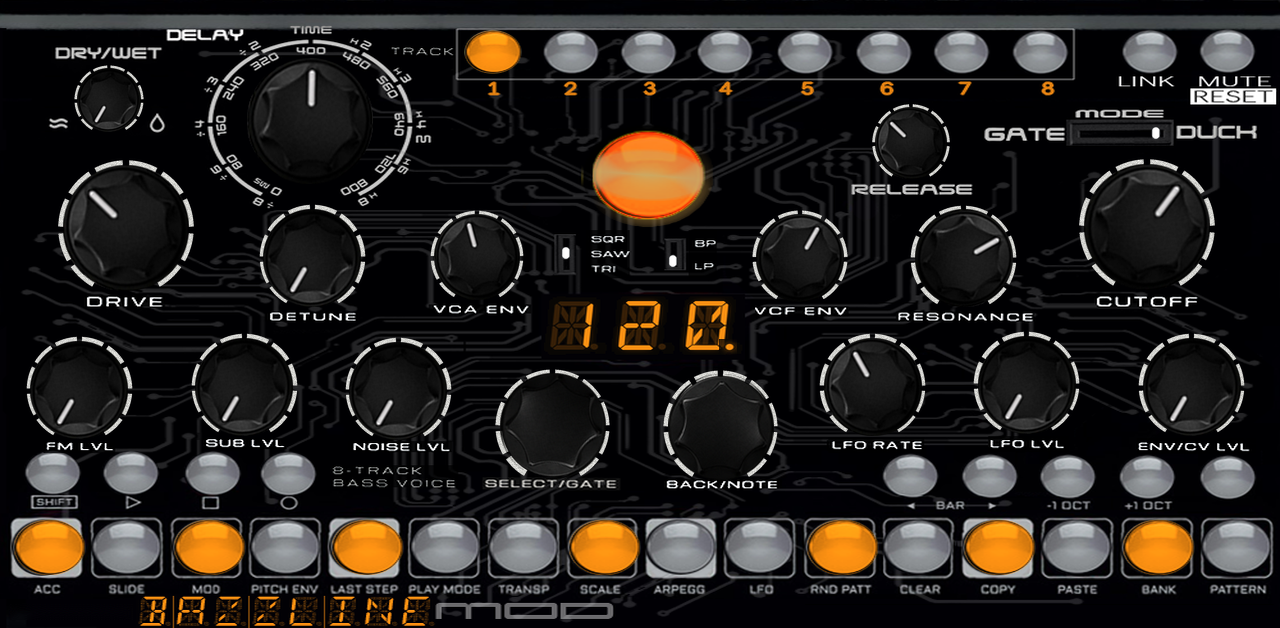
LXRXXL BAZZLINE IS A BASSLINE 8 VOICE SYNTH
JN 106
by sd88me · v0.2.0 · 5,468 downloads
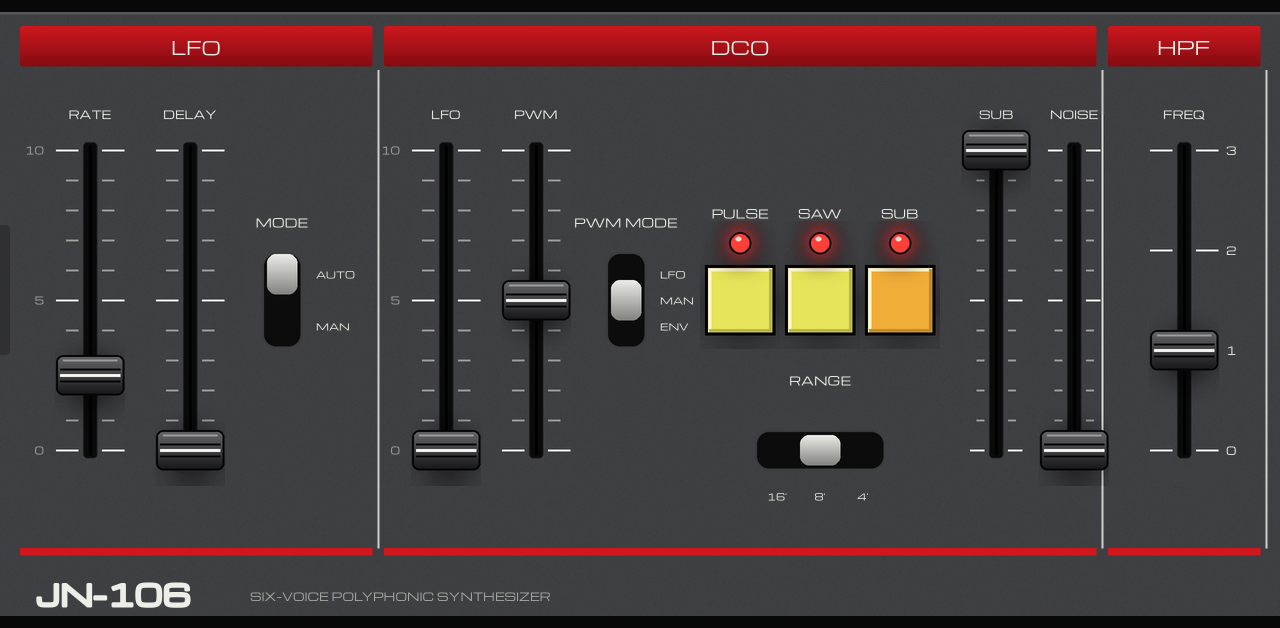
A faithful, circuit-modelled and hardware-profiled six-voice Juno emulation for Akai MPC OS standalone devices. The DSP is Ultramaster KR-106 by Karl LaRocca:
LXRXXL ZYNTH
by sunskiefer · v0.2.2 · 3,753 downloads
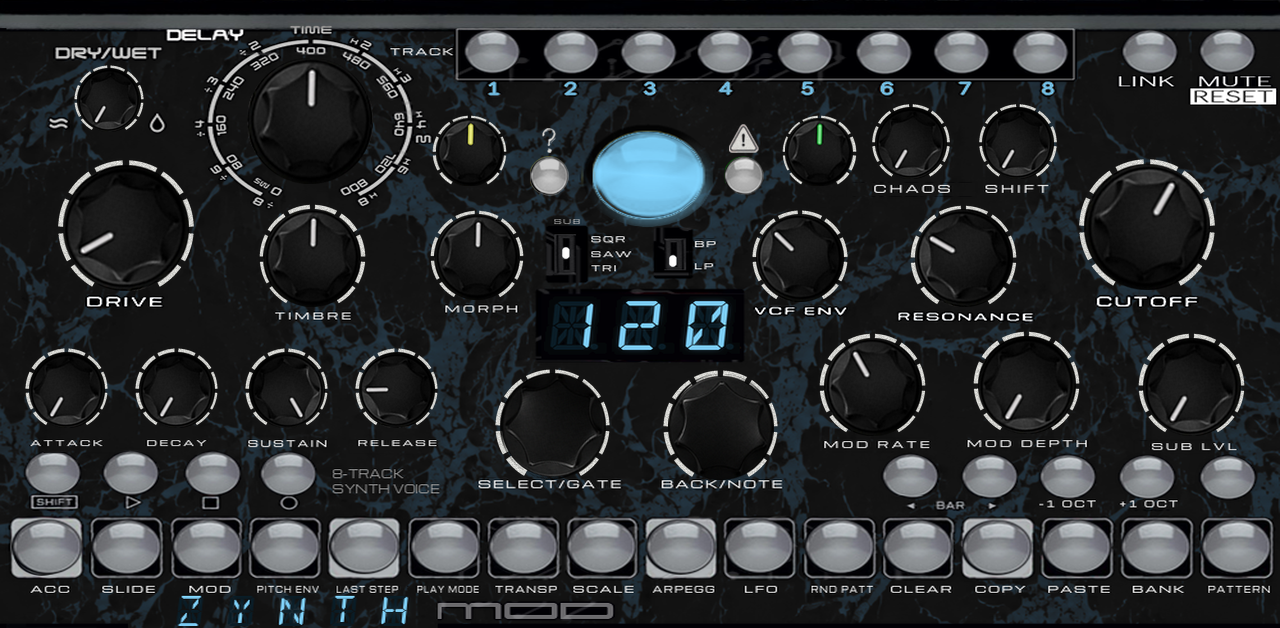
LXRXXL Synth MOD.
SurgeXXL
by sunskiefer · v0.2.0 · 3,225 downloads
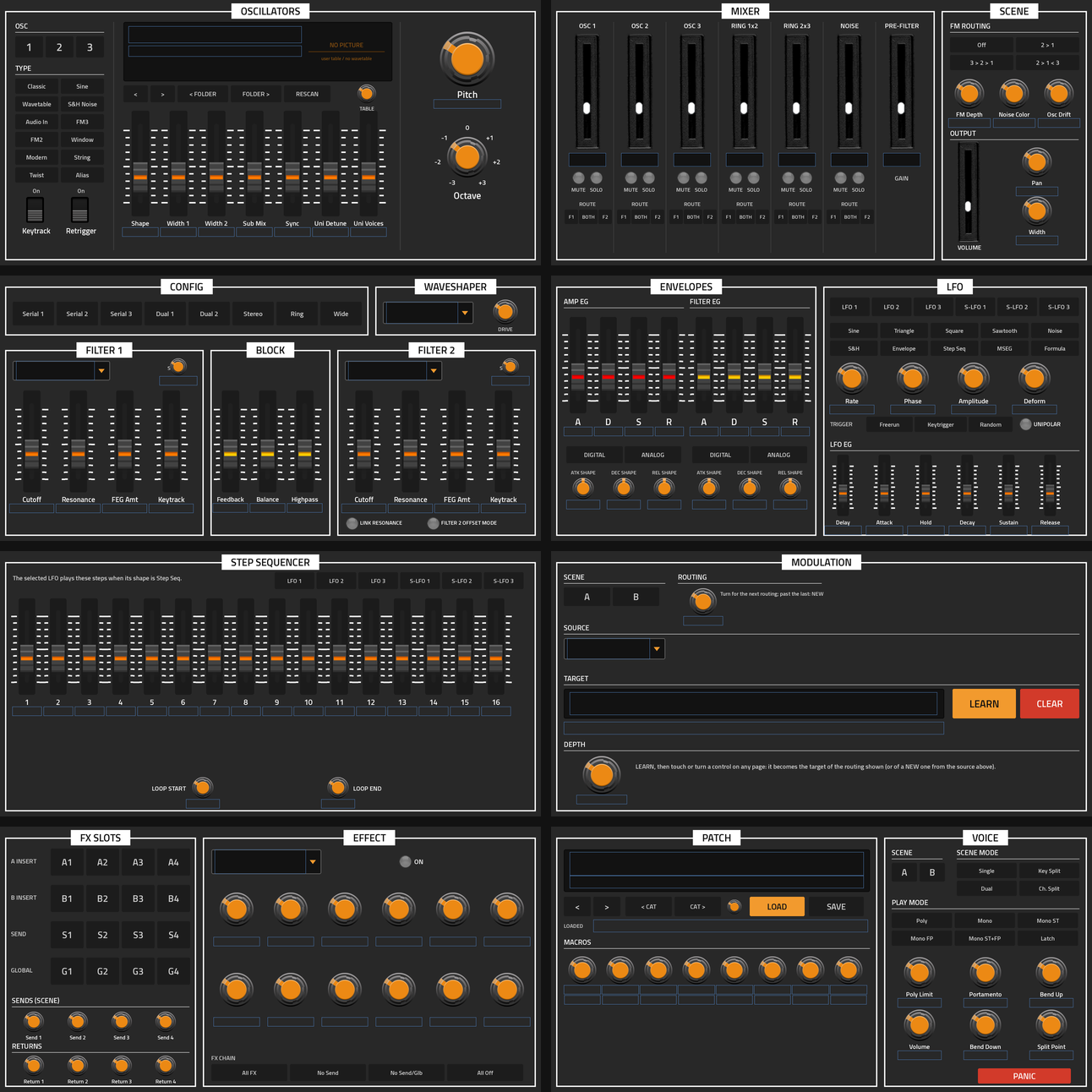
Surge ported to MPC os full open source. Slight change to the code to be able to run on the mpc system. All the effects. Load surge patches and wavetables including your ones. Full wave table synth on MPC os.
CSXXL
by sunskiefer · v1.0.13 · 2,276 downloads
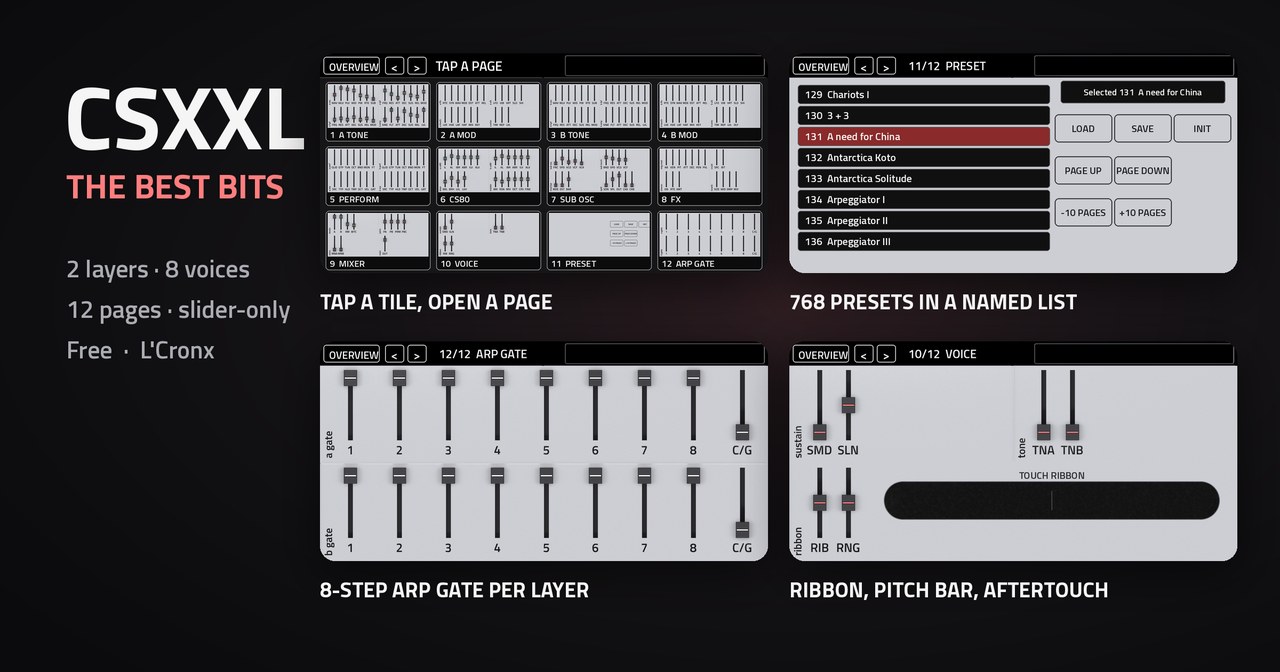
CSXXL is a two-layer, polyphonic synthesizer for the Akai Force and MPC OS, in the spirit of the Yamaha CS-80. It is a completely new build, not a port. The voices and tones are written from Deckard’s Dream voice notes, and the circuits are self-built schematics, emulated in code. Ships with presets, room for up to 1500 presets. Free, not for sale.
VADER
by sunskiefer · v0.10.7 · 1,898 downloads
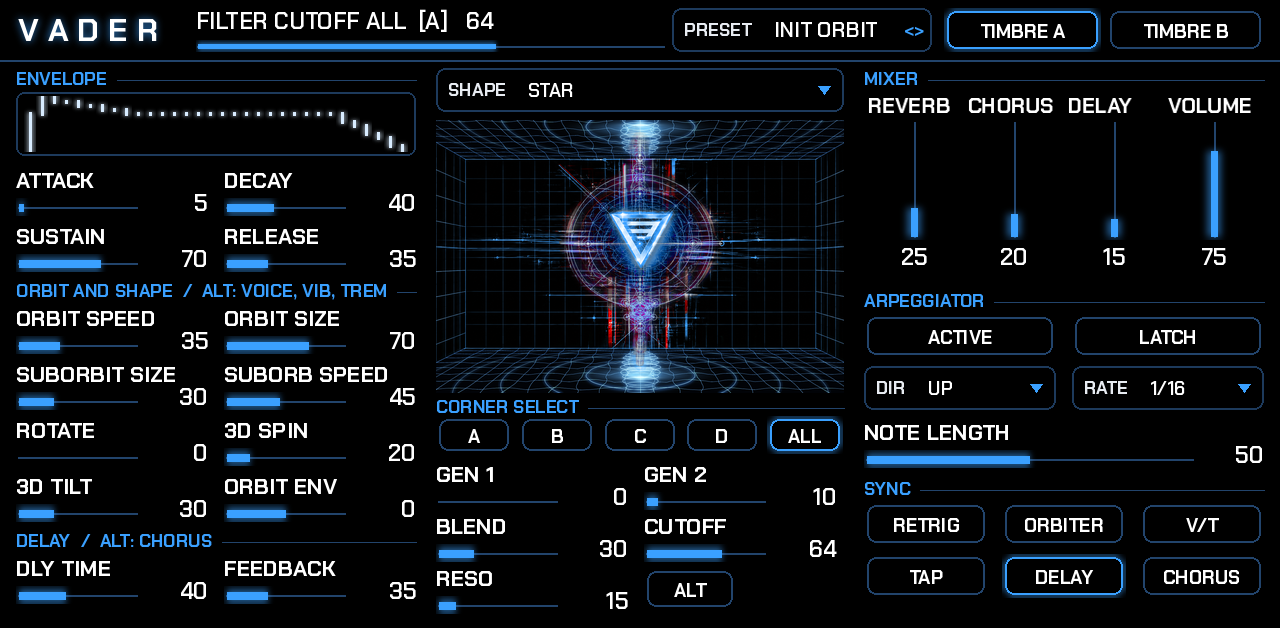
Orbit-based vector synth for Akai Force / MPC OS (VST2) — load SVG, 3D or image shapes to drive the sound.
Welle
by sd88me · v0.3.1 · 1,751 downloads
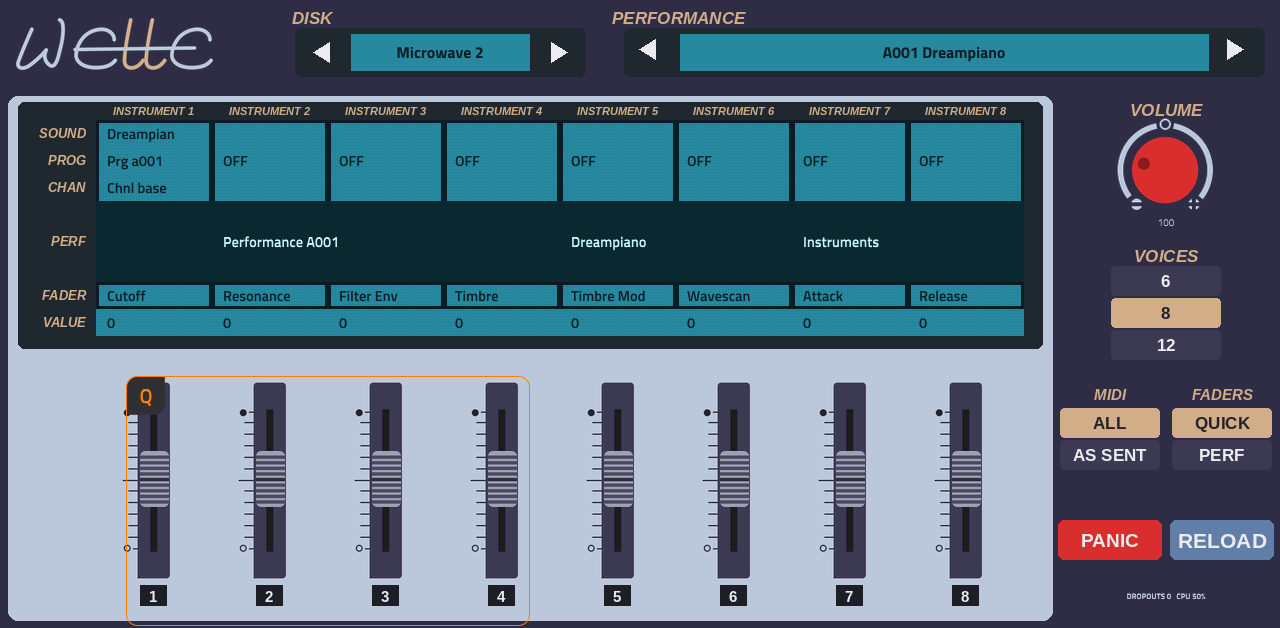
A Waldorf Wave emulation that runs as a plugin instrument on Akai MPC Gen2 standalone devices built on the emulation by mo0kid: a model of the Wave's voice circuits driven by the instrument's own OS 1.700, running on emulated 68000s.
Made this plugin? Add our badge to your README
 Paste this into your GitHub README. It updates itself when your plugin gets the Tested & Working badge.
[](https://thediskking.com/plugins/profit-5/)