Stream
Free MPC Addin plugin by stampman3000-jpg · v1.0.1 · Nov 20, 2026 · 1,310 downloads
1,310
Downloads
1
GitHub stars
v1.0.1
Latest version
Nov 20, 2026
Updated
User rating
No ratings yet. Be the first.
Used it? Rate it:

Stream is a multichannel USB audio effect send. It needs BlackHole 64ch and a Mac helper app.
Stream is a multichannel USB audio effect send for multitracking to a DAW. 1 send per track, into a stereo pair on your computer. It runs smoothly with 8 tracks into a DAW and can handle more. It needs BlackHole 64ch and a Mac helper app.
Download Stream v1.0.1
✓ Tested & working
The creator reports testing this exact version on real hardware: MPC One, MPC OS 3.10.1. This is the creator's own report, not a guarantee from The Disk King. Still back up first.
⚑ Safety check: review the notes below
- ✓ Download matches the checksum GitHub lists
- ✓ Built for: Gen1 (32-bit ARM)
- ✓ Runs on: MPC OS 2.x and 3.x
- ✓ No internet, web server, program-launching or system-changing functions found
- ✓ Nothing risky found in its installer
- ⚠ May clash with these addins if installed together: midi-transport
An automatic look at the files, not a guarantee: it can't see everything a program does. Always back up first.
Disclaimer: use entirely at your own risk
This plugin is made, owned and shared by an independent developer, not by The Disk King and not by Akai Professional or inMusic. The Disk King only lists it; the download comes directly from the developer's GitHub. The Disk King did not make, test, review or check it for safety and makes no promise that it works, is safe, or is free of bugs or harmful code.
Plugins install into your MPC's system and can crash it, corrupt or lose projects and samples, or require reinstalling MPC OS. Save your work and back up your MPC before installing anything.
Everything here is provided "as is", with no warranty of any kind. To the fullest extent the law allows, The Disk King is not responsible or liable for any damage, data loss, device failure, lost income or any other harm from downloading, installing or using any plugin listed here. By downloading or installing, you accept all risk and full responsibility. Full disclaimer.
Gen1: MPC Live, Live II, One, X, Key, Force
Stream-1.0.1-mpc-armv7.zip 2.7 MB
sha256: ca04dd540254a1b75f1949d29757c3b077e7d3c29bc10152b804a06b2473006e
Downloads come straight from the creator's GitHub. Check the sha256 matches before installing. New to plugins? How to install plugins on MPC OS 3.10.1.
Tested working on
- MPC One, MPC OS 3.10.1 (Nov 21, 2026)
Version history
v1.0.1 Nov 20, 2026 · 184 downloads
Developer name is now Stampman3000. Delete the old plugin folder after updating and re-pick it in older projects.
v1.0.0 Oct 3, 2026 · 1,126 downloads
Stream 1.0.0 is an MPC effect. This zip was built with `tools/build_port.sh` and `tools/release.py` from [sd88me/mpc-vst-plugins](https://github.com/sd88me/mpc-vst-plugins), then checked with `tools/catalog_check.py --catalog`. `stream.so` is a 32-bit ARM hard-float plugin (uid `Strm`). The highest glibc symbol it needs is 2.17. Catalog id `stream`, license MIT. This build was not installed on a device from here. There is no CPU bench in the zip. ## Requirements - A first-generation MPC OS standalone device (32-bit ARM, like the Force, MPC Live / Live II, One, X and Key 61). The installer refuses anything else. - Root shell access. Stock MPC OS does not offer this. - The Mac helper in this repo, BlackHole 64ch, and Ableton, all at 44100. USB cable, not Wi-Fi. ## Install 1. Unzip, then copy the folder to the device: `scp -r Stream-1.0.0 root@<device-ip>:/tmp/` 2. Run `ssh root@<device-ip> sh /tmp/Stream-1.0.0/install.sh` 3. For a card, add `-t /media/EOS_DIGITAL/Synths` (that is the Stream install path; do not use `/sdcard/Synths`). 4. Add **Stream** as an insert effect. Level changes only the copy sent to the Mac. Pair 1 is BlackHole channels 1–2. If Stream is already on the machine, copy the new `stream.so` in place and insert the plugin again. Do not delete the plugin folder, and do not restart the MPC app just to load the new file. Source commit: 52a7469ee6b4ecff97e317e187550301cc830240
More plugins like this
Tributary
by stampman3000-jpg · v1.2.6 · 3,306 downloads
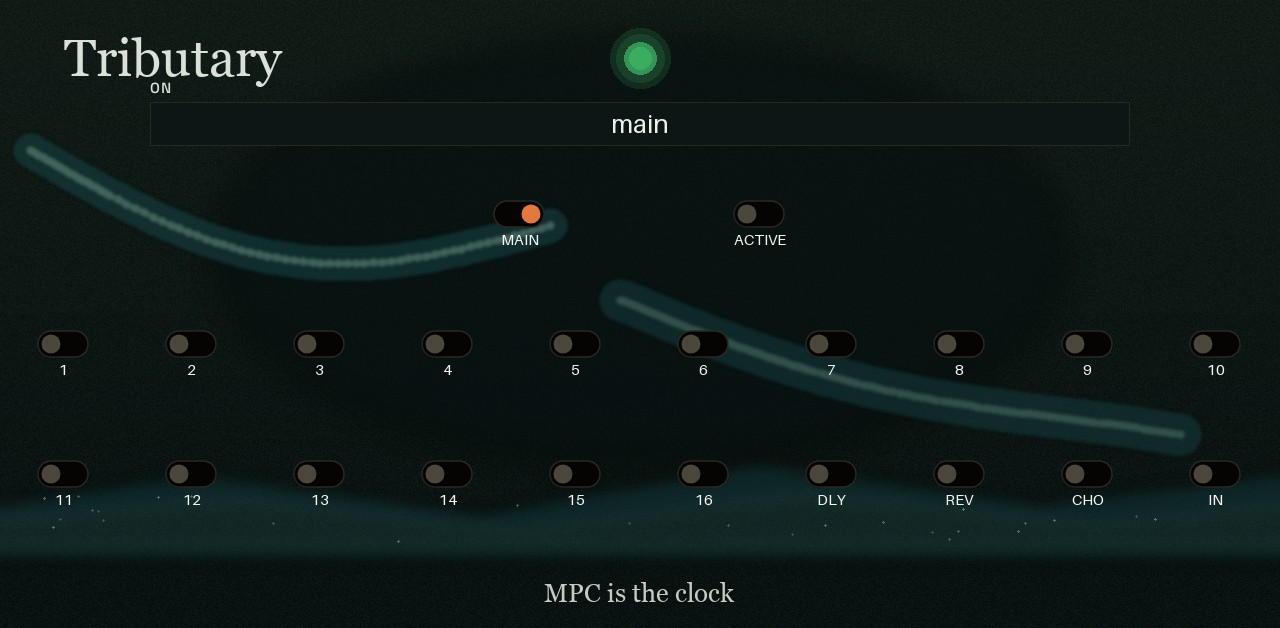
Tributary plays one Elektron Overbridge output per Akai MPC plugin track over USB.
OP3000
by stampman3000-jpg · v1.0.1 · 885 downloads
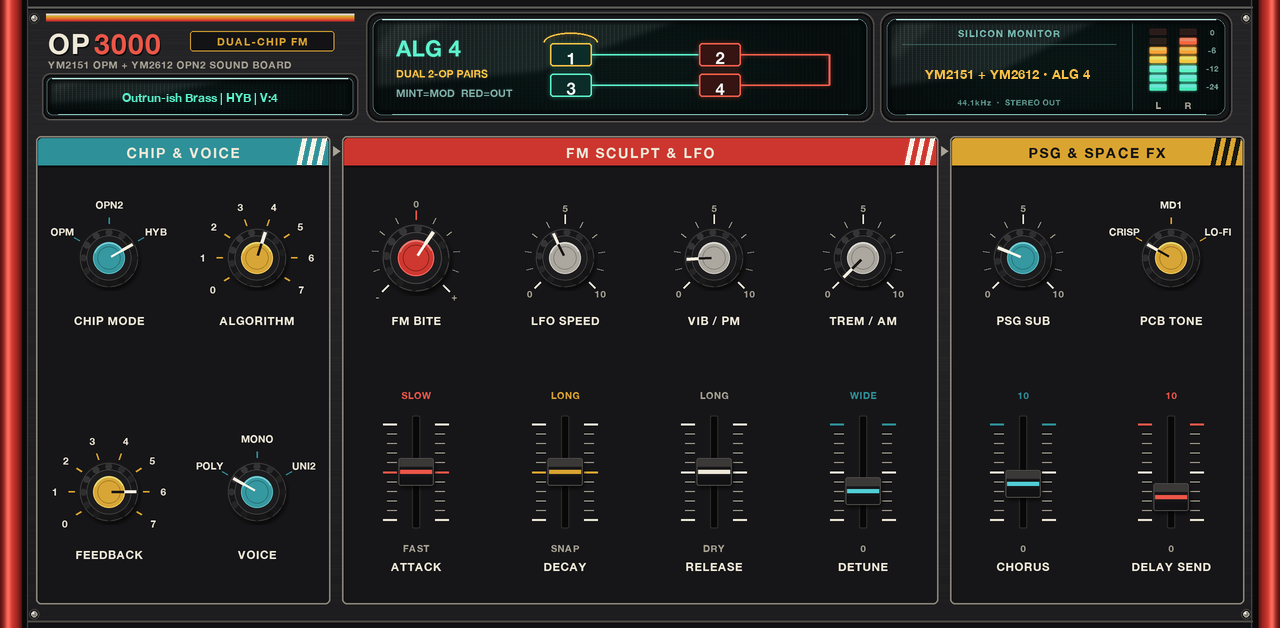
OP3000, an MPC FM arcade instrument.
Twenty
by stampman3000-jpg · v1.0.0 · 535 downloads
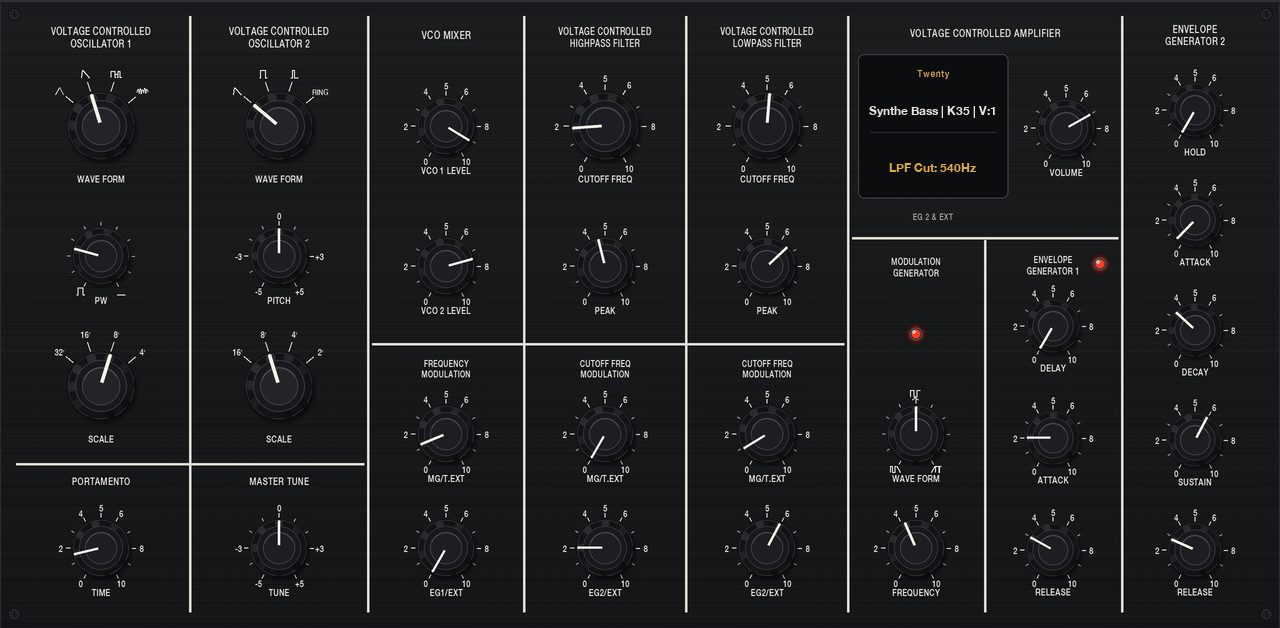
Ported to MPC by Stampman3000. All synthesis DSP is Audio Tools' AT20V (github.com/palmereta/audio_tools), unchanged; I only did the MPC port.
Voxman
by stampman3000-jpg · v1.0.0 · 464 downloads
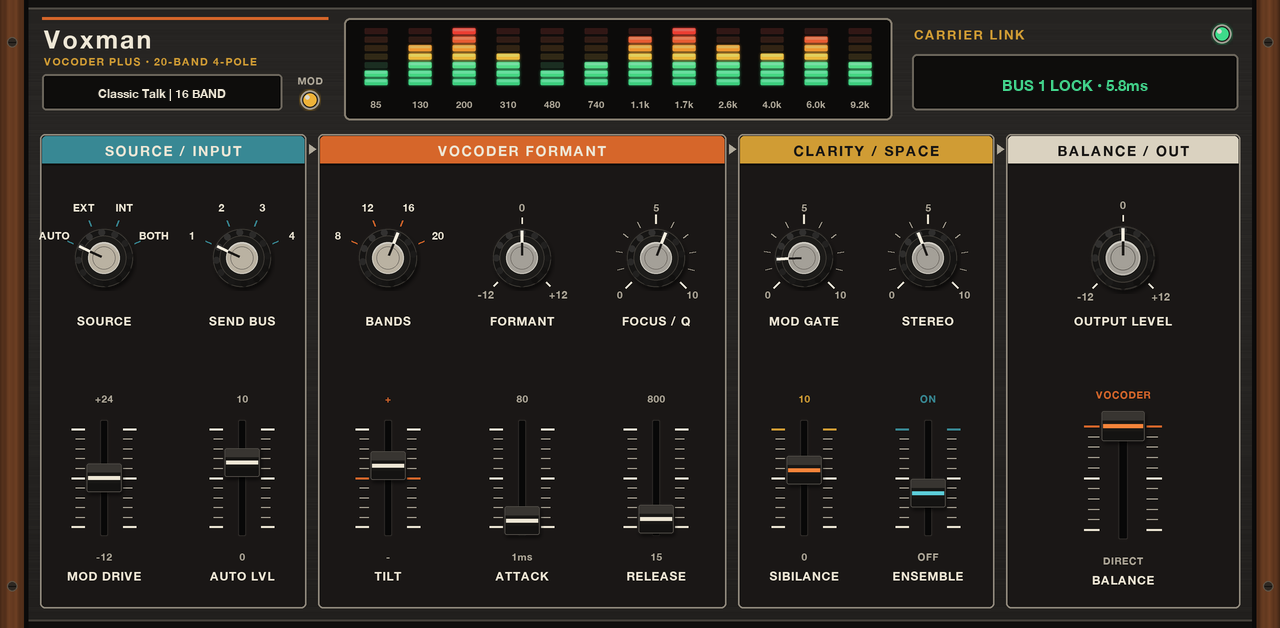
Voxman — 8/12/16/20-band 4-pole TPT vocoder with lock-free Voxboy carrier sidechain, sibilance clarity, formant shift, internal string/chord carrier, and BBD ensemble chorus.
Voxboy
by stampman3000-jpg · v1.0.0 · 451 downloads
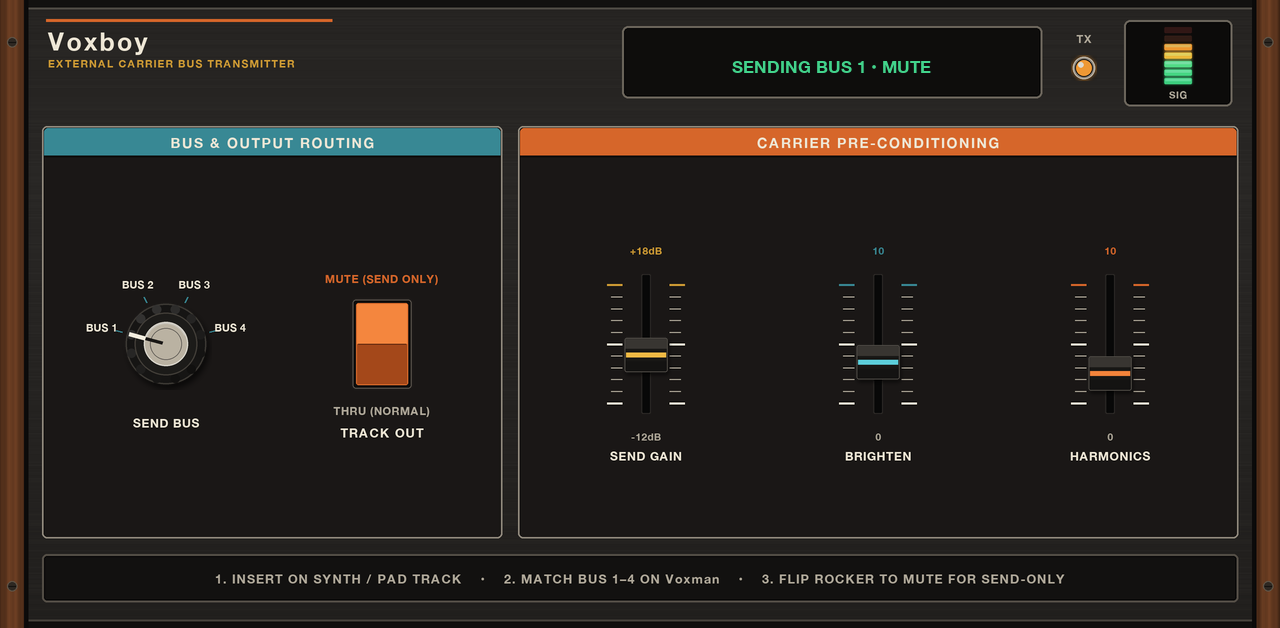
Voxboy — Lock-free float32 sidechain carrier transmitter companion for Voxman (4 buses, Thru/Mute send-only mode, gain, harmonic brighten & drive).
Twenty FX
by stampman3000-jpg · v1.0.0 · 409 downloads
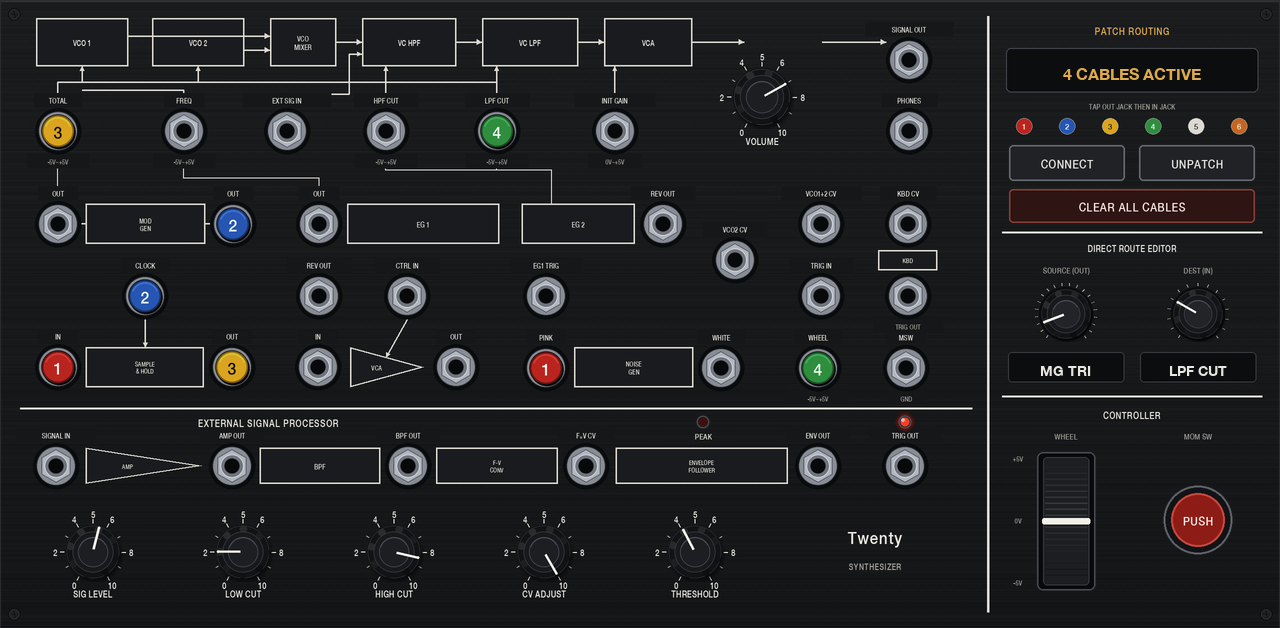
Ported to MPC by Stampman3000. All synthesis DSP is Audio Tools' AT20V (github.com/palmereta/audio_tools), unchanged; I only did the MPC port.
To improve this listing (for the creator)
- publish a Gen2 (aarch64) build
Made this plugin? Add our badge to your README
 Paste this into your GitHub README. It updates itself when your plugin gets the Tested & Working badge.
[](https://thediskking.com/plugins/stream/)