Clementine XT
Free MPC Instrument plugin by sd88me · v0.9.7 · Nov 1, 2026 · 10,006 downloads
10,006
Downloads
2
GitHub stars
v0.9.7
Latest version
Nov 1, 2026
Updated
User rating
No ratings yet. Be the first.
Used it? Rate it:
MPC OS Wavetable Synth plugin modelled on the Waldorf Microwave II/XT: stepped 8-bit wavetables and loads original .syx sound banks.
💬 Questions or feedback? Join the Open MPC Discord.
Download Clementine XT v0.9.7
✓ Tested & working
The creator reports testing this exact version on real hardware: Akai Force, MPC OS 3.9.1. This is the creator's own report, not a guarantee from The Disk King. Still back up first.
Before you install
- Your own files
- Microwave II ROM and sound banks (not included: you supply them)
✓ Safety check passed
- ✓ Download matches the checksum GitHub lists
- ✓ Built for: Gen1 (32-bit ARM), Gen2 (64-bit ARM)
- ✓ Runs on: MPC OS 3.x / MPC OS 2.x and 3.x
- ✓ No internet, web server, program-launching or system-changing functions found
- ✓ Nothing risky found in its installer
An automatic look at the files, not a guarantee: it can't see everything a program does. Always back up first.
Disclaimer: use entirely at your own risk
This plugin is made, owned and shared by an independent developer, not by The Disk King and not by Akai Professional or inMusic. The Disk King only lists it; the download comes directly from the developer's GitHub. The Disk King did not make, test, review or check it for safety and makes no promise that it works, is safe, or is free of bugs or harmful code.
Plugins install into your MPC's system and can crash it, corrupt or lose projects and samples, or require reinstalling MPC OS. Save your work and back up your MPC before installing anything.
Everything here is provided "as is", with no warranty of any kind. To the fullest extent the law allows, The Disk King is not responsible or liable for any damage, data loss, device failure, lost income or any other harm from downloading, installing or using any plugin listed here. By downloading or installing, you accept all risk and full responsibility. Full disclaimer.
Gen1: MPC Live, Live II, One, X, Key, Force
Clementine-XT-0.9.7-mpc-armv7.zip 2.5 MB
sha256: 455c3b7a43cc14e9e6a191567c8b8f84e18824acf614d449f7e86df7201ad85b
Gen2: MPC Live III, One G2, Key G2, XL
Clementine-XT-0.9.7-mpc-aarch64.zip 2.5 MB
sha256: bd20d6f880edc29c3fcaf2abe6381e8291548b48dac05d5e2800cec35e66335e
Downloads come straight from the creator's GitHub. Check the sha256 matches before installing. New to plugins? How to install plugins on MPC OS 3.10.1.
Can't be copied by hand on MPC OS 3.10.1
This release's plugin folder has no plugin.json, which 3.10.1 needs to list it. Use the creator's installer (see INSTALL.md in the zip), or ask the creator for a 3.10.1 release. Why?
Tested working on
- Akai Force, MPC OS MPC OS 3.9.1 (Nov 1, 2026)
Version history
v0.9.7 Nov 1, 2026 · 3,231 downloads
- **ROM check in the installer app.** The plugin declares its files, so the installer app's **Your ROMs and files** step checks each one before copying it into `ROMS`: the 256 KB Microwave II image or its two 128 KB chip images, and Waldorf `.syx` sound banks. - No change to the sound or the skin. Downloads: `Clementine-XT-0.9.7-mpc-armv7.zip` for Gen1 MPC and Force, `Clementine-XT-0.9.7-mpc-aarch64.zip` for Gen2 (MPC OS 3.x). Your files in `ROMS` are kept on upgrade.
v0.9.6 Oct 21, 2026 · 1,325 downloads
Rebuilt against the updated mpc-vst-plugins wrapper: **Q-Links now move parameters on track edit → automation** (a plain host write no longer makes MPC rebuild its parameter screen; sd88me/mpc-vst-plugins#486). No other changes. `*-mpc-armv7.zip` is for Gen1 MPCs and the Force; `*-mpc-aarch64.zip` is the Gen2 build (MPC OS 3.x), tested offline only. Settings and your own files in the plugin's data folders are kept on upgrade.
v0.9.5 Oct 9, 2026 · 1,114 downloads
Clementine-XT 0.9.5: a new look and a tidier Sound row. - **Skin:** tapered charcoal knobs (the four Play knobs are red), engraved recessed panels with lit edges, raised red keycaps, deeper LCD bezels, no rule under the panel titles, and bigger knob names and values that stay inside their panels. - **Sound row:** one Bank stepper and one Sound stepper on the Play page, each showing `<number> <name>` (two new text params, appended at the end: saved projects are unaffected). - **Banks tab:** the Bank, Sound and Page controls are matching steppers, aligned with the panels below. The Bank stepper loads the bank, as on the Play page. Requires your own ROM in the plugin's `ROMS/` folder (none is shipped); the installer keeps `ROMS/` on upgrade. Skin and engine are otherwise as in 0.9.4. Skin checked on a Force (MPC OS 5.0.17) only; **not yet tried on a 2.x unit**. CPU on a Force: worst p99 about 25 % (Q-Link sweep, WARN); 8 and 16 voices about 18-19 %. Requirements: a first-generation MPC OS standalone device (32-bit ARM), root shell access (SSH). Install: unzip, copy the folder to the device, run `sh install.sh` (it stops MPC and restarts it). Details are in INSTALL.md inside the zip.
v0.9.4 Oct 6, 2026 · 882 downloads
Clementine-XT 0.9.4: with your ROM in the plugin's `ROMS/` folder, the plugin now also reads the 256 factory sounds out of it and offers them as the bank **XT Factory** (the first bank on the SOUNDS tab). You no longer need a separate factory `.syx`. Nothing from Waldorf is shipped; the sounds are decoded on the device from the ROM you supply. Checked against the original firmware's own dump: 244 of the 256 sounds are byte-identical. The other 12 slots differ in a dump taken from a unit that also holds stored edits; Clementine-XT gives the factory version of those. Only tested with a Microwave II OS 2.33 dump (two 128 KB chips or one 256 KB image); with another ROM the bank is simply not offered. Includes 0.9.3: the skin is in the shape MPC OS 2.x reads and the library needs glibc 2.29, so the catalog labels it "MPC OS 2.x + 3.x". **Not yet tried on a 2.x unit**; tested on a Force (MPC OS 5.0.17) only. The installer keeps your `ROMS/` folder on upgrade. Upgrading from 0.9.2 or older with that package's installer removes it, so back up `ROMS/` first. Bring your own ROM files; none are shipped. CPU on a Force: worst p99 about 24 % (Q-Link sweep, WARN); 8 and 16 voices about 14-17 %. Requirements: a first-generation MPC OS standalone device (32-bit ARM), root shell access (SSH). Install: unzip, copy the folder to the device, run `sh install.sh` (it stops MPC and restarts it). Details are in INSTALL.md inside the zip.
v0.9.3 Oct 6, 2026 · 757 downloads
Clementine-XT 0.9.3: the skin is now written in the shape MPC OS 2.x reads, and the library needs glibc 2.29 or less, so the catalog labels this release "MPC OS 2.x + 3.x". The sound and parameters are unchanged. **Not yet tried on a 2.x unit**; it was tested on a Force (MPC OS 5.0.17) only. Feedback from MPC OS 2.x users is welcome. The installer now keeps your `ROMS/` folder (ROM images and `.syx` banks) when upgrading. Earlier packages did not mark it as user data, so upgrading from 0.9.2 or older with that package's installer removed it: copy your files back after upgrading from those versions. Back up `ROMS/` before installing. Bring your own ROM files in the plugin's `ROMS/` folder; none are shipped. CPU on a Force: worst p99 about 24 % (Q-Link sweep, WARN); 8 and 16 voices about 14-17 %. Requirements: a first-generation MPC OS standalone device (32-bit ARM), root shell access (SSH). Install: unzip, copy the folder to the device, run `sh install.sh` (it stops MPC and restarts it). Details are in INSTALL.md inside the zip.
v0.9.2 Oct 3, 2026 · 991 downloads
Clementine-XT 0.9.2: the Bank and Sound steppers on the GLOBAL page are wider so the number shows. Includes the 0.9.1 skin changes (open blue section titles, red dot-matrix LCD fields, red Play knobs, larger knobs, logo name plate, Play pickers on the top row). Bring your own ROM files in the plugin's `ROMS/` folder; none are shipped. CPU on a Force: worst p99 about 25 % (Q-Link sweep, WARN); 8 and 16 voices about 14-16 %. ## Requirements - A first-generation MPC OS standalone device (32-bit ARM, like the Force, MPC Live / Live II, One, X and Key 61). The installer refuses anything else. Newer models are untested. - **Root shell access** (SSH) to the device. Stock MPC OS doesn't offer this; you need a modded unit. - Tested on MPC OS with a Force. Installing plugins this way is unofficial: back up first, use at your own risk. ## Install (scripted) 1. Unzip, then copy the whole folder to the device, e.g. `scp -r Clementine-XT-0.9.2 root@<device-ip>:/tmp/` 2. Run it: `ssh root@<device-ip> sh /tmp/Clementine-XT-0.9.2/install.sh` The installer checks the device, **stops MPC** (save your project first), copies `portable/sd88me - VST - Clementine-XT/` (the plugin, its skin and its data, as one folder) into `/sdcard/Synths`, backs up `MPC.settings`, adds the plugin to MPC's plugin list from the folder's `plugin-meta.xml` and starts MPC again. Running it again upgrades in place, keeping your own files. An older install of this plugin (the previous layout, with the `.so` in `/sdcard/vst`) is replaced, not duplicated. `-y` skips the confirmation prompt; `-t <folder>` installs into another Synths folder (for example on a card).
v0.9.1 Oct 2, 2026 · 876 downloads
Clementine-XT 0.9.1: new skin (open blue section titles, red dot-matrix LCD fields, narrow bank/sound steppers, red Play knobs, larger knobs, logo name plate). Bring your own ROM files in the plugin's `ROMS/` folder; none are shipped. CPU on a Force: worst p99 25.7% (Q-Link sweep, WARN); 8 and 16 voices about 14-16%. ## Requirements - A first-generation MPC OS standalone device (32-bit ARM, like the Force, MPC Live / Live II, One, X and Key 61). The installer refuses anything else. Newer models are untested. - **Root shell access** (SSH) to the device. Stock MPC OS doesn't offer this; you need a modded unit. - Tested on MPC OS with a Force. Installing plugins this way is unofficial: back up first, use at your own risk. ## Install (scripted) 1. Unzip, then copy the whole folder to the device, e.g. `scp -r Clementine-XT-0.9.1 root@<device-ip>:/tmp/` 2. Run it: `ssh root@<device-ip> sh /tmp/Clementine-XT-0.9.1/install.sh` The installer checks the device, **stops MPC** (save your project first), copies `portable/sd88me - VST - Clementine-XT/` (the plugin, its skin and its data, as one folder) into `/sdcard/Synths`, backs up `MPC.settings`, adds the plugin to MPC's plugin list from the folder's `plugin-meta.xml` and starts MPC again. Running it again upgrades in place, keeping your own files. An older install of this plugin (the previous layout, with the `.so` in `/sdcard/vst`) is replaced, not duplicated. `-y` skips the confirmation prompt; `-t <folder>` installs into another Synths folder (for example on a card).
v0.9.0 Oct 2, 2026 · 830 downloads
Clementine-XT 0.9.0: wavetable instrument (MPC OS VST2 plugin) with a new 90s-style skin. Bring your own ROM files (`ROMS/` folder in the plugin folder, see the README); none are shipped. # Clementine-XT 0.9.0 Wavetable instrument modelled on the Microwave XT architecture, for MPC OS. A native MPC OS plugin (instrument) with its own MPC screen skin, loaded by MPC's built-in plugin host. ## Requirements - A first-generation MPC OS standalone device (32-bit ARM, like the Force, MPC Live / Live II, One, X and Key 61). The installer refuses anything else. Newer models are untested. - **Root shell access** (SSH) to the device. Stock MPC OS doesn't offer this; you need a modded unit. - Tested on MPC OS with a Force. Installing plugins this way is unofficial: back up first, use at your own risk. ## Install (scripted) 1. Unzip, then copy the whole folder to the device, e.g. `scp -r Clementine-XT-0.9.0 root@<device-ip>:/tmp/` 2. Run it: `ssh root@<device-ip> sh /tmp/Clementine-XT-0.9.0/install.sh` The installer checks the device, **stops MPC** (save your project first), copies `portable/sd88me - VST - Clementine-XT/` (the plugin, its skin and its data, as one folder) into `/sdcard/Synths`, backs up `MPC.settings`, adds the plugin to MPC's plugin list from the folder's `plugin-meta.xml` and starts MPC again. Running it again upgrades in place, keeping your own files. An older install of this plugin (the previous layout, with the `.so` in `/sdcard/vst`) is replaced, not duplicated. `-y` skips the confirmation prompt; `-t <folder>` installs into another Synths folder (for example on a card). Your own files go in `ROMS/` inside the plugin folder (`/sdcard/Synths/sd88me - VST - Clementine-XT/`); the installer keeps them when you upgrade and uninstall, and moves them there from the old `/sdcard/vst` location if you had installed the plugin that way. Then add **Clementine-XT** to a track from the plugin browser (Instrument plugins). Its screen appears in the plugin view, and the Q-Links follow the page. ## Uninstall `ssh root@<device-ip> sh /tmp/Clementine-XT-0.9.0/uninstall.sh` removes the plugin folder and the plugin-list entry (it also stops and restarts MPC). Projects that use the plugin will load without it. Files you added yourself are kept. ## Install by hand 1. Copy `portable/sd88me - VST - Clementine-XT/` to `/sdcard/Synths/sd88me - VST - Clementine-XT/`. It holds `clementine_xt.so`, `plugin-meta.xml`, `version.xml`, `Plugin Skins/` and the data: 2. Stop MPC: `systemctl stop acvs` (`systemctl stop inmusic-mpc` on a Hakai-enabled system) 3. Back up the settings file, `MPC.settings` (on a Force: `/media/az01-internal/Settings/MPC/MPC.settings`). 4. In `MPC.settings`, inside `<VALUE name="pluginList-arm"><KNOWNPLUGINS>`, add the line from `plugin-meta.xml` with `%payload-path%` replaced by `/sdcard/Synths`. If there is no `pluginList-arm` value yet, add one just before `</PROPERTIES>`: ```xml <VALUE name="pluginList-arm">
More plugins like this
Euclid
by sd88me · v2.0.0 · 10,096 downloads
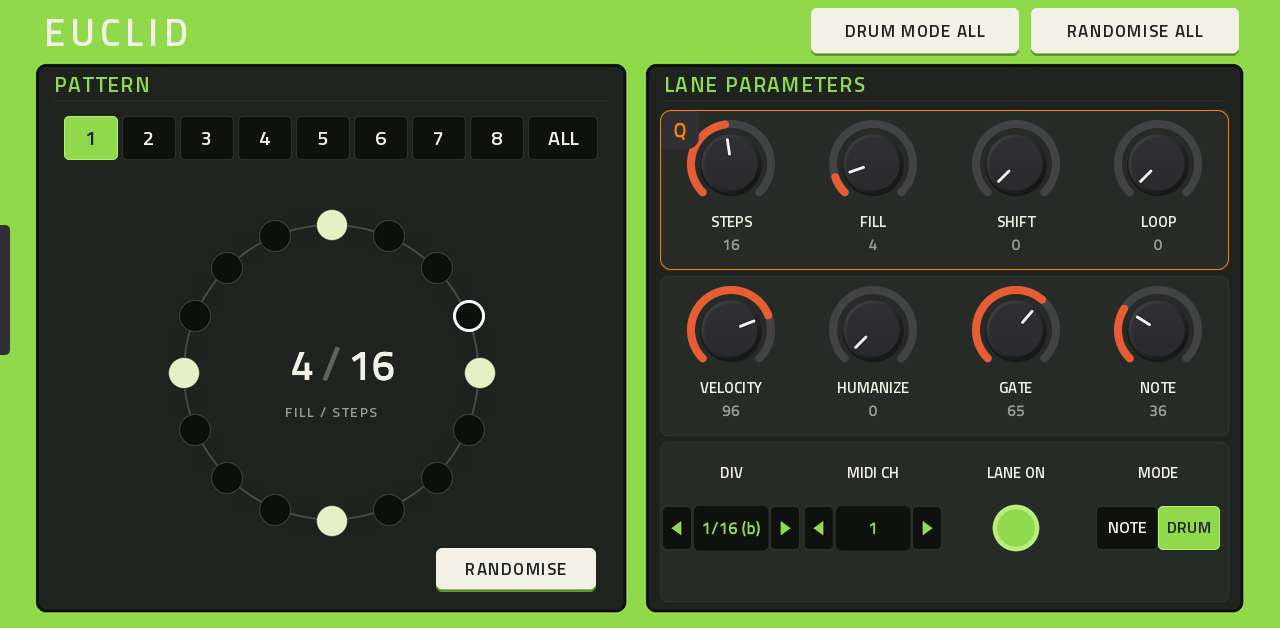
Euclid is an 8-lane Euclidean MIDI sequencer for Akai MPC OS standalone devices
JN 106
by sd88me · v0.2.0 · 5,413 downloads
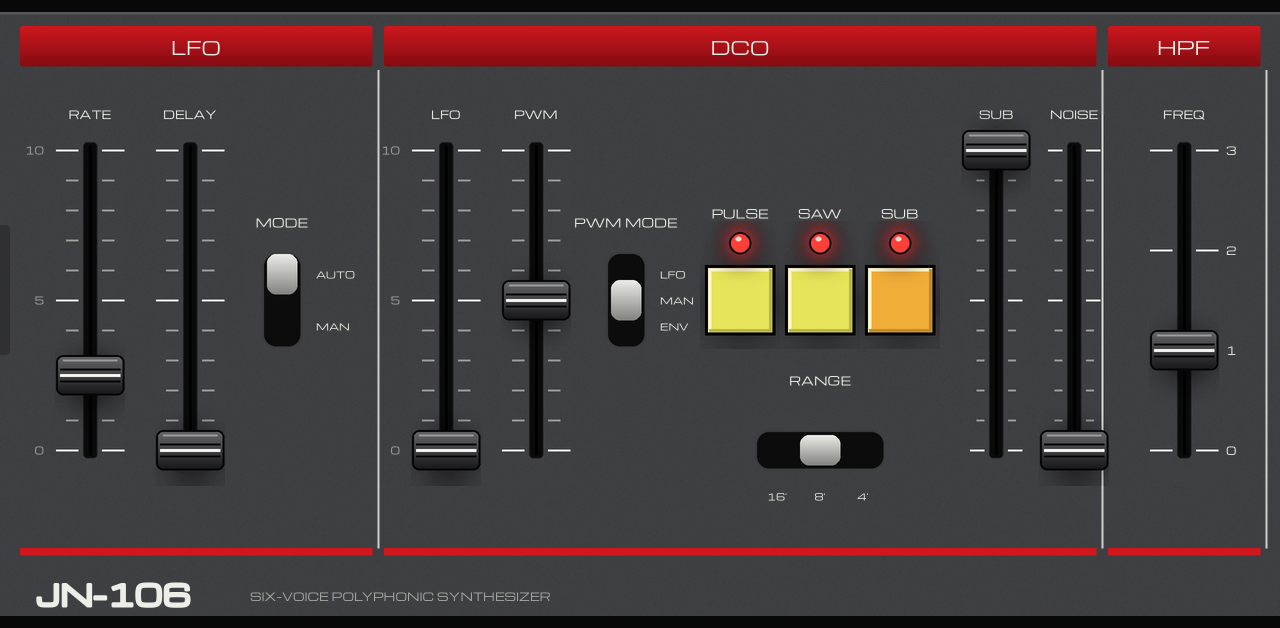
A faithful, circuit-modelled and hardware-profiled six-voice Juno emulation for Akai MPC OS standalone devices. The DSP is Ultramaster KR-106 by Karl LaRocca:
MS20XXL
by sunskiefer · v0.2.0 · 3,484 downloads
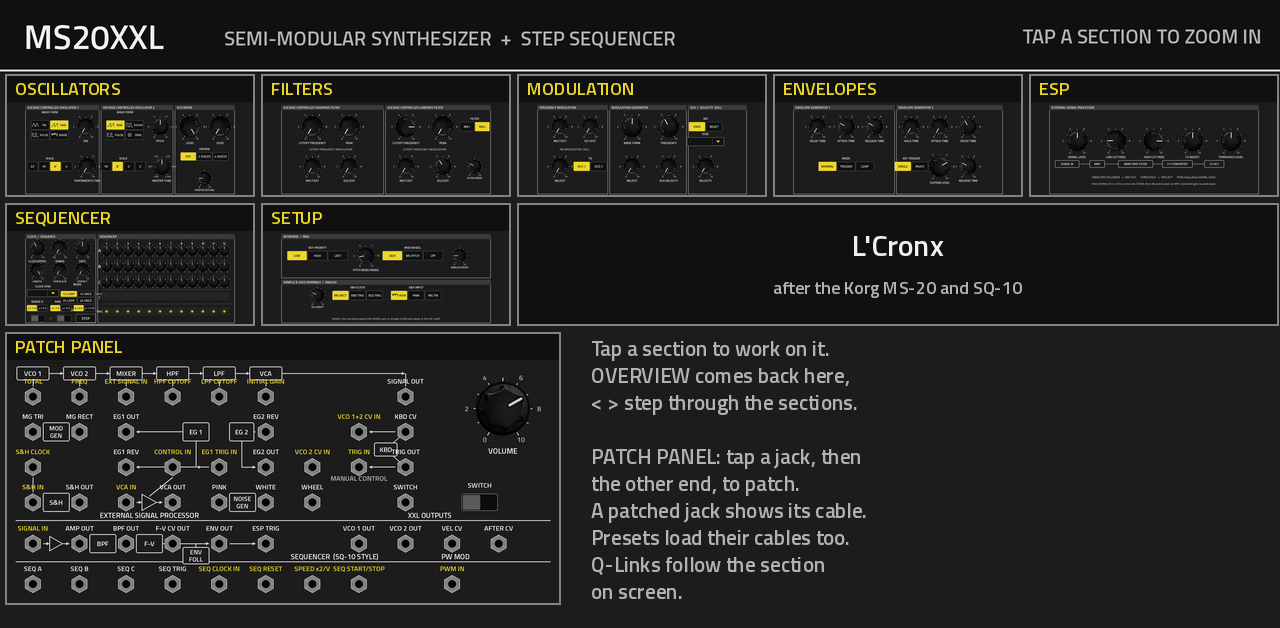
MS20XXL — Korg MS-20-style semi-modular mono synth for Akai Force / MPC OS (VST2) by L’Cronx. Two VCOs, MS-20 HPF/LPF, ESP, touch patch bay drawn on the block diagram, and an SQ-10-style analog step sequencer.
StepRunner 8
by djokenzi · v1.2.0 · 3,476 downloads
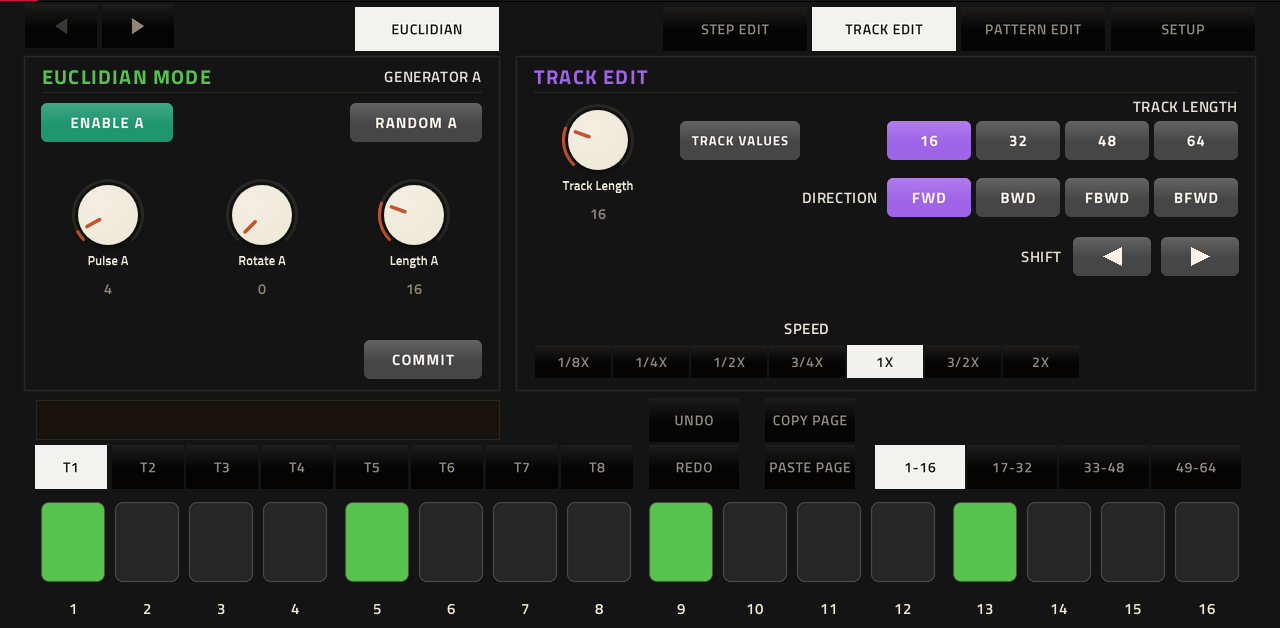
8-track, 64-step sequencer plugin for Akai MPC standalone
Welle
by sd88me · v0.3.1 · 1,714 downloads
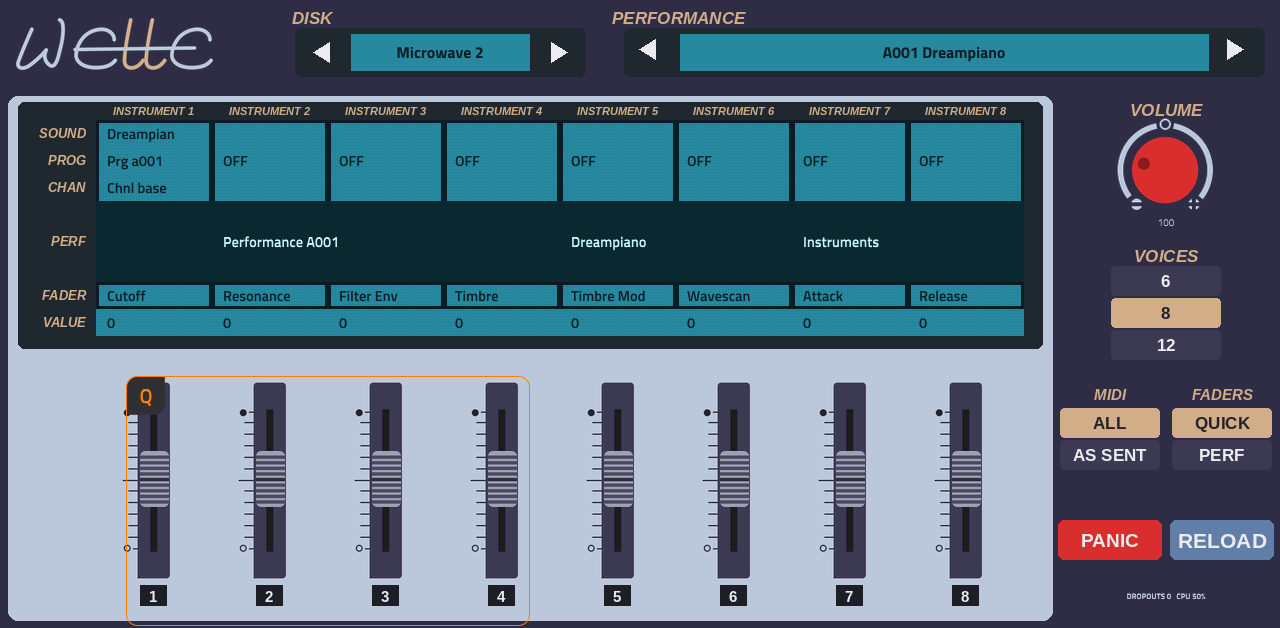
A Waldorf Wave emulation that runs as a plugin instrument on Akai MPC Gen2 standalone devices built on the emulation by mo0kid: a model of the Wave's voice circuits driven by the instrument's own OS 1.700, running on emulated 68000s.
JC303 MPC
by 303inmyheart · v0.7.4 · 1,187 downloads
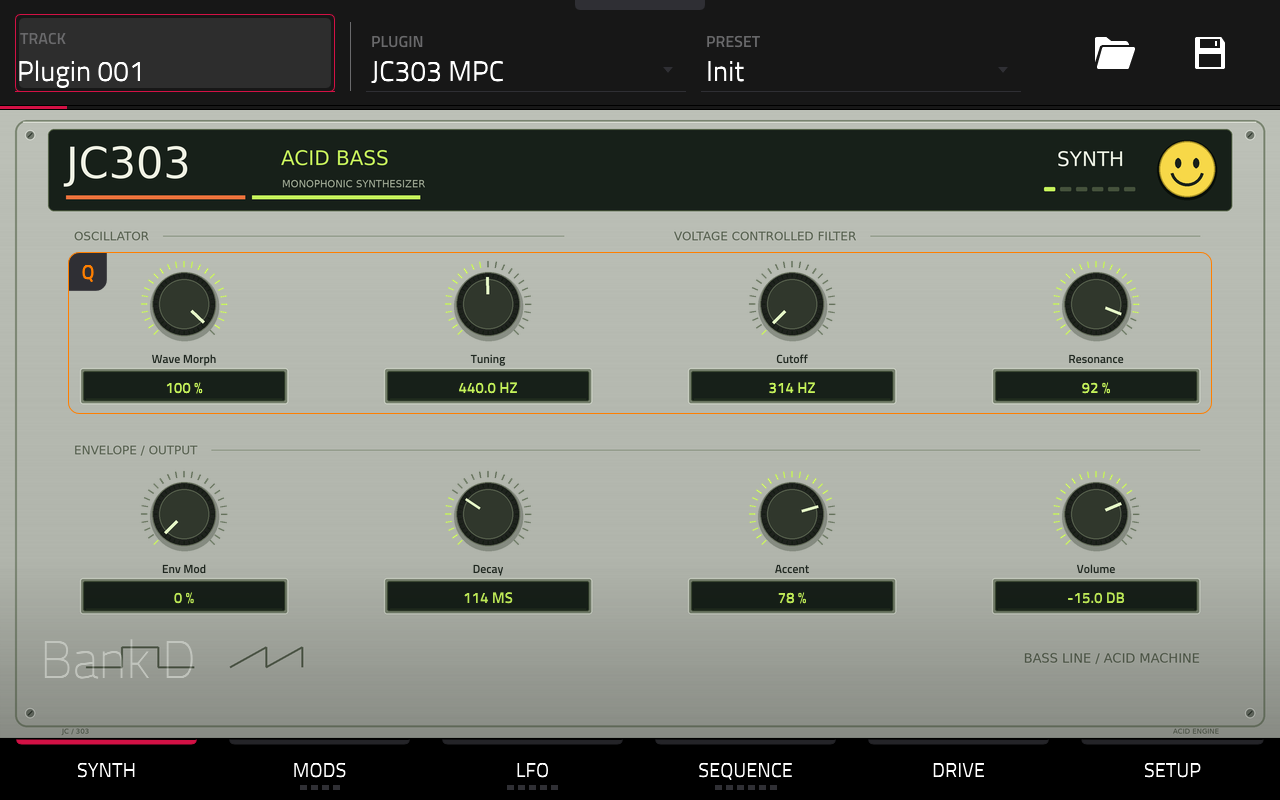
JC303 MPC — 303-style synth for Gen2 MPCs with native Q-Links, sequencer, drive models and presets. Community port by 303inmyheart.
JV 880
by sd88me · v2.0.4 · 16,186 downloads
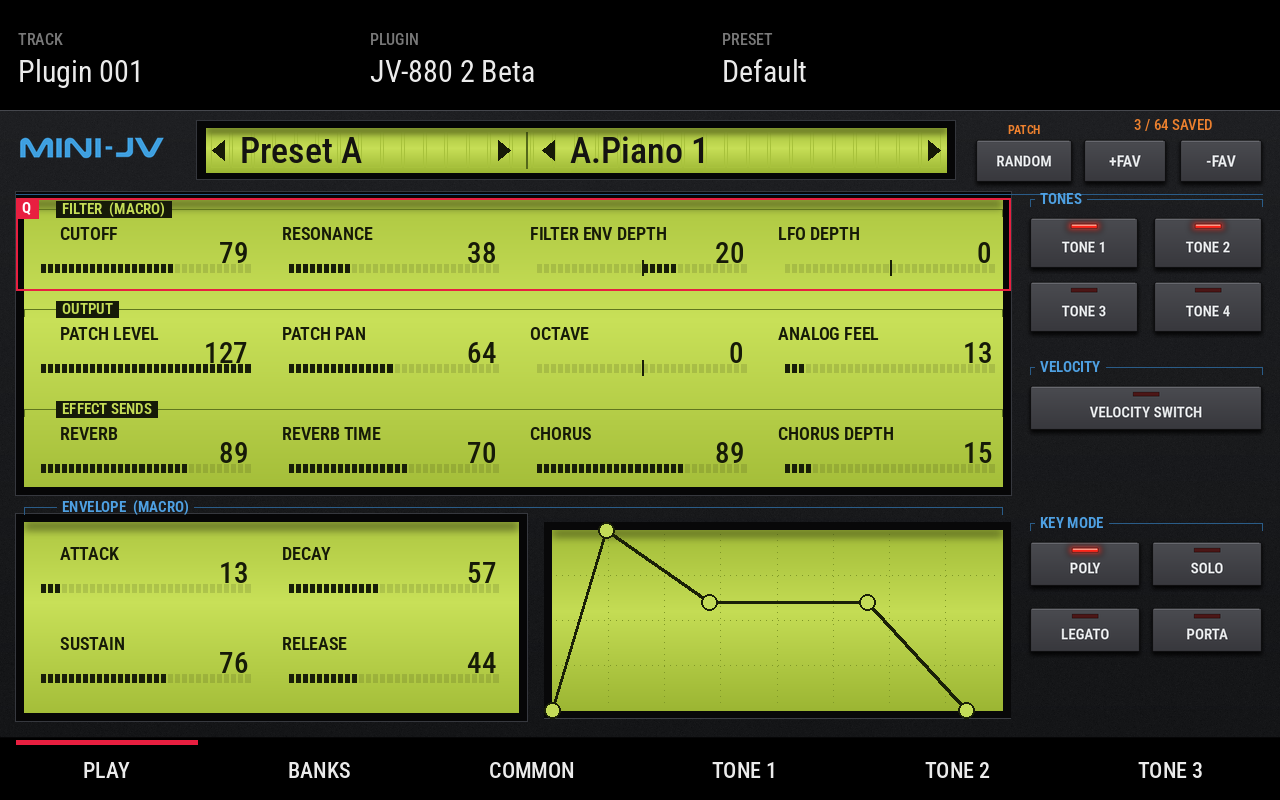
JV-880 Emulator VST Plugin for MPC OS
Crate Digger
by sd88me · v2.2.1 · 14,890 downloads
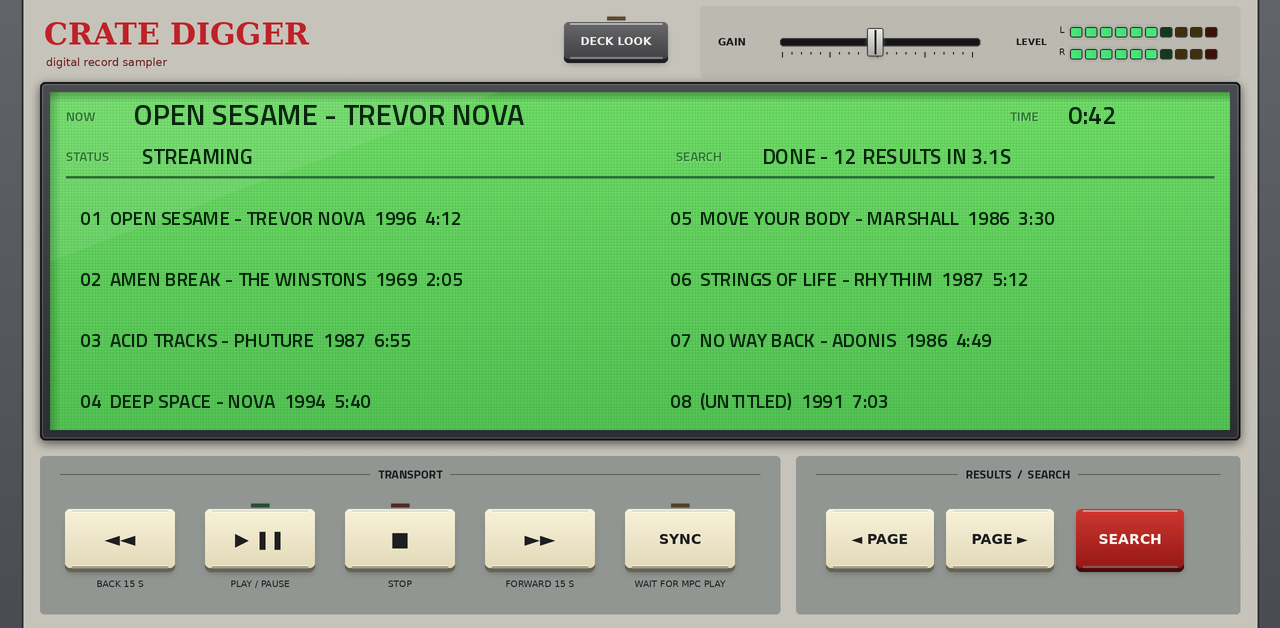
Crate Digger is a plugin instrument for Akai MPC standalone devices that digs for records and plays them into an MPC track. Pick a genre, style, decade, region and country, and it finds random releases on Discogs, then streams so you can audition and resample them.
To improve this listing (for the creator)
- add a tested.json entry for the newest release on a Gen2 device
Made this plugin? Add our badge to your README
 Paste this into your GitHub README. It updates itself when your plugin gets the Tested & Working badge.
[](https://thediskking.com/plugins/clementine-xt/)