MPC Plugins / Instruments / mpc vst maze
Maze Sequencer
Free MPC Instrument plugin by sd88me · v2.0.1 · Nov 24, 2026 · 6,435 downloads
6,435
Downloads
2
GitHub stars
v2.0.1
Latest version
Nov 24, 2026
Updated
User rating
No ratings yet. Be the first.
Used it? Rate it:
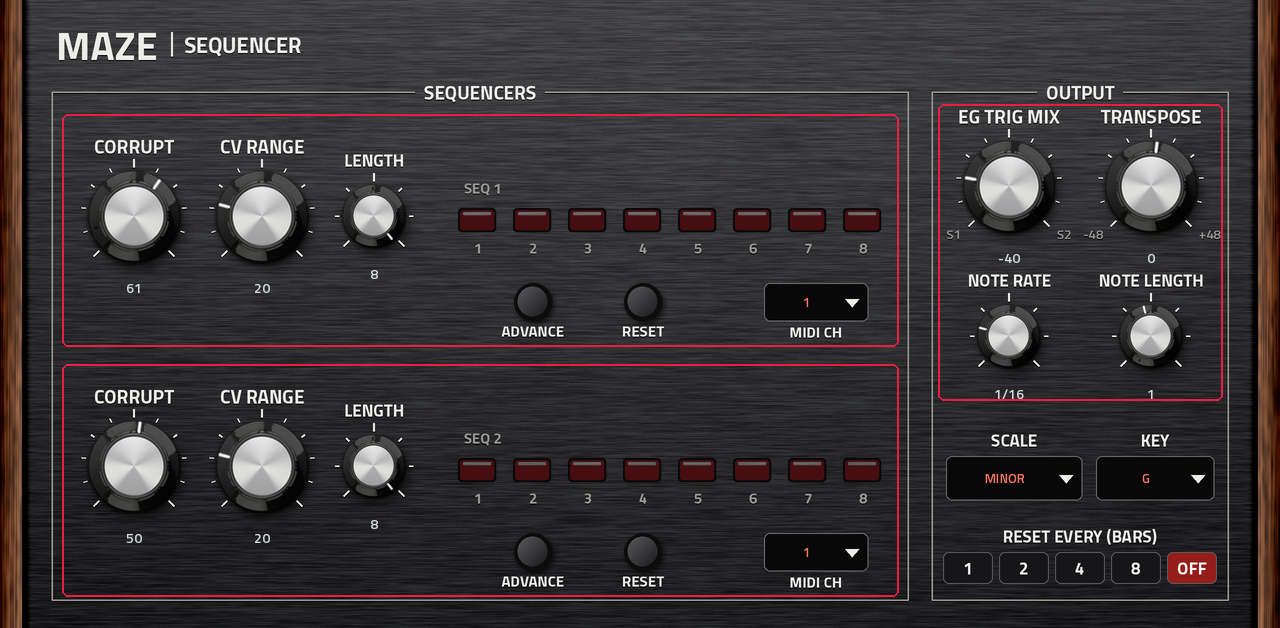
Dual 8-step generative sequencer (Moog Labyrinth style) with corrupt, scale quantising, two LFOs and per-line MIDI channels, driving other tracks over MIDI.
💬 Questions or feedback? Join the Open MPC Discord.
Download Maze Sequencer v2.0.1
⚠ Not yet tested on hardware
This is a finished release, but the creator hasn't recorded a test of this version on a real MPC or Force. It may work fine; it may not. Back up first and try it on a project that doesn't matter.
✓ Safety check passed
- ✓ Download matches the checksum GitHub lists
- ✓ Built for: Gen1 (32-bit ARM), Gen2 (64-bit ARM)
- ✓ Runs on: MPC OS 3.x / MPC OS 2.x and 3.x
- ✓ No internet, web server, program-launching or system-changing functions found
- ✓ Nothing risky found in its installer
An automatic look at the files, not a guarantee: it can't see everything a program does. Always back up first.
Disclaimer: use entirely at your own risk
This plugin is made, owned and shared by an independent developer, not by The Disk King and not by Akai Professional or inMusic. The Disk King only lists it; the download comes directly from the developer's GitHub. The Disk King did not make, test, review or check it for safety and makes no promise that it works, is safe, or is free of bugs or harmful code.
Plugins install into your MPC's system and can crash it, corrupt or lose projects and samples, or require reinstalling MPC OS. Save your work and back up your MPC before installing anything.
Everything here is provided "as is", with no warranty of any kind. To the fullest extent the law allows, The Disk King is not responsible or liable for any damage, data loss, device failure, lost income or any other harm from downloading, installing or using any plugin listed here. By downloading or installing, you accept all risk and full responsibility. Full disclaimer.
Gen1: MPC Live, Live II, One, X, Key, Force
Maze-Sequencer-2.0.1-mpc-armv7.zip 4.8 MB
sha256: bab727f4f4e87413866ddd0fd41c4d7b38cb29ce439dfcfd1d8c1716e284899e
Gen2: MPC Live III, One G2, Key G2, XL
Maze-Sequencer-2.0.1-mpc-aarch64.zip 4.9 MB
sha256: aefdd5d7c455ab0719457e7732e724fe32e82e76cb182dbf3875d21020df8091
Downloads come straight from the creator's GitHub. Check the sha256 matches before installing. New to plugins? How to install plugins on MPC OS 3.10.1.
✓ Easy install on MPC OS 3.10.1: copy one folder
- Gen1 download: unzip it and copy
sd88me - VST - Maze Sequencer(insideMaze-Sequencer-2.0.1/portable/) intoVST2 Pluginson your drive. - Gen2 download: unzip it and copy
sd88me - VST - Maze Sequencer(insideMaze-Sequencer-2.0.1/portable/) intoVST2 Pluginson your drive.
Turn on External Plugin Support first. Full step-by-step guide.
Tested working on
The creator hasn't recorded a hardware test for this version yet.
Version history
v2.0.1 Nov 24, 2026 · 189 downloads
Dual 8-step generative sequencer (Moog Labyrinth style) with corrupt, scale quantising, two LFOs and per-line MIDI channels, driving other tracks over MIDI. ## Requirements - A first-generation MPC OS standalone device (32-bit ARM, like the Force, MPC Live / Live II, One, X and Key 61). The installer refuses anything else. Newer models are untested. - **Root shell access** (SSH) to the device, for the scripted install below. Stock MPC OS doesn't offer this; you need a modded unit. On MPC OS 3.10.1 and later you can skip it entirely: copy the plugin folder into `VST2 Plugins` (next section). - Installing plugins this way is unofficial: back up first, use at your own risk. ## Install (scripted) 1. Unzip, then copy the whole folder to the device, e.g. `scp -r Maze-Sequencer-2.0.1 root@<device-ip>:/tmp/` 2. Run it: `ssh root@<device-ip> sh /tmp/Maze-Sequencer-2.0.1/install.sh` The installer checks the device, **stops MPC** (save your project first), copies `portable/sd88me - VST - Maze Sequencer/` (the plugin, its skin and its data, as one folder) into the folder this MPC OS loads plugins from (on MPC OS 3.10.1 and later `<drive>/VST2 Plugins`, when that folder exists or already holds this plugin; before 3.10.1 `/sdcard/Synths`; it prints the one it uses), backs up `MPC.settings`, adds the plugin to MPC's plugin list from the folder's `plugin-meta.xml` and starts MPC again. Running it again upgrades in place, keeping your own files. An older install of this plugin (the previous layout, with the `.so` in `/sdcard/vst`) is replaced, not duplicated. `-y` skips the confirmation prompt; `-t <folder>` installs into another Synths folder (for example on a card). Then add **Maze Sequencer** to a track from the plugin browser (Instrument plugins). Its screen appears in the plugin view, and the Q-Links follow the page. Full instructions, including installing by hand, are in `INSTALL.md` inside the zip. --- Built by GitHub Actions from sd88me/mpc-vst-maze@9716b2d with mpc-vst-plugins@1777e40.
v2.0.0 Nov 14, 2026 · 2,105 downloads
# Maze Sequencer 2.0.0 New screen and a new build underneath. Same plugin: same name, same plugin ID, same parameter order, so your projects and presets from 1.x load as before. - **One screen for both sequencers**, as before, laid out with more room: Corrupt, CV Range and Length on the left of each line, then the eight step keys with a wider touch area, and Advance, Reset and the MIDI channel below them. - **MIDI CH is a pop-up list (1 to 16)** instead of a knob. It is still on the Q-Link bank. - The step keys and the play-head ring keep the 1.x look. - **Starting values** for a new instance: Corrupt A at 1 o'clock, Corrupt B at 12 o'clock, Trig Mix -40, Scale MINOR, Key G. Saved projects keep their own values. - LFO 1 and LFO 2 are sub-tabs of one tab. ## Upgrading Install over 1.x: the plugin keeps its folder and file name, so the upgrade replaces it in place. Needs MPC OS 3.x, as 1.x did. Downloads: `-mpc-armv7.zip` (Force, MPC Live / One / X) and `-mpc-aarch64.zip` (MPC Live III) are installer packages; `-mpc-sdk.zip` is one folder for every MPC.
v1.0.8 Nov 12, 2026 · 1,035 downloads
Dual 8-step generative sequencer (Moog Labyrinth style) with corrupt, scale quantising, two LFOs and per-line MIDI channels, driving other tracks over MIDI. ## Requirements - A first-generation MPC OS standalone device (32-bit ARM, like the Force, MPC Live / Live II, One, X and Key 61). The installer refuses anything else. Newer models are untested. - **Root shell access** (SSH) to the device. Stock MPC OS doesn't offer this; you need a modded unit. - Tested on MPC OS with a Force. Installing plugins this way is unofficial: back up first, use at your own risk. ## Install (scripted) 1. Unzip, then copy the whole folder to the device, e.g. `scp -r Maze-Sequencer-1.0.8 root@<device-ip>:/tmp/` 2. Run it: `ssh root@<device-ip> sh /tmp/Maze-Sequencer-1.0.8/install.sh` The installer checks the device, **stops MPC** (save your project first), copies `portable/sd88me - VST - Maze Sequencer/` (the plugin, its skin and its data, as one folder) into `/sdcard/Synths`, backs up `MPC.settings`, adds the plugin to MPC's plugin list from the folder's `plugin-meta.xml` and starts MPC again. Running it again upgrades in place, keeping your own files. An older install of this plugin (the previous layout, with the `.so` in `/sdcard/vst`) is replaced, not duplicated. `-y` skips the confirmation prompt; `-t <folder>` installs into another Synths folder (for example on a card). Then add **Maze Sequencer** to a track from the plugin browser (Instrument plugins). Its screen appears in the plugin view, and the Q-Links follow the page. Full instructions, including installing by hand, are in `INSTALL.md` inside the zip. --- Built by GitHub Actions from sd88me/mpc-vst-maze@f8c5825 with mpc-vst-plugins@8ee2ddb.
v1.0.7 Oct 13, 2026 · 1,744 downloads
Dual 8-step generative sequencer (Moog Labyrinth style) with corrupt, scale quantising, two LFOs and per-line MIDI channels, driving other tracks over MIDI. ## Requirements - A first-generation MPC OS standalone device (32-bit ARM, like the Force, MPC Live / Live II, One, X and Key 61). The installer refuses anything else. Newer models are untested. - **Root shell access** (SSH) to the device. Stock MPC OS doesn't offer this; you need a modded unit. - Tested on MPC OS with a Force. Installing plugins this way is unofficial: back up first, use at your own risk. ## Install (scripted) 1. Unzip, then copy the whole folder to the device, e.g. `scp -r Maze-Sequencer-1.0.7 root@<device-ip>:/tmp/` 2. Run it: `ssh root@<device-ip> sh /tmp/Maze-Sequencer-1.0.7/install.sh` The installer checks the device, **stops MPC** (save your project first), copies `portable/sd88me - VST - Maze Sequencer/` (the plugin, its skin and its data, as one folder) into `/sdcard/Synths`, backs up `MPC.settings`, adds the plugin to MPC's plugin list from the folder's `plugin-meta.xml` and starts MPC again. Running it again upgrades in place, keeping your own files. An older install of this plugin (the previous layout, with the `.so` in `/sdcard/vst`) is replaced, not duplicated. `-y` skips the confirmation prompt; `-t <folder>` installs into another Synths folder (for example on a card). Then add **Maze Sequencer** to a track from the plugin browser (Instrument plugins). Its screen appears in the plugin view, and the Q-Links follow the page. Full instructions, including installing by hand, are in `INSTALL.md` inside the zip. --- Built by GitHub Actions from sd88me/mpc-vst-maze@66dddf0 with mpc-vst-plugins@b6e2197.
v1.0.6 Oct 12, 2026 · 693 downloads
**Fixed: Maze Sequencer played slightly behind the other tracks.** It handled each moment's clock after that moment had played (one audio block, about 3 ms, late). It now handles each block at the start of that block, as StepRunner-8 does, so its notes arrive on time or slightly early and you should not need track delay on your other tracks to line it up. At a loop end it now follows MPC's loop range: the part of a block after the loop end plays from the loop start, so the loop's first step is not delayed or doubled. **Tested:** on a Force (MPC OS 3.9.1), 4-bar loop at 126 BPM: every note on the grid (within one audio block), the same notes on every pass through the loop. Offline, the grid test replays MPC's measured position jitter over 50 loops and requires every clock pulse to go out with the block it belongs to. **MPC OS:** 2.x + 3.x, as 1.0.5. CPU on a Force: worst p99 1.1%, PASS. --- Dual 8-step generative sequencer (Moog Labyrinth style) with corrupt, scale quantising, two LFOs and per-line MIDI channels, driving other tracks over MIDI. ## Requirements - A first-generation MPC OS standalone device (32-bit ARM, like the Force, MPC Live / Live II, One, X and Key 61). The installer refuses anything else. Newer models are untested. - **Root shell access** (SSH) to the device. Stock MPC OS doesn't offer this; you need a modded unit. - Tested on MPC OS with a Force. Installing plugins this way is unofficial: back up first, use at your own risk. ## Install (scripted) 1. Unzip, then copy the whole folder to the device, e.g. `scp -r Maze-Sequencer-1.0.6 root@<device-ip>:/tmp/` 2. Run it: `ssh root@<device-ip> sh /tmp/Maze-Sequencer-1.0.6/install.sh` The installer checks the device, **stops MPC** (save your project first), copies `portable/sd88me - VST - Maze Sequencer/` (the plugin, its skin and its data, as one folder) into `/sdcard/Synths`, backs up `MPC.settings`, adds the plugin to MPC's plugin list from the folder's `plugin-meta.xml` and starts MPC again. Running it again upgrades in place, keeping your own files. An older install of this plugin (the previous layout, with the `.so` in `/sdcard/vst`) is replaced, not duplicated. `-y` skips the confirmation prompt; `-t <folder>` installs into another Synths folder (for example on a card). Then add **Maze Sequencer** to a track from the plugin browser (Instrument plugins). Its screen appears in the plugin view, and the Q-Links follow the page. Full instructions, including installing by hand, are in `INSTALL.md` inside the zip. --- Built by GitHub Actions from sd88me/mpc-vst-maze@f3a134e with mpc-vst-plugins@a4b8f86.
v1.0.5 Oct 11, 2026 · 669 downloads
**New: play a note to transpose the pattern.** A note-on from the track or a keyboard shifts both lines by its distance from C4 (C4 = 0, G4 = +7, C3 = -12; limited to two octaves either way). The plugin's own notes, which MPC loops back to it, are ignored. **Fixed: a tempo change could make a step play twice.** When the host's tempo changes, its song position steps back a little before moving on, and the sequencer treated that as a loop. A small backward step (under one beat) is now held until the position catches up; real loops are unaffected. **Tested:** on a Force (MPC OS 3.x): tempo changes slow and fast, and note transpose. The offline grid test sweeps 60 tempo-change positions. **MPC OS:** 2.x + 3.x (glibc 2.27), as 1.0.4.
More plugins like this
Euclid
by sd88me · v2.0.0 · 10,186 downloads
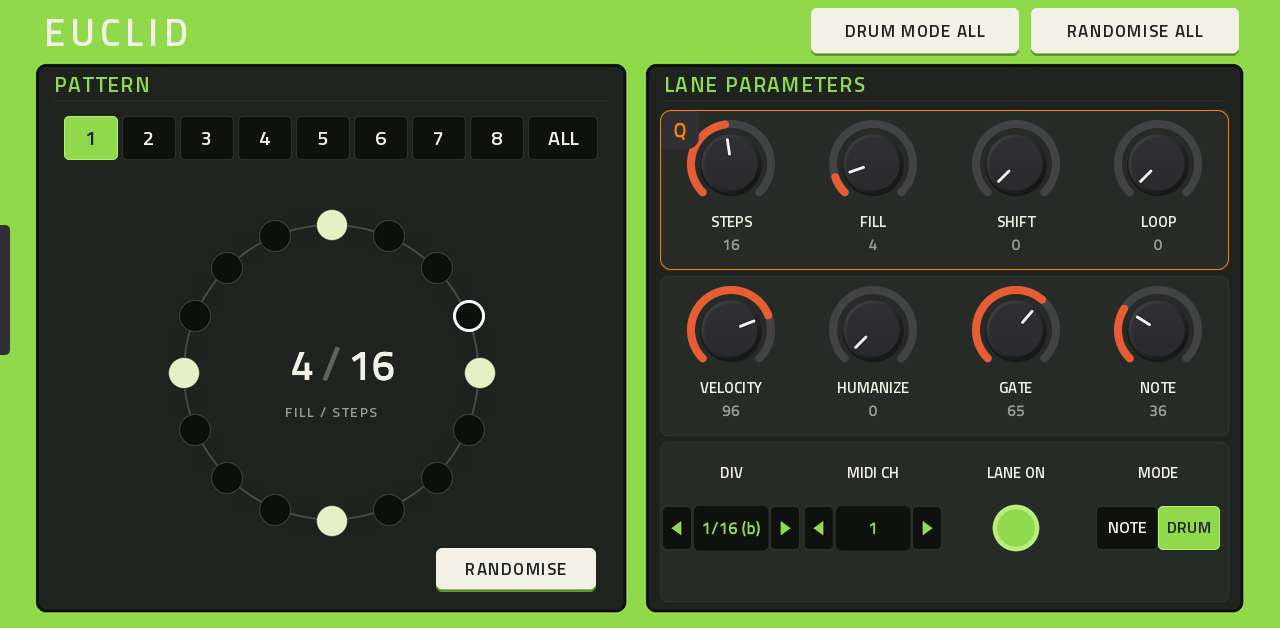
Euclid is an 8-lane Euclidean MIDI sequencer for Akai MPC OS standalone devices
JN 106
by sd88me · v0.2.0 · 5,468 downloads
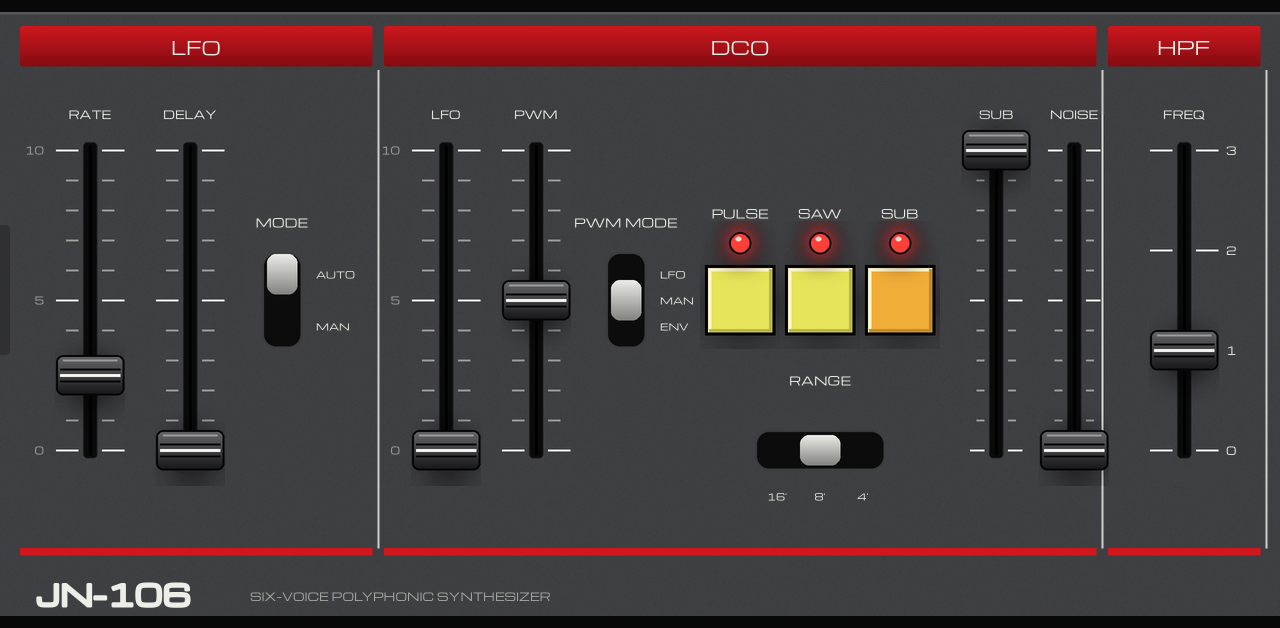
A faithful, circuit-modelled and hardware-profiled six-voice Juno emulation for Akai MPC OS standalone devices. The DSP is Ultramaster KR-106 by Karl LaRocca:
MS20XXL
by sunskiefer · v0.2.0 · 3,550 downloads
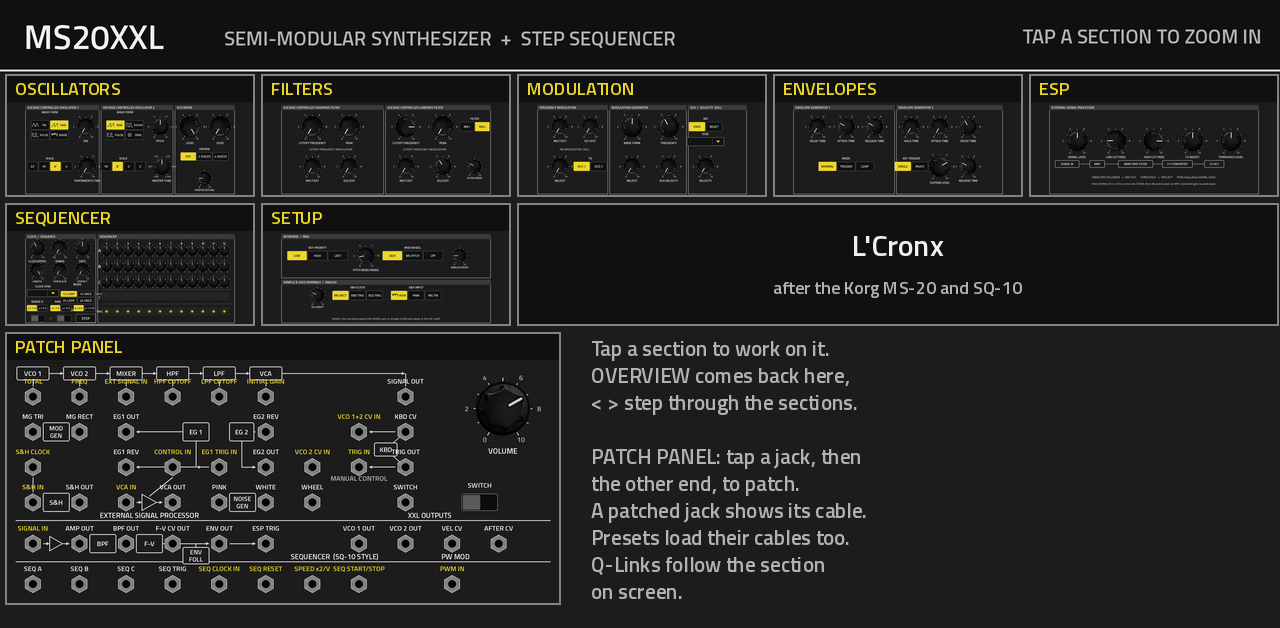
MS20XXL — Korg MS-20-style semi-modular mono synth for Akai Force / MPC OS (VST2) by L’Cronx. Two VCOs, MS-20 HPF/LPF, ESP, touch patch bay drawn on the block diagram, and an SQ-10-style analog step sequencer.
StepRunner 8
by djokenzi · v1.2.0 · 3,514 downloads
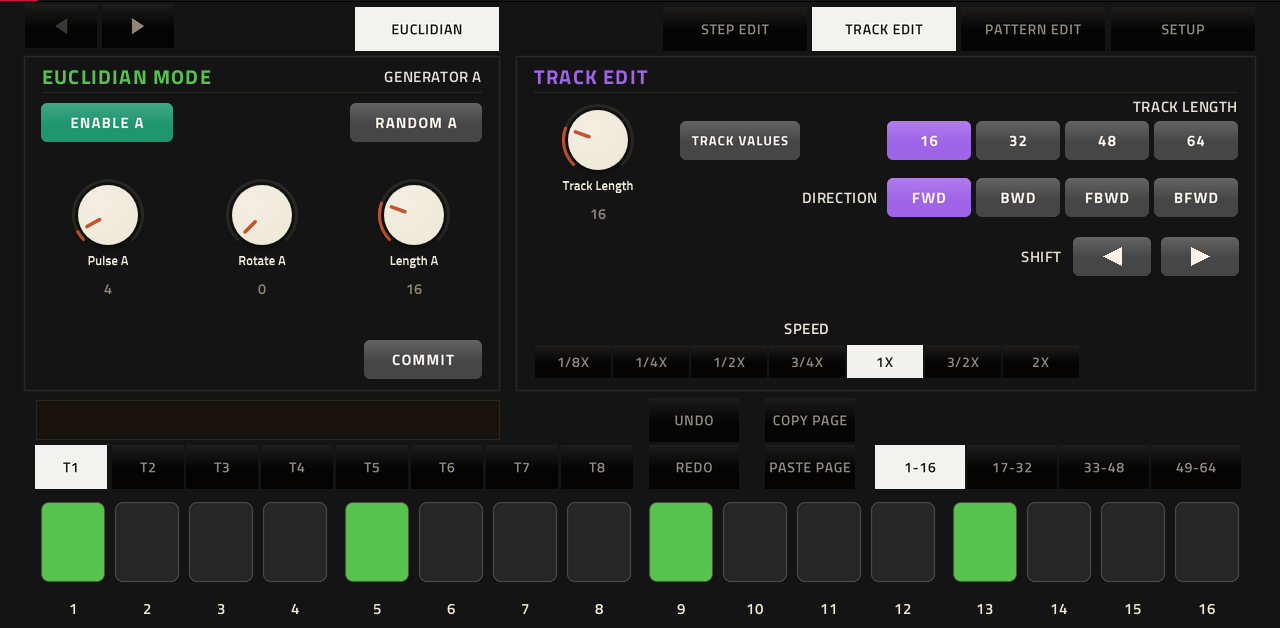
8-track, 64-step sequencer plugin for Akai MPC standalone
Welle
by sd88me · v0.3.1 · 1,751 downloads
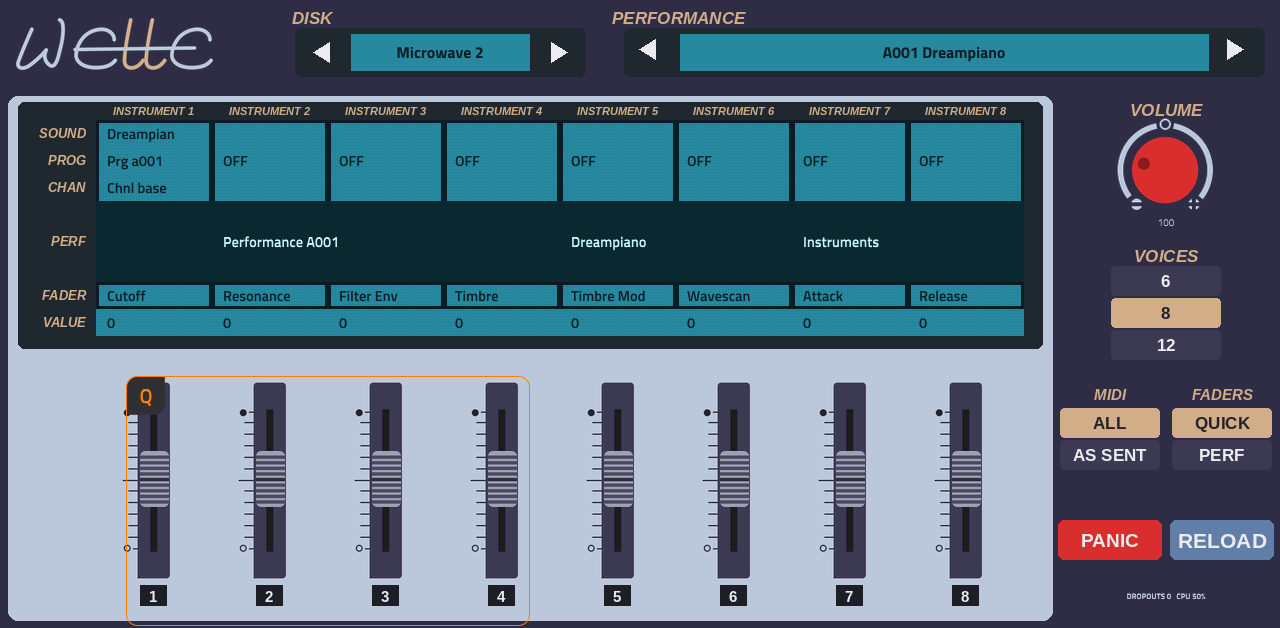
A Waldorf Wave emulation that runs as a plugin instrument on Akai MPC Gen2 standalone devices built on the emulation by mo0kid: a model of the Wave's voice circuits driven by the instrument's own OS 1.700, running on emulated 68000s.
JC303 MPC
by 303inmyheart · v0.7.4 · 1,202 downloads
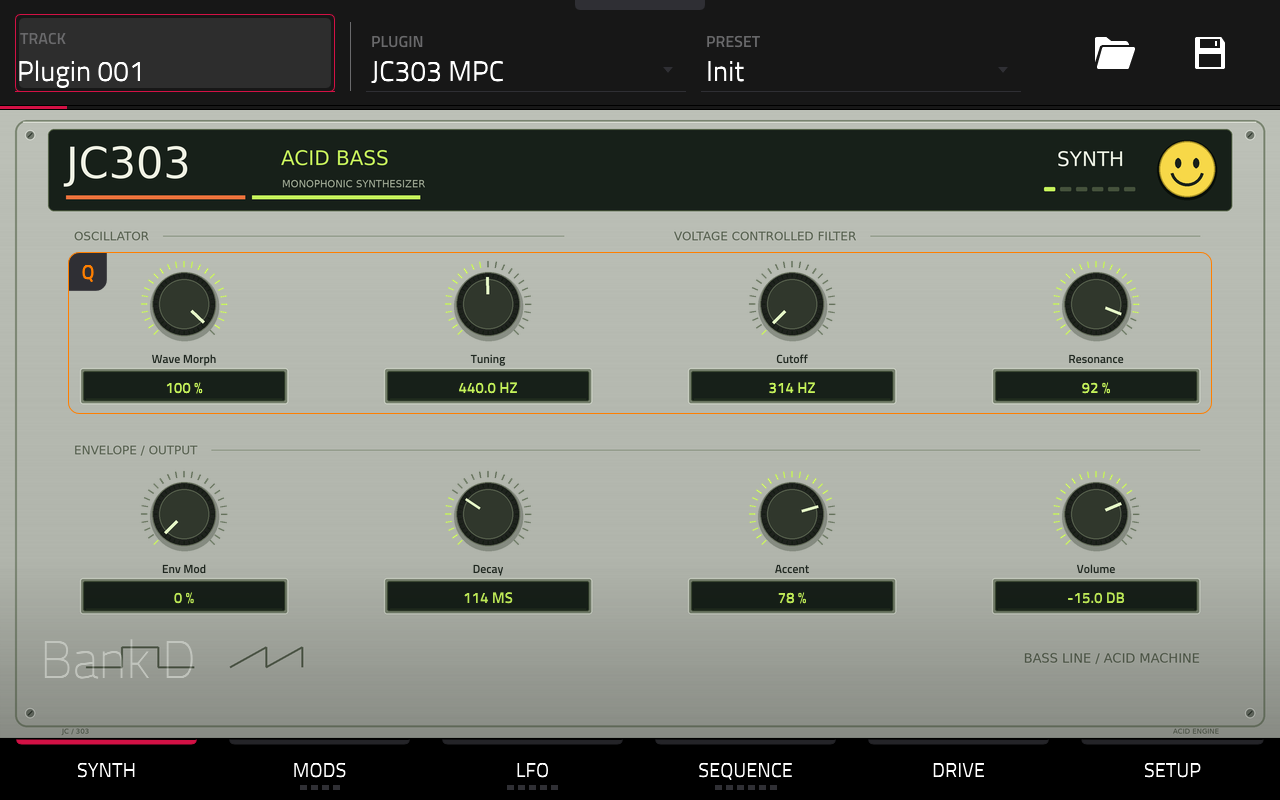
JC303 MPC — 303-style synth for Gen2 MPCs with native Q-Links, sequencer, drive models and presets. Community port by 303inmyheart.
JV 880
by sd88me · v2.0.4 · 16,415 downloads
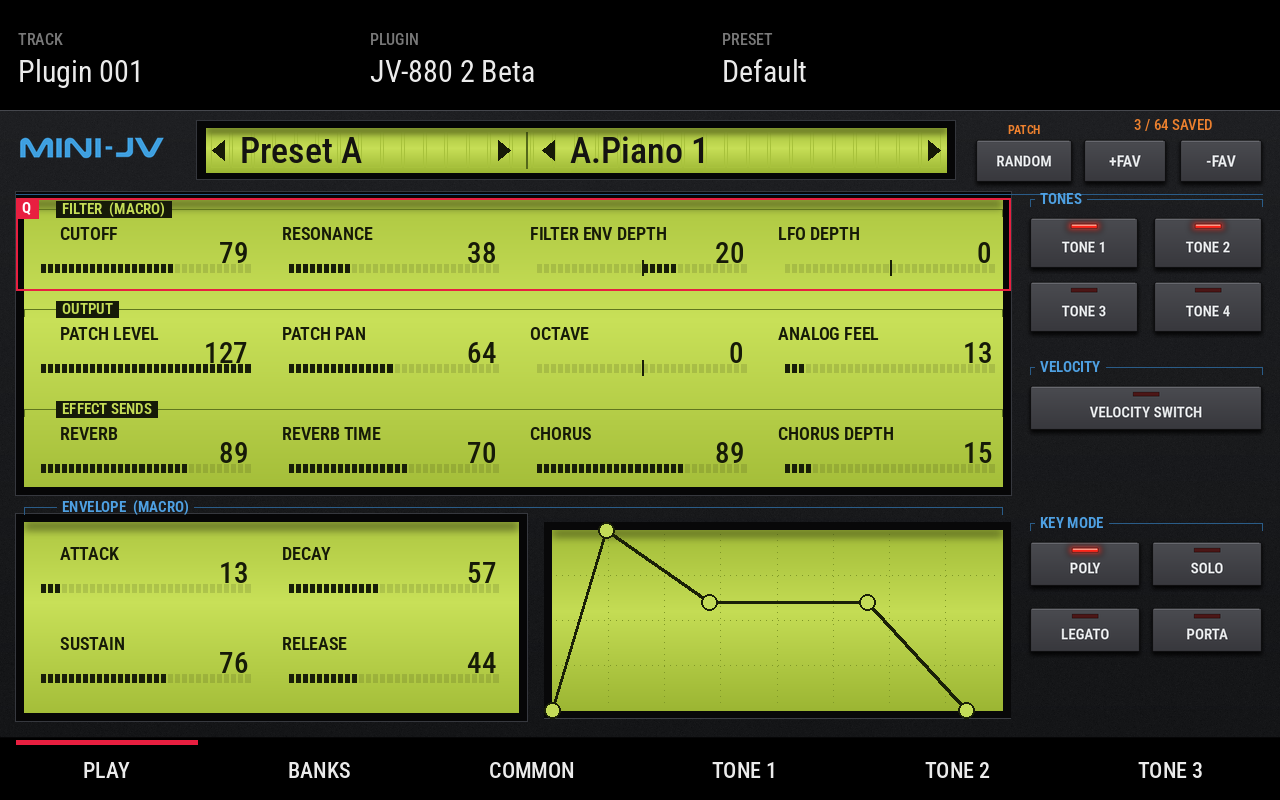
JV-880 Emulator VST Plugin for MPC OS
Crate Digger
by sd88me · v2.2.1 · 15,139 downloads
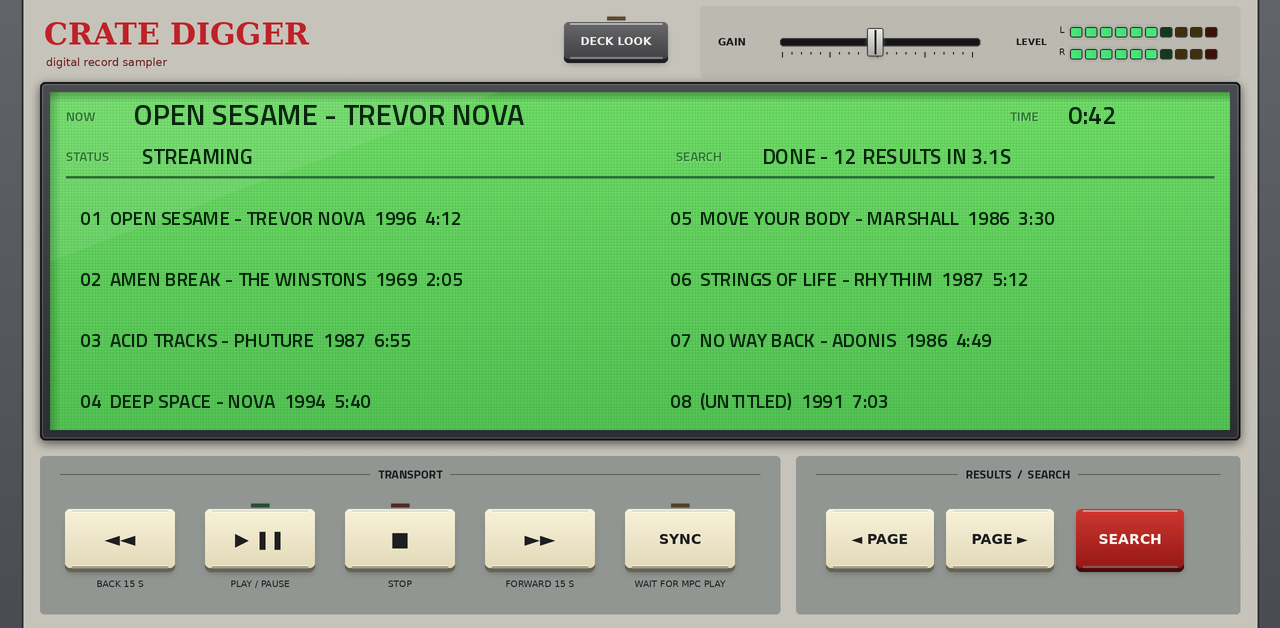
Crate Digger is a plugin instrument for Akai MPC standalone devices that digs for records and plays them into an MPC track. Pick a genre, style, decade, region and country, and it finds random releases on Discogs, then streams so you can audition and resample them.
To improve this listing (for the creator)
- add a tested.json entry for the newest release (device and MPC OS)
Made this plugin? Add our badge to your README
 Paste this into your GitHub README. It updates itself when your plugin gets the Tested & Working badge.
[](https://thediskking.com/plugins/maze-sequencer/)