MPC Plugins / Instruments / reMixXXL
reMixXXL
Free MPC Instrument plugin by sunskiefer · v0.1.25 · Nov 8, 2026 · 2,472 downloads
2,472
Downloads
1
GitHub stars
v0.1.25
Latest version
Nov 8, 2026
Updated
User rating
No ratings yet. Be the first.
Used it? Rate it:
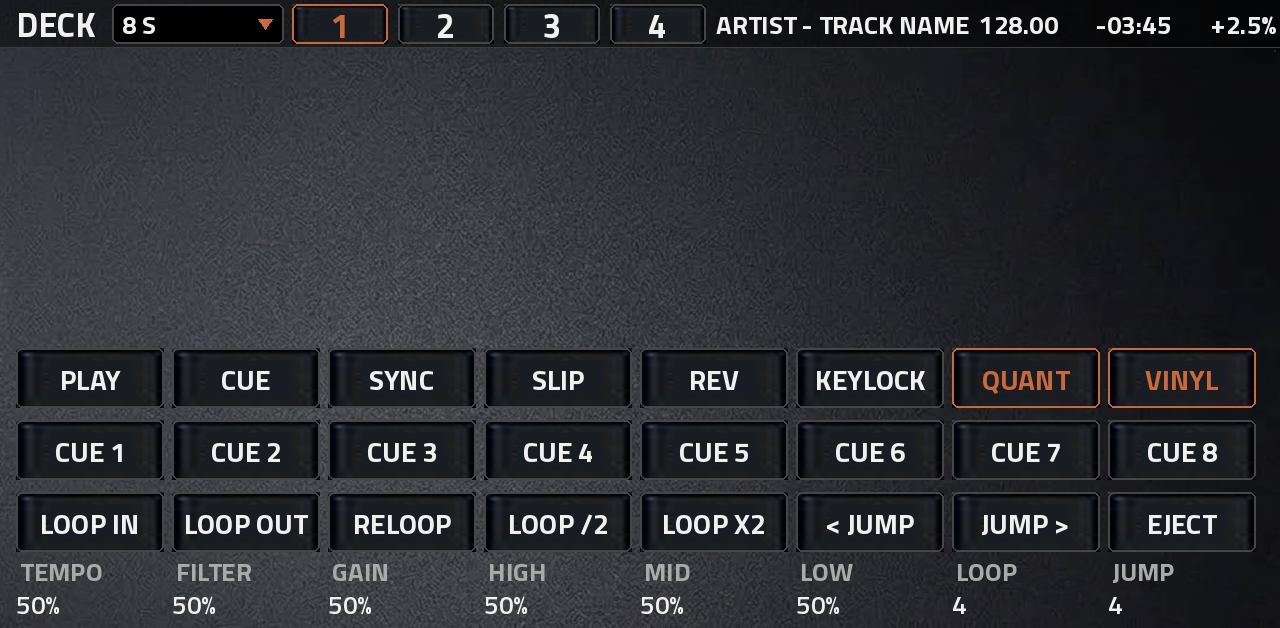
reMixXXL by L'Cronx: four Mixxx-style DJ decks with CDJ wheels, a mixer, effects and a track browser for the Akai Force
reMixXXL follows Mixxx: its control names ([Channel1],play, hotcue1activate, beatloop4activate, rate ...), its deck model (cue, hot cues, beat loops, beat jump, slip, keylock, sync, vinyl mode), its mixer (gain, three-band EQ, quick-effect filter, PFL, crossfader orientation), its effect units (two units of three slots each, with meta knobs and a s
Download reMixXXL v0.1.25
✓ Tested & working
The creator reports testing this exact version on real hardware: Akai Force. This is the creator's own report, not a guarantee from The Disk King. Still back up first.
⚑ Safety check: review the notes below
- ✓ Download matches the checksum GitHub lists
- ✓ Built for: Gen1 (32-bit ARM)
- ✓ Runs on: MPC OS 2.x and 3.x
- ⚑ The plugin runs a small web page on your Wi-Fi (often its phone or browser screen).
- These can be completely normal for what the plugin does, but know them before installing.
- ✓ Nothing risky found in its installer
An automatic look at the files, not a guarantee: it can't see everything a program does. Always back up first.
Disclaimer: use entirely at your own risk
This plugin is made, owned and shared by an independent developer, not by The Disk King and not by Akai Professional or inMusic. The Disk King only lists it; the download comes directly from the developer's GitHub. The Disk King did not make, test, review or check it for safety and makes no promise that it works, is safe, or is free of bugs or harmful code.
Plugins install into your MPC's system and can crash it, corrupt or lose projects and samples, or require reinstalling MPC OS. Save your work and back up your MPC before installing anything.
Everything here is provided "as is", with no warranty of any kind. To the fullest extent the law allows, The Disk King is not responsible or liable for any damage, data loss, device failure, lost income or any other harm from downloading, installing or using any plugin listed here. By downloading or installing, you accept all risk and full responsibility. Full disclaimer.
Gen1: MPC Live, Live II, One, X, Key, Force
reMixXXL-0.1.25-mpc-armv7.zip 27.3 MB
sha256: 097857c930797a6214cabf9b273df071a7349b055cc406e4585103250db7eae9
Downloads come straight from the creator's GitHub. Check the sha256 matches before installing. New to plugins? How to install plugins on MPC OS 3.10.1.
Can't be copied by hand on MPC OS 3.10.1
This release's plugin folder has no plugin.json, which 3.10.1 needs to list it. Use the creator's installer (see INSTALL.md in the zip), or ask the creator for a 3.10.1 release. Why?
⚠ Beta v0.2.0 is out: unfinished, not tested
Betas can crash or break projects. The download above is the finished version. Get the beta from the creator's GitHub only if you accept that risk.
Tested working on
- Akai Force, MPC OS (Nov 8, 2026)
Version history
v0.2.0 beta Nov 17, 2026 · 546 downloads
reMixXXL and reMixXXL CUE for the 64-bit MPCs (Live III, XL, One G2, Key G2) and for Akai's plugin folder format (MPC OS 3.10.1), as well as the Akai Force and the 32-bit MPCs. The code, the pages, the wheels and the cue are the 0.1.25 code (tested on a Force); what is new is how it is built and packed: both CPUs, three zips per plugin. **Pick your zips** (reMixXXL, and reMixXXL CUE if you use the cue; same three for each) | Zip | For | |---|---| | `reMixXXL-<version>-mpc-armv7.zip` | Akai Force and the 32-bit MPCs (X, Live, Live II, One, Key 61 / 37), modded, MPC OS 3.x | | `reMixXXL-<version>-mpc-aarch64.zip` | the 64-bit MPCs (Live III, XL, One G2, Key G2), modded, MPC OS 3.x | | `reMixXXL-<version>-mpc-sdk.zip` | any MPC on MPC OS 3.10.1 or later: copy the folder into `VST2 Plugins`, no mod needed | | `reMixXXL-CUE-<version>-mpc-armv7.zip` / `-mpc-aarch64.zip` / `-mpc-sdk.zip` | the same three, for the cue effect | A pre-release until it has been tried on a device (`tested.json`). **0.2.0 has been built and tested offline only (as ARM code, 32-bit and 64-bit, under qemu, 2026-11-17); it has not been tried on a device yet.** The 0.1.25 code it carries was tested on an Akai Force (MPC OS 3.9.1). Not verified on a 64-bit MPC or on MPC OS 3.10.1: the wheel screen and touch, the cue on outputs 3/4, MIDI. If something does not work, `remixxxl_diag.log` and `remixxxl_overlay.log` (next to the plugin) say why. The full list of changes is in [CHANGELOG.md](https://github.com/sunskiefer/reMixXXL/blob/main/CHANGELOG.md); install steps in the [README](https://github.com/sunskiefer/reMixXXL#install).
v0.1.25 Nov 8, 2026 · 1,410 downloads
## reMixXXL 0.1.25: cue (PFL) for beat matching Tested by the author on an Akai Force (MPC OS 3.9.1). **What's new** - **Cue (PFL) on its own outputs.** Outputs **1/2 are the main mix**. A deck with PFL on is taken out of the main mix and is heard **only on outputs 3/4, which you listen to on the headphones jack**: **decks 1 and 3 on the left, decks 2 and 4 on the right**, so you can beat match. - **The cue is pre-fader.** A deck with its channel fader all the way down is still heard in the cue. - **Monitor volume on the knobs.** New **PFL 1, PFL 2, PFL 3, PFL 4** knobs on the MIXER page (under CUE MIX; Q-Link and automation too) set each deck's own level in the cue (50% = normal). The companion effect has an overall **CUE LEVEL** knob. Monitoring is controlled there; the main faders, crossfader and MASTER only control 1/2. - **New companion plugin: reMixXXL CUE** (`reMixXXL-CUE-0.1.3-mpc-armv7.zip`), a small audio effect. MPC plays only the first stereo pair of a plugin, so the cue leaves through this effect on an audio track routed to 3/4. It has a STATUS line that tells you what it is doing. - Nothing else changed: every other page and the wheels are identical to 0.1.22. ## How to route the cue (step by step) 1. **Install both zips** on the Force (each has its own `install.sh`): `reMixXXL-0.1.25-mpc-armv7.zip` and `reMixXXL-CUE-0.1.3-mpc-armv7.zip`. Restart MPC so both plugins show up. 2. **Track A, reMixXXL:** load **reMixXXL** on a track as the instrument. Leave that track's output on the **main outputs (1/2)**. **Do not put reMixXXL CUE on this track**: the effect replaces the audio of the track it sits on with the cue. 3. **Track B, the cue track:** make a separate **audio track**. In its effect slot load **reMixXXL CUE**. The track needs no recording and no input: the effect makes its own sound from reMixXXL's cue. 4. **Route track B to outputs 3/4:** set that audio track's output to **3/4** (not Main), so none of the cue reaches 1/2. 5. **Headphones:** set the Force so the headphones jack plays **outputs 3/4** (MPC's audio output / headphone settings; the menu name depends on the MPC OS version). The headphones now play the cue; the main outs play the mix. 6. Load tracks on the decks and press **PFL** on a deck: it leaves 1/2 and you hear it in the headphones (decks 1/3 left, 2/4 right). Balance with the **PFL 1-4** knobs. Both plugins must be running in MPC at the same time (they talk through a small shared buffer in memory); the load order does not matter. The cue has about 9 ms of delay, which does not matter for beat matching. **The STATUS line on reMixXXL CUE**: *WAITING: EFFECT NOT RUN YET* (press play in MPC) / *reMixXXL NOT RUNNING* (load it on a track and press play) / *reMixXXL STOPPED* / *NO PFL ON (SILENT)* (everything works, press PFL on a deck) / *PLAYING THE CUE*. **Troubleshooting** - *Cue on the main outs (1/2):* reMixXXL CUE is on the reMixXXL track, or the cue track is still routed to Ma
v0.1.22 Nov 8, 2026 · 264 downloads
reMixXXL 0.1.22 - tested on the Akai Force (MPC OS 3.9.1). Endless jog wheels (big and both small) that only turn when scratched or adjusted, WHEEL page right-hand art, and the VINYL / CDJ button switches the vinyl mode. Includes 0.1.16-0.1.21. Install: download reMixXXL-0.1.22-mpc-armv7.zip from the repo root (https://github.com/sunskiefer/reMixXXL/blob/main/reMixXXL-0.1.22-mpc-armv7.zip), unzip, run install.sh. Changes: see CHANGELOG.md.
v0.1.12 Nov 4, 2026 · 252 downloads
reMixXXL 0.1.12 for the Akai Force (MPC OS 3.x, ARMv7). Four Mixxx-style DJ decks. Tested by the author on a Force (MPC OS 3.9.1). New in 0.1.12: the touch boxes match the new WHEEL layout, so a tap on track search, search, beat jump, slip or reverse hits only its own button. New in 0.1.11: the WHEEL page is rebuilt from the author's own art, every control where the author placed it: loop, 4/8, track search, search, cue, play, beat jump, direction, VINYL/CDJ, sync, key sync, tempo range, master tempo, tempo reset and the JOG ADJUST knob (turns in place). The wheels, the ring and the tempo fader are unchanged. Also in this line (0.1.10): on a stopped or paused track, turning the wheel moves the playhead forward or back (VINYL and CDJ). While playing, VINYL scrubs the track and CDJ nudges the pitch (scaled by JOG ADJUST). Install: unzip reMixXXL-0.1.12-mpc-armv7.zip and run install.sh on the device (or copy the portable folder). Your Tracks folder is kept. Companion page: http://DEVICE-IP:6731/ (see docs/COMPANION.md), or tap the small black circle on the WHEEL page for the QR. The source in this repo builds the exact engine (remixxxl.so) of this release. Not done yet: deck left/right buttons, separate cue/headphone output.
More plugins like this
LXRXXL BAZZLINE
by sunskiefer · v0.2.10 · 7,680 downloads
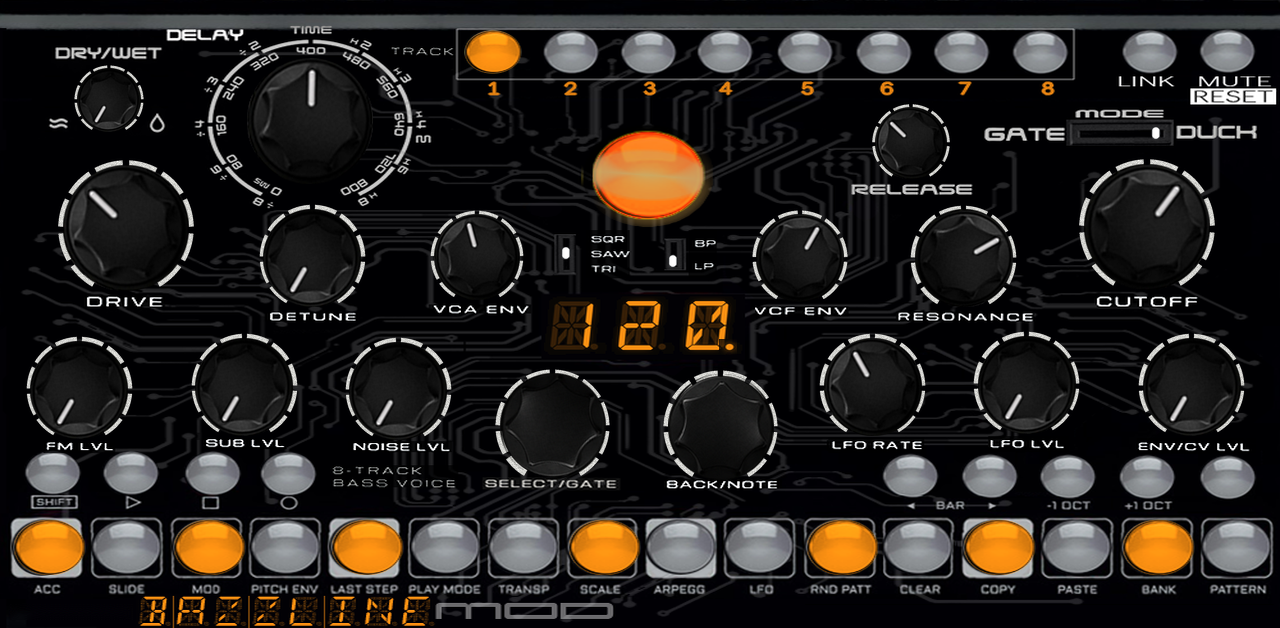
LXRXXL BAZZLINE IS A BASSLINE 8 VOICE SYNTH
RMXXXL
by sunskiefer · v1.3.0 · 5,404 downloads
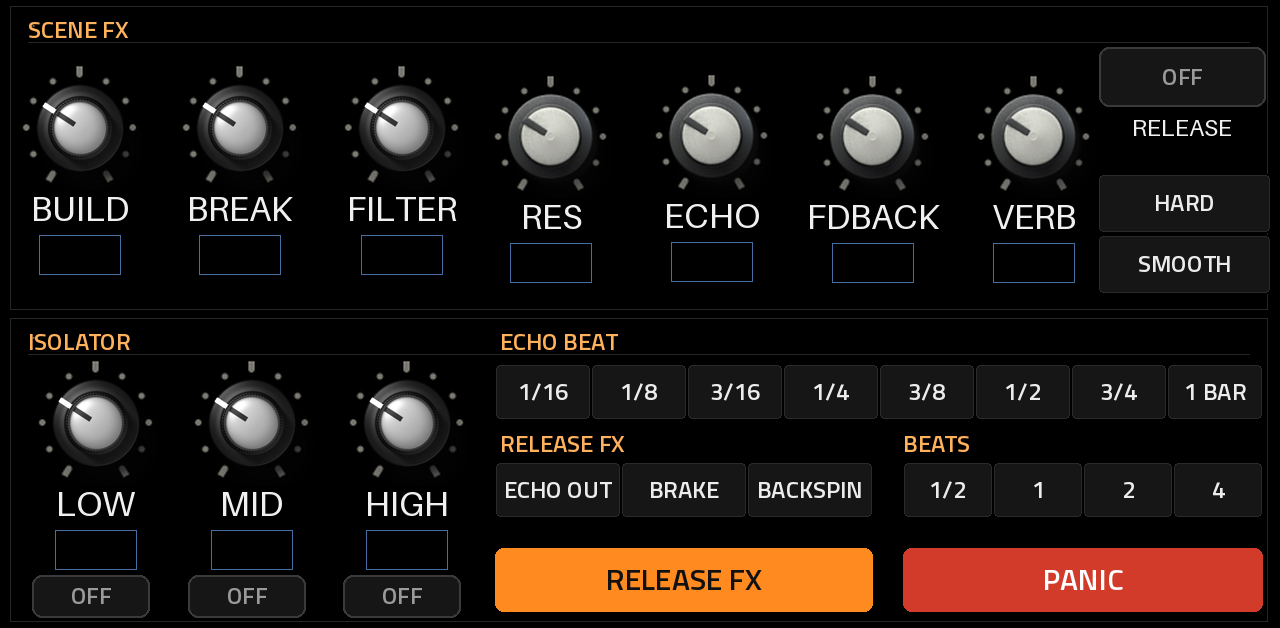
RMX-1000-style remix effect for MPC OS on the Akai Force: isolator, DJ filter, scene FX, echo, Clouds, reverbs, sample pads, limiter.
Evil Tuner XXL
by sunskiefer · v0.2.0 · 4,747 downloads
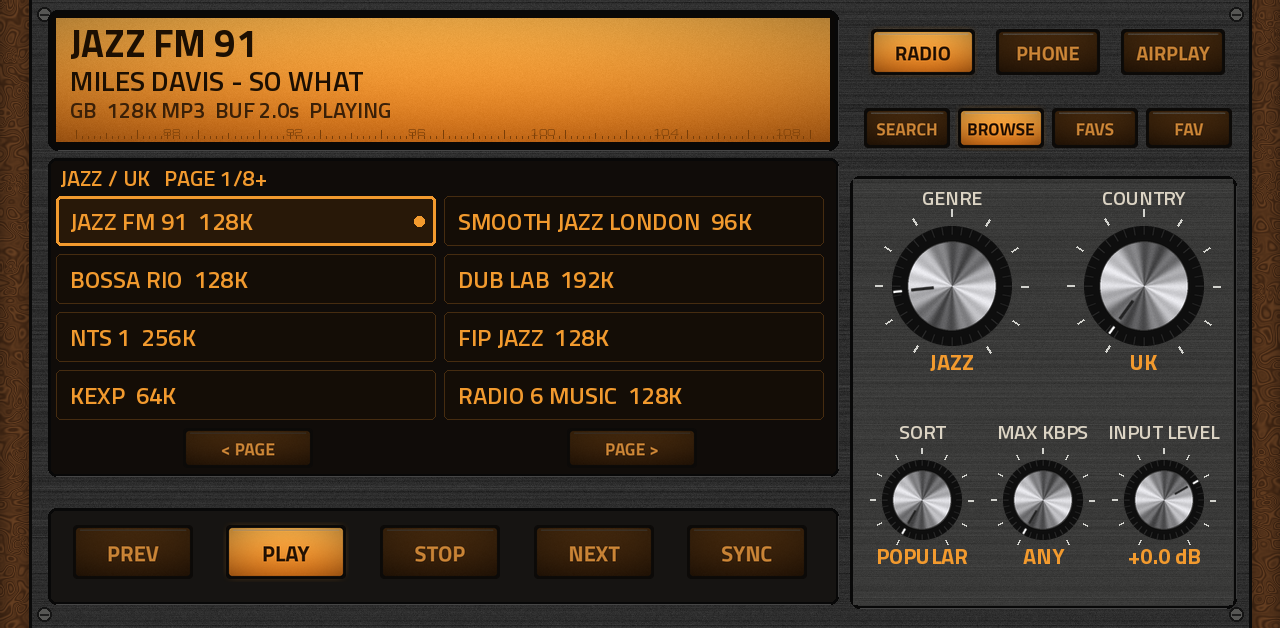
World Radio on the MPC / FORCE.. tune in, mangle wit top notch effects or simply record in to the mpc.. no cable, no hustle. Also comes with a wireless audio from your Mobile Phone (Android via ROC or Iphone via Airdrop)..
LXRXXL ZYNTH
by sunskiefer · v0.2.2 · 3,753 downloads
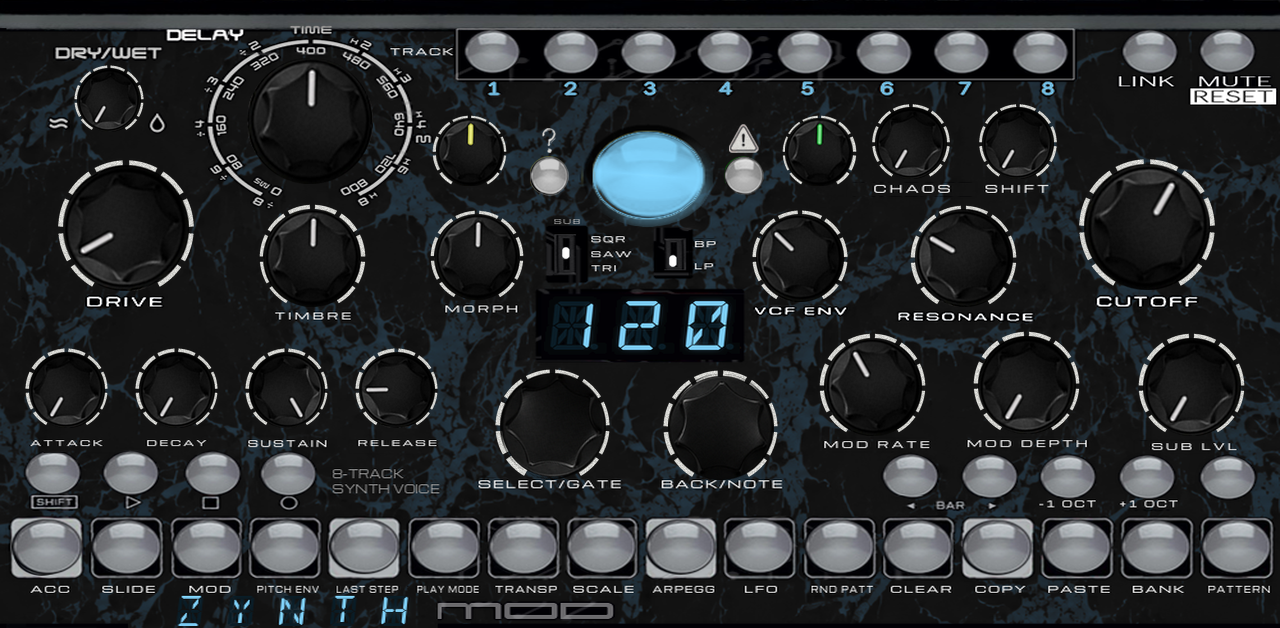
LXRXXL Synth MOD.
MS20XXL
by sunskiefer · v0.2.0 · 3,550 downloads
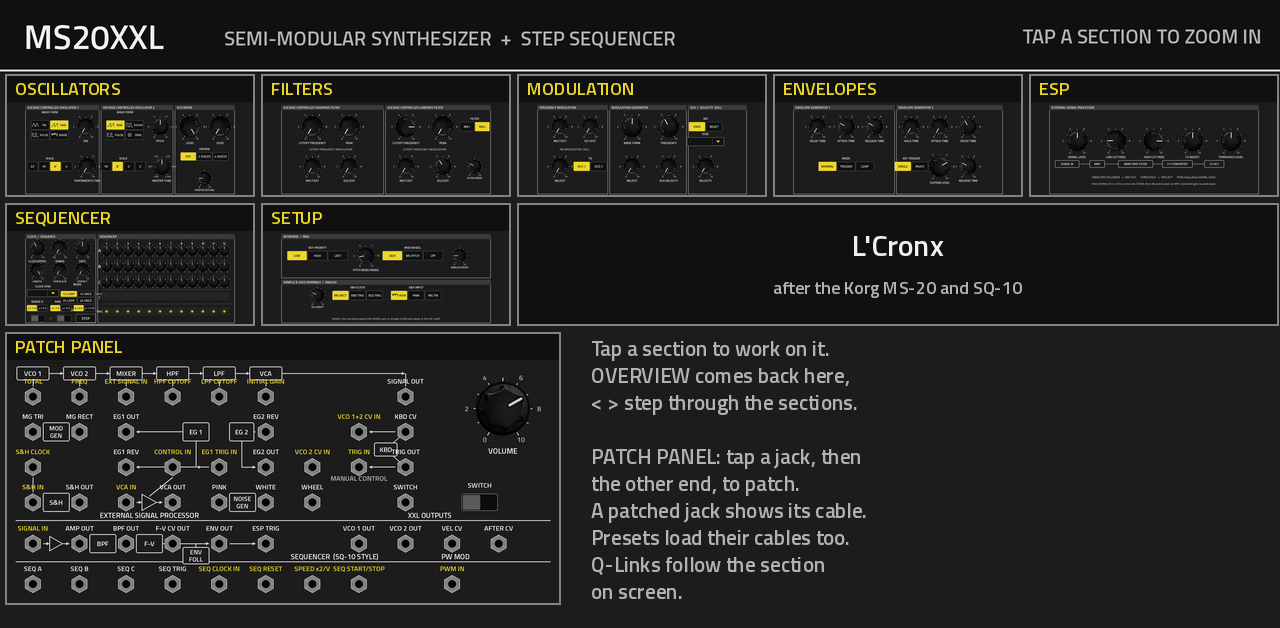
MS20XXL — Korg MS-20-style semi-modular mono synth for Akai Force / MPC OS (VST2) by L’Cronx. Two VCOs, MS-20 HPF/LPF, ESP, touch patch bay drawn on the block diagram, and an SQ-10-style analog step sequencer.
SurgeXXL
by sunskiefer · v0.2.0 · 3,225 downloads
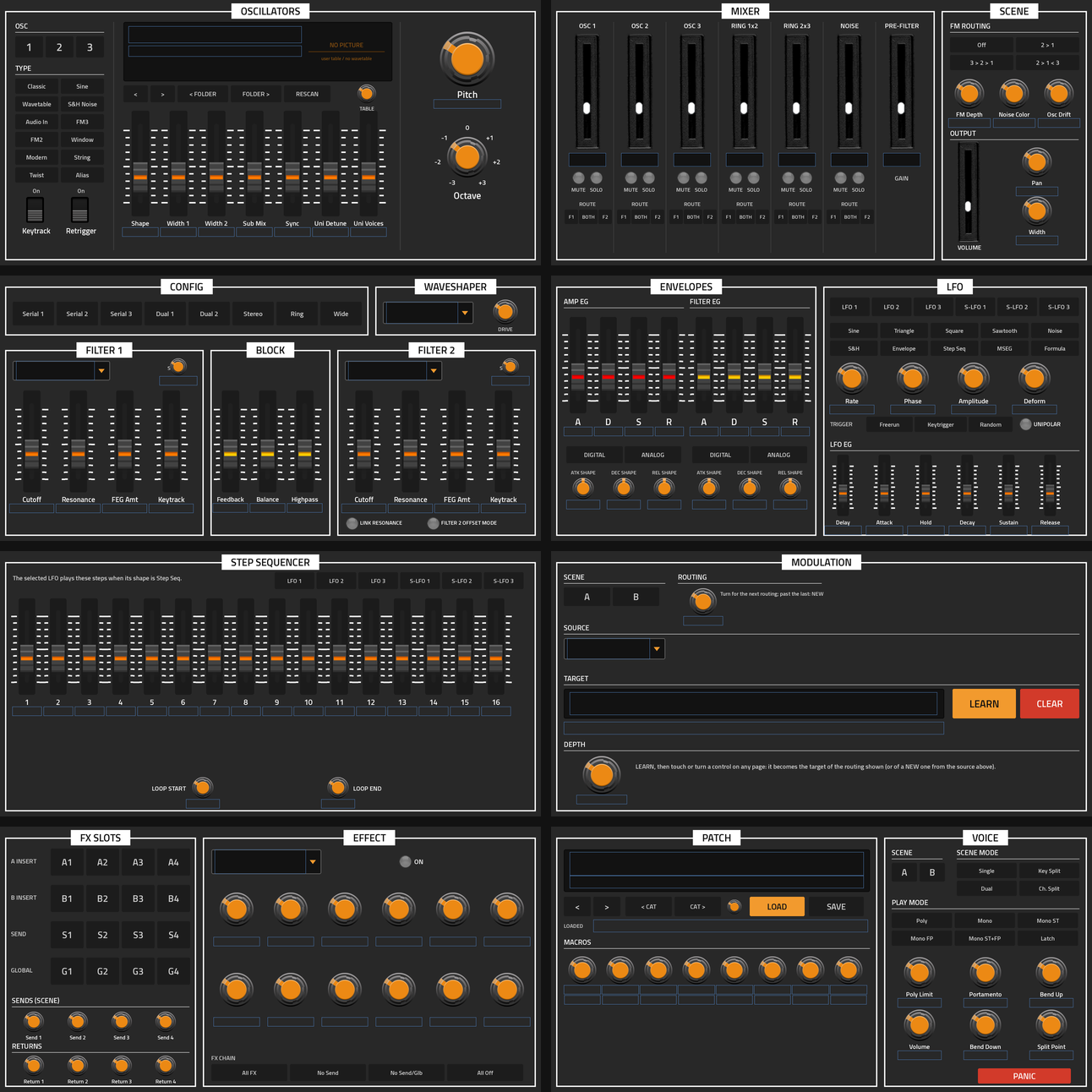
Surge ported to MPC os full open source. Slight change to the code to be able to run on the mpc system. All the effects. Load surge patches and wavetables including your ones. Full wave table synth on MPC os.
PrLogueXXL
by sunskiefer · v0.1.1 · 2,599 downloads
After Prologue for MPC OS
PS3100XXL
by sunskiefer · v0.1.5 · 2,435 downloads
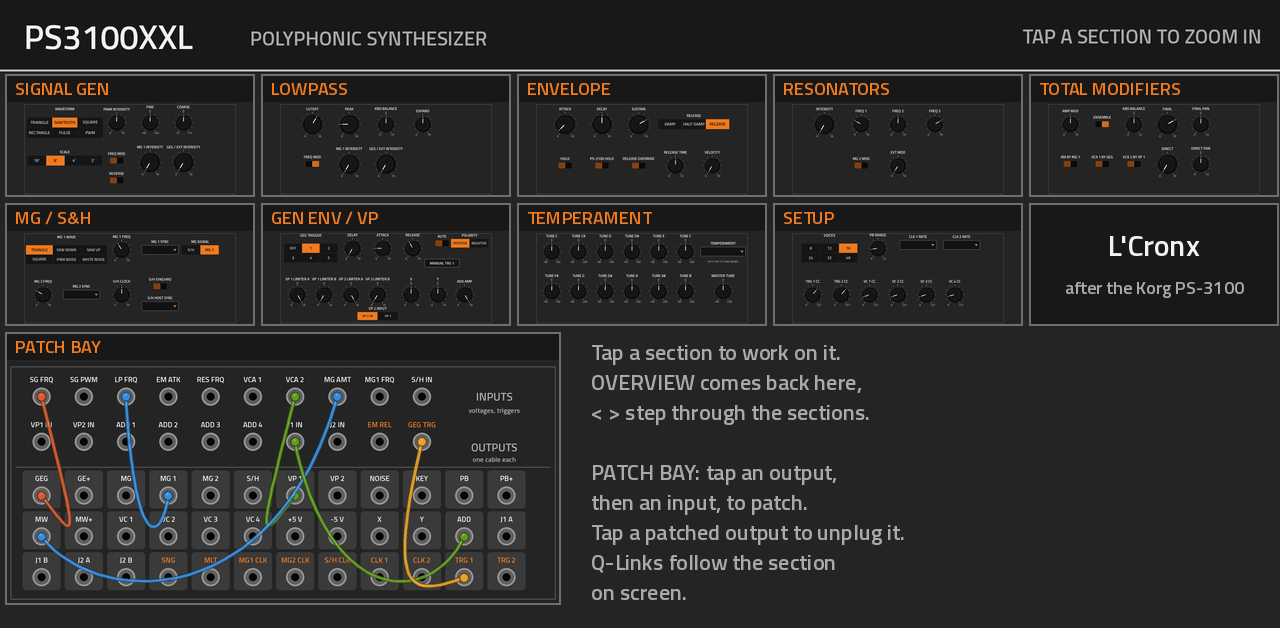
KORG PS3100 circuitry with L'Cronx a la Carte voices.. with an awsome new system patch bay!!!
To improve this listing (for the creator)
- publish a Gen2 (aarch64) build
- explain the flagged behavior (network, running programs, installer commands) in the README
Made this plugin? Add our badge to your README
 Paste this into your GitHub README. It updates itself when your plugin gets the Tested & Working badge.
[](https://thediskking.com/plugins/remixxxl/)