MPC Plugins / Instruments / mpc plugins
Breaks
Free MPC Instrument plugin by quirkey · v0.9.7 · Nov 12, 2026 · 2,202 downloads
2,202
Downloads
0
GitHub stars
v0.9.7
Latest version
Nov 12, 2026
Updated
User rating
No ratings yet. Be the first.
Used it? Rate it:
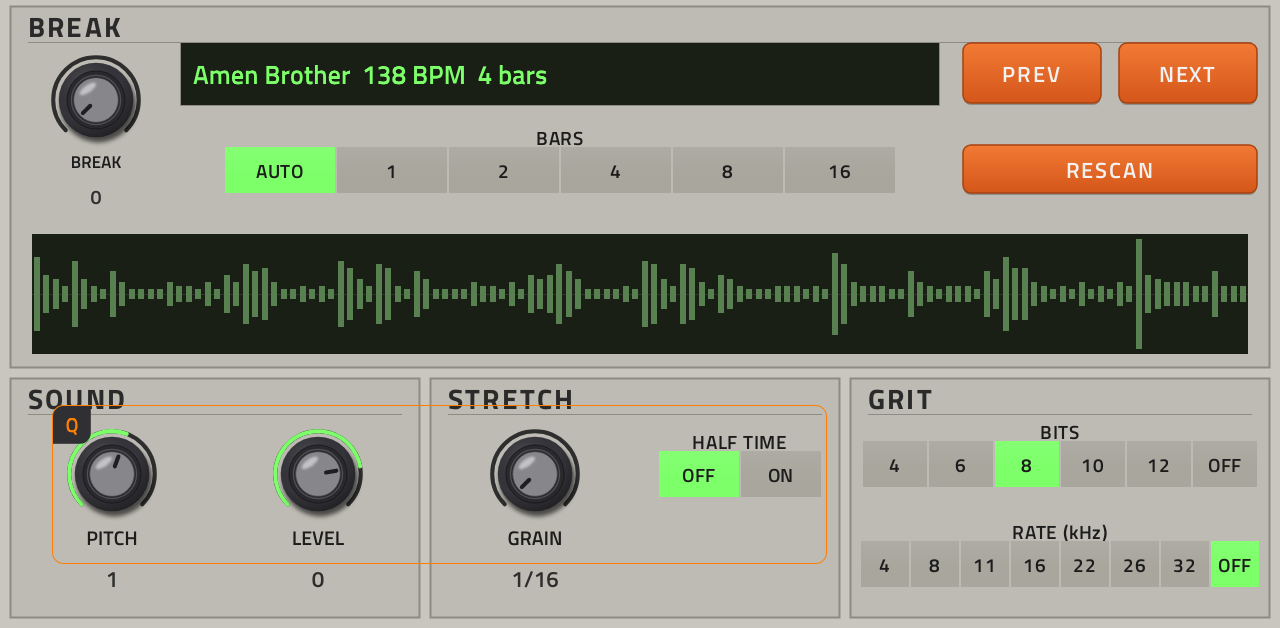
Plays a drum break in time with the song: 16th slices retriggered on the song grid, with pitch, grit and variations.
Plugins that run inside an MPC / Force in standalone mode (MPC OS's own VST host, on the device's ARM CPU), built with open-mpc/mpc-vst-plugins (guide), pinned here as the mpc-vst-plugins/ submodule. The DSP started life as firmware for Daisy boards.
Download Breaks v0.9.7
⚠ Not yet tested on hardware
This is a finished release, but the creator hasn't recorded a test of this version on a real MPC or Force. It may work fine; it may not. Back up first and try it on a project that doesn't matter.
✓ Safety check passed
- ✓ Download matches the checksum GitHub lists
- ✓ Built for: Gen1 (32-bit ARM), Akai SDK
- ✓ Runs on: MPC OS 2.x and 3.x
- ✓ No internet, web server, program-launching or system-changing functions found
- ✓ Nothing risky found in its installer
An automatic look at the files, not a guarantee: it can't see everything a program does. Always back up first.
Disclaimer: use entirely at your own risk
This plugin is made, owned and shared by an independent developer, not by The Disk King and not by Akai Professional or inMusic. The Disk King only lists it; the download comes directly from the developer's GitHub. The Disk King did not make, test, review or check it for safety and makes no promise that it works, is safe, or is free of bugs or harmful code.
Plugins install into your MPC's system and can crash it, corrupt or lose projects and samples, or require reinstalling MPC OS. Save your work and back up your MPC before installing anything.
Everything here is provided "as is", with no warranty of any kind. To the fullest extent the law allows, The Disk King is not responsible or liable for any damage, data loss, device failure, lost income or any other harm from downloading, installing or using any plugin listed here. By downloading or installing, you accept all risk and full responsibility. Full disclaimer.
Works on both Gen1 and Gen2: MPC OS 3.10.1 or later (Akai SDK)
Breaks-0.9.7-mpc-sdk.zip 5.6 MB
sha256: 2758e6eb3025b0e33d267960f81052f045aaa07e9b5c3ab81fbdf24c53fc4aeb
Gen1: MPC Live, Live II, One, X, Key, Force
Breaks-0.9.7-mpc-armv7.zip 5.6 MB
sha256: d1e7c891aa15076c0dd0b23f61e6942628672c34fb4c4917ed46800b872f1487
Downloads come straight from the creator's GitHub. Check the sha256 matches before installing. New to plugins? How to install plugins on MPC OS 3.10.1.
✓ Easy install on MPC OS 3.10.1: copy one folder
- Works-on-both download: unzip it and copy
quirkey - VST - BreaksintoVST2 Pluginson your drive. - Gen1 download: unzip it and copy
quirkey - VST - Breaks(insideBreaks-0.9.7/portable/) intoVST2 Pluginson your drive.
Turn on External Plugin Support first. Full step-by-step guide.
Tested working on
The creator hasn't recorded a hardware test for this version yet.
Version history
v0.9.7 Nov 12, 2026 · 1,707 downloads
## What's new - Rebuilt on the current [open-mpc/mpc-vst-plugins](https://github.com/open-mpc/mpc-vst-plugins) toolkit, including the wrapper fix for small buffer sizes (input and output sharing one buffer). - The plugin folder carries a `plugin.json`, so on MPC OS 3.10.1 it can be copied by hand into `VST2 Plugins`. - New: `Breaks-0.9.7-mpc-sdk.zip`, the Akai SDK folder format (MPC OS 3.10.1 and later). Plays a drum break in time with the song: 16th slices retriggered on the song grid, with pitch, grit and variations. A native MPC OS plugin (instrument) with its own MPC screen skin, loaded by MPC's built-in plugin host. ## Requirements - A first-generation MPC OS standalone device (32-bit ARM, like the Force, MPC Live / Live II, One, X and Key 61). The installer refuses anything else. Newer models are untested. - **Root shell access** (SSH) to the device. Stock MPC OS doesn't offer this; you need a modded unit. - Tested on MPC OS with a Force. Installing plugins this way is unofficial: back up first, use at your own risk. ## Install (scripted) 1. Unzip, then copy the whole folder to the device, e.g. `scp -r Breaks-0.9.7 root@<device-ip>:/tmp/` 2. Run it: `ssh root@<device-ip> sh /tmp/Breaks-0.9.7/install.sh` The installer checks the device, **stops MPC** (save your project first), copies `portable/quirkey - VST - Breaks/` (the plugin, its skin and its data, as one folder) into `/sdcard/Synths`, backs up `MPC.settings`, adds the plugin to MPC's plugin list from the folder's `plugin-meta.xml` and starts MPC again. Running it again upgrades in place, keeping your own files. An older install of this plugin (the previous layout, with the `.so` in `/sdcard/vst`) is replaced, not duplicated. `-y` skips the confirmation prompt; `-t <folder>` installs into another Synths folder (for example on a card). Your own files go in `breaks/` inside the plugin folder (`/sdcard/Synths/quirkey - VST - Breaks/`); the installer keeps them when you upgrade and uninstall, and moves them there from the old `/sdcard/vst` location if you had installed the plugin that way. Then add **Breaks** to a track from the plugin browser (Instrument plugins). Its screen appears in the plugin view, and the Q-Links follow the page. ## Uninstall `ssh root@<device-ip> sh /tmp/Breaks-0.9.7/uninstall.sh` removes the plugin folder and the plugin-list entry (it also stops and restarts MPC). Projects that use the plugin will load without it. Files you added yourself are kept. ## Install by hand 1. Copy `portable/quirkey - VST - Breaks/` to `/sdcard/Synths/quirkey - VST - Breaks/`. It holds `breaks.so`, `plugin-meta.xml`, `version.xml`, `Plugin Skins/` and the data: 2. Stop MPC: `systemctl stop acvs`. If there is no `acvs` service (`systemctl cat acvs` fails, as on some MPC OS 2.x versions and on Hakai-enabled systems), use `systemctl stop inmusic-mpc`. 3. Back up the settings file, `MPC.settings` (on a Force: `/media/az01-internal/Settings/MPC/MPC.settings`). 4. In `MPC.sett
v0.9.6 Nov 6, 2026 · 495 downloads
Plays a drum break in time with the song: 16th slices retriggered on the song grid, with pitch, grit and variations. A native MPC OS plugin (instrument) with its own MPC screen skin, loaded by MPC's built-in plugin host. ## Requirements - A first-generation MPC OS standalone device (32-bit ARM, like the Force, MPC Live / Live II, One, X and Key 61). The installer refuses anything else. Newer models are untested. - **Root shell access** (SSH) to the device. Stock MPC OS doesn't offer this; you need a modded unit. - Tested on MPC OS with a Force. Installing plugins this way is unofficial: back up first, use at your own risk. ## Install (scripted) 1. Unzip, then copy the whole folder to the device, e.g. `scp -r Breaks-0.9.6 root@<device-ip>:/tmp/` 2. Run it: `ssh root@<device-ip> sh /tmp/Breaks-0.9.6/install.sh` The installer checks the device, **stops MPC** (save your project first), copies `portable/quirkey - VST - Breaks/` (the plugin, its skin and its data, as one folder) into `/sdcard/Synths`, backs up `MPC.settings`, adds the plugin to MPC's plugin list from the folder's `plugin-meta.xml` and starts MPC again. Running it again upgrades in place, keeping your own files. An older install of this plugin (the previous layout, with the `.so` in `/sdcard/vst`) is replaced, not duplicated. `-y` skips the confirmation prompt; `-t <folder>` installs into another Synths folder (for example on a card). Your own files go in `breaks/` inside the plugin folder (`/sdcard/Synths/quirkey - VST - Breaks/`); the installer keeps them when you upgrade and uninstall, and moves them there from the old `/sdcard/vst` location if you had installed the plugin that way. Then add **Breaks** to a track from the plugin browser (Instrument plugins). Its screen appears in the plugin view, and the Q-Links follow the page. ## CPU Measured on a Gen1 device (MPC Live/One/X/Force class, Cortex-A17) with `tools/bench.sh` from [mpc-vst-plugins](https://github.com/open-mpc/mpc-vst-plugins): worst p99 **8.7%** of one audio block, worst block 15.6%, verdict **PASS**. As a rule of thumb, several instances run comfortably when p99 is under 15%. Tested on an MPC One+ (Gen1), MPC OS 3.10.
More plugins like this
RMXXXL
by sunskiefer · v1.3.0 · 5,359 downloads
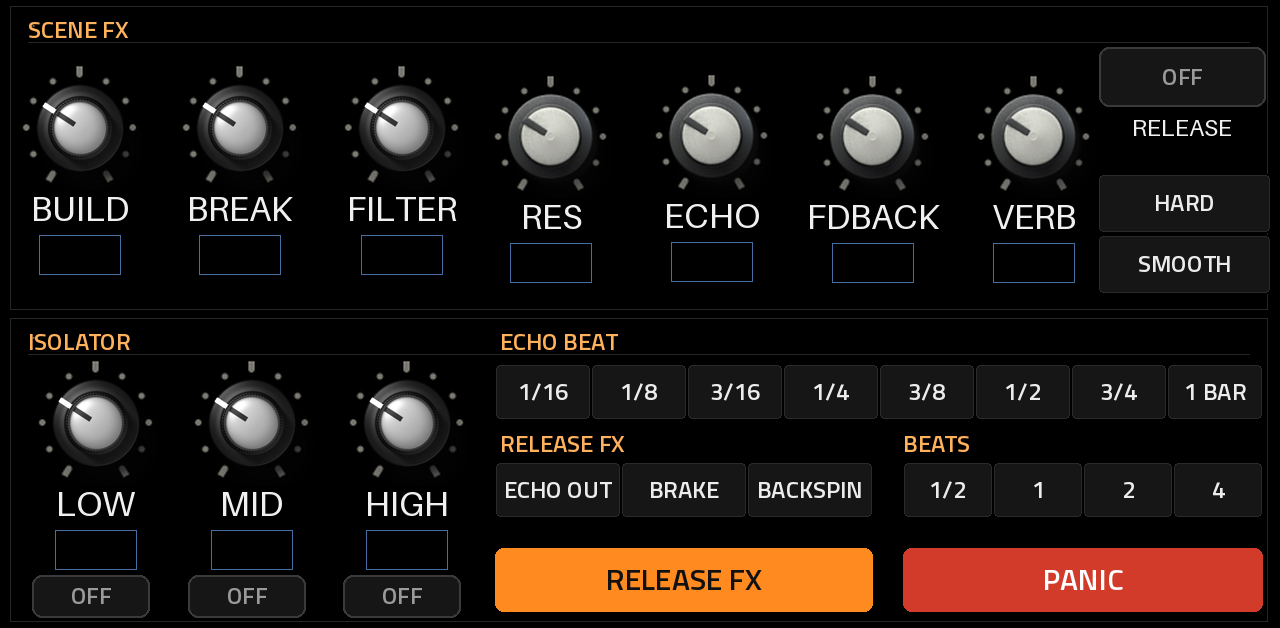
RMX-1000-style remix effect for MPC OS on the Akai Force: isolator, DJ filter, scene FX, echo, Clouds, reverbs, sample pads, limiter.
Omni Sampler
by B0ss-M · v2.3.0 · 3,966 downloads
multi-format player for the mpc
MPC Sample draw handler addin
by jacob-sabella · v1.0.1 · 869 downloads
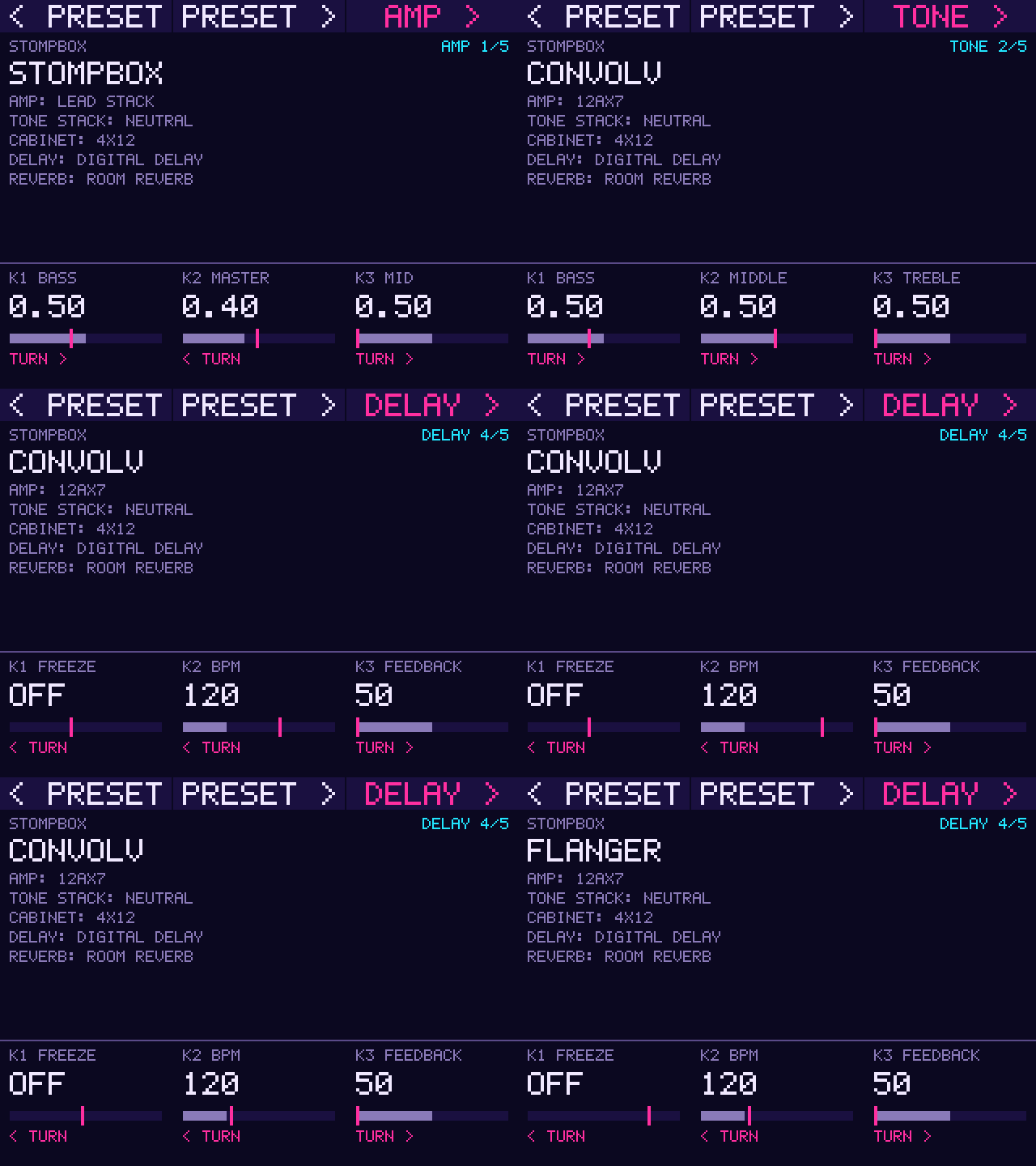
MPC Sample addin: shares the Sample's screen with the plugins and addins that draw on it
AMGR
by sunskiefer · v0.2.5 · 155 downloads
Granular sample mangler form the GR2 ("Paulstretch"-style time-stretching and smearing). "orthogonal" engine workflow with common controls like scan, spray, chord mode, and forward/reverse playback.
PotentialBreaks
by PotentialBreakfast · v1.1.1 · 19 downloads
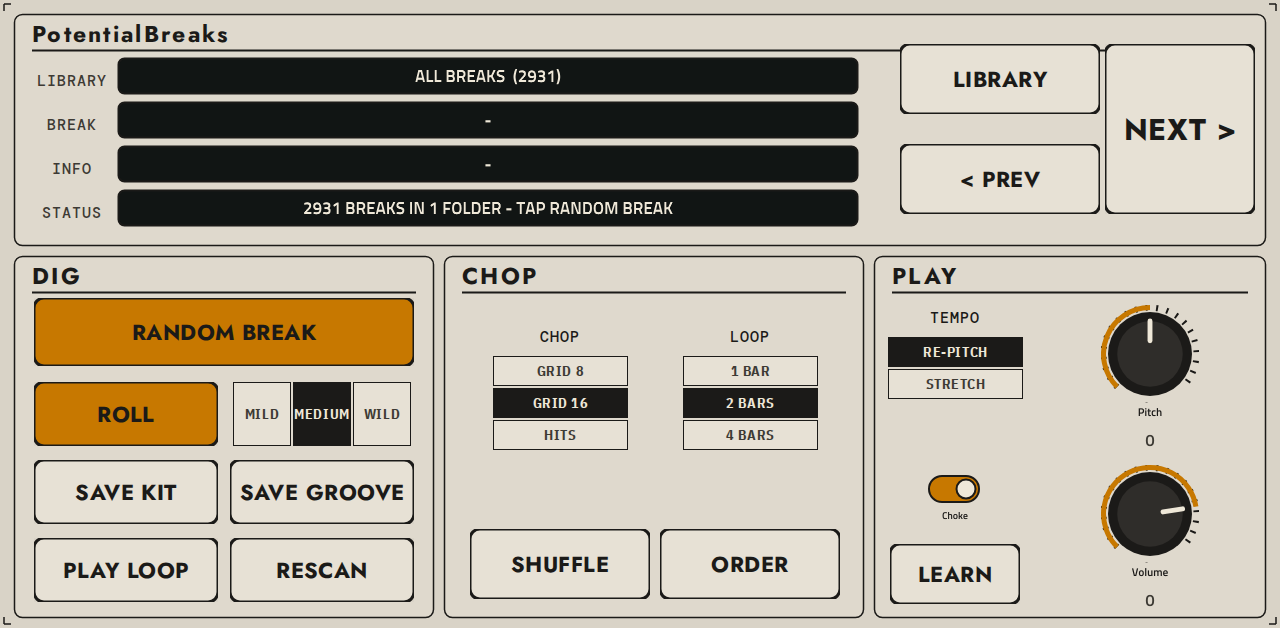
Free plugins for Akai MPC standalone: PotentialBreaks, PotentialWax, PotentialPatina, PotentialPunch, PotentialHeat, PotentialNoise
Crate Digger
by sd88me · v2.2.1 · 14,890 downloads
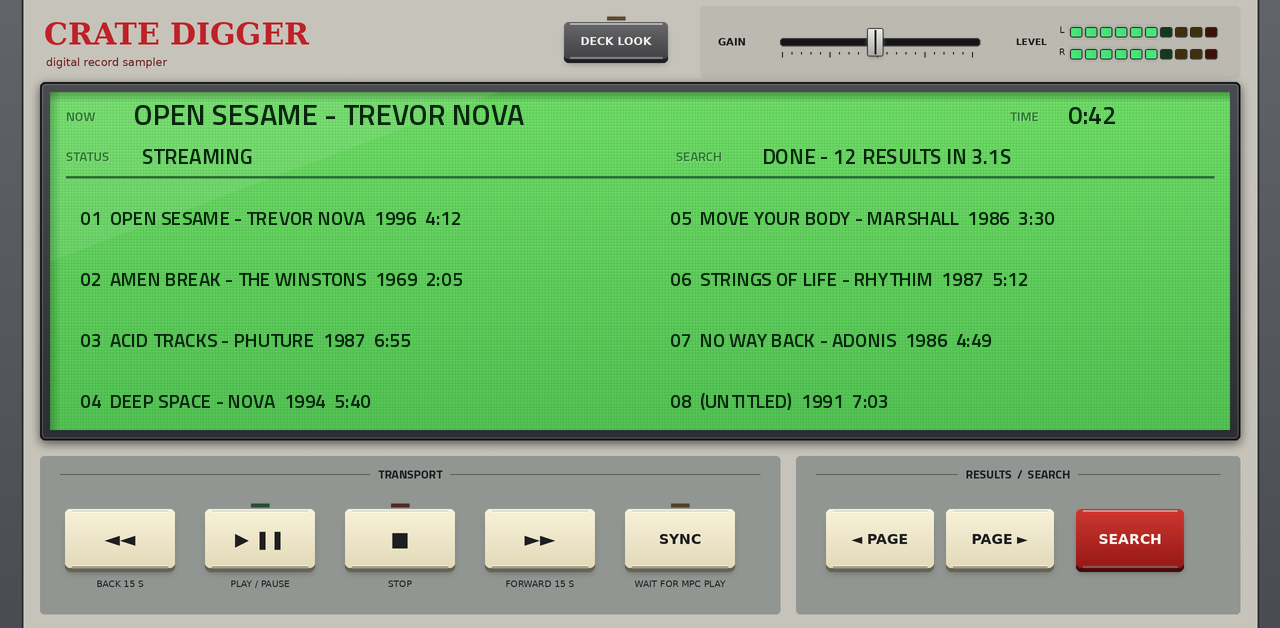
Crate Digger is a plugin instrument for Akai MPC standalone devices that digs for records and plays them into an MPC track. Pick a genre, style, decade, region and country, and it finds random releases on Discogs, then streams so you can audition and resample them.
MPC File Browser
by jacob-sabella · v1.1.1 · 5,578 downloads
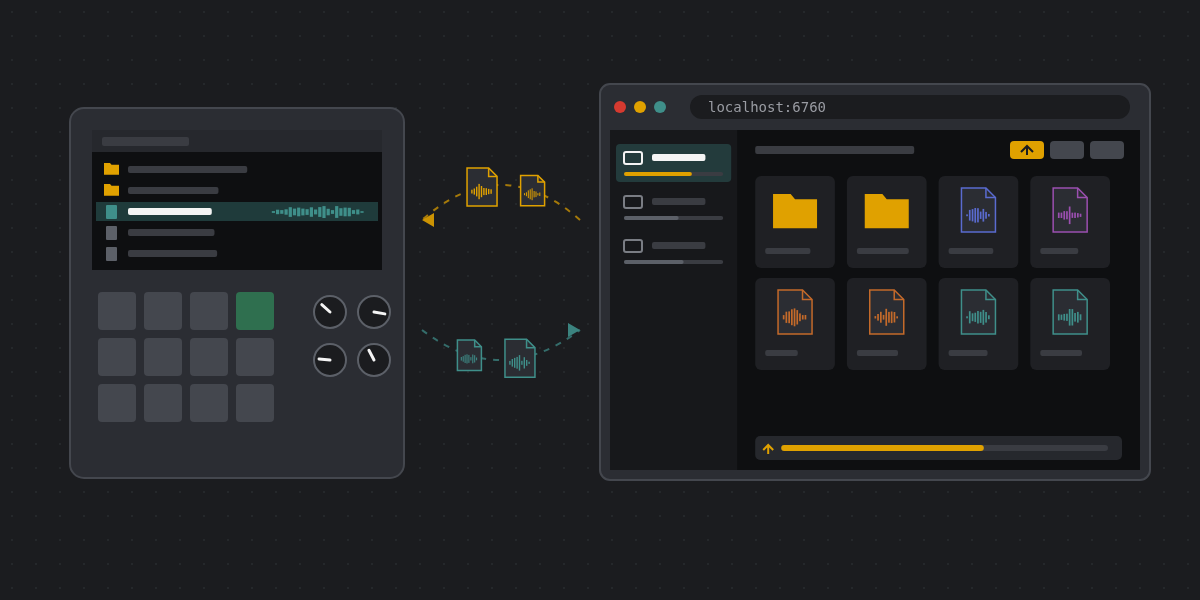
FileBrowser Quantum beside MPC on MPC OS standalone devices (Gen1 and Gen2): an addin, built from upstream releases in CI
PotentialWax
by PotentialBreakfast · v1.9.1 · 4,990 downloads
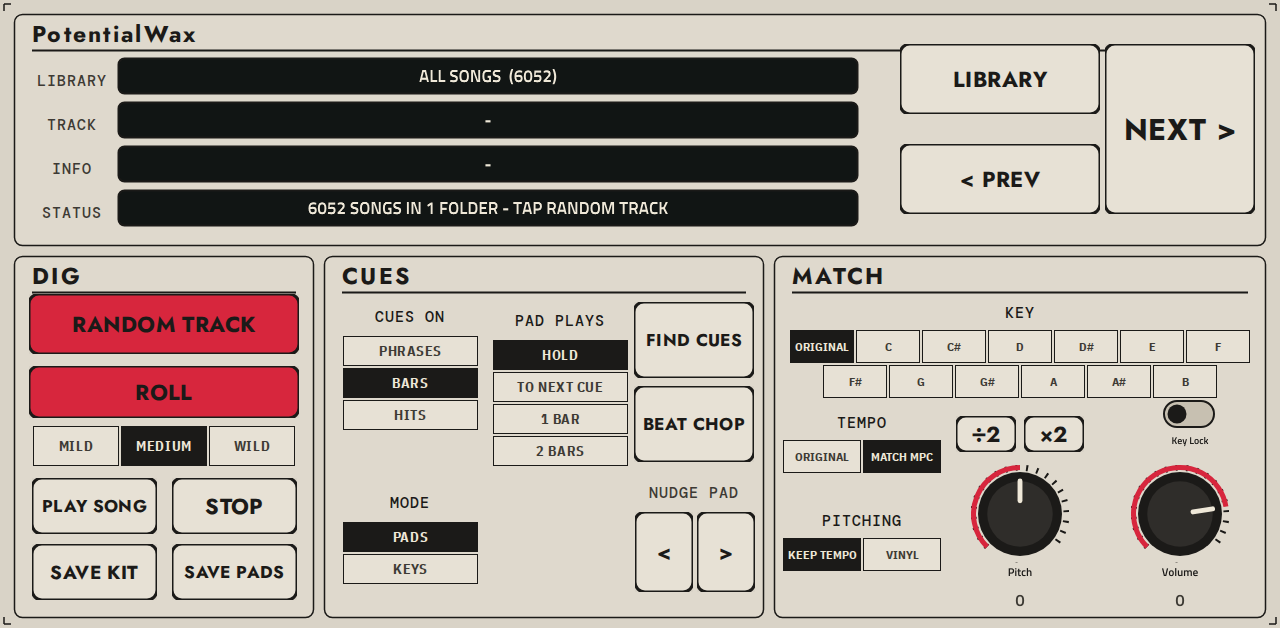
PotentialWax: a Serato Sample-style melodic sampler plugin for Akai MPC standalone
To improve this listing (for the creator)
- add a tested.json entry for the newest release (device and MPC OS)
Made this plugin? Add our badge to your README
 Paste this into your GitHub README. It updates itself when your plugin gets the Tested & Working badge.
[](https://thediskking.com/plugins/breaks/)