MPC Plugins / Addins / mpc addin sample scalemode
Enable Scale Mode
Free MPC Addin plugin by jacob-sabella · v0.2.0 · Nov 6, 2026 · 10 downloads
10
Downloads
3
GitHub stars
v0.2.0
Latest version
Nov 6, 2026
Updated
User rating
No ratings yet. Be the first.
Used it? Rate it:
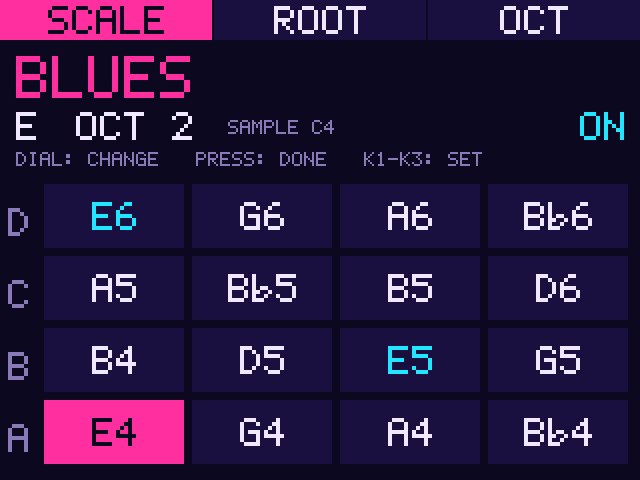
Hold 16 Levels on the MPC Sample to play its 16 slots in a scale, set on a SCALE page
An addin for the MPC Sample: hold 16 Levels to play its 16 slots in a scale, with a SCALE page on the screen to pick the scale, root and octave.
Download Enable Scale Mode v0.2.0
⚠ Beta / unfinished: not tested
This plugin has no finished release yet. Expect bugs, crashes and missing features. Only install it if you know how to restore your MPC, and never on a device you need for a show or an important project. Use entirely at your own risk.
Before you install
- Only for
- MPC Sample. It does nothing on other MPCs.
- Install with
- sample-draw-handler>=0.5.0
⚑ Safety check: review the notes below
- ✓ Download matches the checksum GitHub lists
- ✓ Built for: Gen2 (64-bit ARM)
- ✓ Runs on: MPC OS 3.x
- ⚑ The plugin runs a small web page on your Wi-Fi (often its phone or browser screen).
- These can be completely normal for what the plugin does, but know them before installing.
- ✓ Nothing risky found in its installer
- ⚠ Uses the same library file name as: mpc-sample-scale-mode. Installing both may overwrite one.
An automatic look at the files, not a guarantee: it can't see everything a program does. Always back up first.
Disclaimer: use entirely at your own risk
This plugin is made, owned and shared by an independent developer, not by The Disk King and not by Akai Professional or inMusic. The Disk King only lists it; the download comes directly from the developer's GitHub. The Disk King did not make, test, review or check it for safety and makes no promise that it works, is safe, or is free of bugs or harmful code.
Plugins install into your MPC's system and can crash it, corrupt or lose projects and samples, or require reinstalling MPC OS. Save your work and back up your MPC before installing anything.
Everything here is provided "as is", with no warranty of any kind. To the fullest extent the law allows, The Disk King is not responsible or liable for any damage, data loss, device failure, lost income or any other harm from downloading, installing or using any plugin listed here. By downloading or installing, you accept all risk and full responsibility. Full disclaimer.
Gen2: MPC Live III, One G2, Key G2, XL
Enable-Scale-Mode-0.2.0-mpc-aarch64.zip 313 KB
sha256: 35b7b805fb5485a295b44b608bf98c7ebe6b1d7768b45e17d8b50c5f84dcb776
Downloads come straight from the creator's GitHub. Check the sha256 matches before installing. New to plugins? How to install plugins on MPC OS 3.10.1.
Tested working on
The creator hasn't recorded a hardware test for this version yet.
Version history
v0.2.0 beta Nov 6, 2026 · 6 downloads
Prerelease. MPC Sample only. **Hold 16 Levels** (about a second) to turn Scale on or off. With Scale on, the 16 Levels slots play a scale (Blues on C3 by default) instead of their usual steps. A short press is still a normal 16 Levels press, and Shift+16 Levels still cycles the Type. Holding 16 Levels also opens a **SCALE page** on the screen. It shows every slot's note and lights the one you play. The soft keys pick scale, root or octave, the dial changes it, and K1-K3 set them directly. The page gives the screen back to MPC about 4 seconds after the last input or pad hit. Changes are saved and survive a restart. Needs [mpc-addin-sample-draw-handler](https://github.com/jacob-sabella/mpc-addin-sample-draw-handler) 0.5.0 or later for the page. Without it, the hold still toggles Scale. Changes since 0.1.1: - Scale is no longer a step in the Shift+16 Levels Type cycle; holding 16 Levels toggles it instead (`scale_slot` is gone; new `hold_ms` and `page` settings). - The SCALE page. - Saving settings keeps the rest of the conf file. - `tests/device_test.sh` runs the whole sequence on a Sample over SSH. Tested on an MPC Sample, firmware 1.3.0.12 (2026-11-06). The installer's `LD_PRELOAD` drop-in on the Sample is on `/run`, so reinstall after a reboot.
v0.1.1 beta Nov 6, 2026 · 2 downloads
Scale as a 16 Levels Type on the MPC Sample. Replaces 0.1.0, whose build blocked the 16 Levels button. **Use:** press 16 Levels, then Shift+16 Levels until Scale: it comes one press after the native Type with value 1, and the next press returns to the native cycle. The 16 slots (4 pads x 4 banks) then play the chosen scale. There's no popup for Scale yet; `padctl status` shows `scale_on=1`. **Changes since 0.1.0** - Hooks the 16 Levels Type cycle and inserts Scale; the pad remap only applies while Scale is selected (0.1.0 gated on the wrong field) - The PadPerform bool patch is off by default (`padperform_patch=1` to enable): it made the Sample boot in Pad Perform, which blocks 16 Levels - Default `octave_offset=2`: bank A starts at the root (Blues/C3: C3, Eb3, F3, F#3) - The `padctl` socket starts reliably; `padctl` stays executable after install **Known limitations** - Which native Type value (0-2) is Tune, Velocity or Filter isn't mapped yet; `padctl` prints numbers - Slots need a sample on the pad - No on-screen scale settings (the firmware's dialogue needs a touchscreen): use `padctl` or the conf file - On the Sample, the installer's `LD_PRELOAD` drop-in is on `/run` (tmpfs): reinstall after a reboot **Checked on device (MPC Sample, firmware 1.3.0.12, 2026-11-06):** installed from this zip with `install.sh`; all three hooks and the `padctl` socket came up. Shift+16 Levels stepped Type 0 -> 2 -> 1 -> Scale -> 0, and in Scale the pads played Blues offsets 0 to +30 across the 16 slots, with the other Types untouched. That pad run used the same Scale code in the build just before the socket fix.
v0.1.0 beta Nov 6, 2026 · 2 downloads
First prerelease: Scale for 16 Levels on the MPC Sample. **Superseded soon; read the known issue below.** **Known issue in this build:** it forces the PadPerform bool, which makes the Sample boot with Pad Perform active and blocks the 16 Levels button, and its pad remap doesn't follow the 16 Levels Type. The fix (Scale as a Shift+16 Levels Type, bool patch off by default) is on `main` and is being tested on hardware for the next prerelease. **What it does:** hooks the note mapping function with a PACIASP trampoline and repitches the 16 Levels slots through scale tables; `padctl` CLI for scale, root and octave; settings persist across restarts. **Scales:** Chromatic, Major, Minor, Harmonic Minor, Dorian, Blues, Phrygian, Mixolydian. Default Blues/C3, octave_offset 2 (bank A: C3, Eb3, F3, F#3). **Known limitations:** - Pads need samples assigned: the firmware skips note mapping for empty pads - No on-screen scale settings (the firmware's dialogue needs a touchscreen); use padctl over SSH or the conf file **Checked on device (MPC Sample, 2026-11-06):** install.sh installs, adds the .so to LD_PRELOAD and restarts MPC; padPerformButton and the bool were found and patched (the Sample has no generation gate to patch); the hook fires on pad presses; settings persist across MPC restarts.
More plugins like this
MPC USB audio addin
by jacob-sabella · v1.2.1 · 7,875 downloads
Makes an Akai MPC standalone a class-compliant USB audio interface on its USB device port: an LD_PRELOAD addin
RMXXXL
by sunskiefer · v1.3.0 · 5,359 downloads
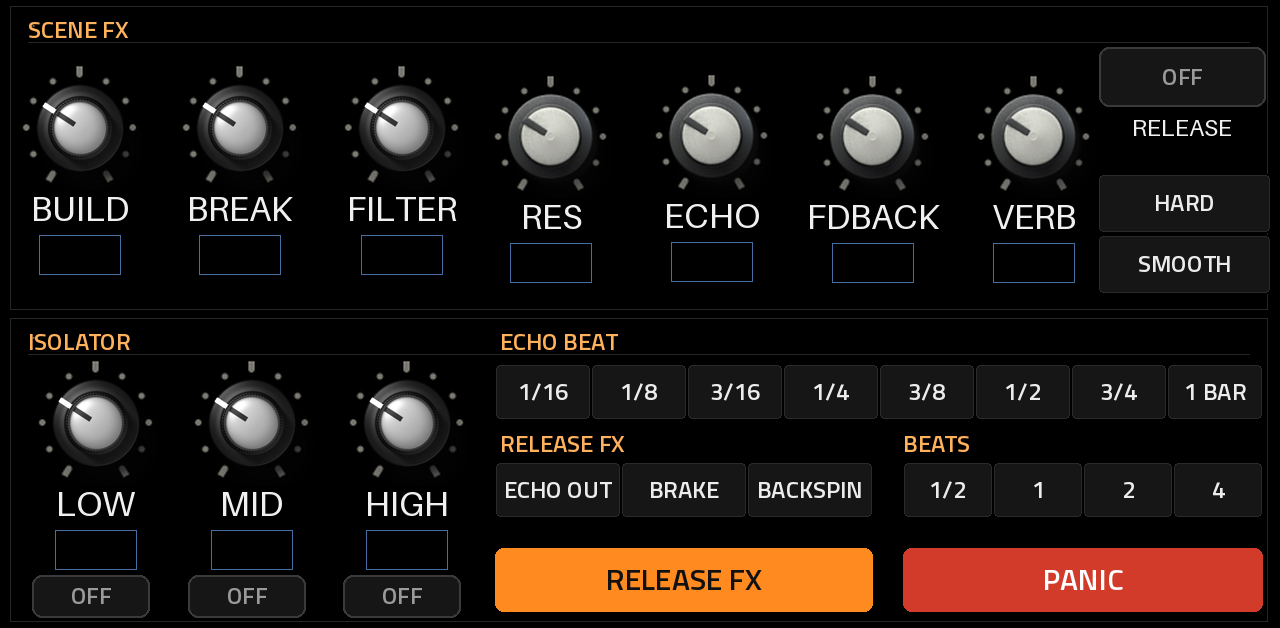
RMX-1000-style remix effect for MPC OS on the Akai Force: isolator, DJ filter, scene FX, echo, Clouds, reverbs, sample pads, limiter.
Omni Sampler
by B0ss-M · v2.3.0 · 3,966 downloads
multi-format player for the mpc
MPC Sample draw handler addin
by jacob-sabella · v1.0.1 · 869 downloads
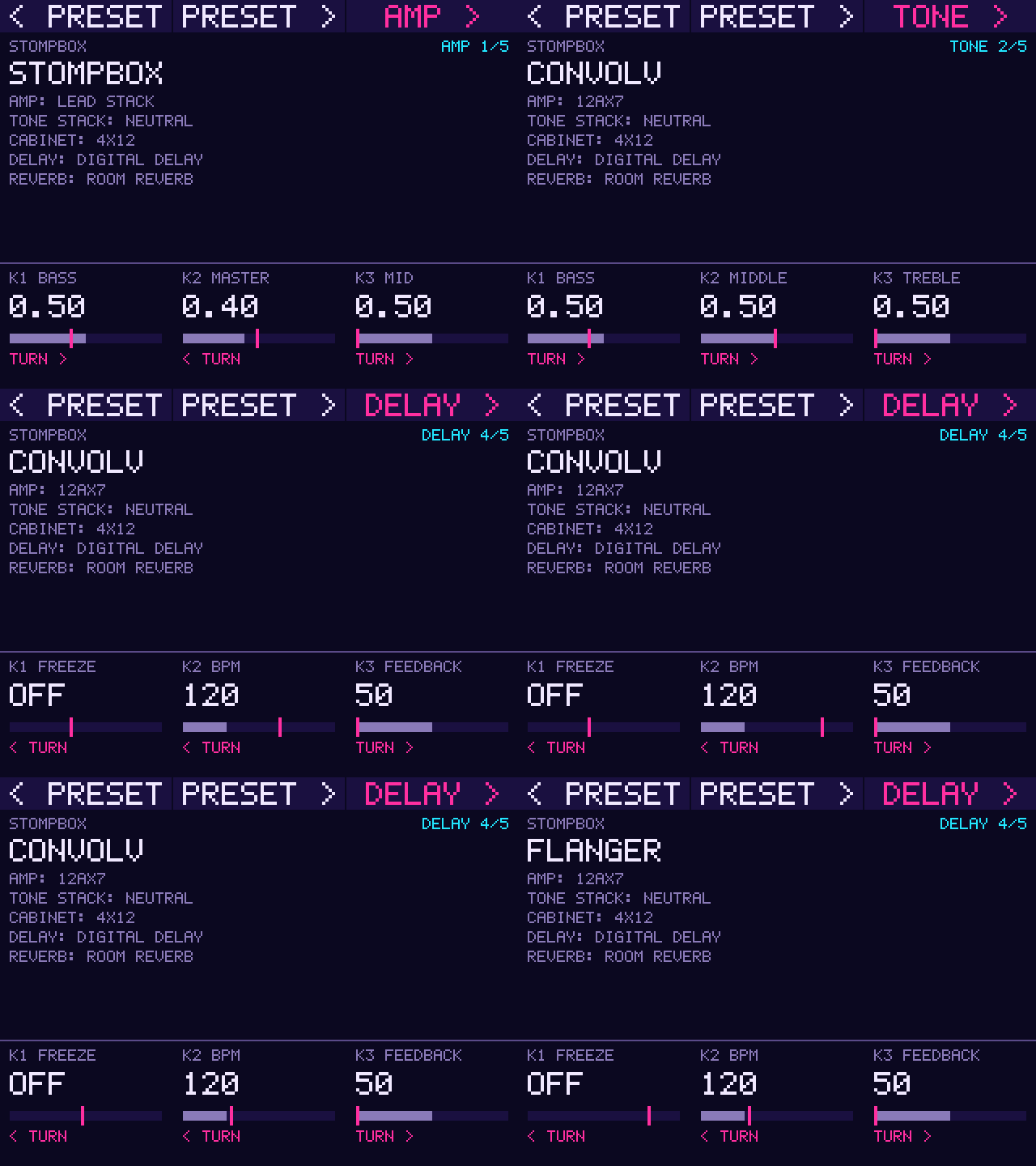
MPC Sample addin: shares the Sample's screen with the plugins and addins that draw on it
AMGR
by sunskiefer · v0.2.5 · 155 downloads
Granular sample mangler form the GR2 ("Paulstretch"-style time-stretching and smearing). "orthogonal" engine workflow with common controls like scan, spray, chord mode, and forward/reverse playback.
PotentialBreaks
by PotentialBreakfast · v1.1.1 · 19 downloads
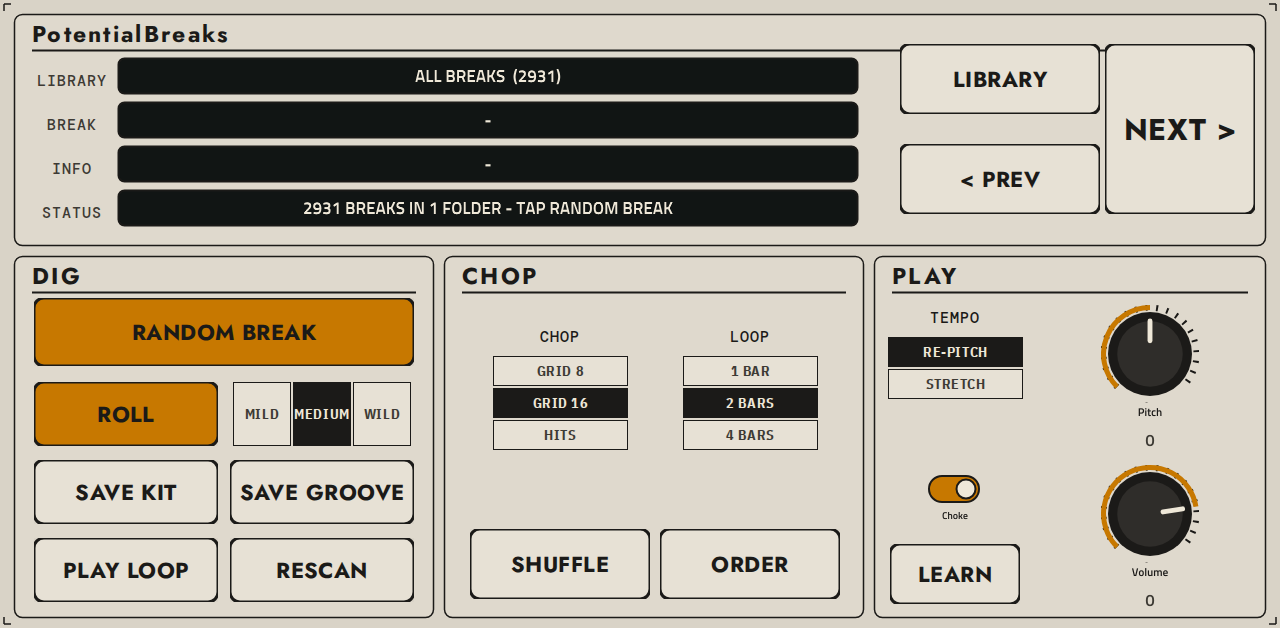
Free plugins for Akai MPC standalone: PotentialBreaks, PotentialWax, PotentialPatina, PotentialPunch, PotentialHeat, PotentialNoise
Crate Digger
by sd88me · v2.2.1 · 14,890 downloads
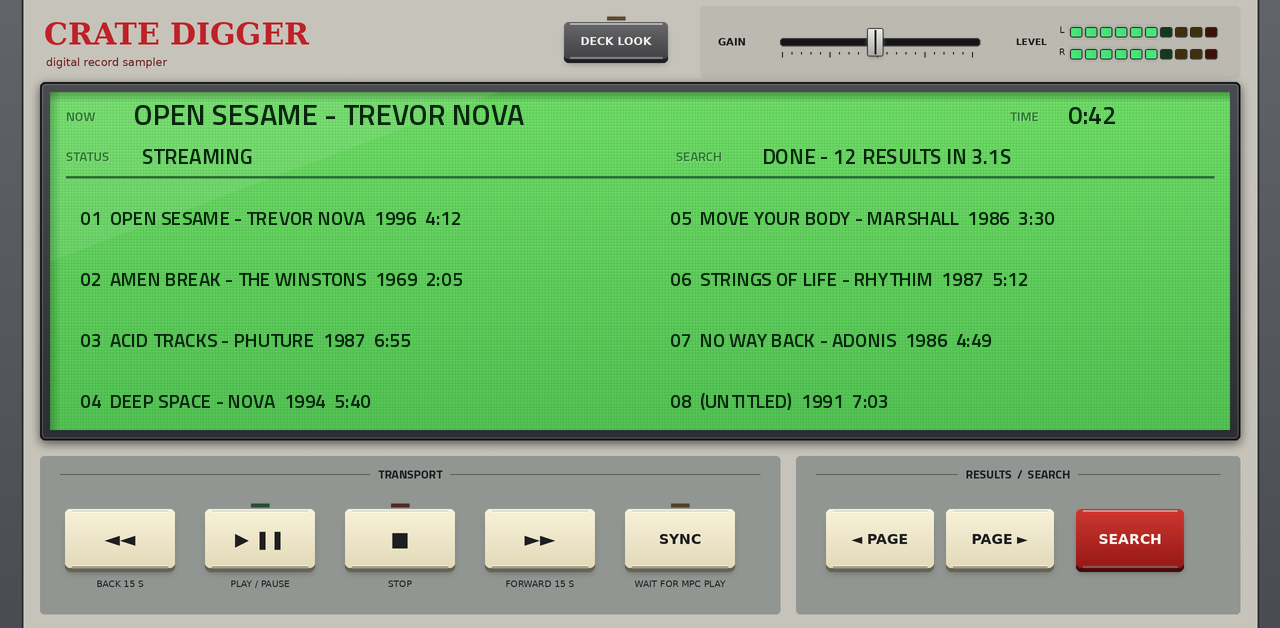
Crate Digger is a plugin instrument for Akai MPC standalone devices that digs for records and plays them into an MPC track. Pick a genre, style, decade, region and country, and it finds random releases on Discogs, then streams so you can audition and resample them.
NAM
by jacob-sabella · v1.1.2 · 8,817 downloads
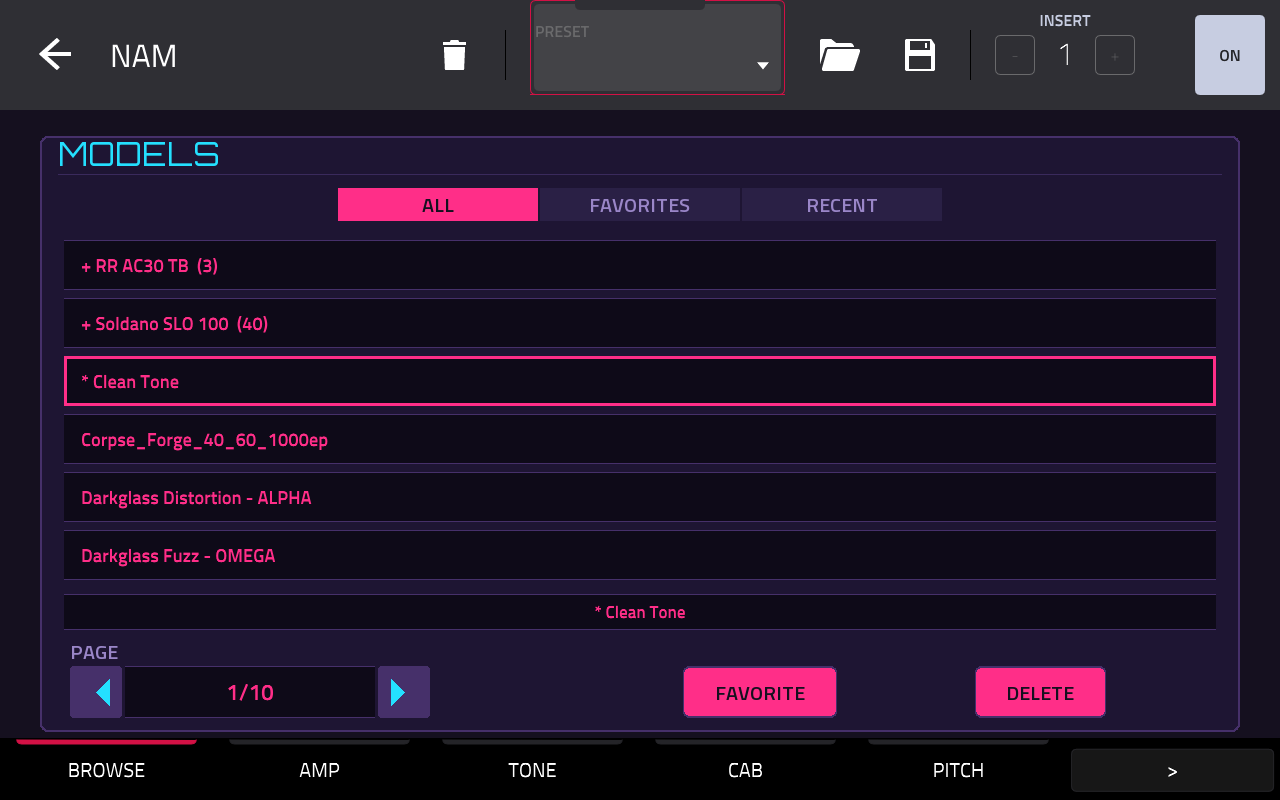
Neural Amp Modeler as a native VST2 insert effect for Akai MPC OS standalones: cab IR, tone, gate, pitch, delay, reverb and an on-device TONE3000 downloader.
To improve this listing (for the creator)
- publish a stable (non-beta) release
- add a tested.json entry for the newest release (device and MPC OS)
- explain the flagged behavior (network, running programs, installer commands) in the README
Made this plugin? Add our badge to your README
 Paste this into your GitHub README. It updates itself when your plugin gets the Tested & Working badge.
[](https://thediskking.com/plugins/enable-scale-mode/)