JamClock
Free MPC Instrument plugin by miathedev · v2.0.0 · Nov 25, 2026 · 53 downloads
53
Downloads
0
GitHub stars
v2.0.0
Latest version
Nov 25, 2026
Updated
User rating
No ratings yet. Be the first.
Used it? Rate it:
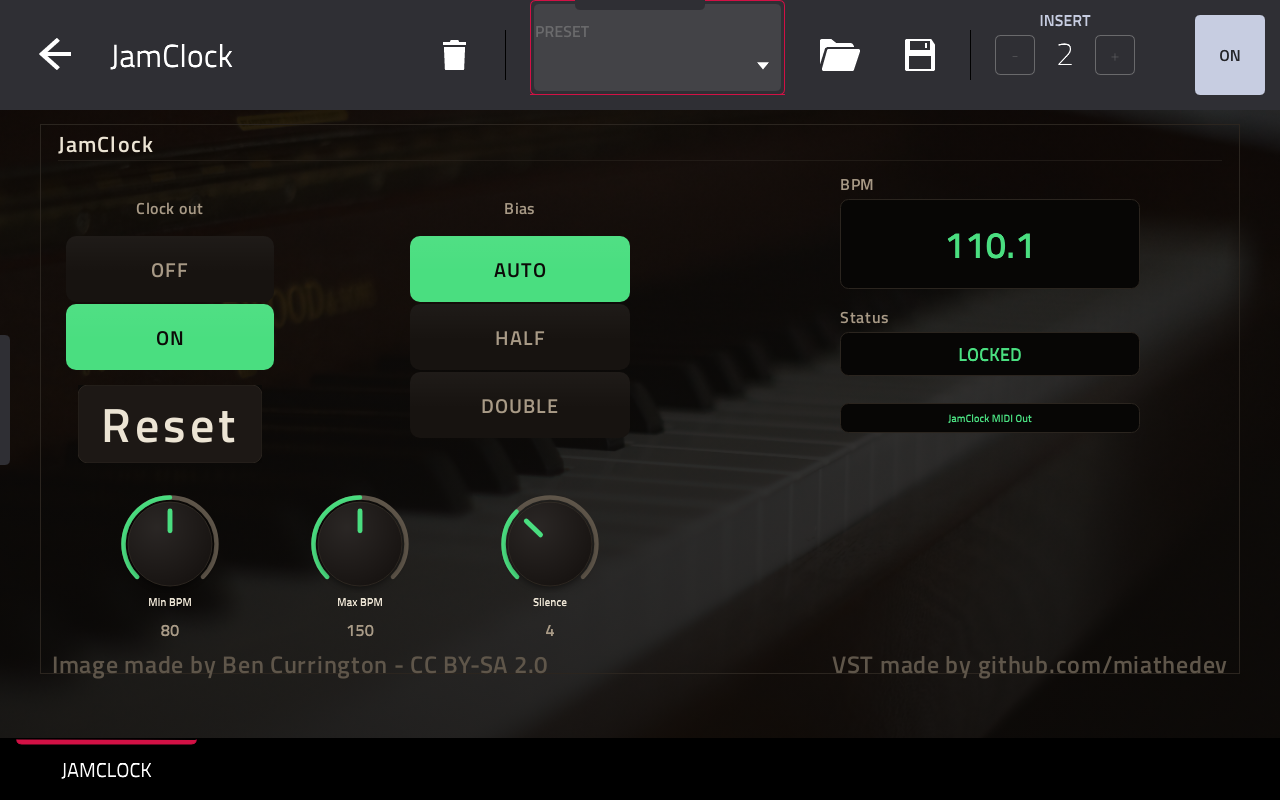
JamClock is a listen-only insert effect for Akai MPC. Put it on an input track carrying your band's live audio (e.g. Input 3/4): it beat-tracks the signal on a background thread and emits MIDI Clock (24 ppq) plus Start/Continue/Stop on its own ALSA sequencer port, JamClock MIDI Out. Connect that port to the MPC app's MIDI input and set the MPC to e
Download JamClock v2.0.0
✓ Tested & working
The creator reports testing this exact version on real hardware: MPC X SE, MPC OS 3.10.0.49. This is the creator's own report, not a guarantee from The Disk King. Still back up first.
Before you install
- Needs
- MPC OS 3.x Gen1 (armv7: X/Force/Live/One/Key, glibc 2.35+). MPC OS 3.10.1+ lists it natively from the VST2 Plugins folder. Older 3.x via root SSH install. 44.1 kHz
✓ Safety check passed
- ✓ Download matches the checksum GitHub lists
- ✓ Built for: Gen1 (32-bit ARM), Gen2 (64-bit ARM), Akai SDK
- ✓ Runs on: MPC OS 3.x / MPC OS 2.x and 3.x / MPC OS 3.x only
- ✓ No internet, web server, program-launching or system-changing functions found
- ✓ Nothing risky found in its installer
An automatic look at the files, not a guarantee: it can't see everything a program does. Always back up first.
Disclaimer: use entirely at your own risk
This plugin is made, owned and shared by an independent developer, not by The Disk King and not by Akai Professional or inMusic. The Disk King only lists it; the download comes directly from the developer's GitHub. The Disk King did not make, test, review or check it for safety and makes no promise that it works, is safe, or is free of bugs or harmful code.
Plugins install into your MPC's system and can crash it, corrupt or lose projects and samples, or require reinstalling MPC OS. Save your work and back up your MPC before installing anything.
Everything here is provided "as is", with no warranty of any kind. To the fullest extent the law allows, The Disk King is not responsible or liable for any damage, data loss, device failure, lost income or any other harm from downloading, installing or using any plugin listed here. By downloading or installing, you accept all risk and full responsibility. Full disclaimer.
Works on both Gen1 and Gen2: MPC OS 3.10.1 or later (Akai SDK)
JamClock-2.0.0-mpc-sdk.zip 1.6 MB
sha256: be117c91764287bbda53f09d4f2190371640744f6f70fc5135f26624d36b8ca2
Gen1: MPC Live, Live II, One, X, Key, Force
JamClock-2.0.0-mpc-armv7.zip 1.6 MB
sha256: ccd7b04eebc1c89c211fe81d9b2be79c38efaea316fae58ba43601aec436632c
Gen2: MPC Live III, One G2, Key G2, XL
JamClock-2.0.0-mpc-aarch64.zip 1.6 MB
sha256: 162a105560c86f0a57e685562a8c0bd2161bd89404b2c2c40d08db65e0883d45
Downloads come straight from the creator's GitHub. Check the sha256 matches before installing. New to plugins? How to install plugins on MPC OS 3.10.1.
✓ Easy install on MPC OS 3.10.1: copy one folder
- Works-on-both download: unzip it and copy
mime - VST - JamClockintoVST2 Pluginson your drive. - Gen1 download: unzip it and copy
mime - VST - JamClock(insideJamClock-2.0.0/portable/) intoVST2 Pluginson your drive. - Gen2 download: unzip it and copy
mime - VST - JamClock(insideJamClock-2.0.0/portable/) intoVST2 Pluginson your drive.
Turn on External Plugin Support first. Full step-by-step guide.
Tested working on
- MPC X SE, MPC OS 3.10.0.49 (Nov 25, 2026)
Version history
v2.0.0 Nov 25, 2026 · 53 downloads
Listen-only insert that beat-tracks live audio (BTT) and sends MIDI Clock (24 ppq) + Start/Continue/Stop on its own ALSA port 'JamClock MIDI Out' - aconnect it to the MPC's MIDI in and the MPC follows the band in external sync. ## Requirements - A first-generation MPC OS standalone device (32-bit ARM, like the Force, MPC Live / Live II, One, X and Key 61). The installer refuses anything else. Newer models are untested. - **Root shell access** (SSH) to the device, for the scripted install below. Stock MPC OS doesn't offer this; you need a modded unit. On MPC OS 3.10.1 and later you can skip it entirely: copy the plugin folder into `VST2 Plugins` (next section). - Installing plugins this way is unofficial: back up first, use at your own risk. ## Install (scripted) 1. Unzip, then copy the whole folder to the device, e.g. `scp -r JamClock-2.0.0 root@<device-ip>:/tmp/` 2. Run it: `ssh root@<device-ip> sh /tmp/JamClock-2.0.0/install.sh` The installer checks the device, **stops MPC** (save your project first), copies `portable/mime - VST - JamClock/` (the plugin, its skin and its data, as one folder) into the folder this MPC OS loads plugins from (on MPC OS 3.10.1 and later `<drive>/VST2 Plugins`, when that folder exists or already holds this plugin; before 3.10.1 `/sdcard/Synths`; it prints the one it uses), backs up `MPC.settings`, adds the plugin to MPC's plugin list from the folder's `plugin-meta.xml` and starts MPC again. Running it again upgrades in place, keeping your own files. An older install of this plugin (the previous layout, with the `.so` in `/sdcard/vst`) is replaced, not duplicated. `-y` skips the confirmation prompt; `-t <folder>` installs into another Synths folder (for example on a card). Then add **JamClock** to a track from the plugin browser (Insert effects). Its screen appears in the plugin view, and the Q-Links follow the page. Full instructions, including installing by hand, are in `INSTALL.md` inside the zip. --- Built by GitHub Actions from miathedev/mpc-vst-jamclock@b2931eb with mpc-vst-plugins@9380429.
More plugins like this
Euclid
by sd88me · v2.0.0 · 10,631 downloads
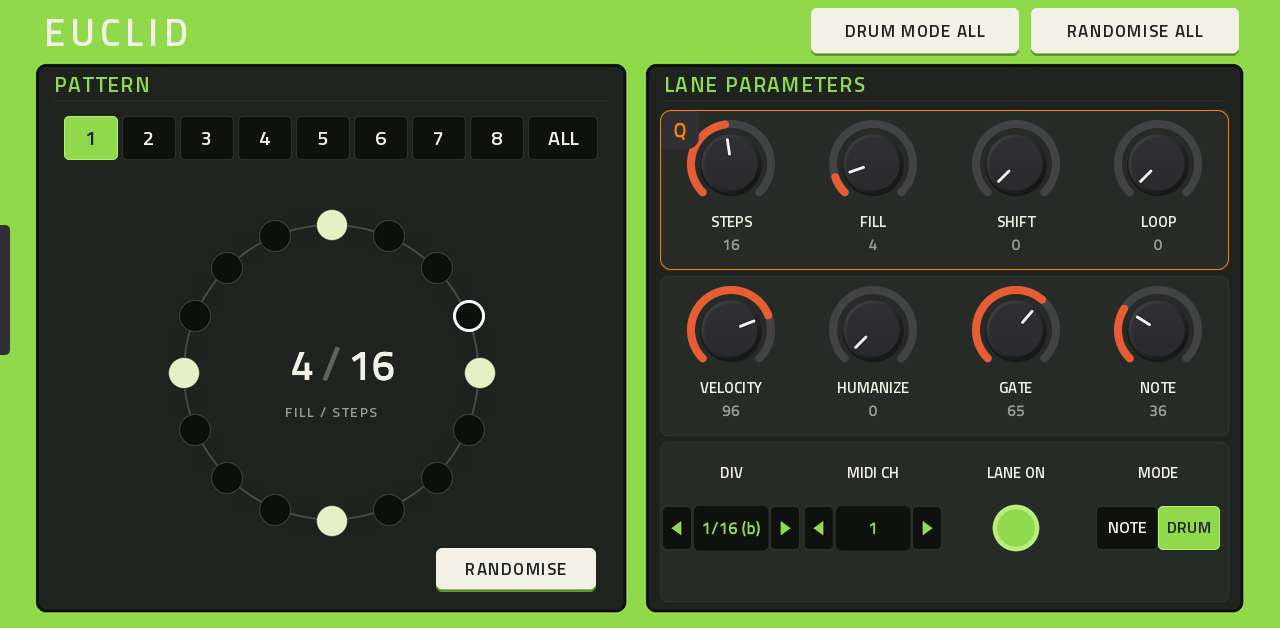
Euclid is an 8-lane Euclidean MIDI sequencer for Akai MPC OS standalone devices
MS20XXL
by sunskiefer · v0.2.0 · 3,931 downloads
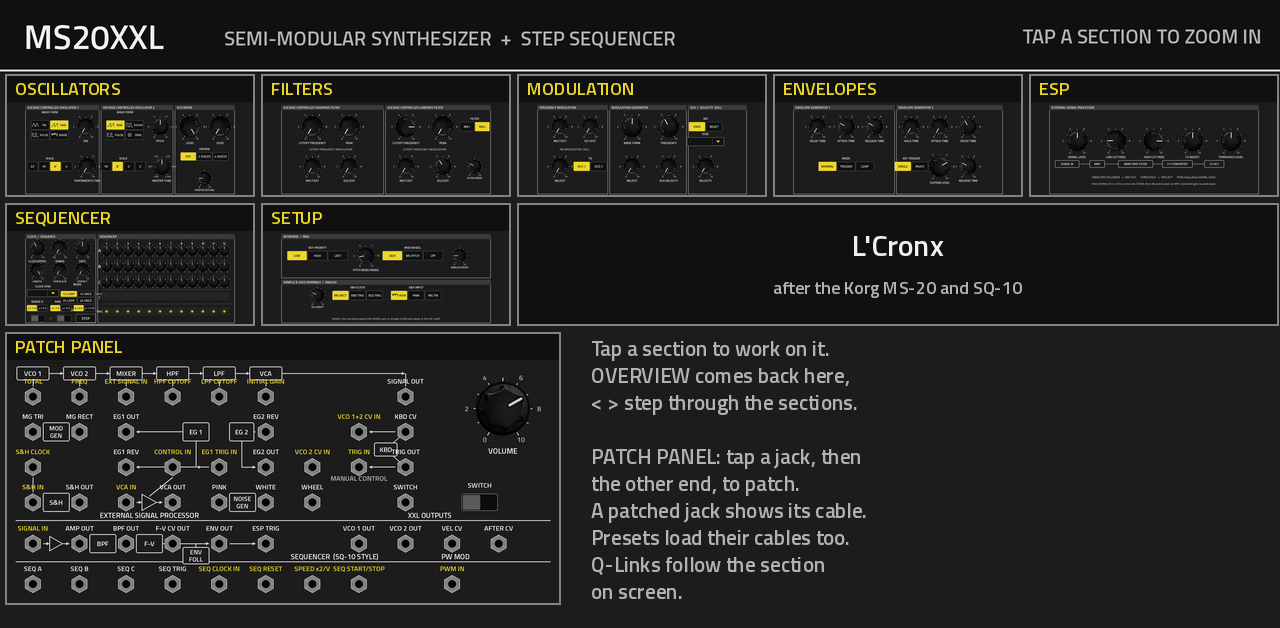
MS20XXL — Korg MS-20-style semi-modular mono synth for Akai Force / MPC OS (VST2) by L’Cronx. Two VCOs, MS-20 HPF/LPF, ESP, touch patch bay drawn on the block diagram, and an SQ-10-style analog step sequencer.
StepRunner 8
by djokenzi · v1.2.0 · 3,685 downloads
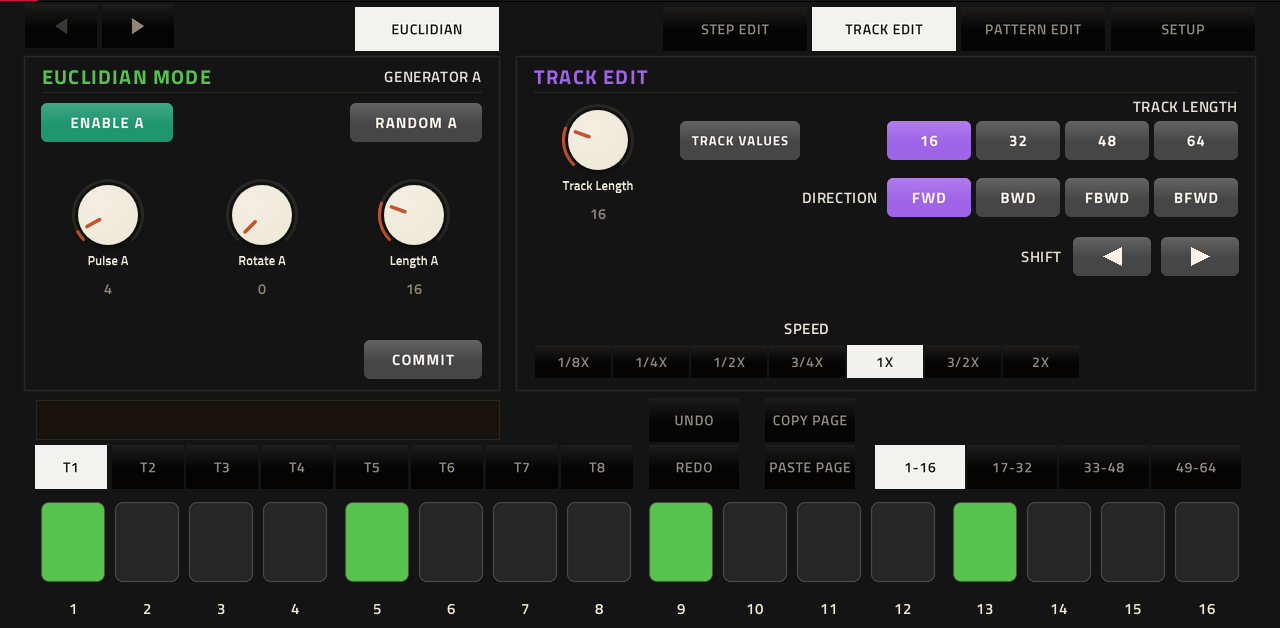
8-track, 64-step sequencer plugin for Akai MPC standalone
JC303 MPC
by 303inmyheart · v0.7.4 · 1,287 downloads
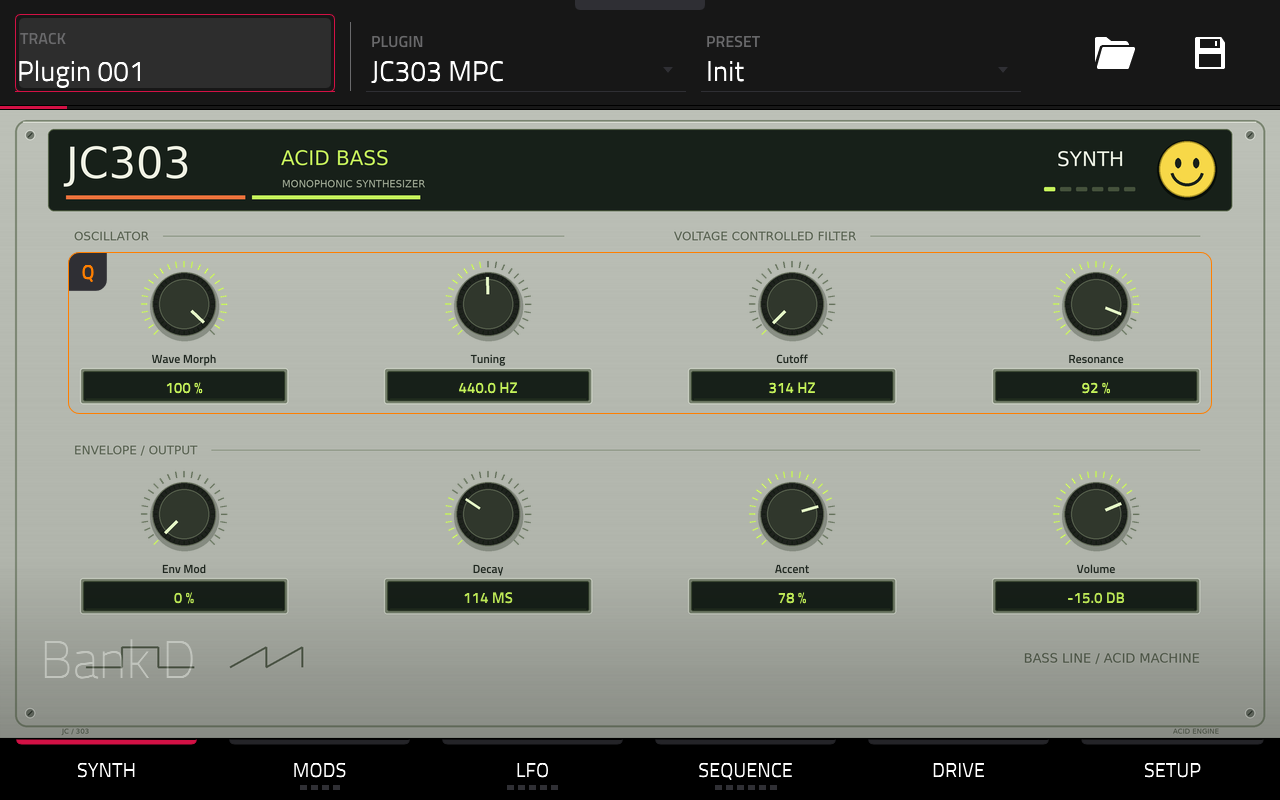
JC303 MPC — 303-style synth for Gen2 MPCs with native Q-Links, sequencer, drive models and presets. Community port by 303inmyheart.
Acid
by sd88me · v3.0.1 · 12,830 downloads
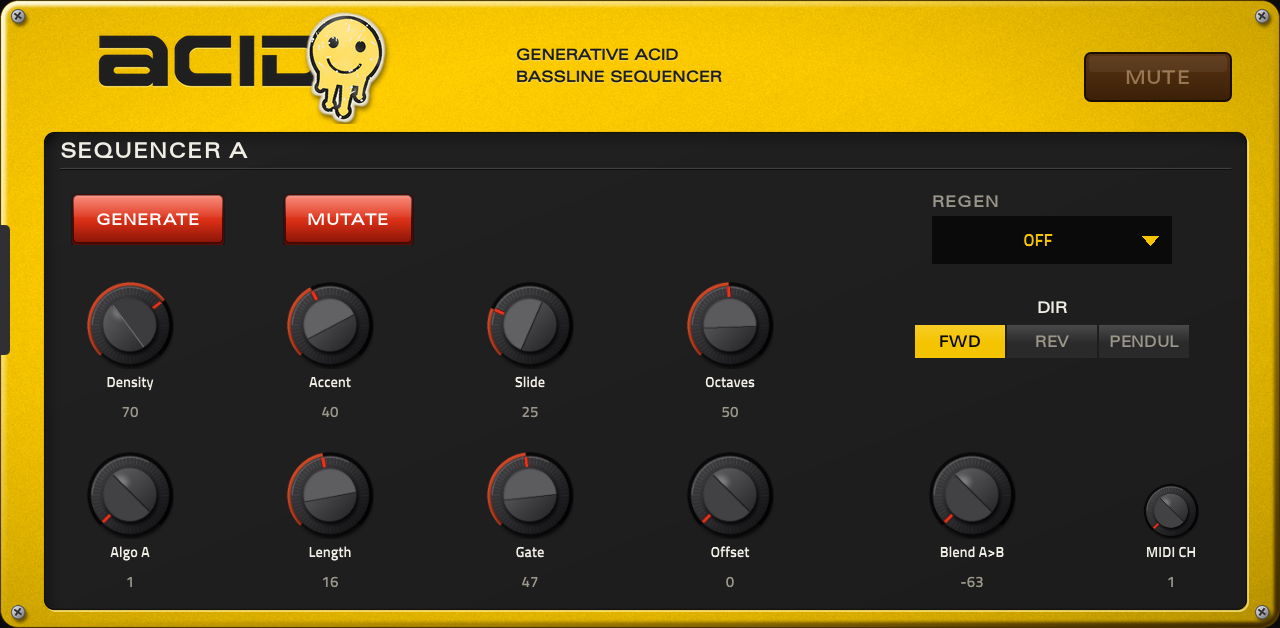
A generative 303-style acid bassline sequencer for the Akai MPC OS
Clementine XT
by sd88me · v0.9.7 · 10,490 downloads
MPC OS Wavetable Synth plugin modelled on the Waldorf Microwave II/XT: stepped 8-bit wavetables and loads original .syx sound banks.
Warpline
by CLVRK3 · v1.3.0 · 2,820 downloads
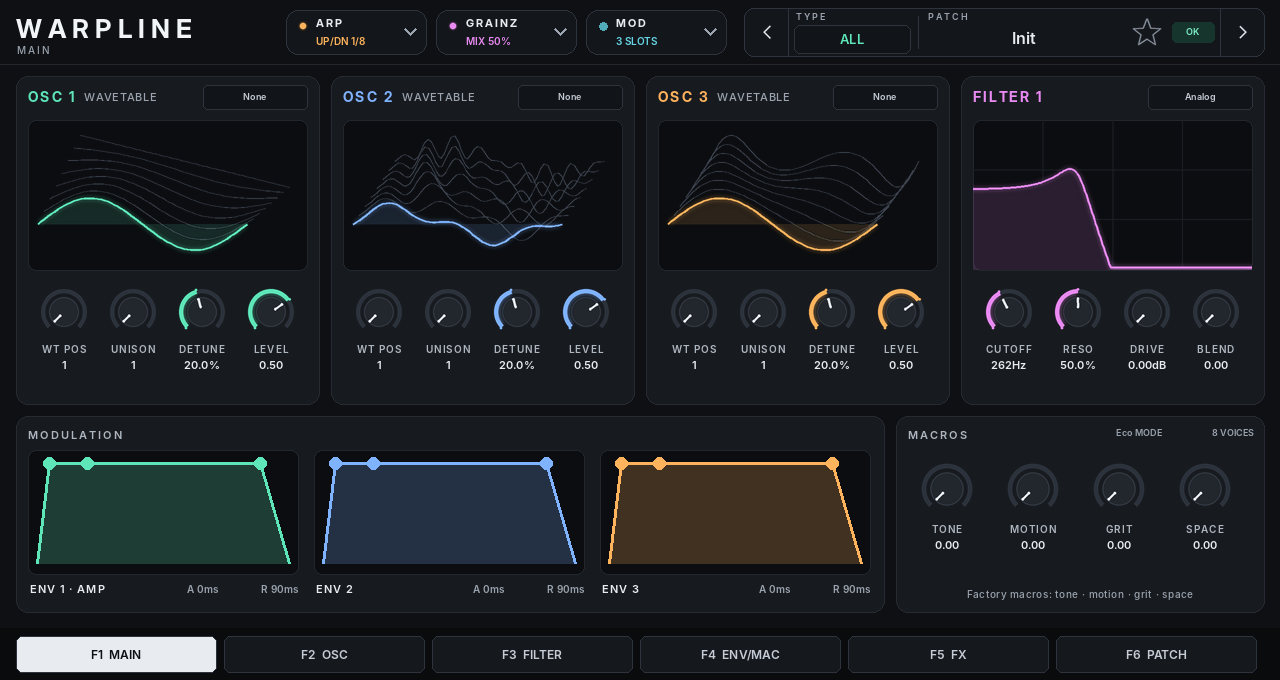
The Vital spectral-warping wavetable synth engine, running as a plugin on MPC standalone, built with the MPC Plugin SDK. It runs Vital's real engine, not a copy of it: the same oscillators, warps, filters, envelopes, LFOs, modulation matrix and effects. It plays .vital patches. Vital's GUI is not included because the MPC has no plugin windows. Inst
Cadenza
by Shrekage2024 · v0.28.1 · 2,028 downloads
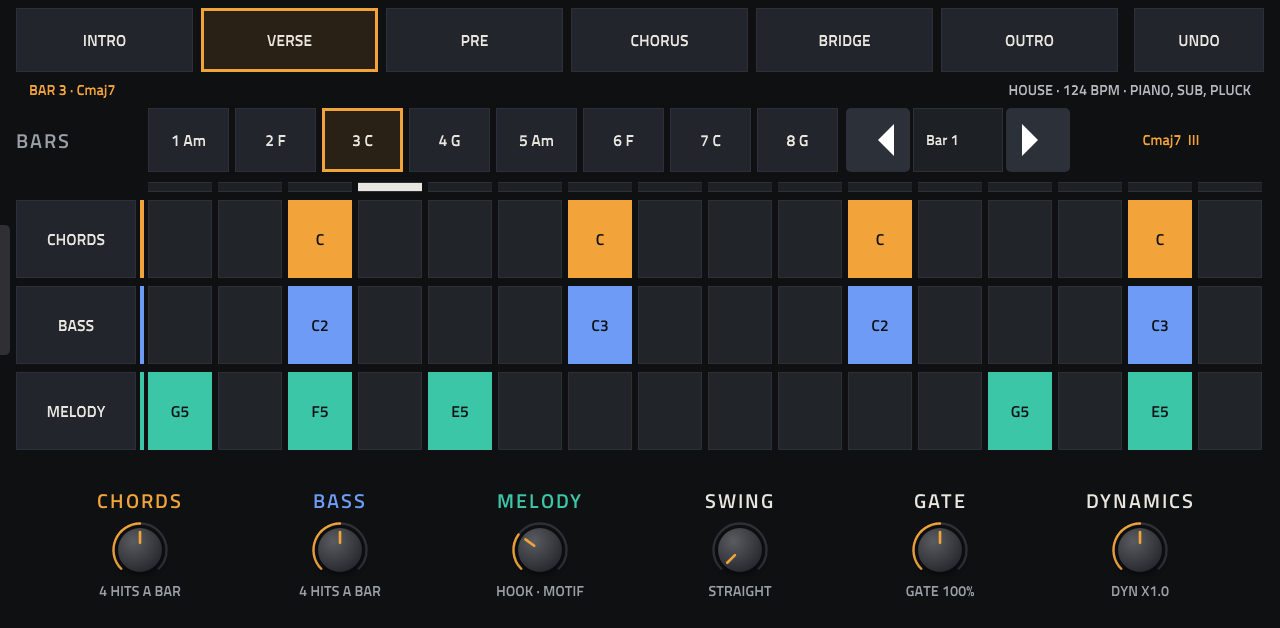
Cadenza: a chord-driven generative MIDI sequencer, a native VST2 plugin for the Akai Force
To improve this listing (for the creator)
- add a tested.json entry for the newest release on a Gen2 device
Made this plugin? Add our badge to your README
 Paste this into your GitHub README. It updates itself when your plugin gets the Tested & Working badge.
[](https://thediskking.com/plugins/jamclock/)