JE 8086
Free MPC Instrument plugin by sd88me · v1.0.0 · Nov 15, 2026 · 1,357 downloads
1,357
Downloads
3
GitHub stars
v1.0.0
Latest version
Nov 15, 2026
Updated
User rating
No ratings yet. Be the first.
Used it? Rate it:
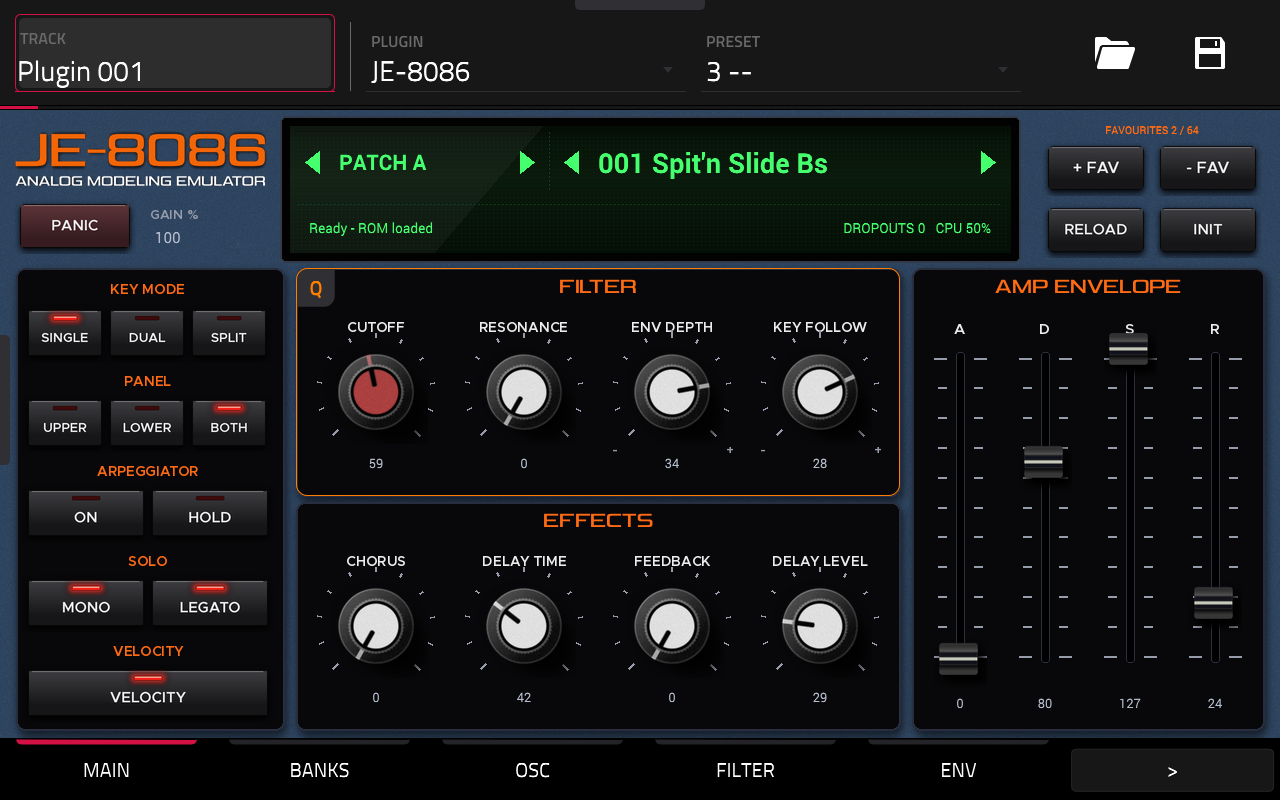
A Roland JP-8000 emulation that runs as a plugin instrument on Akai MPC Gen2 standalone devices. It runs the JP-8000's original firmware on gearmulator's emulation of the synth's chips.
A Roland JP-8000 emulation that runs as a plugin instrument on Akai MPC Gen2 standalone devices (MPC Live III and other aarch64 MPCs), with a full touchscreen editor and Q-Link control.
Download JE 8086 v1.0.0
⚠ Not yet tested on hardware
This is a finished release, but the creator hasn't recorded a test of this version on a real MPC or Force. It may work fine; it may not. Back up first and try it on a project that doesn't matter.
Before you install
- Needs
- your own JP-8000 ROM
✓ Safety check passed
- ✓ Download matches the checksum GitHub lists
- ✓ Built for: Gen2 (64-bit ARM), Akai SDK
- ✓ Runs on: MPC OS 3.x / MPC OS 3.x only
- ✓ No internet, web server, program-launching or system-changing functions found
- ✓ Nothing risky found in its installer
An automatic look at the files, not a guarantee: it can't see everything a program does. Always back up first.
Disclaimer: use entirely at your own risk
This plugin is made, owned and shared by an independent developer, not by The Disk King and not by Akai Professional or inMusic. The Disk King only lists it; the download comes directly from the developer's GitHub. The Disk King did not make, test, review or check it for safety and makes no promise that it works, is safe, or is free of bugs or harmful code.
Plugins install into your MPC's system and can crash it, corrupt or lose projects and samples, or require reinstalling MPC OS. Save your work and back up your MPC before installing anything.
Everything here is provided "as is", with no warranty of any kind. To the fullest extent the law allows, The Disk King is not responsible or liable for any damage, data loss, device failure, lost income or any other harm from downloading, installing or using any plugin listed here. By downloading or installing, you accept all risk and full responsibility. Full disclaimer.
Works on both Gen1 and Gen2: MPC OS 3.10.1 or later (Akai SDK)
JE-8086-1.0.0-mpc-sdk.zip 14.1 MB
sha256: 50f65018fce9ddb26dcde787c49f236764a5e49d04c8971fc527b45dca8cc203
Gen2: MPC Live III, One G2, Key G2, XL
JE-8086-1.0.0-mpc-aarch64.zip 14.1 MB
sha256: d7da0fc65a82779f66cd91cf8a49a9946cc47d646ffabbc12537a30c20e32fa2
Downloads come straight from the creator's GitHub. Check the sha256 matches before installing. New to plugins? How to install plugins on MPC OS 3.10.1.
✓ Easy install on MPC OS 3.10.1: copy one folder
- Works-on-both download: unzip it and copy
sd88me - VST - JE-8086intoVST2 Pluginson your drive. - Gen2 download: unzip it and copy
sd88me - VST - JE-8086(insideJE-8086-1.0.0/portable/) intoVST2 Pluginson your drive.
Turn on External Plugin Support first. Full step-by-step guide.
Tested working on
The creator hasn't recorded a hardware test for this version yet.
Version history
v1.0.0 Nov 15, 2026 · 1,106 downloads
# JE-8086 1.0.0 Rebuilt on the MPC Plugin SDK, with a new native skin. ## New - **New skin** in the JP-8000's look: one LCD on MAIN instead of many small readouts, big knobs, long faders, rubber keys with LEDs. Pages: MAIN, BANKS, OSC, FILTER / AMP, ENVELOPES, EFFECTS, PERFORM, CONTROL, VELOCITY. - **Envelope graphs** on the ENVELOPES page: drag the handles, or use the faders under them. - **Name your favourites:** +FAV opens an on-screen keyboard; the name shows in MPC's PRESET menu. - **RANDOM** on BANKS picks a sound from every bank. - **INIT** on MAIN gives a plain starting sound. - **Tempo sync:** the arpeggiator and the synced delay, chorus and LFO follow MPC's tempo. ## Changed - A new instance starts in SINGLE key mode with the panel on both parts, and the arpeggiator and HOLD off (0.1.x could start in DUAL with a latched arpeggio). - PANIC also lets go of a held arpeggio. - The CPU / dropout readout keeps updating while favourites are listed. ## Upgrading Install over 0.1.x (merge the folder, don't delete it first): your ROM, banks and favourites stay. Projects saved with 0.1.x load with their sound, edits and Q-Link assignments. ## Install - `JE-8086-1.0.0-mpc-aarch64.zip`: for the Plugin Manager, the catalog, or `install.sh` on the device as root. - `JE-8086-1.0.0-mpc-sdk.zip`: one folder to copy into `VST2 Plugins` by hand. 64-bit MPCs (Live III and other Gen2 devices) with MPC OS 3.10 or later. Needs your own JP-8000 ROM. **Checked:** offline tests (ASan/UBSan: parameters, favourites and the naming keyboard, RANDOM, INIT, tempo, 0.1.1 projects) and on an MPC Live III with a beta of this code.
v0.1.1 Nov 15, 2026 · 251 downloads
JE-8086 for MPC 0.1.1: a Roland JP-8000 emulation (gearmulator) for MPC Gen2 devices (MPC Live III and other aarch64 MPCs) on MPC OS 3.10 or later. Changes since 0.1.0: - The emulator now runs on the fast cores of big.LITTLE CPUs. On an MPC Live III that's about 25% less CPU (cores 4-6). - It runs further ahead for a moment when a sound loads or the program changes, to avoid dropouts while the emulator catches up. - When dropouts happen, it writes a diagnostic line to MPC's log (`journalctl -u acvs | grep JE-8086`). Install: unzip, copy `VST2 Plugins` to the root of a drive, and put your own JP-8000 ROM in `VST2 Plugins/sd88me - VST - JE-8086/VST/je8086/roms/` (no ROM is included). When updating, keep your `je8086` folder: it holds your ROMs, banks and favourites. Enable Preferences > Enhancements (Beta) > Enable Enhancements and VST2 Support. See the [README](https://github.com/sd88me/mpc-vst-je8086#readme). GPL-3.0.
More plugins like this
Euclid
by sd88me · v2.0.0 · 10,186 downloads
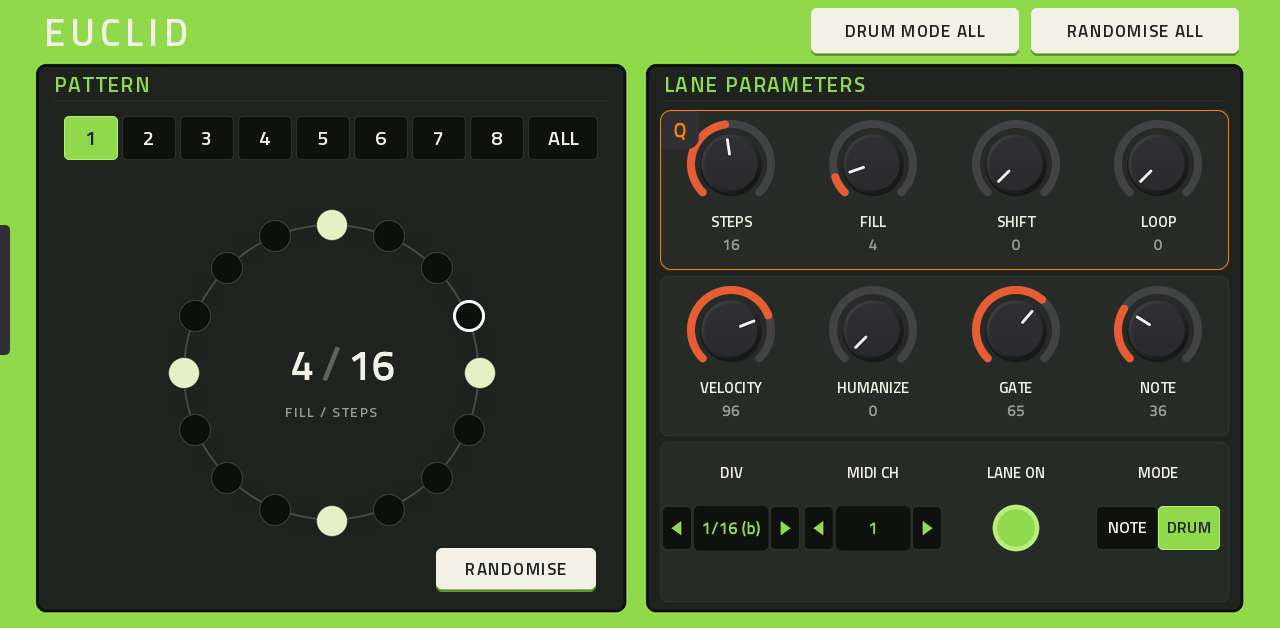
Euclid is an 8-lane Euclidean MIDI sequencer for Akai MPC OS standalone devices
JN 106
by sd88me · v0.2.0 · 5,468 downloads
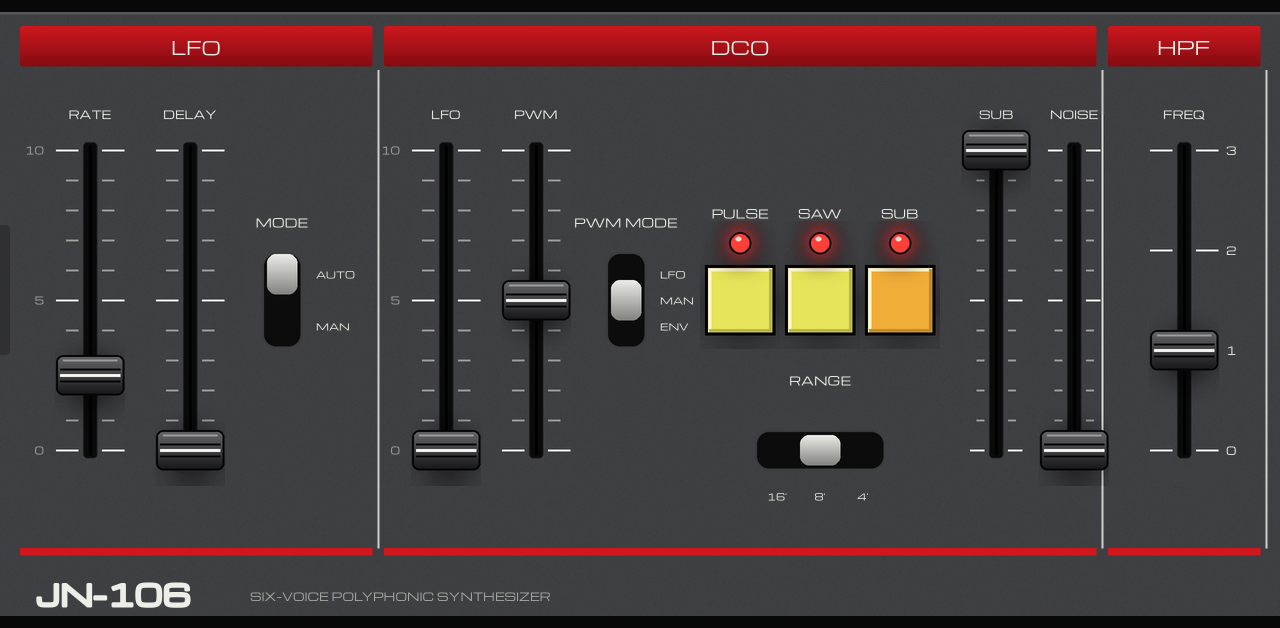
A faithful, circuit-modelled and hardware-profiled six-voice Juno emulation for Akai MPC OS standalone devices. The DSP is Ultramaster KR-106 by Karl LaRocca:
Welle
by sd88me · v0.3.1 · 1,751 downloads
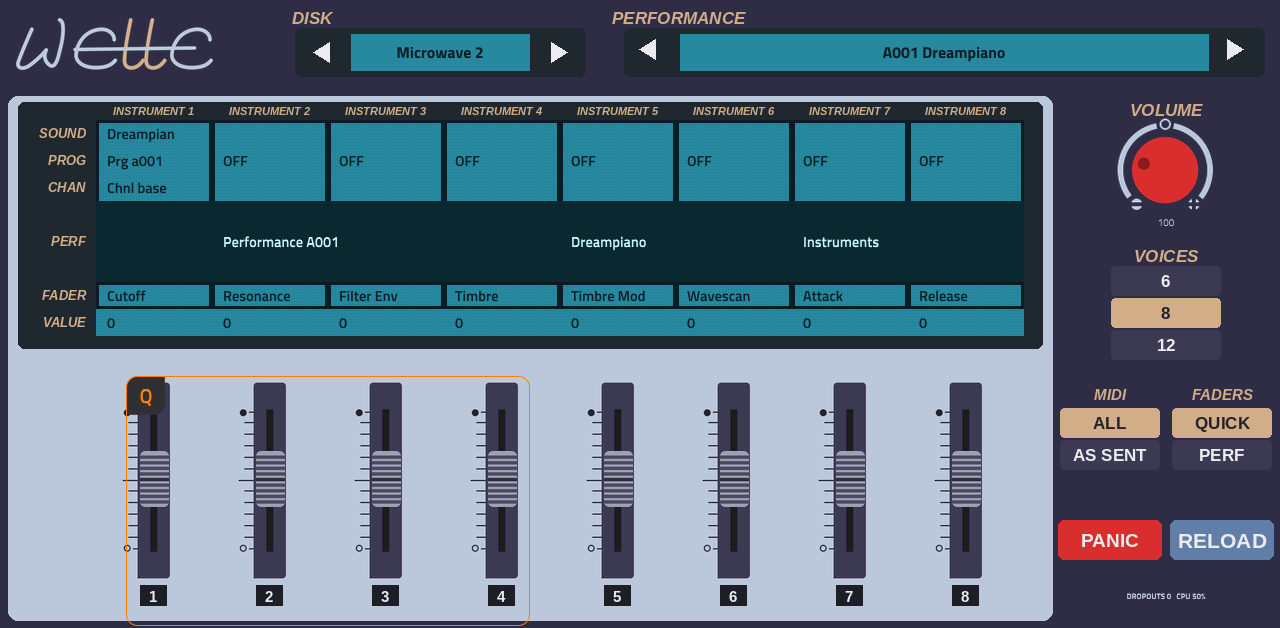
A Waldorf Wave emulation that runs as a plugin instrument on Akai MPC Gen2 standalone devices built on the emulation by mo0kid: a model of the Wave's voice circuits driven by the instrument's own OS 1.700, running on emulated 68000s.
JV 880
by sd88me · v2.0.4 · 16,415 downloads
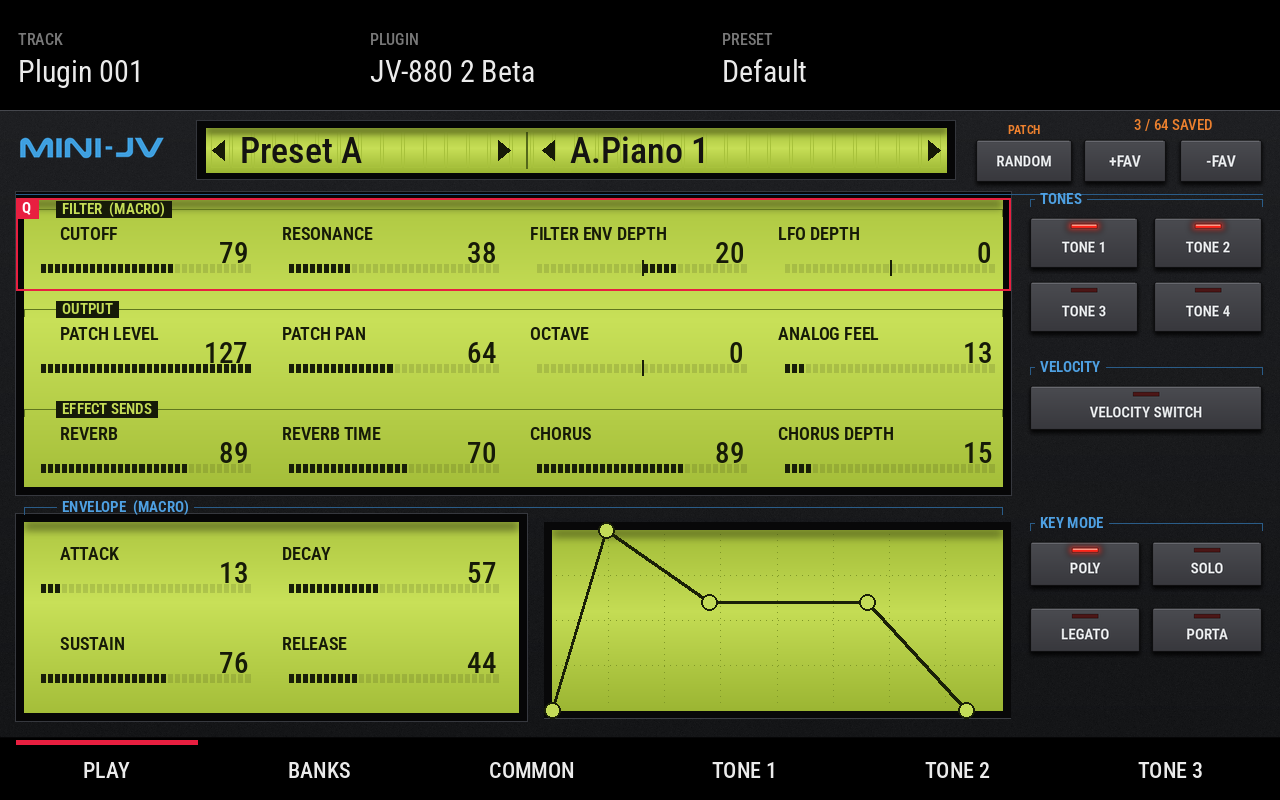
JV-880 Emulator VST Plugin for MPC OS
Crate Digger
by sd88me · v2.2.1 · 15,139 downloads
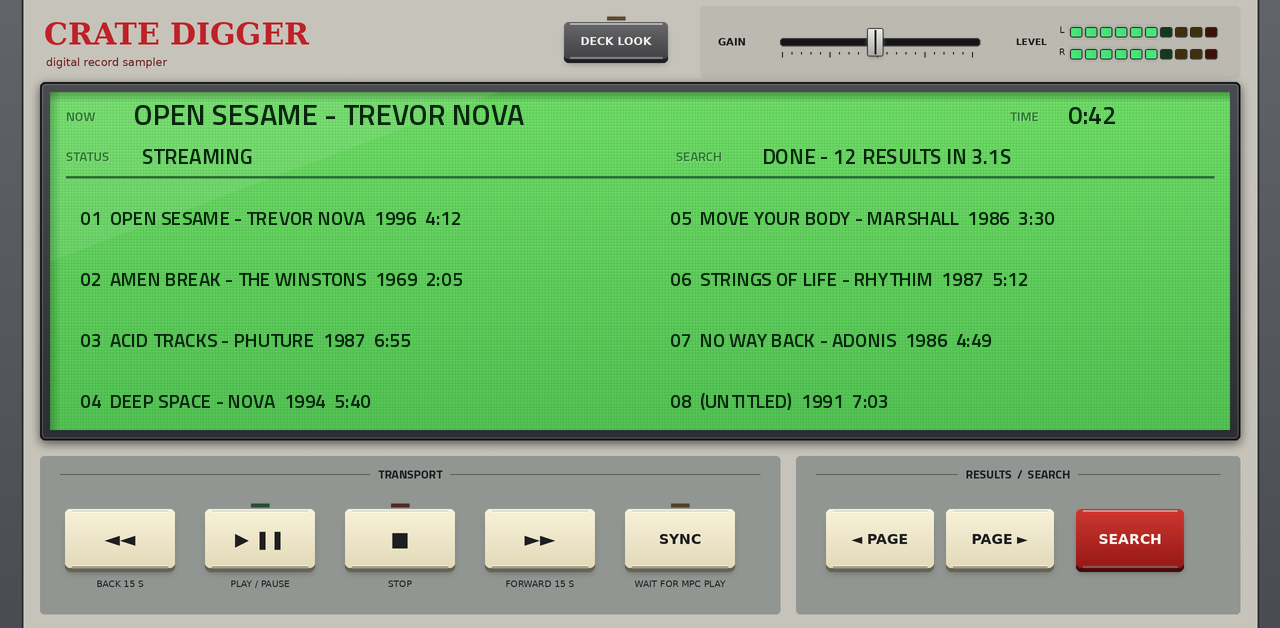
Crate Digger is a plugin instrument for Akai MPC standalone devices that digs for records and plays them into an MPC track. Pick a genre, style, decade, region and country, and it finds random releases on Discogs, then streams so you can audition and resample them.
Dexed DX7
by sd88me · v2.0.5 · 14,872 downloads
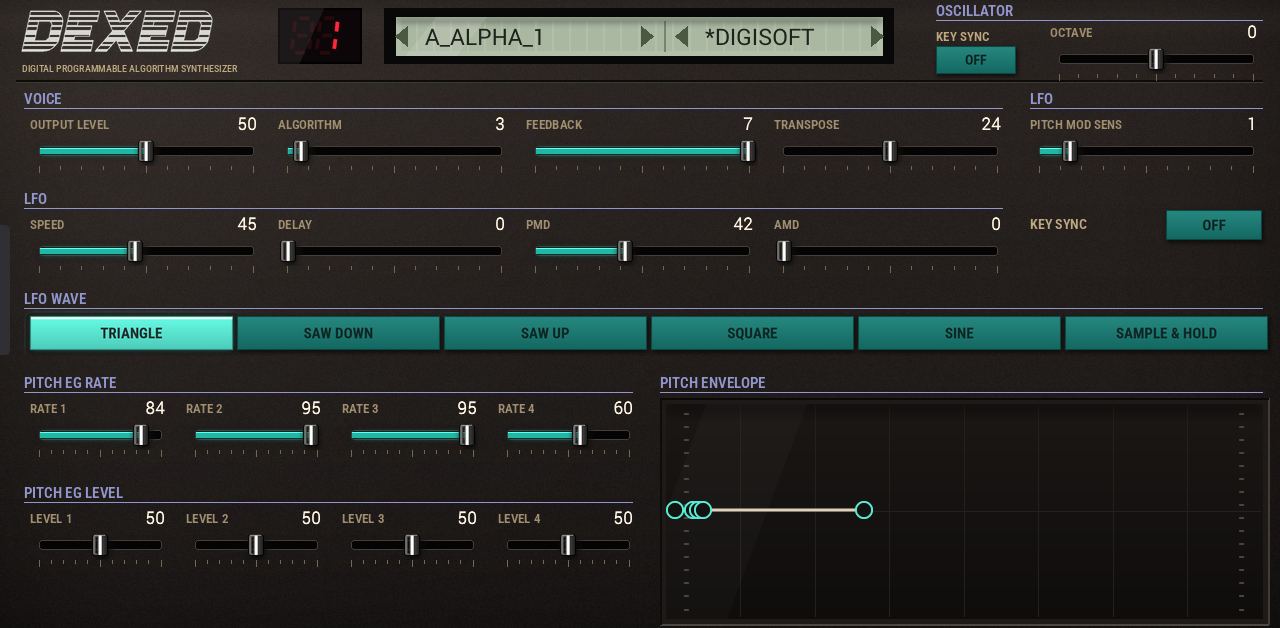
Dexed (DX7) native VST2 plugin port for Akai MPC OS / Force
Profit 08
by sd88me · v2.0.3 · 12,295 downloads
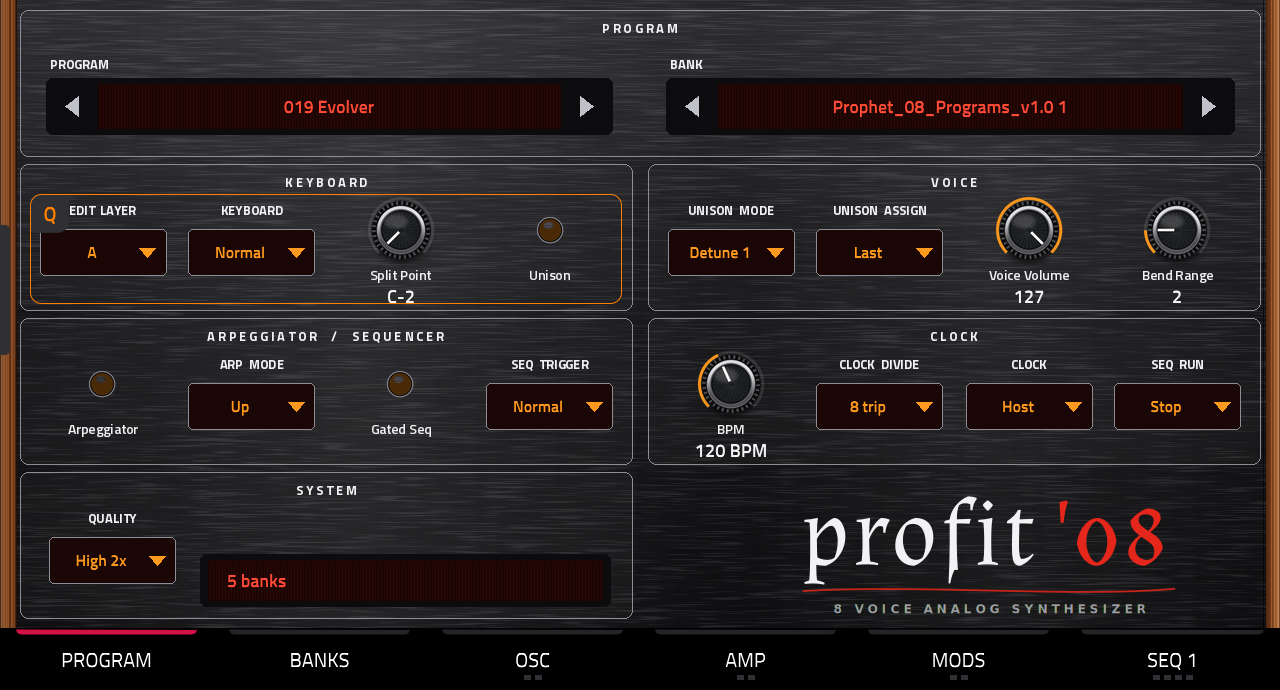
An eight-voice, two-layer analog-style synthesizer for Akai MPC OS standalone. It plays the way the Prophet '08 does including factory sounds and presets.
Acid
by sd88me · v3.0.1 · 12,168 downloads
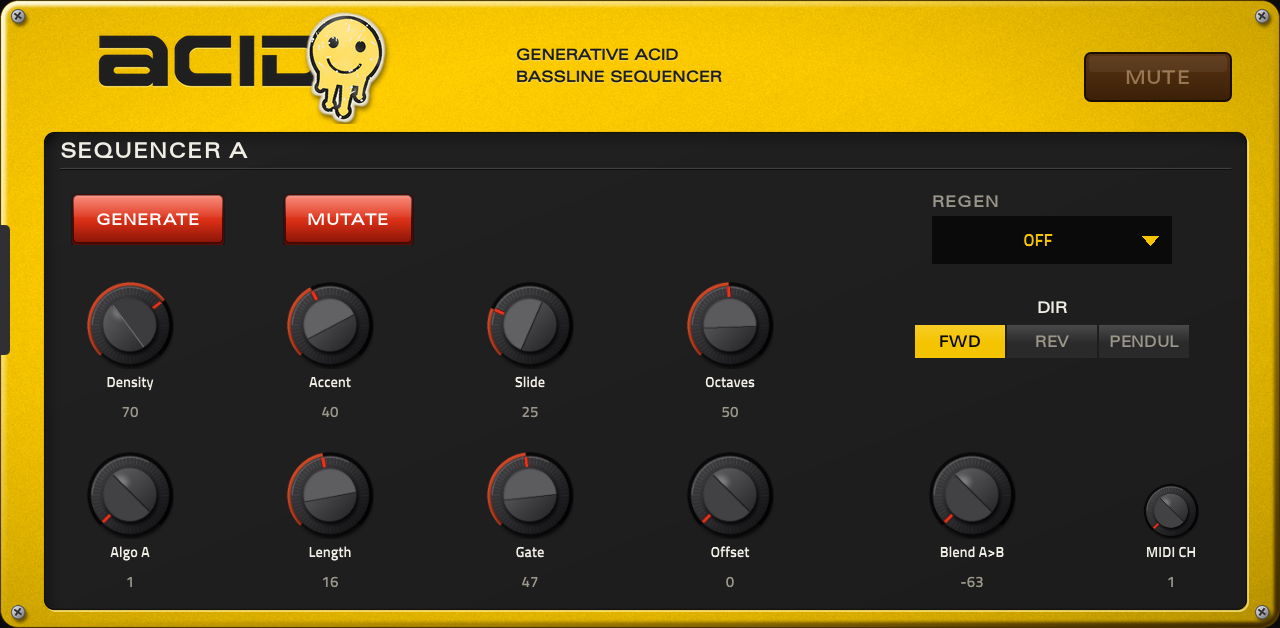
A generative 303-style acid bassline sequencer for the Akai MPC OS
To improve this listing (for the creator)
- add a tested.json entry for the newest release (device and MPC OS)
Made this plugin? Add our badge to your README
 Paste this into your GitHub README. It updates itself when your plugin gets the Tested & Working badge.
[](https://thediskking.com/plugins/je-8086/)