MPC Plugins / Instruments / mpc vst machinedrum
Machinemodule Tap FX
Free MPC Instrument plugin by sd88me · v0.4.1 · Oct 21, 2026 · 6 downloads
6
Downloads
25
GitHub stars
v0.4.1
Latest version
Oct 21, 2026
Updated
User rating
No ratings yet. Be the first.
Used it? Rate it:
Machinemodule Tap FX: puts Machinemodule tracks and its reverb/delay sends on their own MPC track (effect)
💬 Questions or feedback? Join the Open MPC Discord.
Download Machinemodule Tap FX v0.4.1
⚠ Not yet tested on hardware
This is a finished release, but the creator hasn't recorded a test of this version on a real MPC or Force. It may work fine; it may not. Back up first and try it on a project that doesn't matter.
Before you install
- Needs
- Machinemodule (same version) in the same project
- Install with
- Machinemodule
⚑ Safety check: review the notes below
- ✓ Download matches the checksum GitHub lists
- ✓ Built for: Gen2 (64-bit ARM)
- ✓ Runs on: MPC OS 3.x
- ✓ No internet, web server, program-launching or system-changing functions found
- ✓ Nothing risky found in its installer
- ⚠ Uses the same library file name as: machinemodule-tap. Installing both may overwrite one.
- ⚠ Uses the same plugin ID as: machinemodule-tap. If you install both, MPC may load one in place of the other, and projects can open the wrong plugin.
An automatic look at the files, not a guarantee: it can't see everything a program does. Always back up first.
Disclaimer: use entirely at your own risk
This plugin is made, owned and shared by an independent developer, not by The Disk King and not by Akai Professional or inMusic. The Disk King only lists it; the download comes directly from the developer's GitHub. The Disk King did not make, test, review or check it for safety and makes no promise that it works, is safe, or is free of bugs or harmful code.
Plugins install into your MPC's system and can crash it, corrupt or lose projects and samples, or require reinstalling MPC OS. Save your work and back up your MPC before installing anything.
Everything here is provided "as is", with no warranty of any kind. To the fullest extent the law allows, The Disk King is not responsible or liable for any damage, data loss, device failure, lost income or any other harm from downloading, installing or using any plugin listed here. By downloading or installing, you accept all risk and full responsibility. Full disclaimer.
Gen2: MPC Live III, One G2, Key G2, XL
Machinemodule-Tap-FX-0.4.1-mpc-aarch64.zip 93 KB
sha256: 3c1e627312266ea16b7befb14cddf3817d834238655db6ae02634d297de0f69e
Downloads come straight from the creator's GitHub. Check the sha256 matches before installing. New to plugins? How to install plugins on MPC OS 3.10.1.
Can't be copied by hand on MPC OS 3.10.1
This release's plugin folder has no plugin.json, which 3.10.1 needs to list it. Use the creator's installer (see INSTALL.md in the zip), or ask the creator for a 3.10.1 release. Why?
Tested working on
The creator hasn't recorded a hardware test for this version yet.
Version history
v0.4.1 Oct 21, 2026 · 6 downloads
**Machinemodule for Gen2 MPCs, as a ready-made download** (MPC Live III and the other 64-bit models, MPC OS 3.x). Nothing of Elektron's is in these zips. You add your own Machinedrum UW OS 1.63 file, and the plugin makes its LCD skin from that file on the MPC. The result is the same skin as the self-built version. **Install** 1. Install `Machinemodule-0.4.1-mpc-aarch64.zip`. The two taps are optional. 2. Put your `Elektron_SPS1-1UW_OS1.63.syx` (a free download from Elektron) in `/sdcard/Synths/sd88me - VST - Machinemodule/machinedrum/`. 3. Load Machinemodule on a track once. It makes its skin from your OS file. 4. Restart MPC to see the skin. **In this download:** the voice DSP runs on the JIT compiler, which produced identical audio to the Force build and ran about 2.4x faster on a Cortex-A72. There are **no ROM machines or factory kits**, because those need your flash image. For them, build your own zips with `release/build_release.sh "<OS .syx>" "<flash .bin>" -a aarch64` (see the README). **Tested:** the zips were unpacked into a Synths folder and run under arm64 emulation. The skin the plugin made was identical, file for file, to the generator's skin, and it played. **Not yet tried on a Gen2 MPC**, so please report how it runs. **New in 0.4.1:** Q-Links now move parameters on track edit → automation (the plugin wrapper no longer makes MPC rebuild its parameter screen on every write; sd88me/mpc-vst-plugins#486). The SYN labels and LFO destination label still follow the machine and LFO selectors.
More plugins like this
Euclid
by sd88me · v2.0.0 · 10,186 downloads
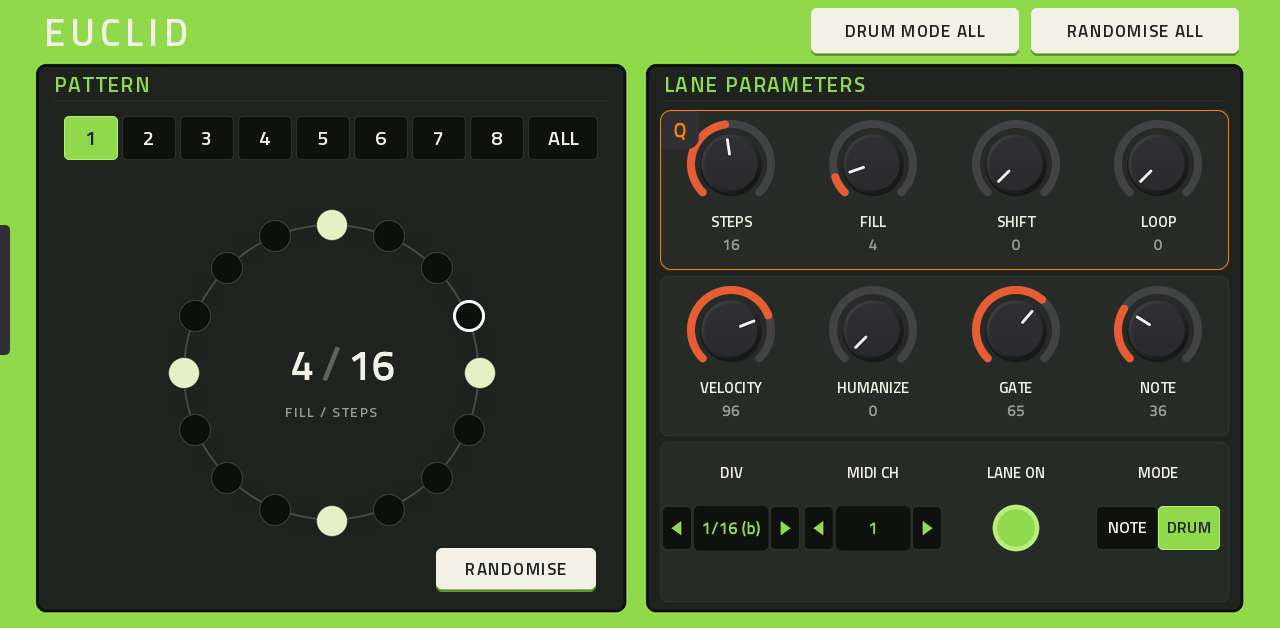
Euclid is an 8-lane Euclidean MIDI sequencer for Akai MPC OS standalone devices
JN 106
by sd88me · v0.2.0 · 5,468 downloads
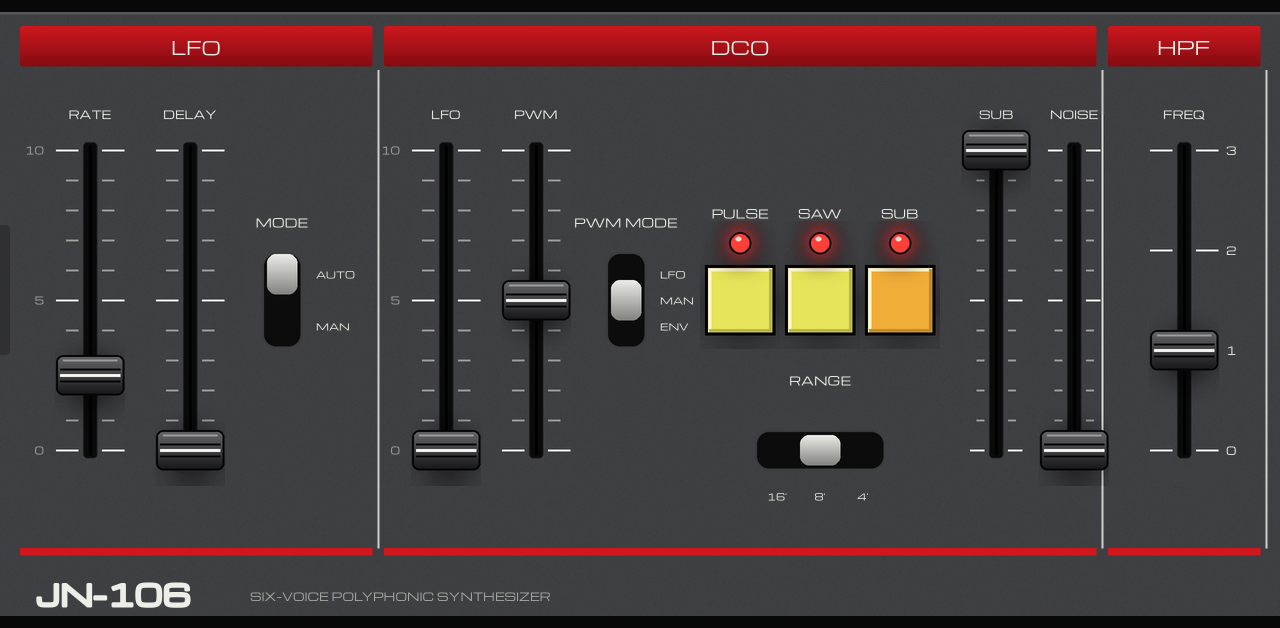
A faithful, circuit-modelled and hardware-profiled six-voice Juno emulation for Akai MPC OS standalone devices. The DSP is Ultramaster KR-106 by Karl LaRocca:
Welle
by sd88me · v0.3.1 · 1,751 downloads
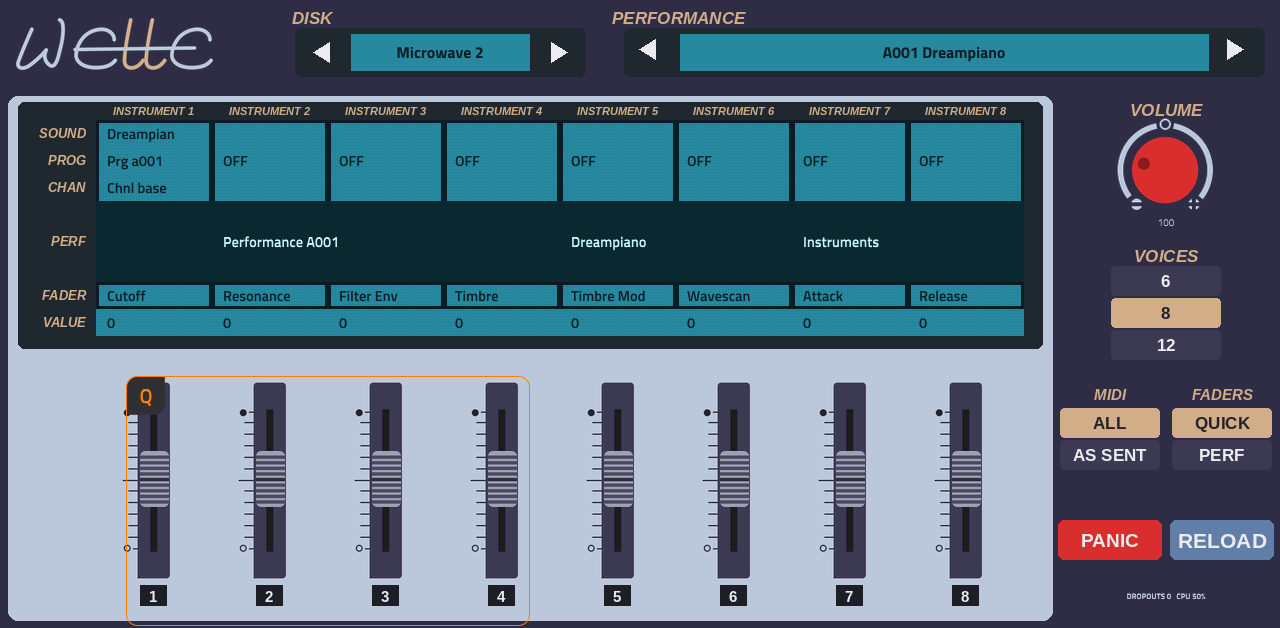
A Waldorf Wave emulation that runs as a plugin instrument on Akai MPC Gen2 standalone devices built on the emulation by mo0kid: a model of the Wave's voice circuits driven by the instrument's own OS 1.700, running on emulated 68000s.
JV 880
by sd88me · v2.0.4 · 16,415 downloads
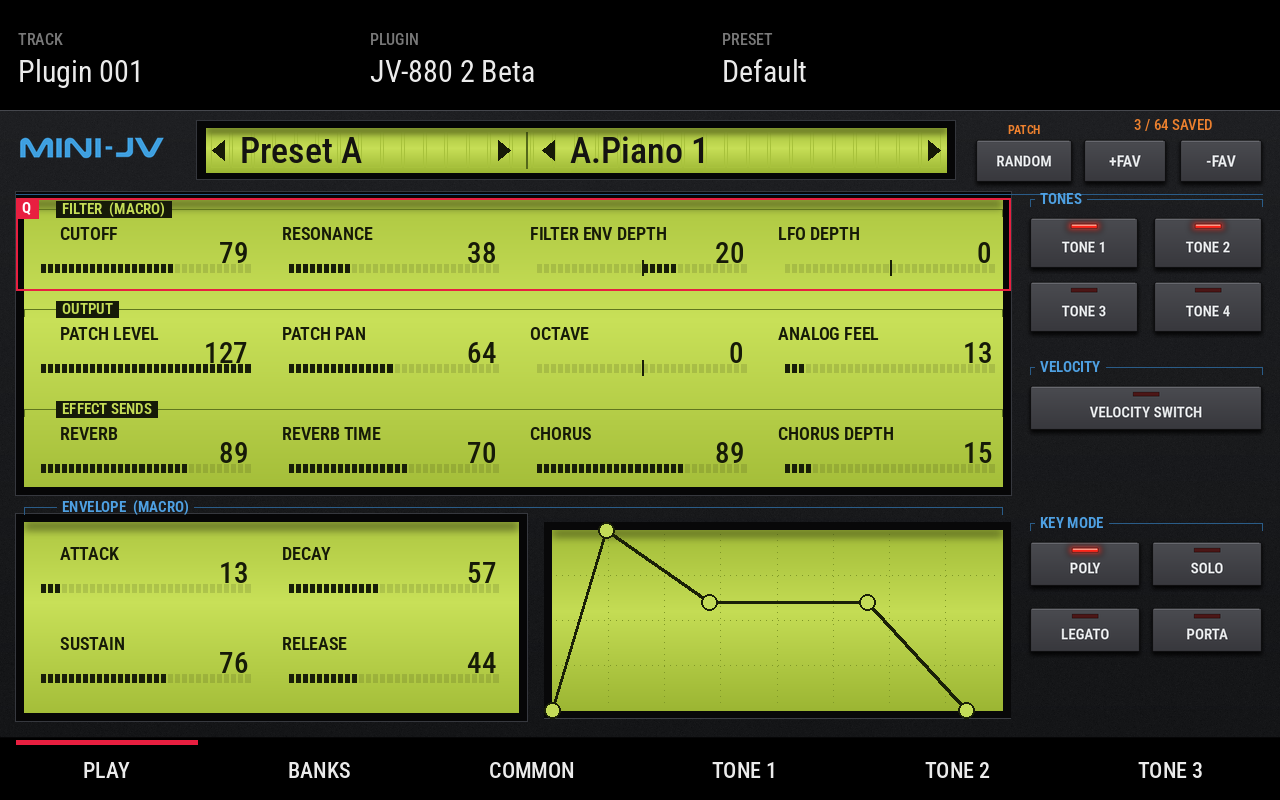
JV-880 Emulator VST Plugin for MPC OS
Crate Digger
by sd88me · v2.2.1 · 15,139 downloads
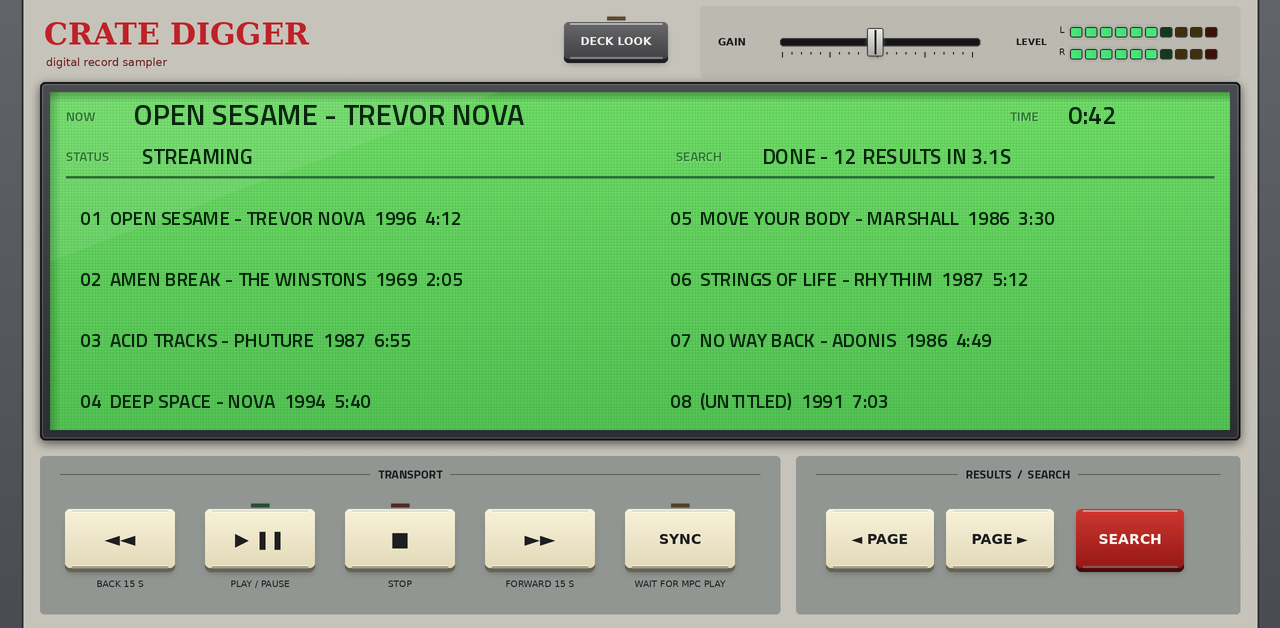
Crate Digger is a plugin instrument for Akai MPC standalone devices that digs for records and plays them into an MPC track. Pick a genre, style, decade, region and country, and it finds random releases on Discogs, then streams so you can audition and resample them.
Dexed DX7
by sd88me · v2.0.5 · 14,872 downloads
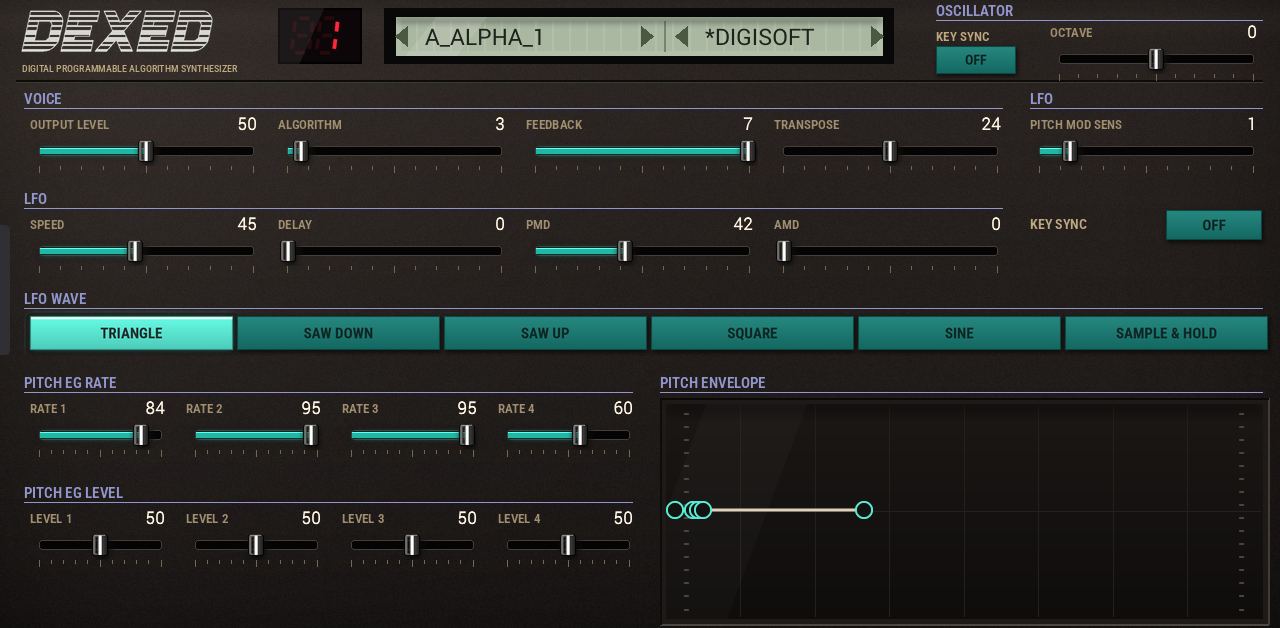
Dexed (DX7) native VST2 plugin port for Akai MPC OS / Force
Profit 08
by sd88me · v2.0.3 · 12,295 downloads
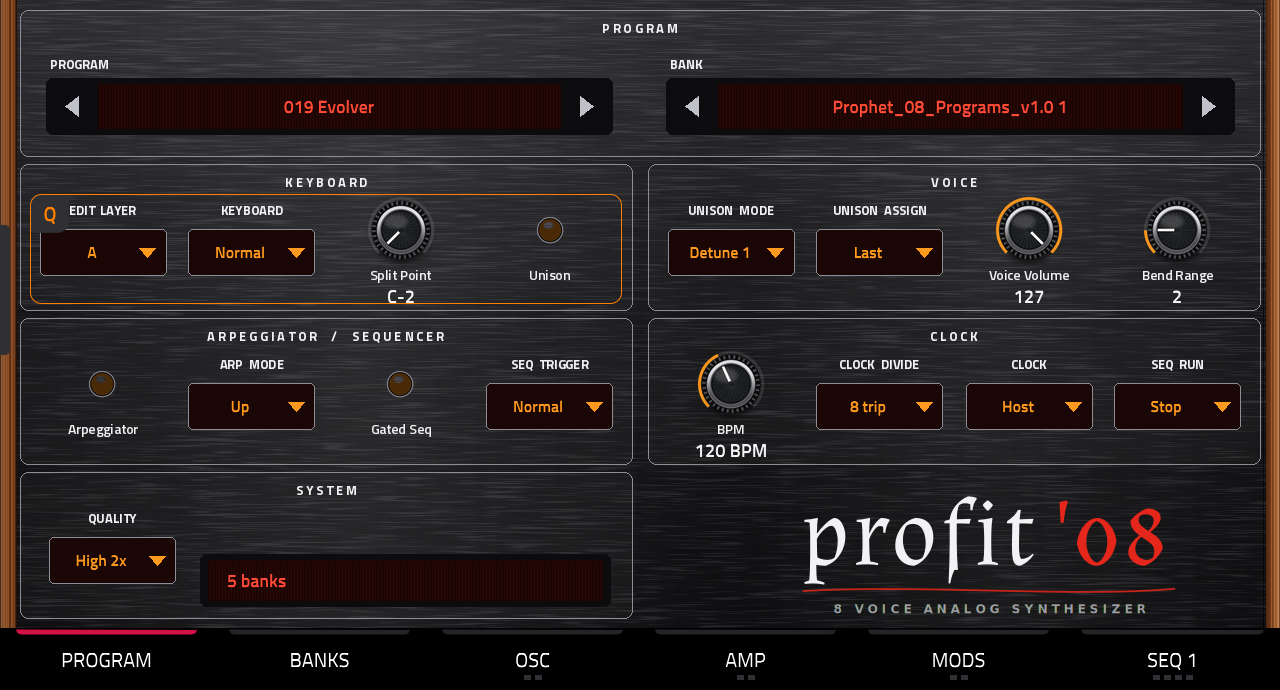
An eight-voice, two-layer analog-style synthesizer for Akai MPC OS standalone. It plays the way the Prophet '08 does including factory sounds and presets.
Acid
by sd88me · v3.0.1 · 12,168 downloads
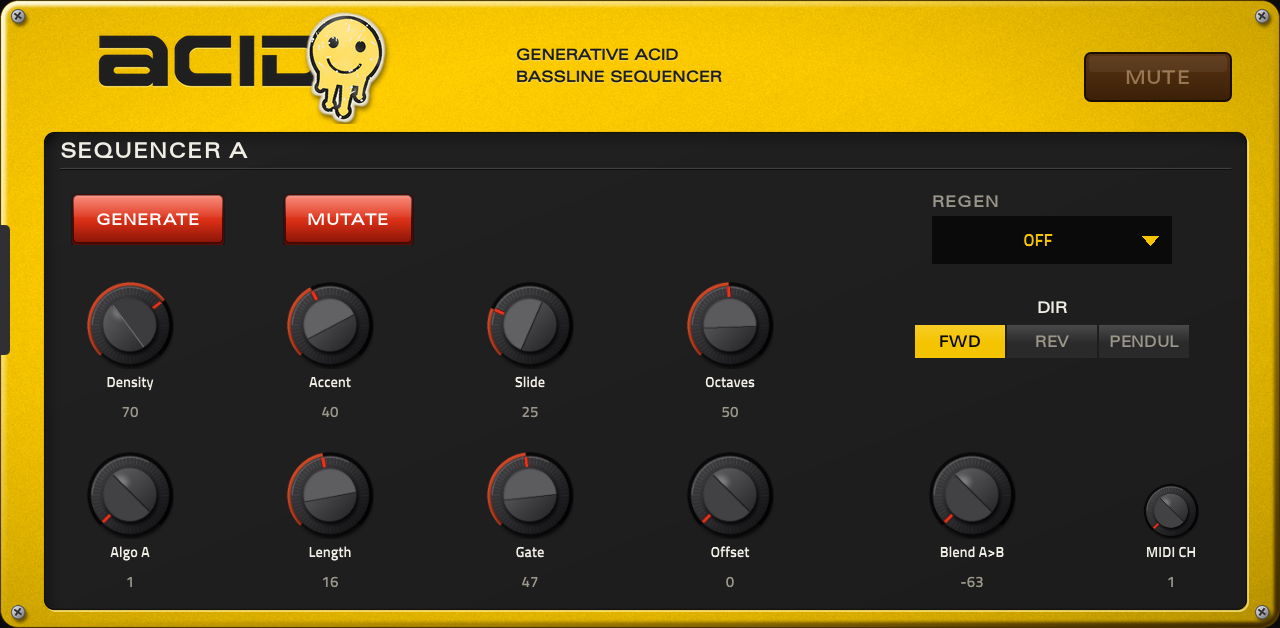
A generative 303-style acid bassline sequencer for the Akai MPC OS
To improve this listing (for the creator)
- add a tested.json entry for the newest release (device and MPC OS)
Made this plugin? Add our badge to your README
 Paste this into your GitHub README. It updates itself when your plugin gets the Tested & Working badge.
[](https://thediskking.com/plugins/machinemodule-tap-fx/)