Scratchivision
Free MPC Effect plugin by drj-io · v1.0.0 · Nov 14, 2026 · 1,173 downloads
1,173
Downloads
0
GitHub stars
v1.0.0
Latest version
Nov 14, 2026
Updated
User rating
No ratings yet. Be the first.
Used it? Rate it:
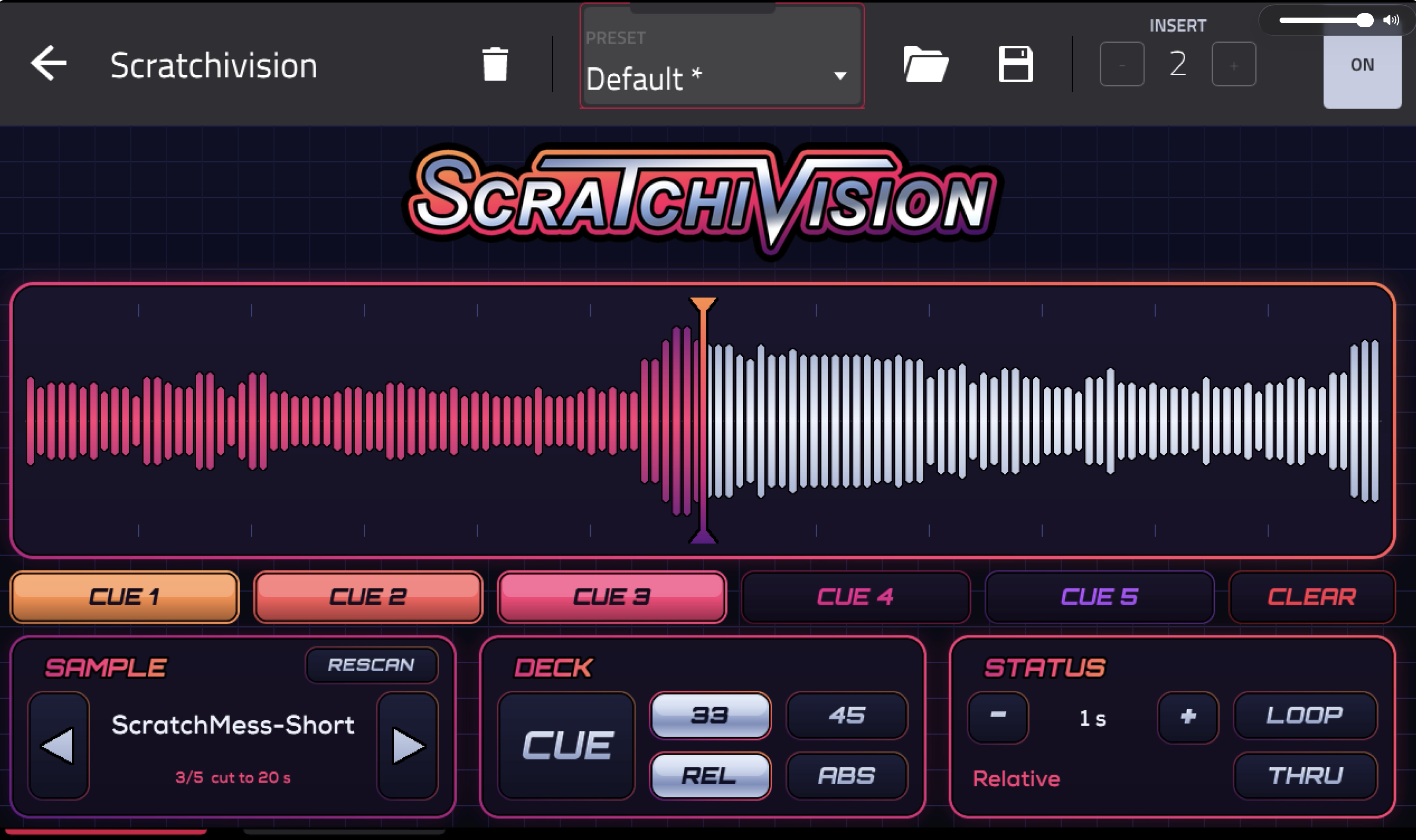
Scratchivision is an MPC plugin (MPC OS 3.10.1+, built for the MPC XL) that turns a turntable with Serato-style control vinyl into a scratch controller for a sample. It is an insert effect: timecode audio goes into the track, the scratched sample comes out.
Download Scratchivision v1.0.0
✓ Tested & working
The creator reports testing this exact version on real hardware: MPC Live III (Gen2), MPC OS 3.10.1; MPC XL (Gen2), MPC OS 3.10.1. This is the creator's own report, not a guarantee from The Disk King. Still back up first.
✓ Safety check passed
- ✓ Download matches the checksum GitHub lists
- ✓ Built for: Gen1 (32-bit ARM), Gen2 (64-bit ARM), Akai SDK
- ✓ Runs on: MPC OS 3.x / MPC OS 2.x and 3.x
- ✓ No internet, web server, program-launching or system-changing functions found
- ✓ Nothing risky found in its installer
An automatic look at the files, not a guarantee: it can't see everything a program does. Always back up first.
Disclaimer: use entirely at your own risk
This plugin is made, owned and shared by an independent developer, not by The Disk King and not by Akai Professional or inMusic. The Disk King only lists it; the download comes directly from the developer's GitHub. The Disk King did not make, test, review or check it for safety and makes no promise that it works, is safe, or is free of bugs or harmful code.
Plugins install into your MPC's system and can crash it, corrupt or lose projects and samples, or require reinstalling MPC OS. Save your work and back up your MPC before installing anything.
Everything here is provided "as is", with no warranty of any kind. To the fullest extent the law allows, The Disk King is not responsible or liable for any damage, data loss, device failure, lost income or any other harm from downloading, installing or using any plugin listed here. By downloading or installing, you accept all risk and full responsibility. Full disclaimer.
Works on both Gen1 and Gen2: MPC OS 3.10.1 or later (Akai SDK)
Scratchivision-1.0.0-mpc-sdk.zip 970 KB
sha256: 28b19ba3b119e790018bb77b8c5925f2c7dcf76d27a3d8245662873e24046b4c
Gen1: MPC Live, Live II, One, X, Key, Force
Scratchivision-1.0.0-mpc-armv7.zip 821 KB
sha256: 2c8a091e9172862203c03e933298a1f6eb2a510759ec7fe3d9c6ae23e9c5652a
Gen2: MPC Live III, One G2, Key G2, XL
Scratchivision-1.0.0-mpc-aarch64.zip 837 KB
sha256: 5caf129007fddea4dcdca6b664a96c39131460149062aab7afb34a95cb0134d9
Downloads come straight from the creator's GitHub. Check the sha256 matches before installing. New to plugins? How to install plugins on MPC OS 3.10.1.
✓ Easy install on MPC OS 3.10.1: copy one folder
- Works-on-both download: unzip it and copy
Slow Ops - VST - ScratchivisionintoVST2 Pluginson your drive. - Gen1 download: unzip it and copy
Slow Ops - VST - Scratchivision(insideScratchivision-1.0.0/portable/) intoVST2 Pluginson your drive. - Gen2 download: unzip it and copy
Slow Ops - VST - Scratchivision(insideScratchivision-1.0.0/portable/) intoVST2 Pluginson your drive.
Turn on External Plugin Support first. Full step-by-step guide.
Tested working on
- MPC Live III (Gen2), MPC OS 3.10.1 (Nov 15, 2026)
- MPC XL (Gen2), MPC OS 3.10.1 (Nov 15, 2026)
Version history
v1.0.0 Nov 14, 2026 · 1,173 downloads
<p align="center"><img src="https://github.com/drj-io/SlowOps.Scratchivision/blob/v1.0.0/images/logo.png?raw=true" alt="Scratchivision" width="600"></p> Scratch samples on your MPC with a turntable. Scratchivision decodes Serato-style control vinyl (or MWM Phase) from the track input and plays your sample at the record's speed and direction. No laptop needed. ## What's in 1.0.0 - **Timecode decoding**: Serato CV02 side A at 33 or 45, and MWM Phase. A SWAP button fixes crossed L/R wiring. - **Live waveform**: scrolls past the playhead. Zoom − / + goes from 0.25 s up to **All** (the whole sample, with a moving playhead). - **5 hot cues per sample**: tap an empty pad to set it, tap a set pad to jump there, CLEAR + pad to delete. Cues are saved per audio file, so they come back in every project. - **Your own samples**: WAV, AIFF or MP3 from a `Scratchivision` folder at the root of any drive (internal, SD or USB). Up to 64 files, 20 s each. Use ◀ ▶ to choose, RESCAN to pick up new files. - **Modes**: Rel (the sample follows the platter) or Abs (it follows the needle position, experimental). Also Loop, Thru, and CUE back to the start. - **SCOPE page**: L/R signal ring, speed and level traces, pitch, direction, lock and position readouts. TEST mode plays a built-in timecode sweep, so you can try it without a turntable. ## Setup options Both setups connect the outputs the same way: MPC out 3/4 (Scratchivision) goes to mixer in 3/4, and MPC out 1/2 (main) goes to mixer in 1/2. ### Option 1: MWM Phase The Phase DJ receiver goes into MPC in 3/4, set to **line**. <img src="https://github.com/drj-io/SlowOps.Scratchivision/blob/main/images/setup-phase.png?raw=true" alt="Setup with MWM Phase" width="900"> ### Option 2: Turntable with timecode vinyl A turntable playing Serato control vinyl goes into MPC in 3/4, set to **phono**. <img src="https://github.com/drj-io/SlowOps.Scratchivision/blob/main/images/setup-turntable.png?raw=true" alt="Setup with a turntable and timecode vinyl" width="900"> ## Install 1. You need MPC OS **3.10.1 or later**. Turn on Preferences → Enhancements (Beta) → **Enable Enhancements** and **External Plugin Support**. 2. Download `Scratchivision-1.0.0-mpc-sdk.zip`, unzip it and copy the `Slow Ops - VST - Scratchivision` folder into `VST2 Plugins` at the root of an MPC drive. Then restart the MPC. 3. Load **Scratchivision** as an insert on an audio track whose input is your turntable (via a phono preamp) or Phase receiver. The [plugin README](https://github.com/drj-io/SlowOps.Scratchivision/blob/v1.0.0/plugin/README.md) has the details. The `-mpc-armv7` and `-mpc-aarch64` zips hold the same build, packaged for the [open-mpc](https://open-mpc.github.io/) Plugin Manager and installers; a manual install doesn't need them. ## Tested on MPC XL (with MWM Phase) and MPC Live III, both on MPC OS 3.10.1. The download also includes 32-bit and 64-bit builds for the other standalone MPCs (MPC X, Live, Live II, One, One+, Key 37/61, Force), b
More plugins like this
RMXXXL
by sunskiefer · v1.3.0 · 5,359 downloads
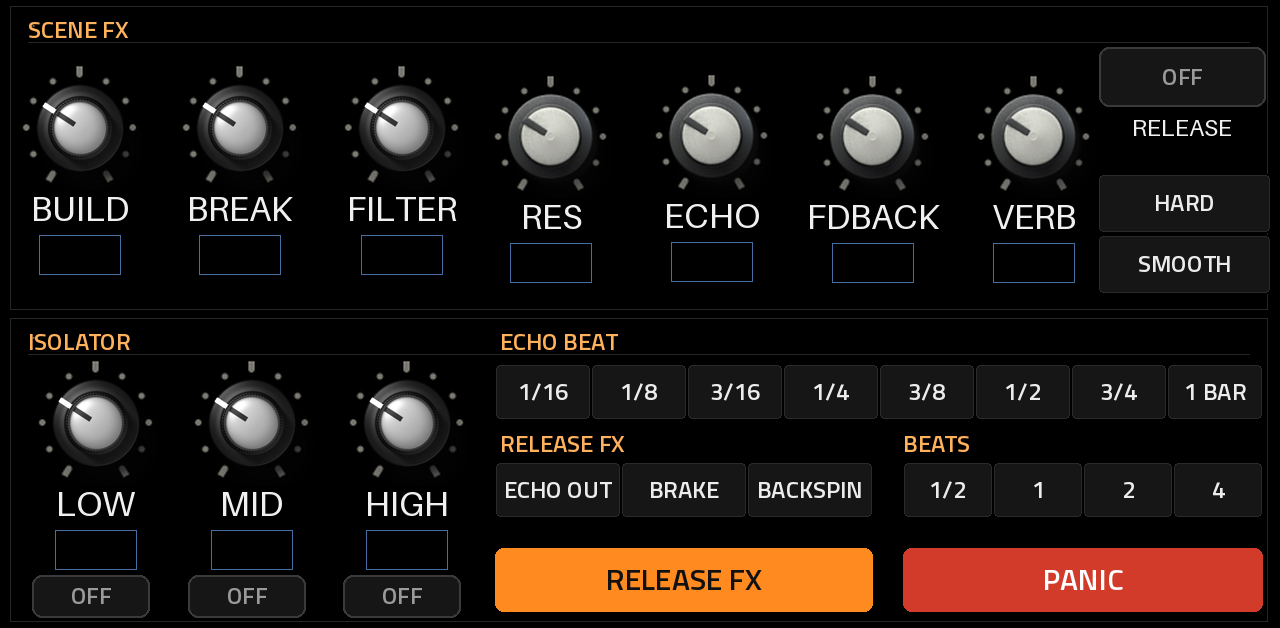
RMX-1000-style remix effect for MPC OS on the Akai Force: isolator, DJ filter, scene FX, echo, Clouds, reverbs, sample pads, limiter.
Omni Sampler
by B0ss-M · v2.3.0 · 3,966 downloads
multi-format player for the mpc
MPC Sample draw handler addin
by jacob-sabella · v1.0.1 · 869 downloads
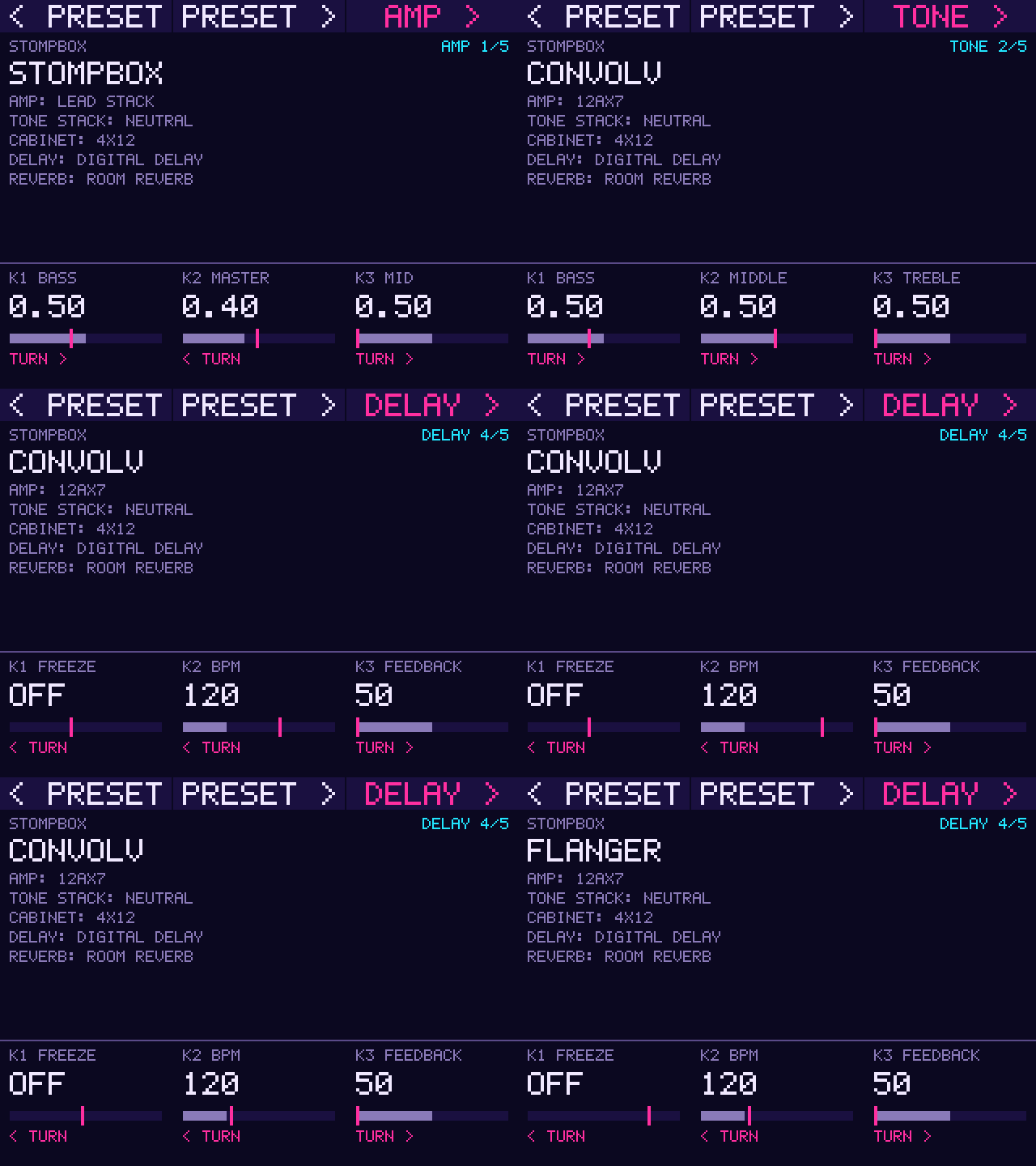
MPC Sample addin: shares the Sample's screen with the plugins and addins that draw on it
AMGR
by sunskiefer · v0.2.5 · 155 downloads
Granular sample mangler form the GR2 ("Paulstretch"-style time-stretching and smearing). "orthogonal" engine workflow with common controls like scan, spray, chord mode, and forward/reverse playback.
PotentialBreaks
by PotentialBreakfast · v1.1.1 · 19 downloads
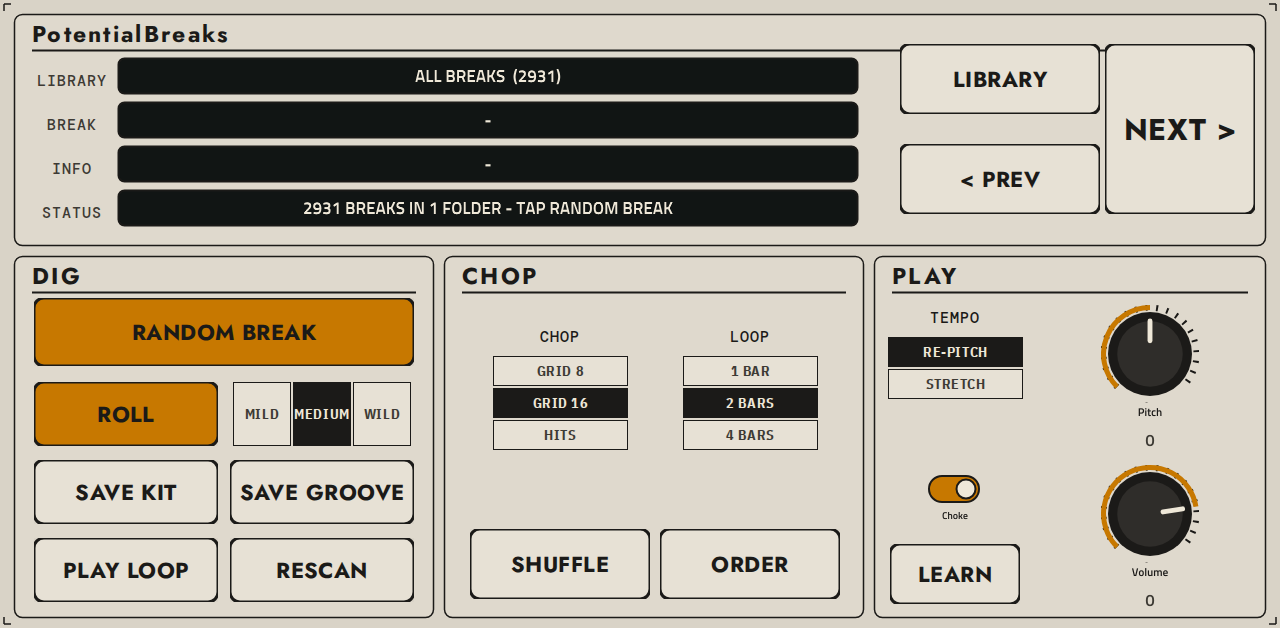
Free plugins for Akai MPC standalone: PotentialBreaks, PotentialWax, PotentialPatina, PotentialPunch, PotentialHeat, PotentialNoise
Crate Digger
by sd88me · v2.2.1 · 14,890 downloads
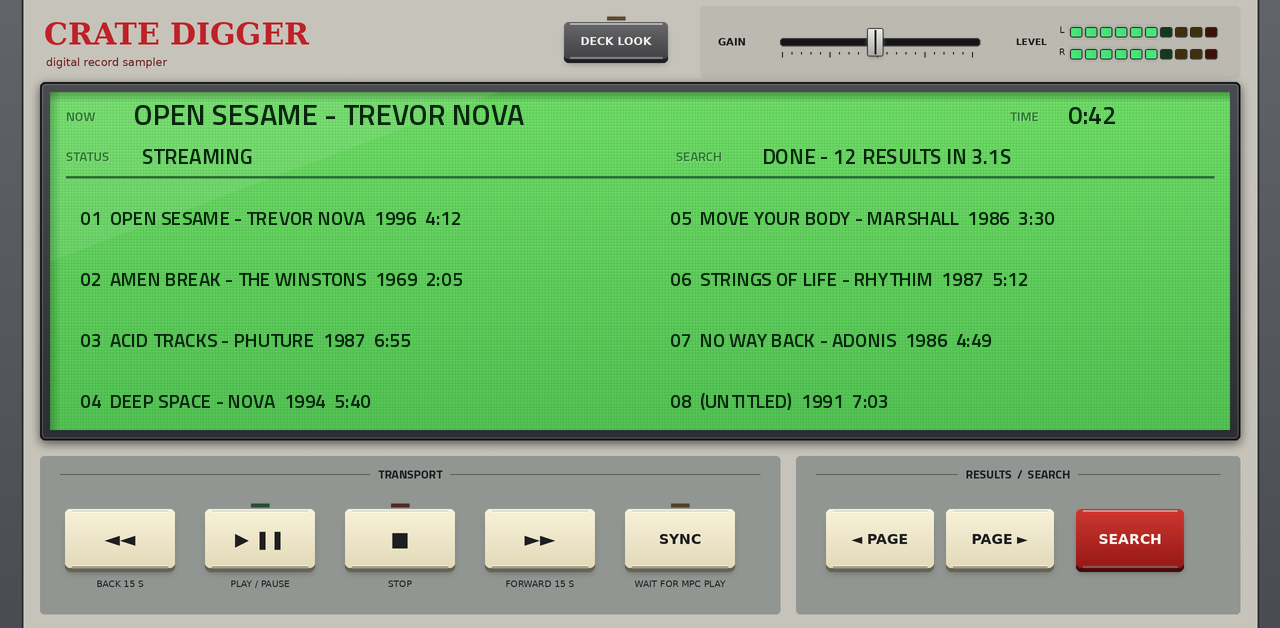
Crate Digger is a plugin instrument for Akai MPC standalone devices that digs for records and plays them into an MPC track. Pick a genre, style, decade, region and country, and it finds random releases on Discogs, then streams so you can audition and resample them.
MPC File Browser
by jacob-sabella · v1.1.1 · 5,578 downloads
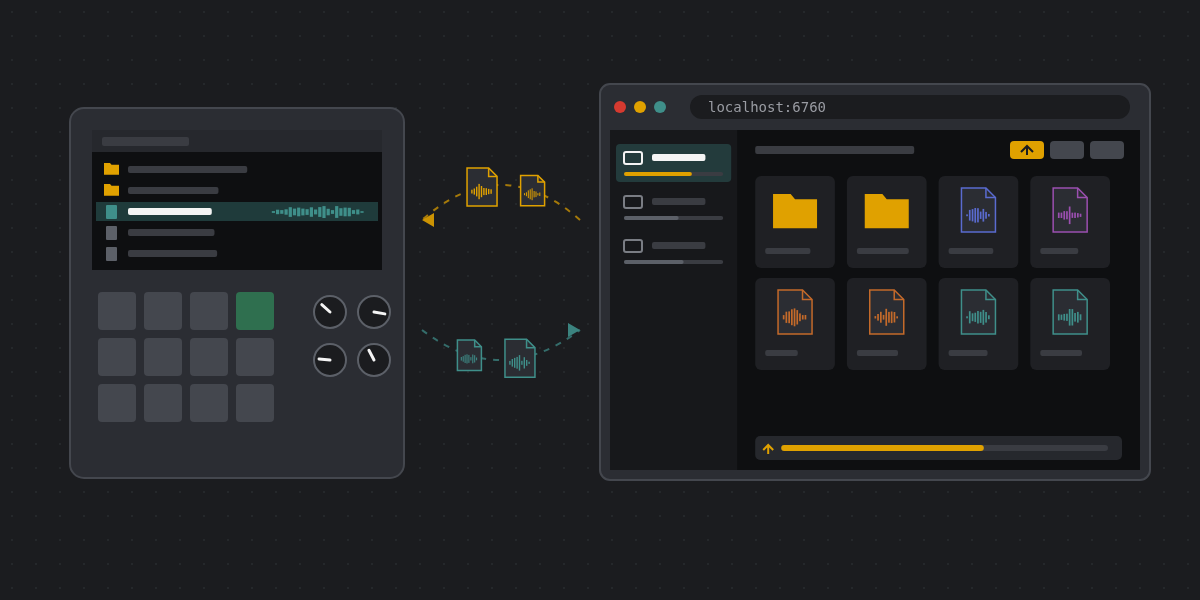
FileBrowser Quantum beside MPC on MPC OS standalone devices (Gen1 and Gen2): an addin, built from upstream releases in CI
PotentialWax
by PotentialBreakfast · v1.9.1 · 4,990 downloads
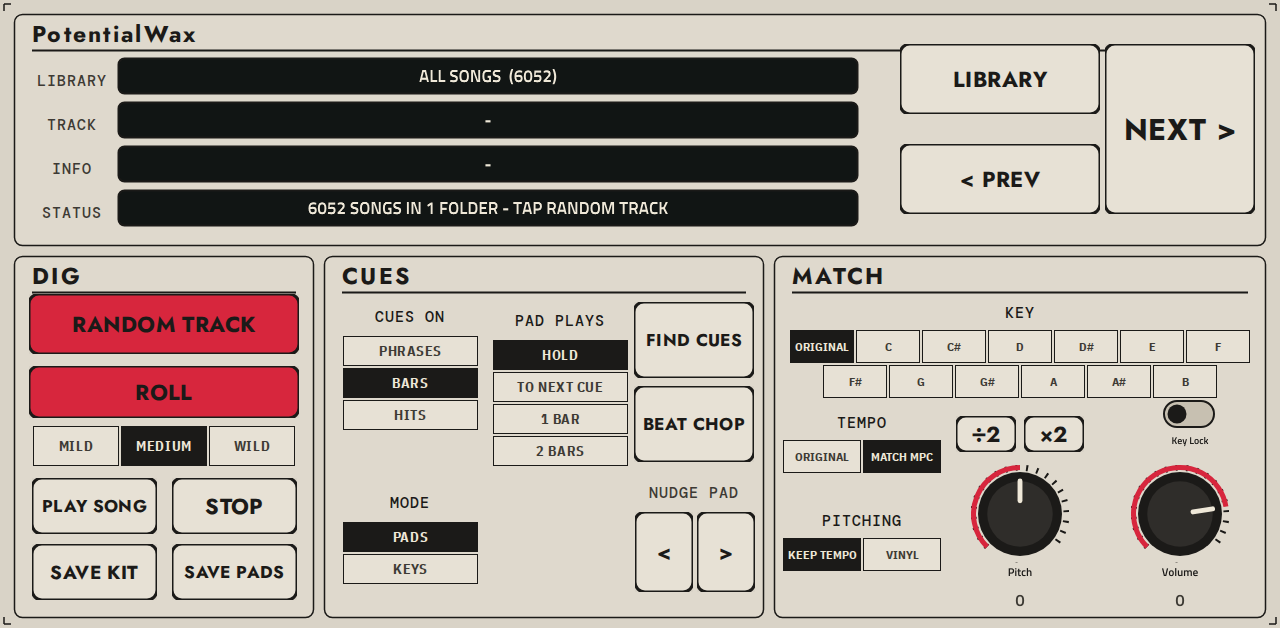
PotentialWax: a Serato Sample-style melodic sampler plugin for Akai MPC standalone
Made this plugin? Add our badge to your README
 Paste this into your GitHub README. It updates itself when your plugin gets the Tested & Working badge.
[](https://thediskking.com/plugins/scratchivision/)